


Learn Turkish Phrases Offline
Graj na PC z BlueStacks – Platforma gamingowa Android, która uzyskała zaufanie ponad 500 milionów graczy!

Strona zmodyfikowana w dniu: Jul 3, 2025
Run Learn Turkish Phrases Offline on PC or Mac
What’s better than using Learn Turkish Phrases Offline by KidsTube? Well, try it on a big screen, on your PC or Mac, with BlueStacks to see the difference.
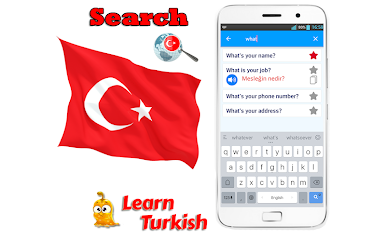
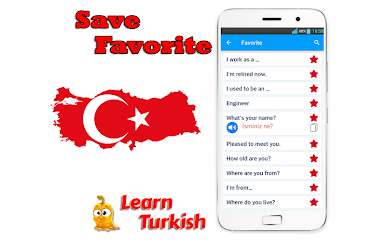
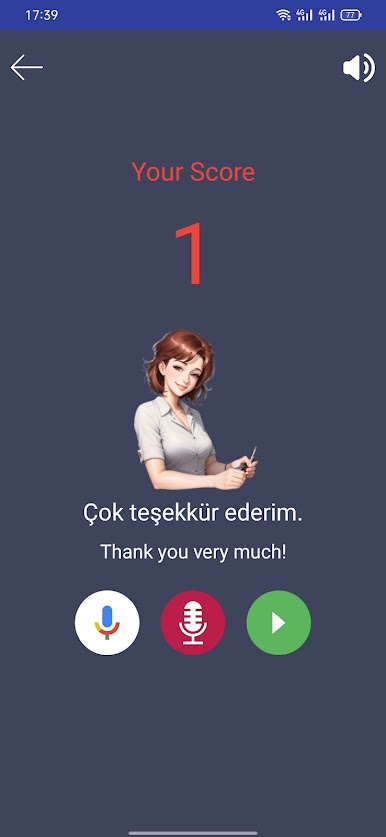
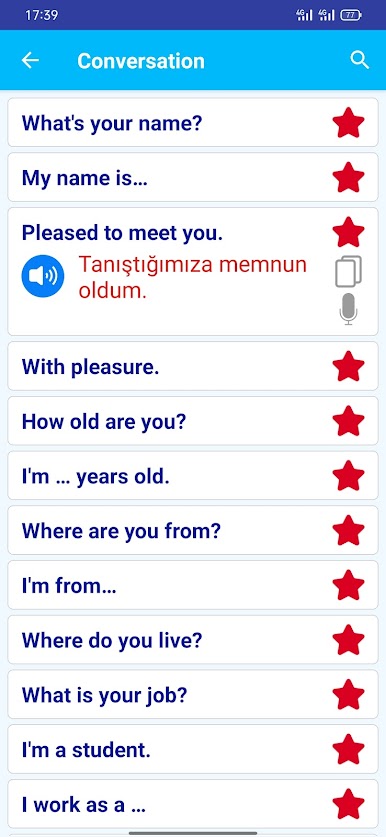
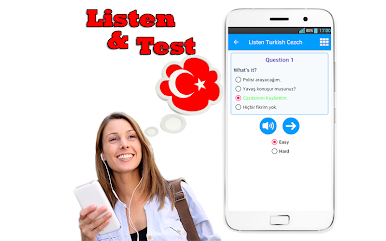
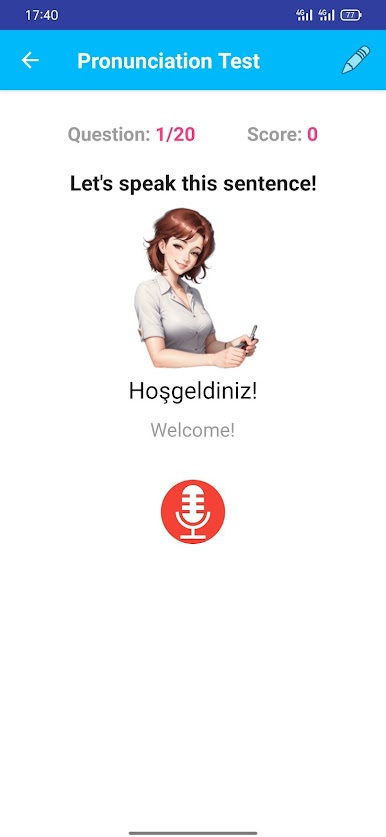
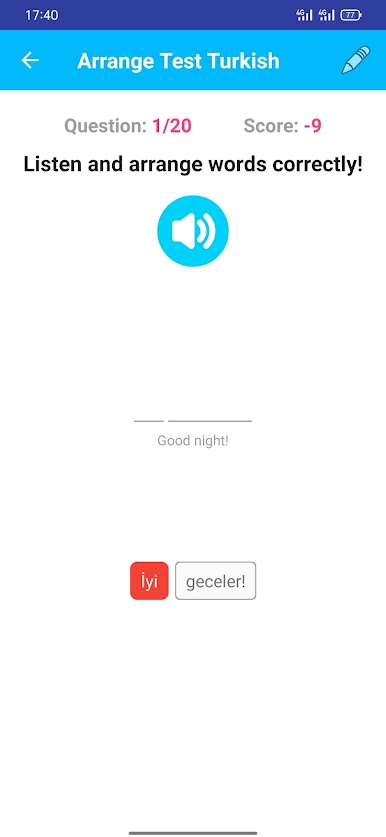
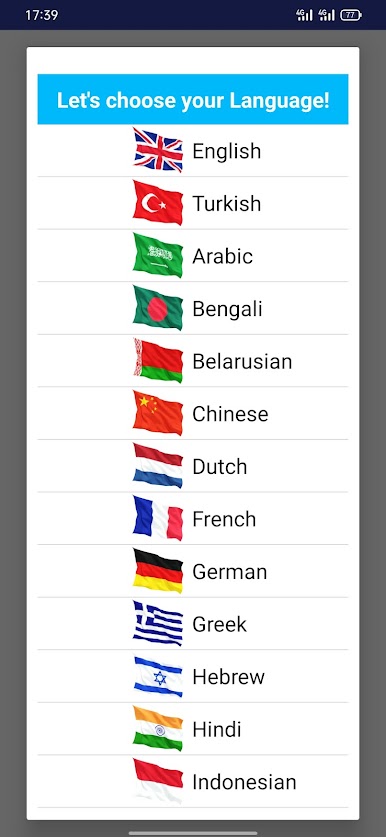
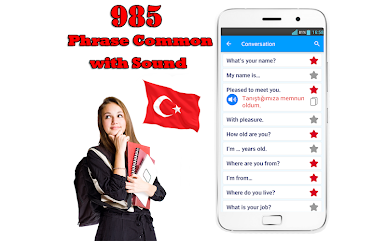
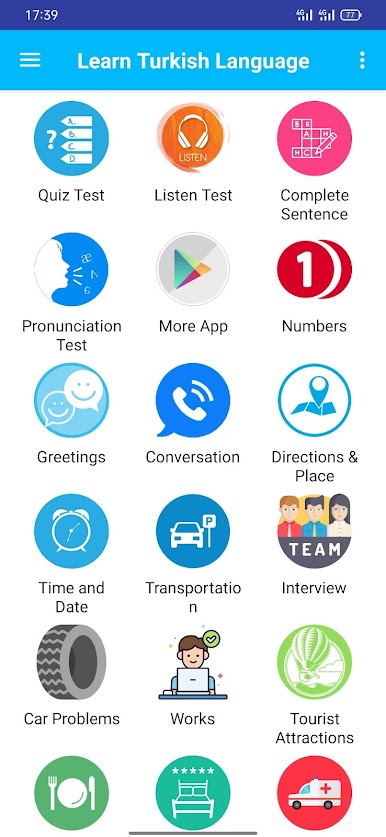
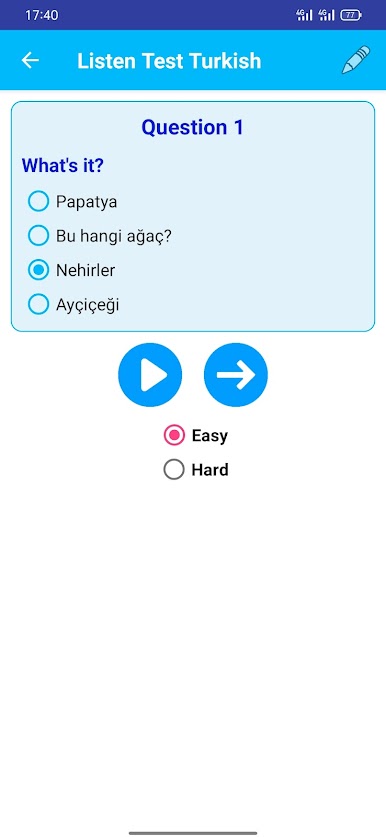
Learn Turkish Phrases Offline feels like a no-fuss phrasebook that talks back. It gives clear audio for a little over a thousand everyday lines, and everything works without internet, which is kind of the whole point. The app sorts phrases into useful buckets like greetings, directions, time and date, transportation, eating out, booking a room, shopping, even emergencies. There is a nice touch with tongue twisters to train tricky sounds, plus small bits of pronunciation and basic grammer scattered around so the words do not just sit there. Some sections are very travel focused, and there is even a reminder that Turkey’s emergency number is 112. It will not teach deep grammar or long lessons, but it helps someone get through real moments like asking where the bus is or ordering food without feeling lost.
On a PC with BlueStacks, it is very easy to tap a phrase, hear it, and repeat. The bigger screen makes the categories easier to skim, and the audio buttons are simple enough that someone can just loop a line until it sticks. A few descriptions read a little awkward, and a couple examples feel random, but the recordings do the heavy lifting. It is best treated as a quick reference and speaking coach, with practical sets like family words, colors, dating lines, feeling sick, and general occasion phrases for everyday talk.
Ready to experience Learn Turkish Phrases Offline on a bigger screen, in all its glory? Download BlueStacks now.





Zagraj w Learn Turkish Phrases Offline na PC. To takie proste.
-
Pobierz i zainstaluj BlueStacks na PC
-
Zakończ pomyślnie ustawienie Google, aby otrzymać dostęp do sklepu Play, albo zrób to później.
-
Wyszukaj Learn Turkish Phrases Offline w pasku wyszukiwania w prawym górnym rogu.
-
Kliknij, aby zainstalować Learn Turkish Phrases Offline z wyników wyszukiwania
-
Ukończ pomyślnie rejestrację Google (jeśli krok 2 został pominięty) aby zainstalować Learn Turkish Phrases Offline
-
Klinij w ikonę Learn Turkish Phrases Offline na ekranie startowym, aby zacząć grę

