


Nivel20
Chơi trên PC với BlueStacks - Nền tảng chơi game Android, được hơn 500 triệu game thủ tin tưởng.

Trang đã được sửa đổi vào: Aug 14, 2025
Run Dungeon20 on PC or Mac
Upgrade your experience. Try Dungeon20, the fantastic Entertainment app from TwinCoders, from the comfort of your laptop, PC, or Mac, only on BlueStacks.
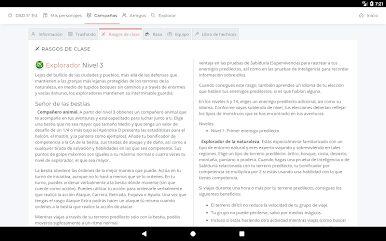
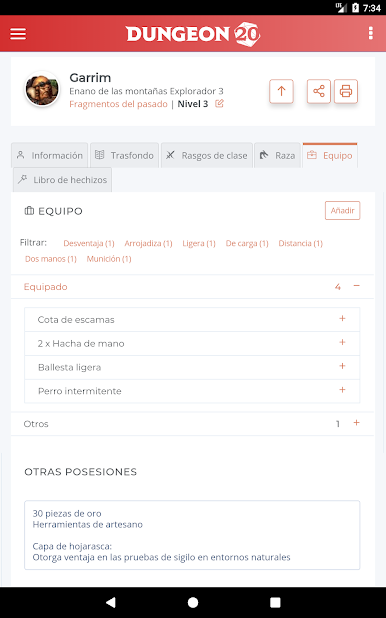
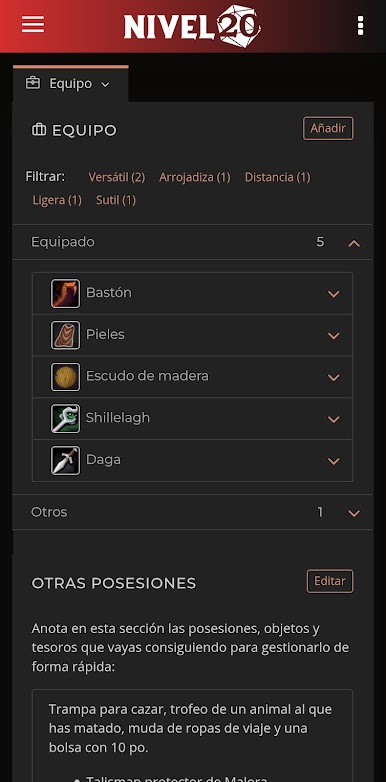
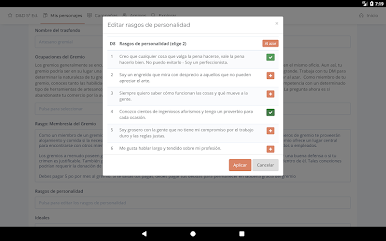
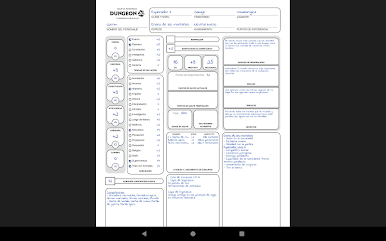
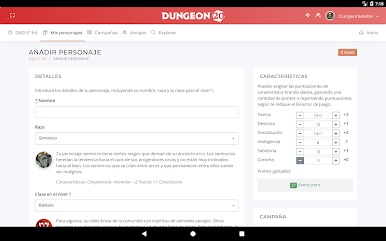
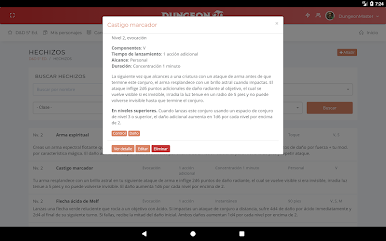
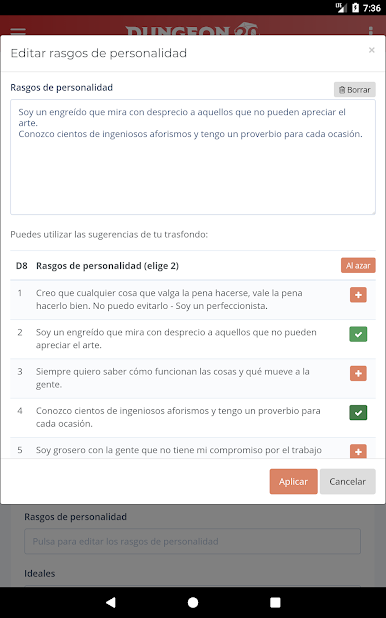
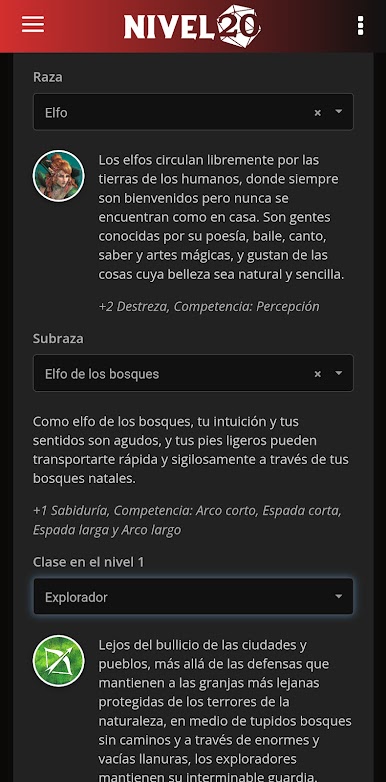
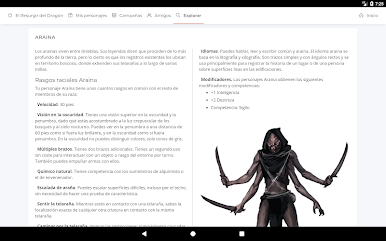
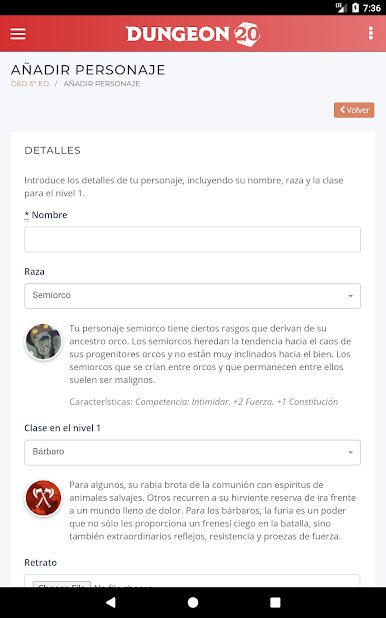
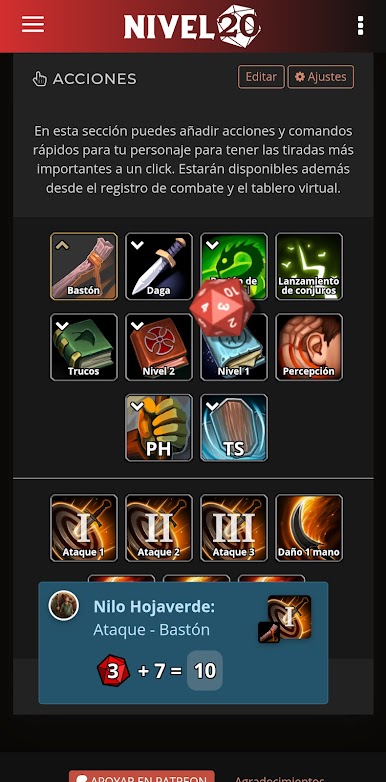
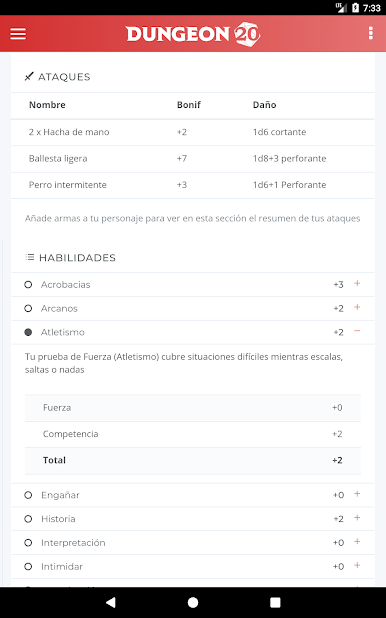
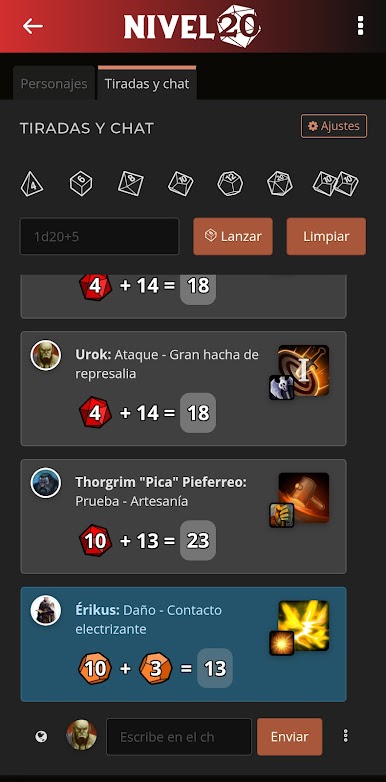
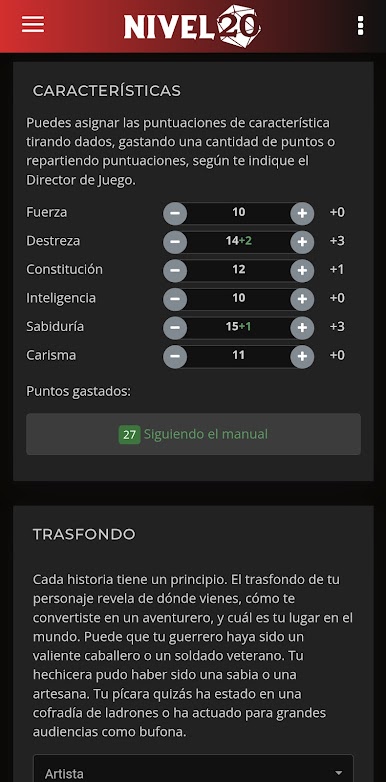
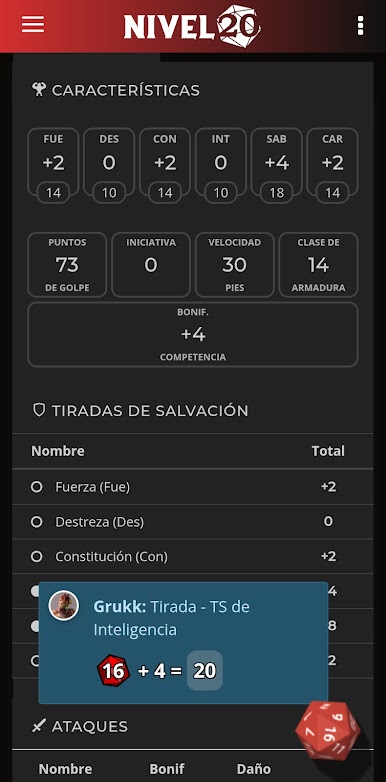
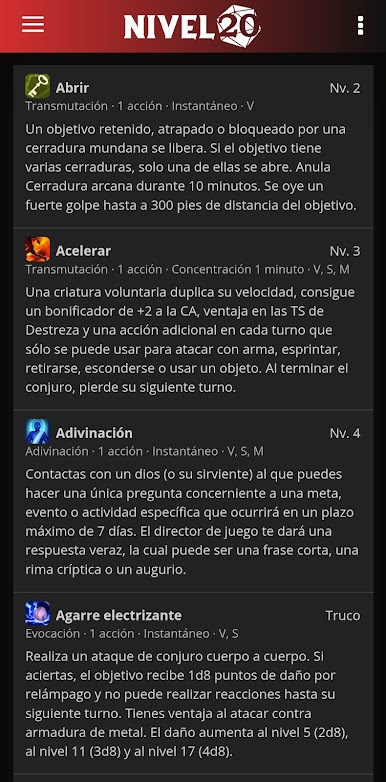
Dungeon20 is basically a handy all-in-one tool for people who play tabletop RPGs like Dungeons & Dragons or El Resurgir del Dragón. It lets players put together their characters without fumbling around with rulebooks—most of the complicated parts get sorted out for you. There’s this assistant vibe to it, where you just click through the menus, and it helps build your character step-by-step, so it feels organized, and the info you need is never far away. There’s a big library for looking up spells, classes, races, and backgrounds, so nobody’s stuck flipping through PDFs or carrying piles of books to a game night.
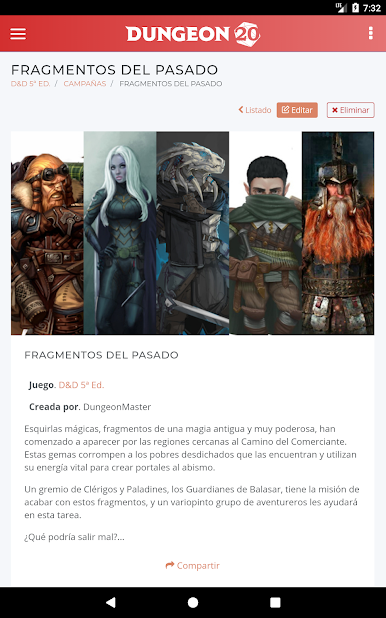
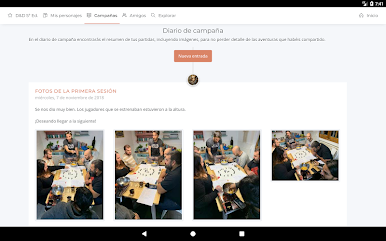
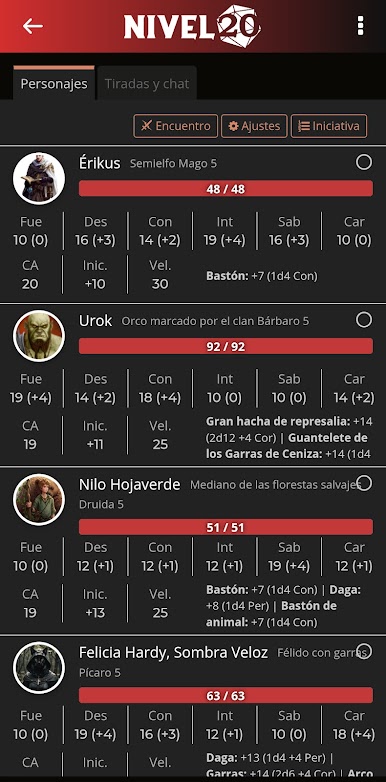
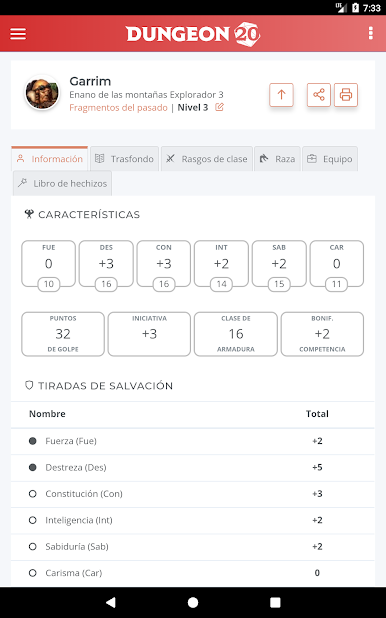
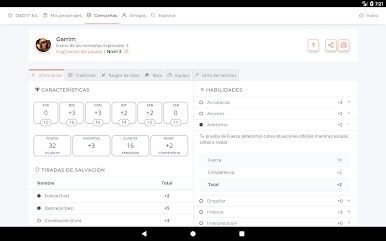
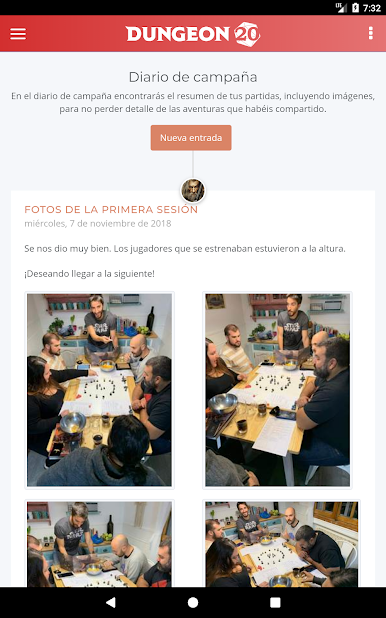
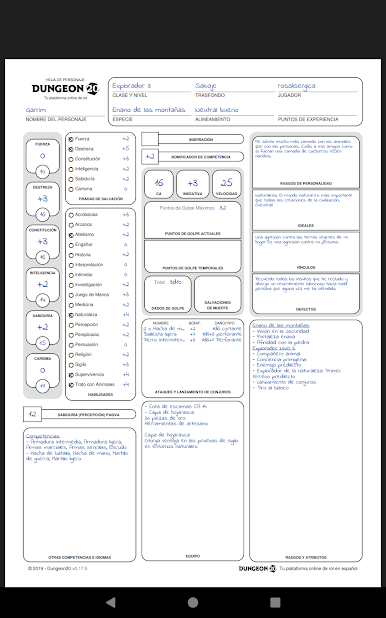
Players can bring their characters to life on a phone or tablet, which makes things simple at the table (no more forgotten sheets). For people who like things on paper, there’s an option to print out a custom sheet as a PDF. What stands out is how it handles campaigns—friends can join the same campaign, share characters, and keep a campaign journal together. The game master gets some extra tools for organizing everything and assigning characters, which makes running a session less hectic. It works pretty smoothly on PC through BlueStacks, for those who prefer a bigger screen to manage everything or want to type things out faster. In the end, it’s about making it easier to play—having all your stuff together in one place, whether you’re a player or the game master.
Eager to take your app experience to the next level? Start right away by downloading BlueStacks on your PC or Mac.
Chơi Nivel20 trên PC. Rất dễ để bắt đầu
-
Tải và cài đặt BlueStacks trên máy của bạn
-
Hoàn tất đăng nhập vào Google để đến PlayStore, hoặc thực hiện sau
-
Tìm Nivel20 trên thanh tìm kiếm ở góc phải màn hình
-
Nhấn vào để cài đặt Nivel20 trong danh sách kết quả tìm kiếm
-
Hoàn tất đăng nhập Google (nếu bạn chưa làm bước 2) để cài đặt Nivel20
-
Nhấn vào icon Nivel20 tại màn hình chính để bắt đầu chơi

