

Ubeya
Graj na PC z BlueStacks – Platforma gamingowa Android, która uzyskała zaufanie ponad 500 milionów graczy!

Strona zmodyfikowana w dniu: Nov 23, 2025
Run Ubeya Crew on PC or Mac
Let BlueStacks turn your PC, Mac, or laptop into the perfect home for Ubeya Crew, a fun Productivity app from Contacit.
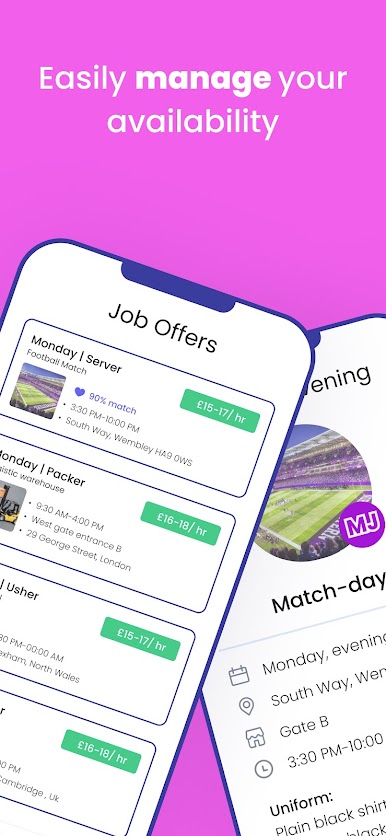
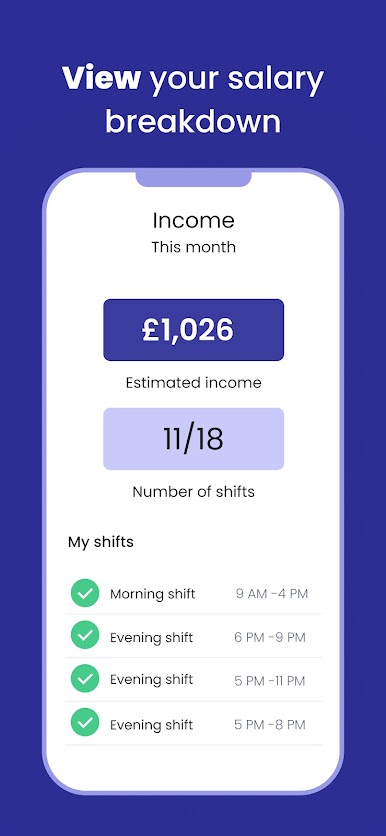
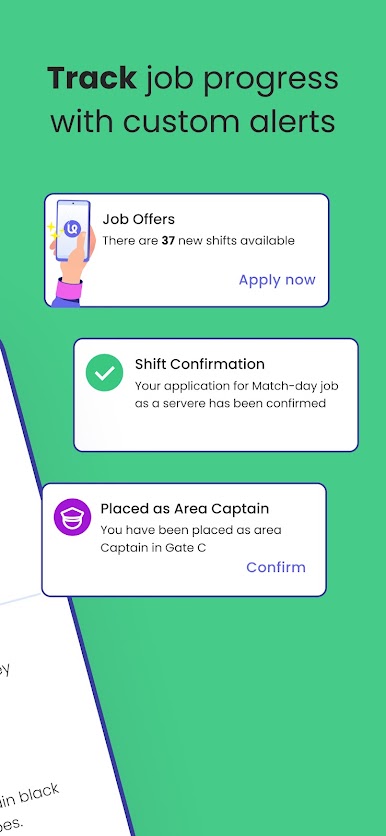
Ubeya Crew feels like a tidy control center for shift work. From one place, a person can browse open gigs, apply in a couple taps, and watch requests move from pending to approved. The app sends calm reminders before a shift and lays out the important bits clearly, like when to arrive, where to go, and any notes from the manager. The built-in calendar is clean and can sync with a personal one, so work and life do not collide as much. Nothing feels overloaded with options, just the stuff that actually matters during a busy week.
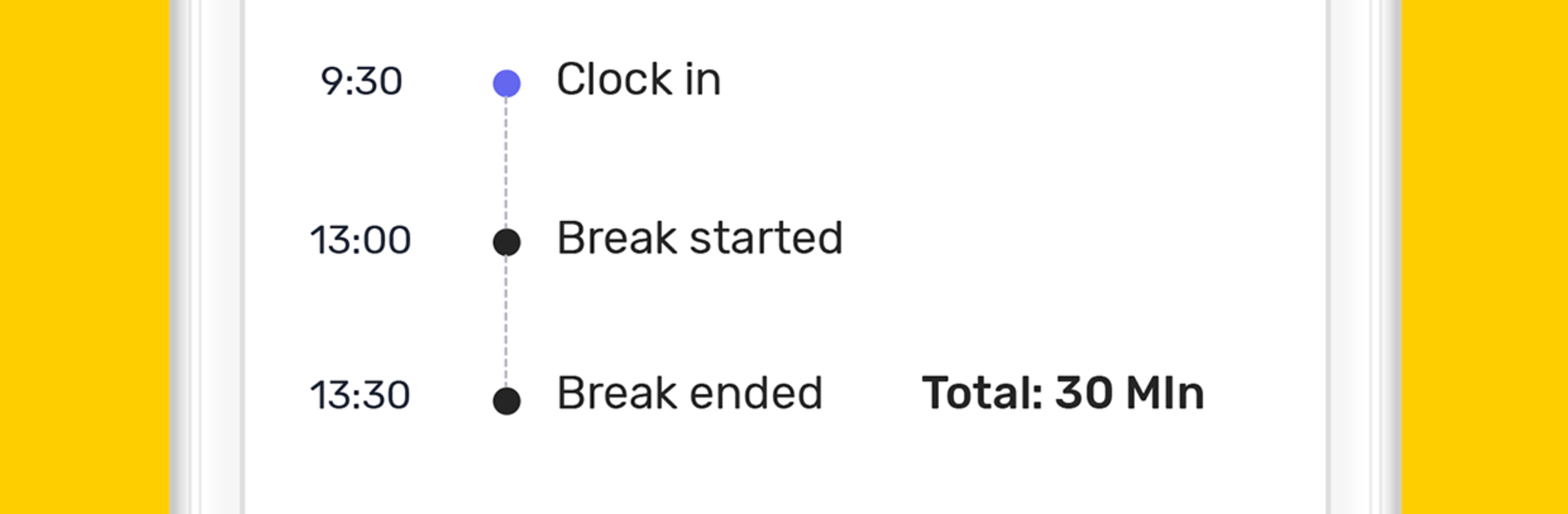
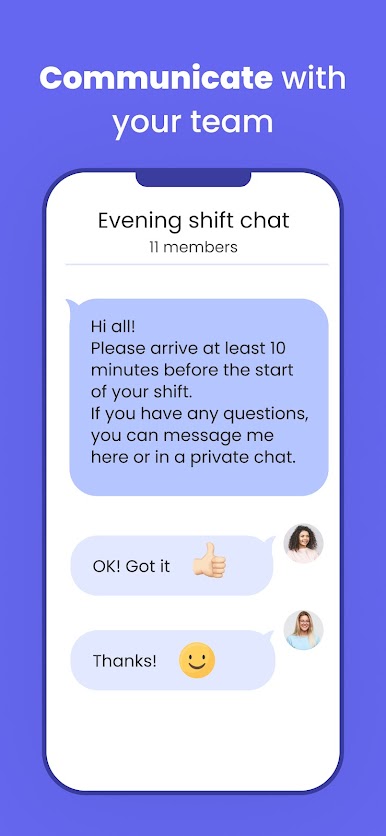
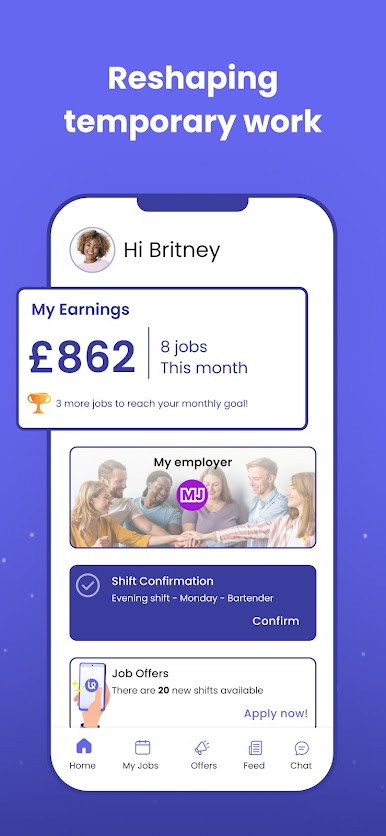
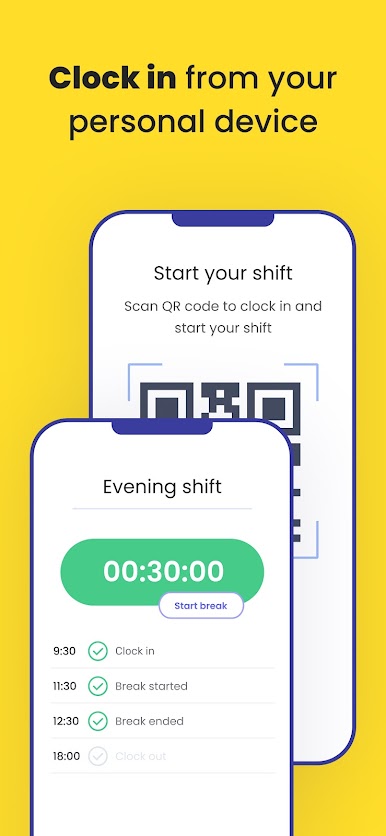
The chat section is straightforward and quick, so reaching a manager or a team group happens in real time whether people are on site or remote. Profiles can show a few photos and details, which helps match names to faces before meeting. Time tracking is handled right in the app with a mobile time clock, either automatic or manual, so fussy timesheets and guessing hours are less of a thing. There is also a running estimate of earnings that updates as shifts are logged, which is handy when planning bills. On a PC through BlueStacks, the bigger screen makes the schedule and group threads easier to scan, and typing updates with a keyboard is just faster. It reads practical, not flashy, and stays focused on keeping shifts, messages, and pay info in one spot.
Switch to BlueStacks and make the most of your apps on your PC or Mac.
Zagraj w Ubeya na PC. To takie proste.
-
Pobierz i zainstaluj BlueStacks na PC
-
Zakończ pomyślnie ustawienie Google, aby otrzymać dostęp do sklepu Play, albo zrób to później.
-
Wyszukaj Ubeya w pasku wyszukiwania w prawym górnym rogu.
-
Kliknij, aby zainstalować Ubeya z wyników wyszukiwania
-
Ukończ pomyślnie rejestrację Google (jeśli krok 2 został pominięty) aby zainstalować Ubeya
-
Klinij w ikonę Ubeya na ekranie startowym, aby zacząć grę

