


MagicMarker.io
Graj na PC z BlueStacks – Platforma gamingowa Android, która uzyskała zaufanie ponad 500 milionów graczy!

Strona zmodyfikowana w dniu: Dec 2, 2025
Play MagicMarker.io on PC or Mac
Join millions to experience MagicMarker.io, an exciting Action game from Yso Corp. With BlueStacks App Player, you are always a step ahead of your opponent, ready to outplay them with faster gameplay and better control with the mouse and keyboard on your PC or Mac.
About the Game
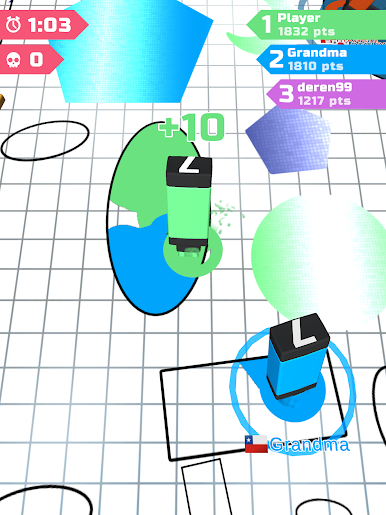
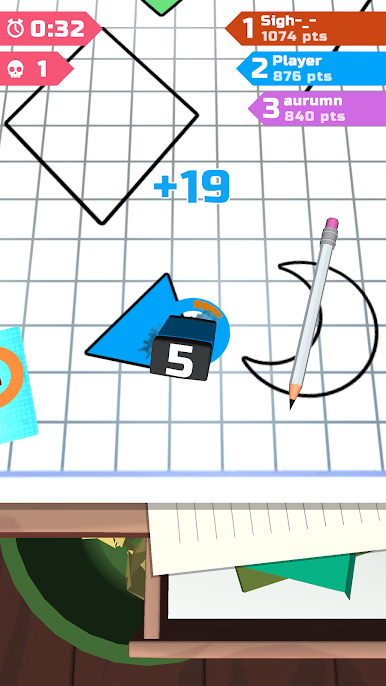
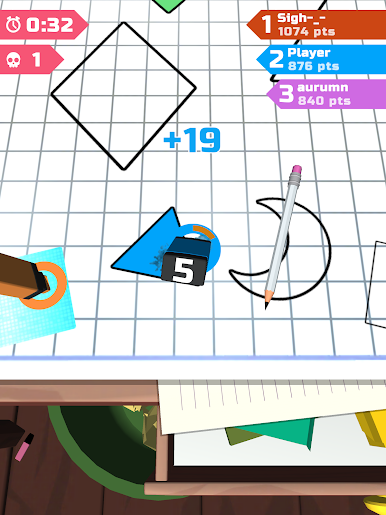
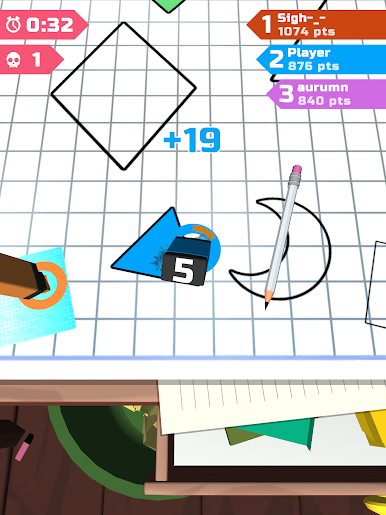
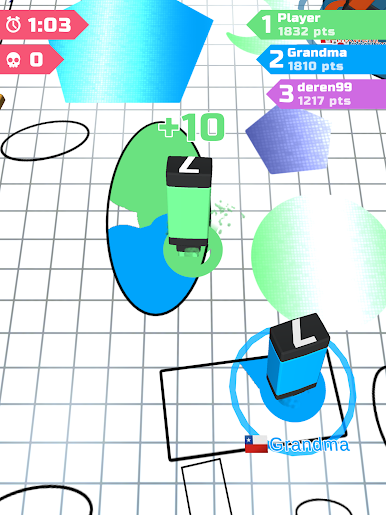
Jump into the wild, fast-paced world of MagicMarker.io, where you’re not just coloring—you’re competing! This action-packed game from Yso Corp lets you face off with other players in a tiny arena, all racing to claim the most space with your marker. It’s both a battle and an art contest, and every quick move counts. Expect a mix of chaotic fun and surprising strategy in each round.
Game Features
-
Real-Time Drawing Battles
Challenge other players live as you scramble to fill in shapes and take over territory before anyone else does. -
Unique Magic Markers
Grab your favorite marker and watch those colors fly. Each marker brings its own quirky flair, so pick the one that feels right for you. -
Tight, Dynamic Arenas
Arenas are small and packed with action—there’s barely any room to breathe, and you’ll have to react quick to outsmart rivals. -
Addictively Simple Gameplay
The controls are straightforward. But don’t be fooled—mastering them takes skill, timing, and just a bit of luck. -
Casual Action, Quick Matches
Got just a couple of minutes? Rounds are super snappy, so you can squeeze in a game whenever. -
Clean, Bright Visuals
The bold colors and playful doodle designs make every match a treat for your eyes. -
Smooth Experience on BlueStacks
Take your game to the next level—you’ll find playing on BlueStacks feels slick and responsive.
Start your journey now. Download the game on BlueStacks, invite your friends, and march on a new adventure.
















Zagraj w MagicMarker.io na PC. To takie proste.
-
Pobierz i zainstaluj BlueStacks na PC
-
Zakończ pomyślnie ustawienie Google, aby otrzymać dostęp do sklepu Play, albo zrób to później.
-
Wyszukaj MagicMarker.io w pasku wyszukiwania w prawym górnym rogu.
-
Kliknij, aby zainstalować MagicMarker.io z wyników wyszukiwania
-
Ukończ pomyślnie rejestrację Google (jeśli krok 2 został pominięty) aby zainstalować MagicMarker.io
-
Klinij w ikonę MagicMarker.io na ekranie startowym, aby zacząć grę

