


Tank volume
Graj na PC z BlueStacks – Platforma gamingowa Android, która uzyskała zaufanie ponad 500 milionów graczy!

Strona zmodyfikowana w dniu: Oct 23, 2023
Run Tank volume on PC or Mac
Upgrade your experience. Try Tank volume, the fantastic Tools app from S.V.I., from the comfort of your laptop, PC, or Mac, only on BlueStacks.
About the App
Tank volume is a practical Tools app from S.V.I. that takes the hassle out of figuring how much liquid is in your tanks, barrels, and cisterns. Enter a few measurements, pick your units, and the app handles the math—even when the container isn’t sitting perfectly level. Prefer a bigger screen for number crunching? You can run it on your PC with BlueStacks.
App Features
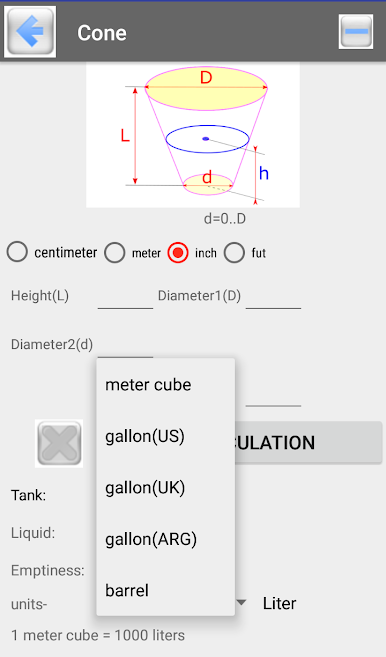
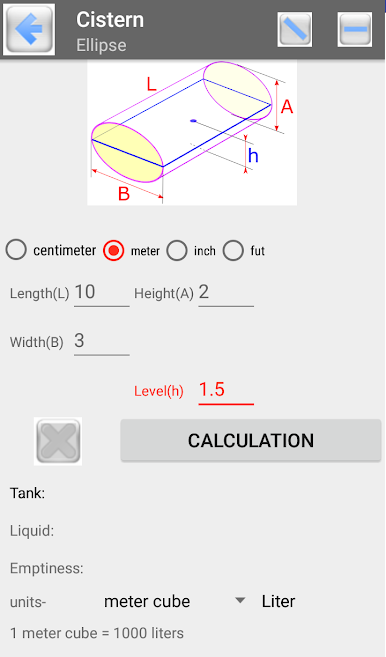
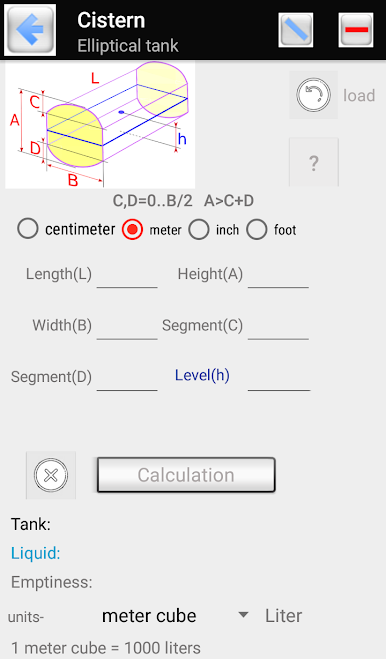
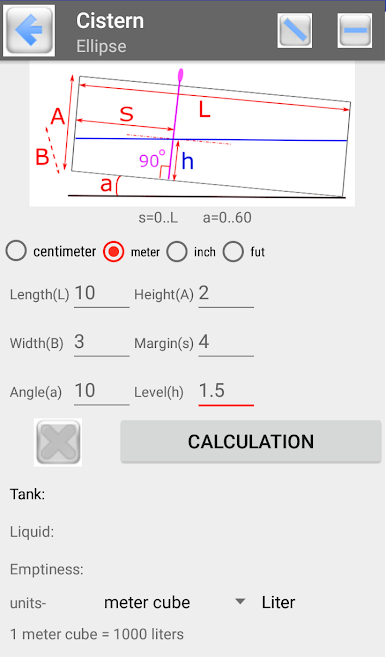
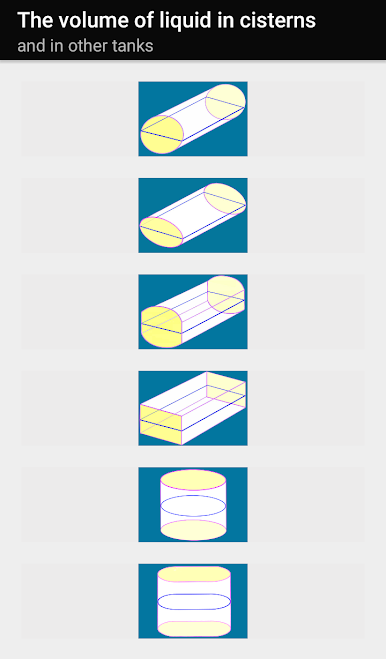
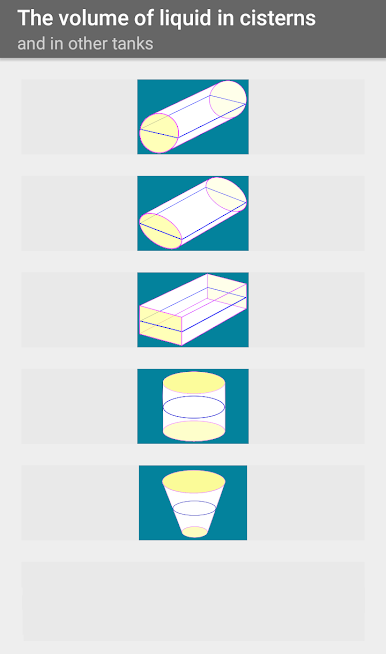
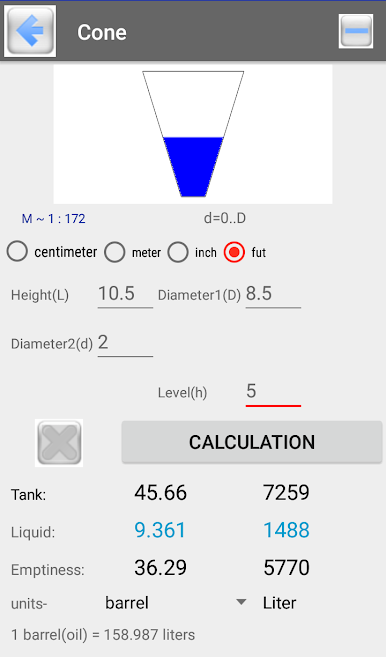
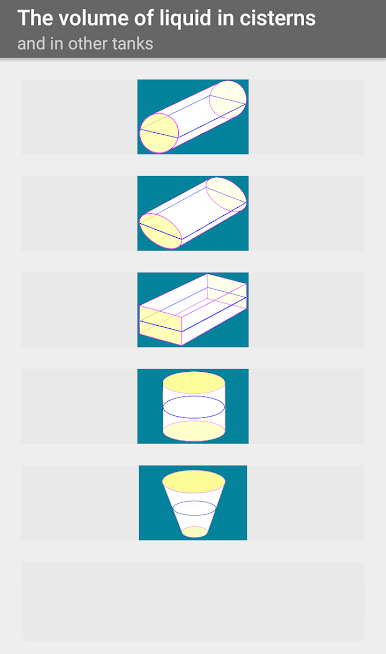
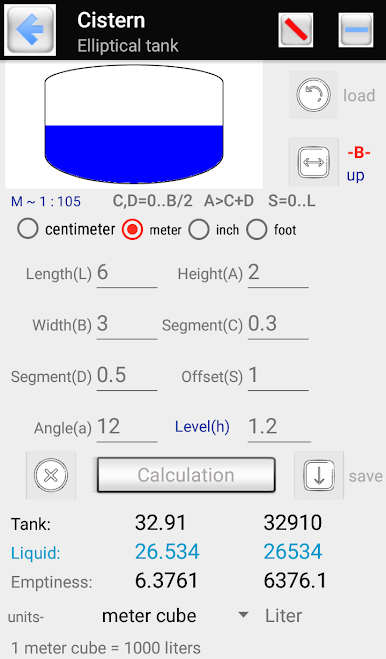
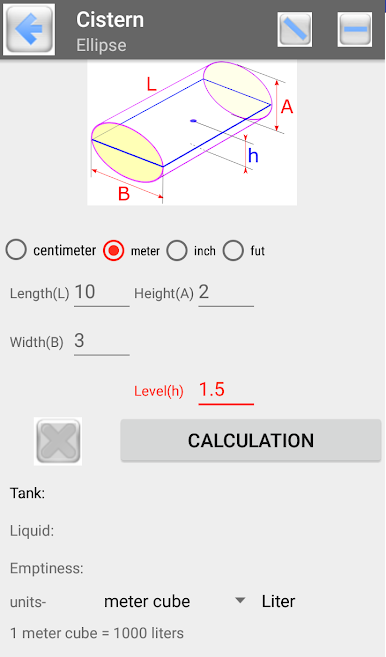
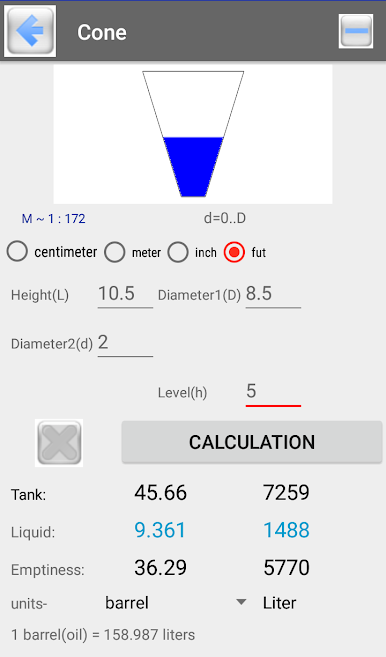
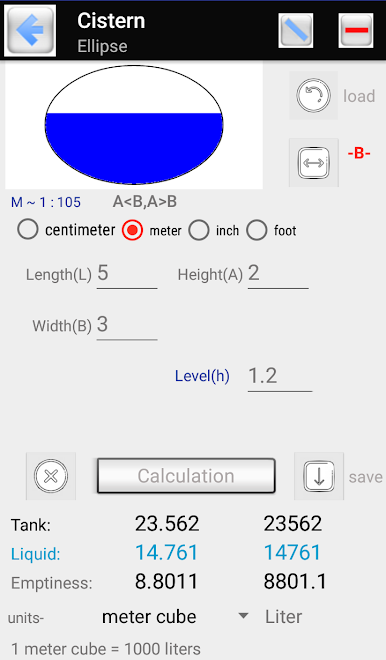
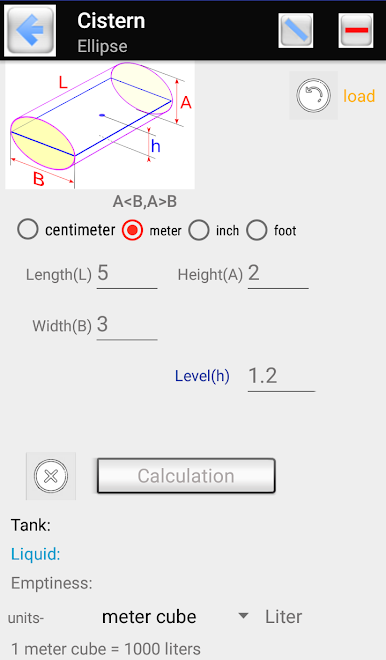
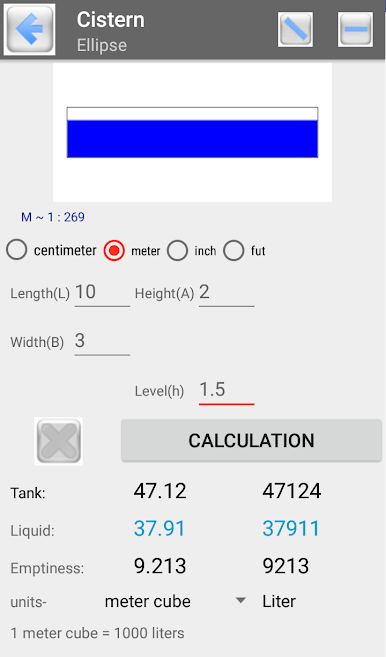
- Multiple tank shapes: Calculate liquid volume for a round cistern, oval cistern, elliptical tank, rectangular cistern (tank), round barrel, or cone.
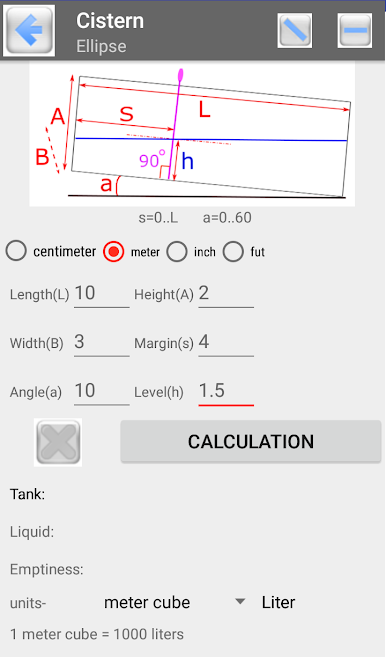
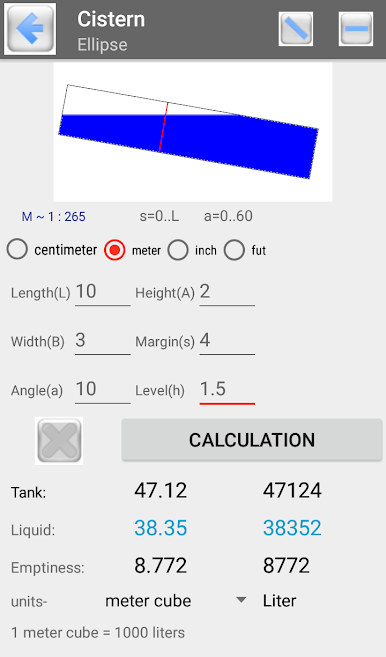
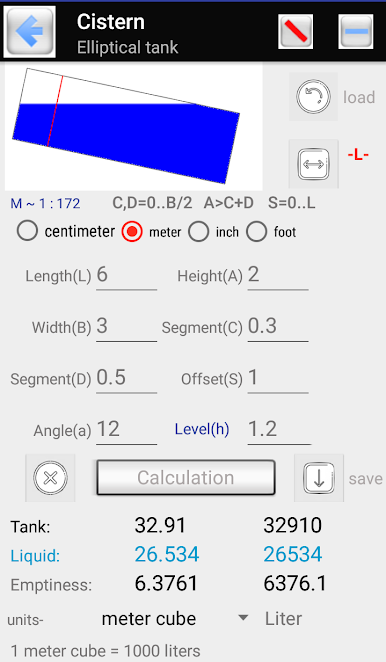
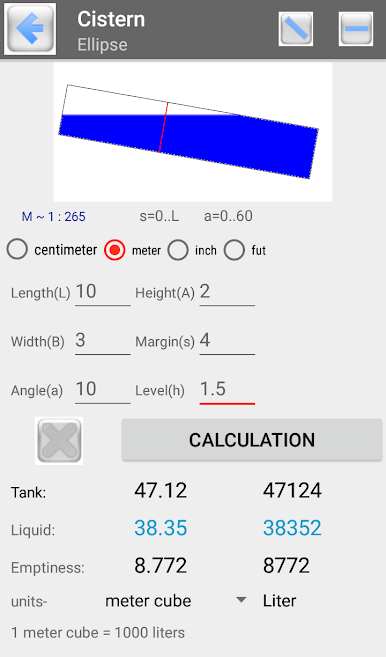
- Tilt-aware math: Need measurements from a tank that’s not upright? Get accurate results with tilt angles up to 60°. Just add the angle and the distance from the tank’s start to your measurement point.
- Flexible input units: Type measurements in centimeters, meters, inches, or feet—whatever you’re working with on site or in the workshop.
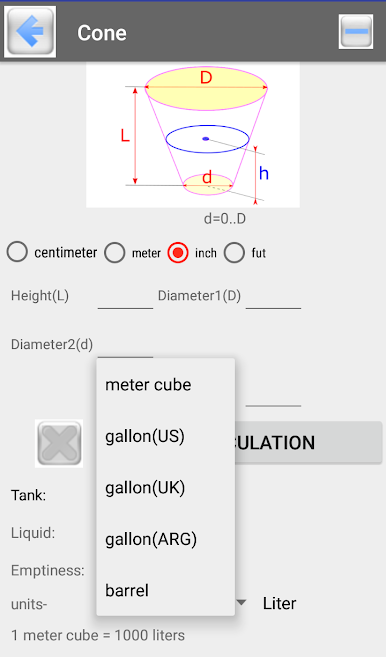
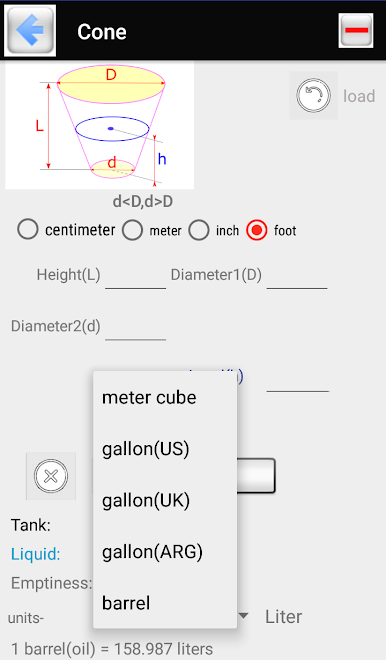
- Output your way: See results in liters or switch to cubic meters, US gallons, Imperial (England) gallons, Argentine gallons, or oil barrels.
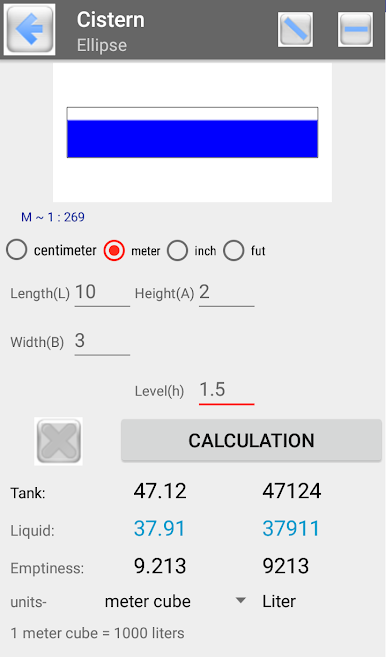
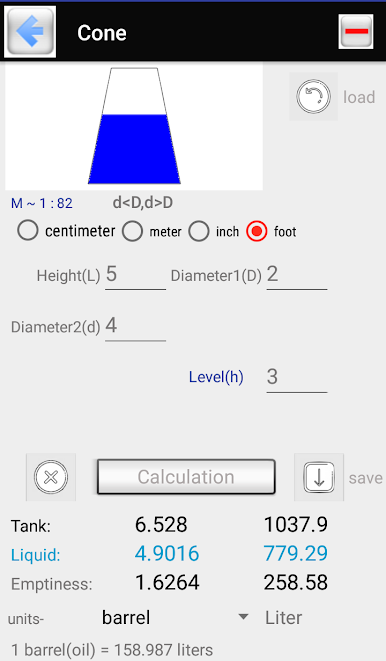
- Visual liquid level: Watch a scaled diagram update with the tank image and the current fill level so you can sanity-check what the numbers mean.
- Save your setups: Store your current capacity settings and pull them up later without re-entering everything.
- Clear, no-nonsense results: Straightforward fields and sensible defaults help you move from measurement to volume in seconds.
Big screen. Bigger performance. Use BlueStacks on your PC or Mac to run your favorite apps.
Zagraj w Tank volume na PC. To takie proste.
-
Pobierz i zainstaluj BlueStacks na PC
-
Zakończ pomyślnie ustawienie Google, aby otrzymać dostęp do sklepu Play, albo zrób to później.
-
Wyszukaj Tank volume w pasku wyszukiwania w prawym górnym rogu.
-
Kliknij, aby zainstalować Tank volume z wyników wyszukiwania
-
Ukończ pomyślnie rejestrację Google (jeśli krok 2 został pominięty) aby zainstalować Tank volume
-
Klinij w ikonę Tank volume na ekranie startowym, aby zacząć grę

