


Jellify - Żywe zdjęcia
Graj na PC z BlueStacks – Platforma gamingowa Android, która uzyskała zaufanie ponad 500 milionów graczy!

Strona zmodyfikowana w dniu: Nov 21, 2025
Run Photos Alive - Jellify on PC or Mac
Get freedom from your phone’s obvious limitations. Use Photos Alive – Jellify, made by Vacuapps s. r. o., a Photography app on your PC or Mac with BlueStacks, and level up your experience.
About the App
Ever wanted to see your photos do more than just sit still? Photos Alive – Jellify lets you pick any picture and add a playful, animated twist to it. Whether you want your selfie to wobble or your friend’s grin to wriggle, this Photography app from Vacuapps s. r. o. gives you the tools to turn ordinary shots into fun, living images. There’s something strangely entertaining about watching a photo react when you tilt your phone or swipe a finger across the screen.
App Features
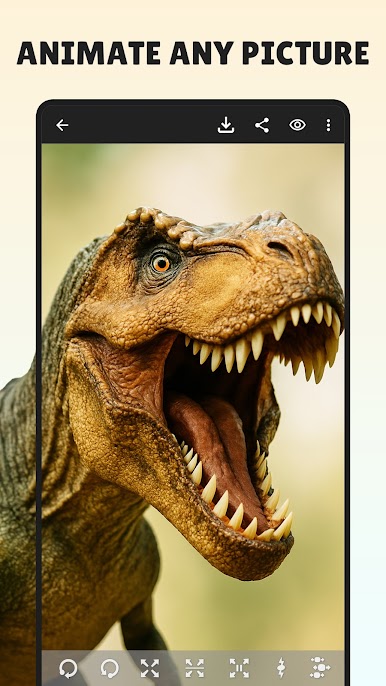
- Animate Any Photo: Grab a snapshot from your gallery or snap a brand new pic—now you’re all set to start animating.
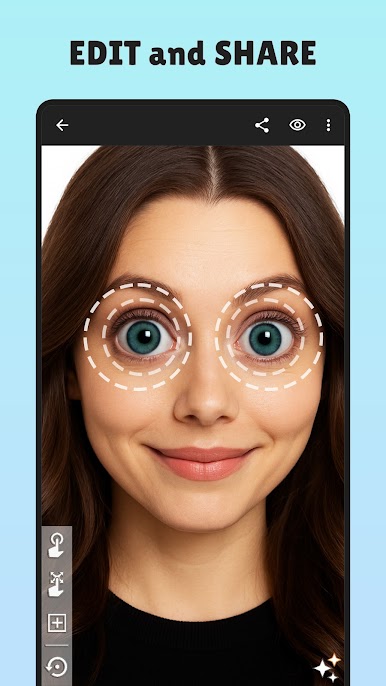
- Point-and-Drag Magic: Tap and drag on any part you want to see move—faces, hats, hands, whatever you like. The app also picks out faces automatically if that’s more your style.
- Shake or Tilt for Fun: Give your phone a little shake or tilt and the photo suddenly jiggles or wobbles; it’s wild seeing how much life you can add to a simple picture.
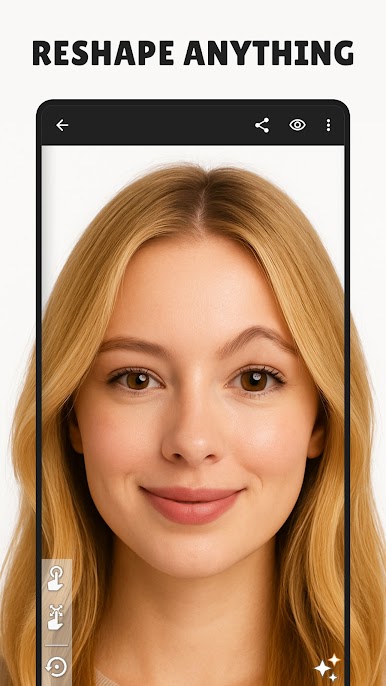
- Warp with Precision: Adjust, stretch, and magnify specific spots for extra-silly or surreal effects.
- Different Movement Styles: Play around with unique motion patterns. Each one changes the look and feel of your animation.
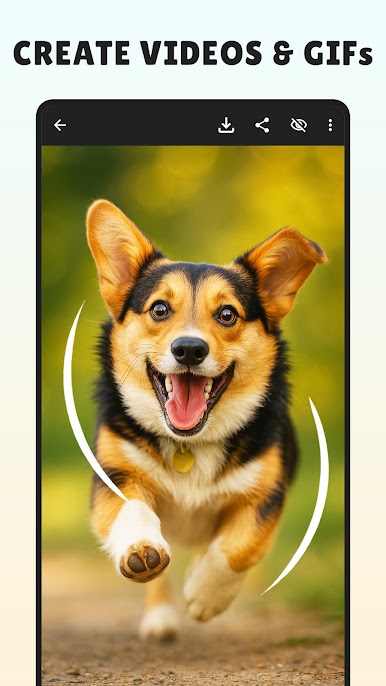
- Share and Save: Show off your jiggly creations as GIFs or videos. Some places might not handle GIFs well, but you can always pick video, too.
- Smooth on Big Screens: For a bigger, more playful photo editing experience, try using Photos Alive – Jellify with BlueStacks. The animations look great stretched out on a large monitor.
Eager to take your app experience to the next level? Start right away by downloading BlueStacks on your PC or Mac.


Zagraj w Jellify - Żywe zdjęcia na PC. To takie proste.
-
Pobierz i zainstaluj BlueStacks na PC
-
Zakończ pomyślnie ustawienie Google, aby otrzymać dostęp do sklepu Play, albo zrób to później.
-
Wyszukaj Jellify - Żywe zdjęcia w pasku wyszukiwania w prawym górnym rogu.
-
Kliknij, aby zainstalować Jellify - Żywe zdjęcia z wyników wyszukiwania
-
Ukończ pomyślnie rejestrację Google (jeśli krok 2 został pominięty) aby zainstalować Jellify - Żywe zdjęcia
-
Klinij w ikonę Jellify - Żywe zdjęcia na ekranie startowym, aby zacząć grę

