

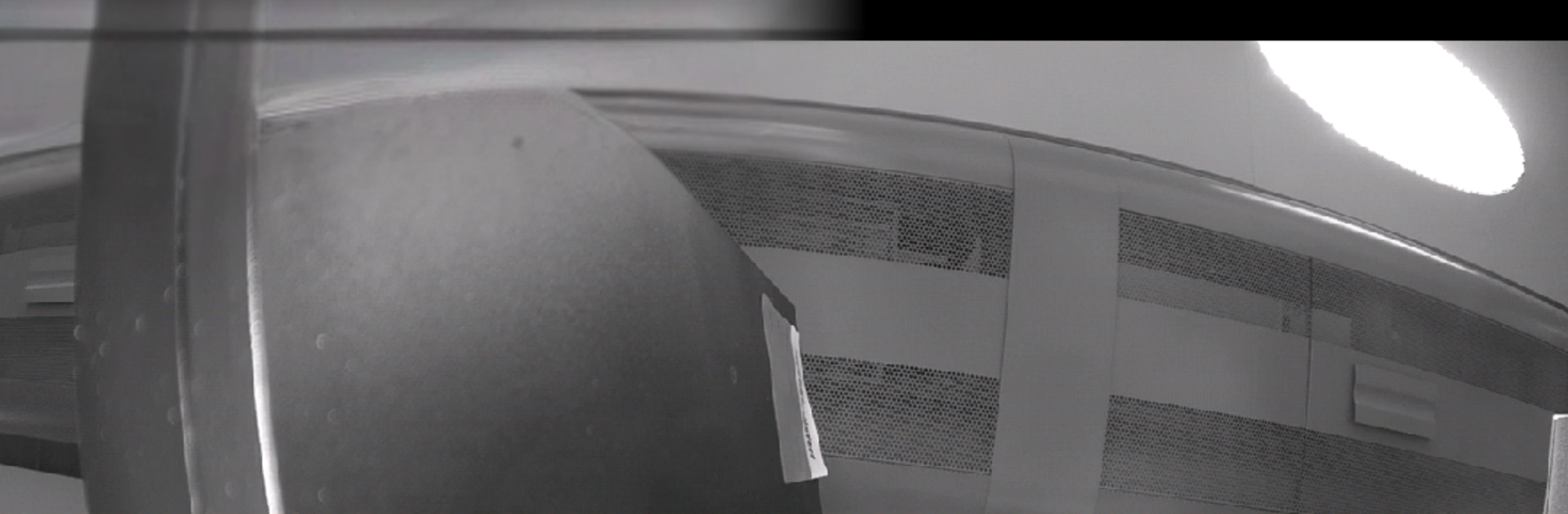
Verisure Cameras
Chơi trên PC với BlueStacks - Nền tảng chơi game Android, được hơn 500 triệu game thủ tin tưởng.

Trang đã được sửa đổi vào: Aug 23, 2023
Run Verisure Cameras on PC or Mac
Why limit yourself to your small screen on the phone? Run Verisure Cameras, an app by Verisure, best experienced on your PC or Mac with BlueStacks, the world’s #1 Android emulator.
Verisure Cameras feels like a simple control room for anyone with Verisure smart cams. Open it and there is a clean live view to check what is happening, plus quick tools to make the camera react the way someone wants. Motion detection is not just on or off; it lets a person draw the area that should trigger and tune the sensitivity so leaves or a wandering pet do not set it off every time. Audio detection gets the same treatment, with volume and sensitivity sliders that actually help catch real noise without constant pings. Night scenes look better once IR mode is set right, and WDR helps balance bright windows with darker corners so details do not blow out. There is even a place to fix date, time, and timezone so recorded clips line up with the day correctly.
It is very much focused on the basics that matter for cameras, not a lot of fluff. The recording kicks in when motion or sound hits, then it is easy to jump back to the live feed again. Running it on a PC through BlueStacks is handy, since a bigger screen makes drawing motion zones and judging image tweaks a lot easier, and clicking through settings is faster than poking around on a small phone. For someone already using Verisure gear, this app rounds out the setup with straightforward camera controls that are not hard to figure out.
Big screen. Bigger performance. Use BlueStacks on your PC or Mac to run your favorite apps.
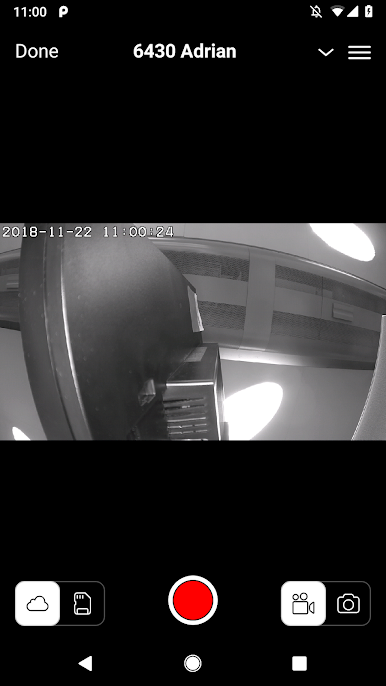
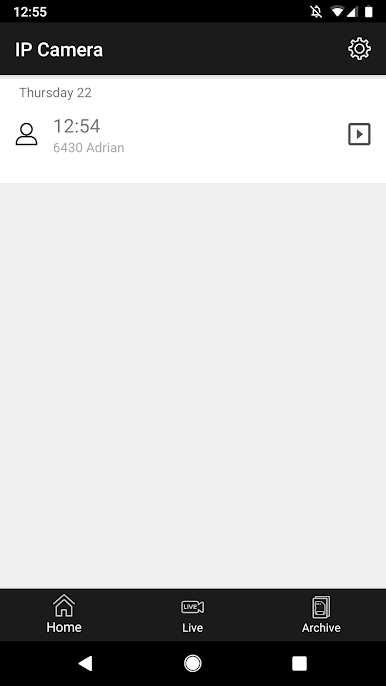
Chơi Verisure Cameras trên PC. Rất dễ để bắt đầu
-
Tải và cài đặt BlueStacks trên máy của bạn
-
Hoàn tất đăng nhập vào Google để đến PlayStore, hoặc thực hiện sau
-
Tìm Verisure Cameras trên thanh tìm kiếm ở góc phải màn hình
-
Nhấn vào để cài đặt Verisure Cameras trong danh sách kết quả tìm kiếm
-
Hoàn tất đăng nhập Google (nếu bạn chưa làm bước 2) để cài đặt Verisure Cameras
-
Nhấn vào icon Verisure Cameras tại màn hình chính để bắt đầu chơi

