


Compress Video Size Compressor
Chơi trên PC với BlueStacks - Nền tảng chơi game Android, được hơn 500 triệu game thủ tin tưởng.

Trang đã được sửa đổi vào: Nov 28, 2025
Run Compress Video Size Compressor on PC or Mac
Upgrade your experience. Try Compress Video Size Compressor, the fantastic Video Players & Editors app from Inverse AI, from the comfort of your laptop, PC, or Mac, only on BlueStacks.
About the App
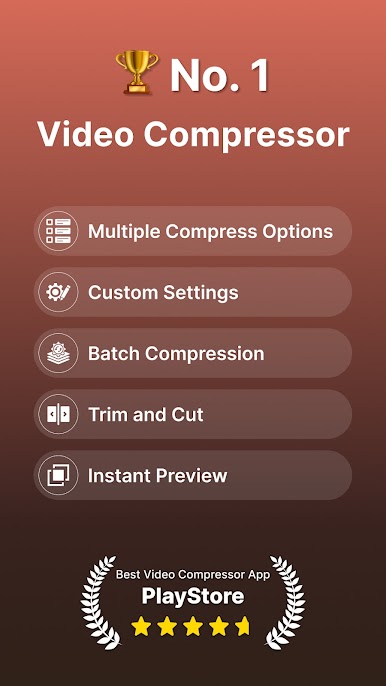
Ever wish you could shrink your videos without making them look like a pixelated old-school game? Compress Video Size Compressor from Inverse AI might be just what you need. Whether you’re freeing up space or getting videos ready to share, this app gives you lots of tools to customize exactly how small (or sharp) you want your files to be. It’s easy to use, works with tons of video formats, and even lets you compare the results side by side. If you’ve got home movies, funny clips, or long vlogs piling up space, this is a solid way to tidy things up—run it on your phone, or try it out with BlueStacks for a bigger view.
App Features
-
Supports Tons of Formats
It handles all the popular ones: MP4, MKV, AVI, MOV, FLV, and plenty more, so you don’t have to worry about converting files before you start. -
Keep the Original Quality
Shrink your videos without losing that sharpness. The app lets you compress videos while keeping quality intact, depending on your settings. -
Custom Compression Options
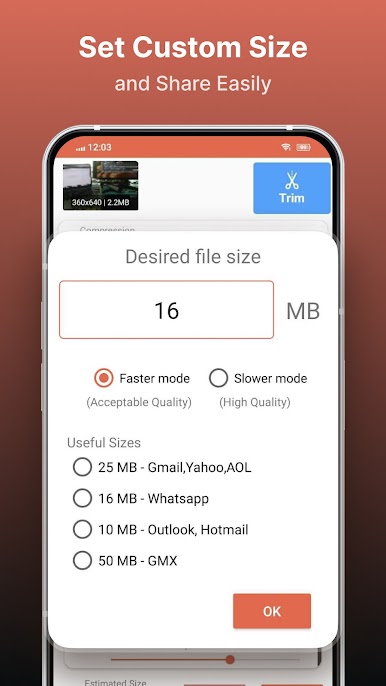
Choose a preset profile for quick results—or, if you want more control, enter the exact size you want your final video to be. -
Speed vs. File Size Control
Adjust how quickly the app compresses your video. Prefer it fast and big, or slow and tiny? You can set it up either way. -
HEVC & X264 Codec Choices
Pick between different compression engines—HEVC (X265) for better space-saving or X264 for a bit more speed. -
Batch Processing
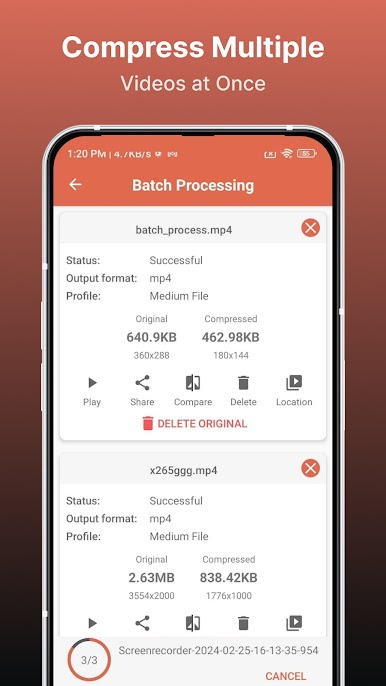
Queue up a bunch of videos and let the app compress them one after another. Perfect when you’ve got a whole vacation’s worth of footage. -
Preview Compression Results
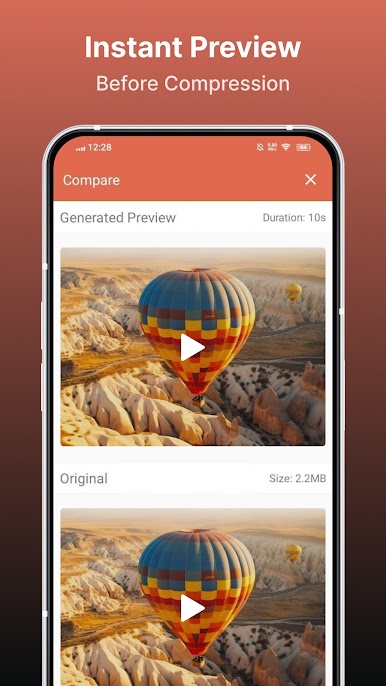
Not sure how your chosen settings will look? Watch a quick preview of the compression quality before you go all-in. -
Resolution & Bitrate Tweaks
Tinker with resolution and bitrate to dial in the right balance between size and quality. The app even estimates how big the result will be. -
Compare Before and After
You can play the original and compressed videos on the same screen to see what changed—or didn’t. -
File Management Tools
Delete original or compressed files within the app if you want to clear space right away. -
Video Conversion (Pro Feature)
Need a different format? Upgrade to convert videos between loads of formats like MP4, MKV, AVI, and more. -
Built-in Video Player & Easy Sharing
Watch your compressed or converted videos in the app. Need to send them somewhere? Sharing is quick and simple. -
Free Up Storage
Slim down those bulky video files to free up tons of space on your device—no complicated steps necessary.
Big screen. Bigger performance. Use BlueStacks on your PC or Mac to run your favorite apps.
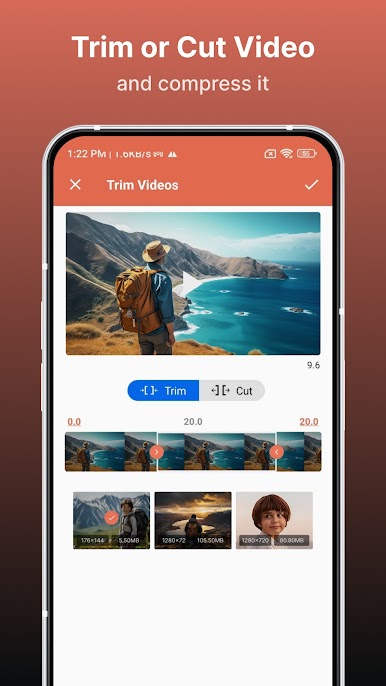
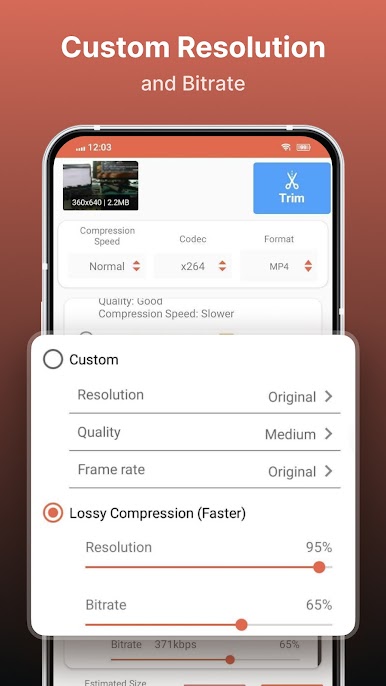
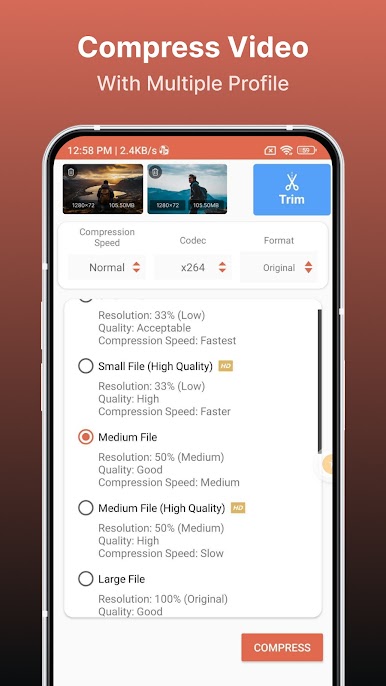
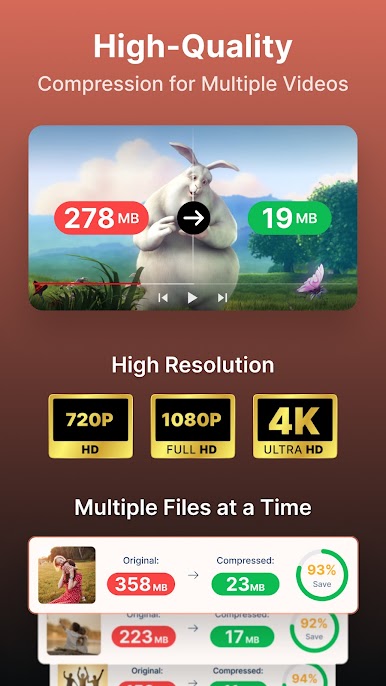
Chơi Compress Video Size Compressor trên PC. Rất dễ để bắt đầu
-
Tải và cài đặt BlueStacks trên máy của bạn
-
Hoàn tất đăng nhập vào Google để đến PlayStore, hoặc thực hiện sau
-
Tìm Compress Video Size Compressor trên thanh tìm kiếm ở góc phải màn hình
-
Nhấn vào để cài đặt Compress Video Size Compressor trong danh sách kết quả tìm kiếm
-
Hoàn tất đăng nhập Google (nếu bạn chưa làm bước 2) để cài đặt Compress Video Size Compressor
-
Nhấn vào icon Compress Video Size Compressor tại màn hình chính để bắt đầu chơi

