

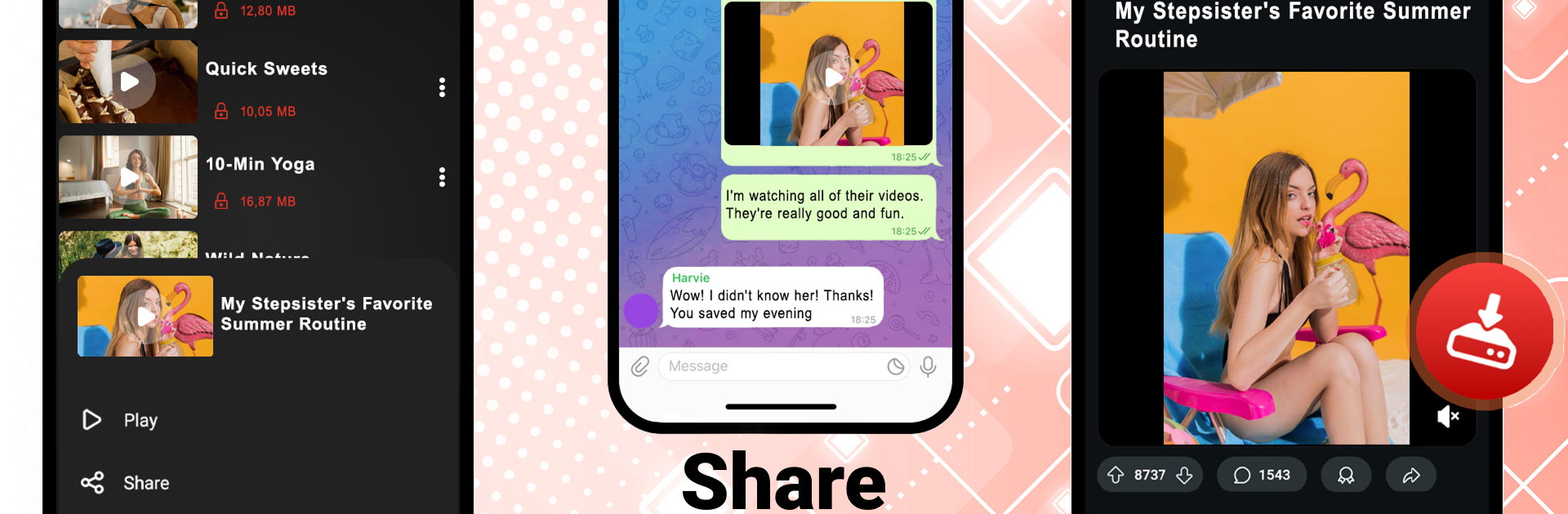
All Video Downloader Master
Graj na PC z BlueStacks – Platforma gamingowa Android, która uzyskała zaufanie ponad 500 milionów graczy!

Strona zmodyfikowana w dniu: Dec 8, 2025
Run All Video Downloader Master on PC or Mac
Get freedom from your phone’s obvious limitations. Use All Video Downloader Master, made by Vidmark Inc., a Tools app on your PC or Mac with BlueStacks, and level up your experience.
About the App
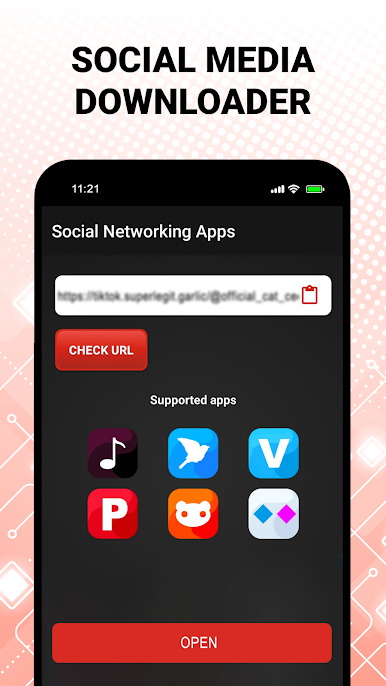
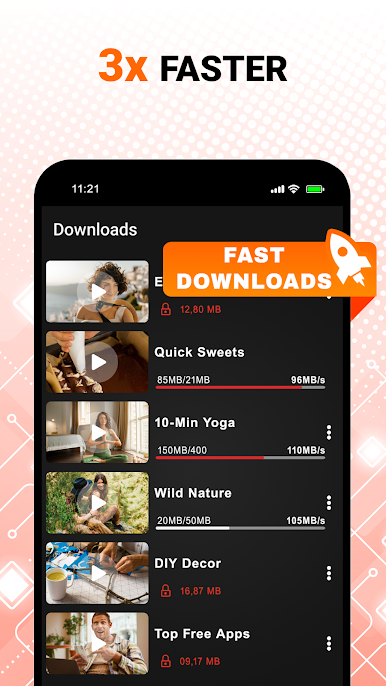
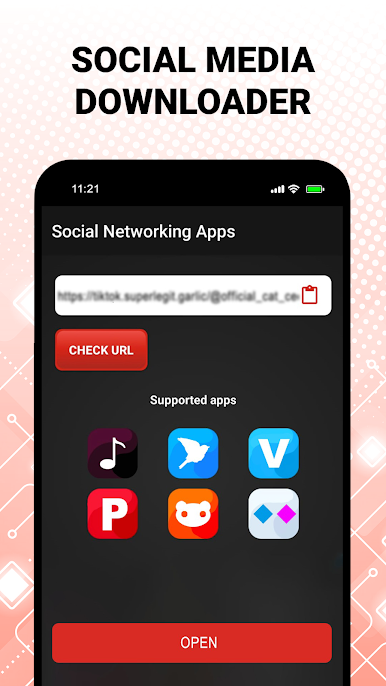
All Video Downloader Master keeps saving videos simple, clean, and fast. Paste a link or browse inside the app, pick the quality you want—from quick 240p grabs to crystal-clear 4K—and you’re good to go. Built by Vidmark Inc. in the Tools genre, it’s great on your phone and works smoothly on PC through BlueStacks if you prefer a bigger workspace.
App Features
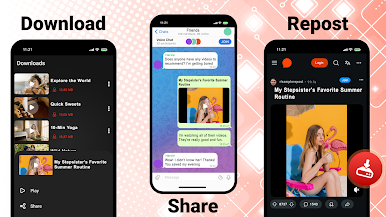
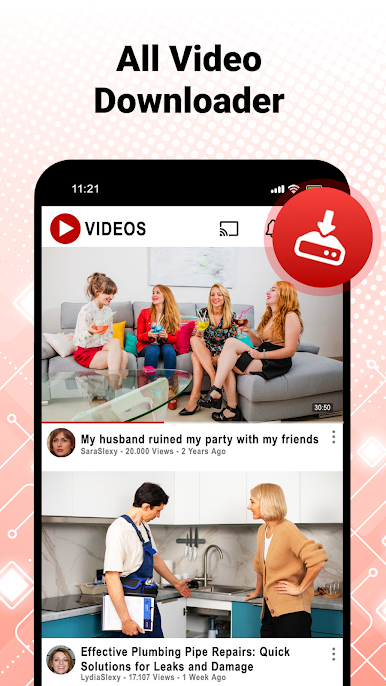
- All‑in‑One Downloader: Use one place to capture short clips, long videos, and even full movies. This all video downloader handles everyday video files without the hassle.
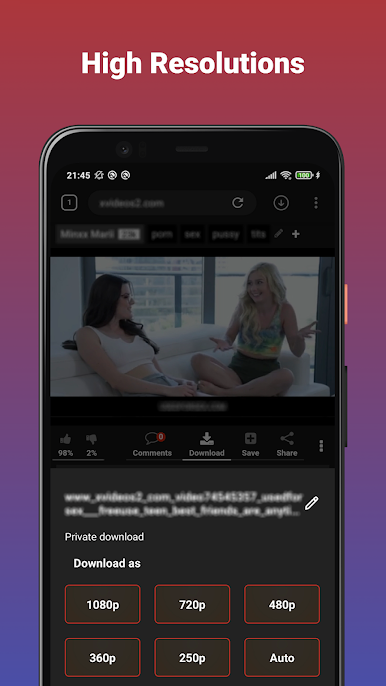
- Quality You Choose: Want small files for quick saves or sharp visuals? Pick HD or go big with the 4k video downloader option.
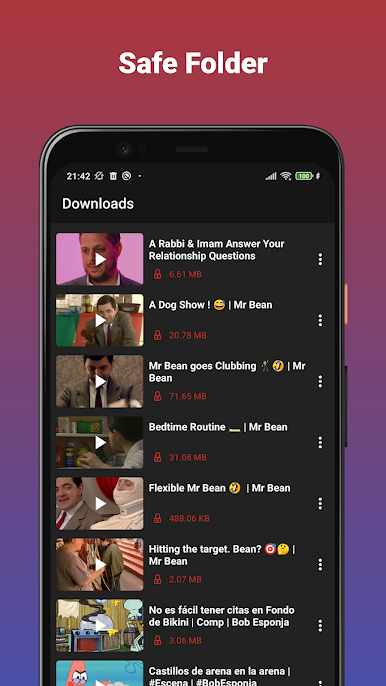
- Private Downloader Space: Keep your downloads for your eyes only. A dedicated private downloader area helps protect what you save.
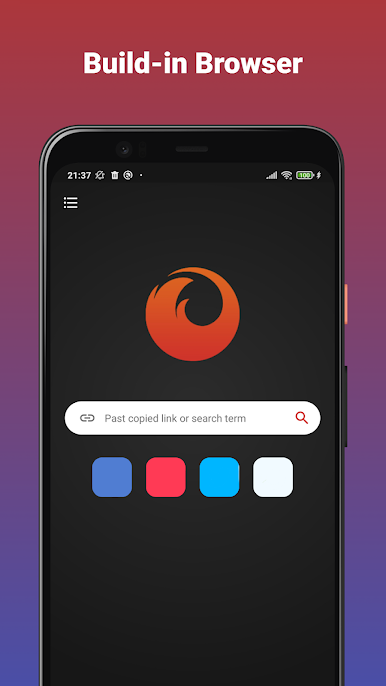
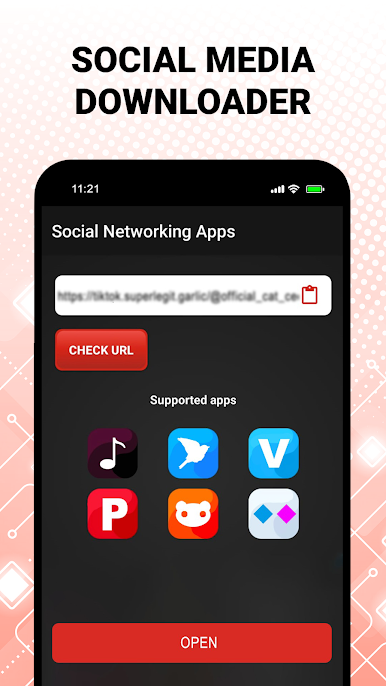
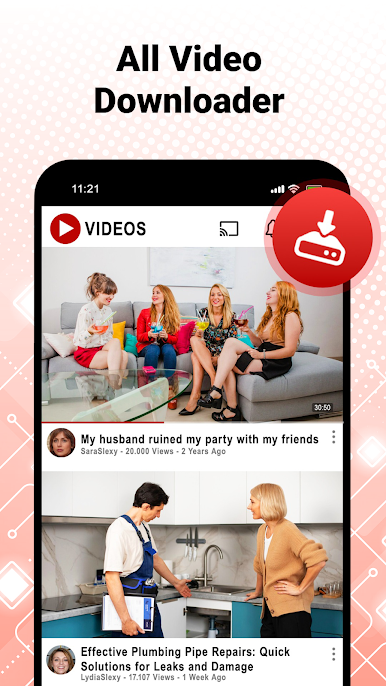
- Built‑In Browser & Detection: Browse with the built‑in explorer; the app can spot downloadable media and line it up for you to save.
- Movie Downloader Mode: Queue multiple parts or full films at once. Handy when you’re building a watchlist for offline viewing.
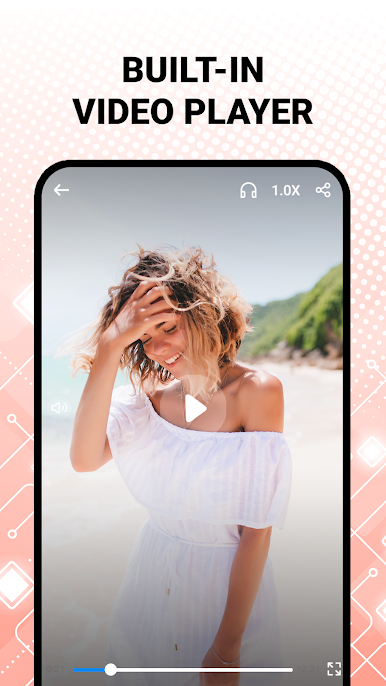
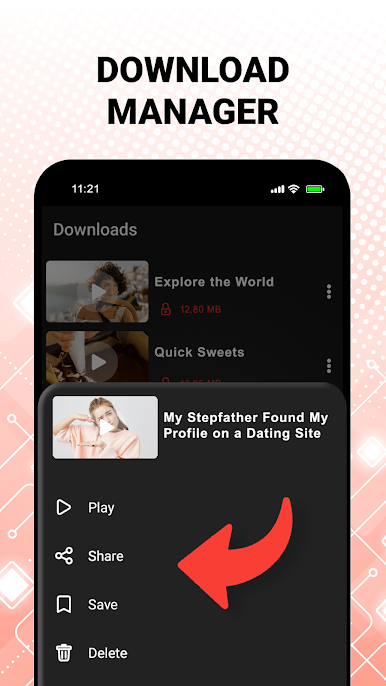
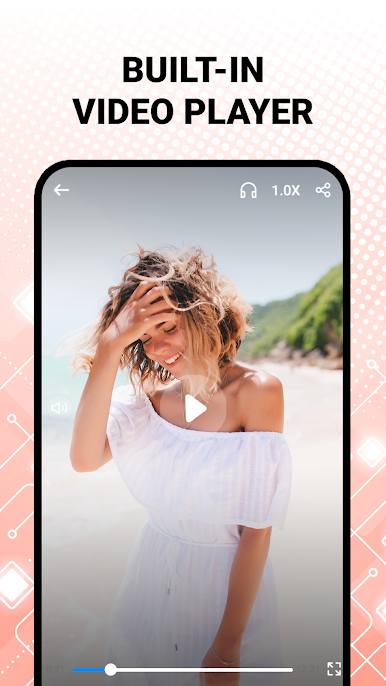
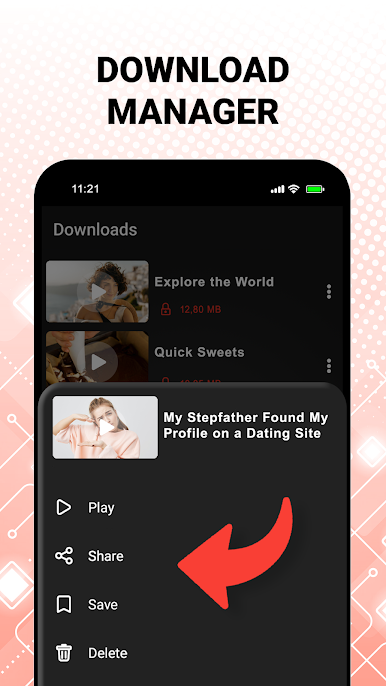
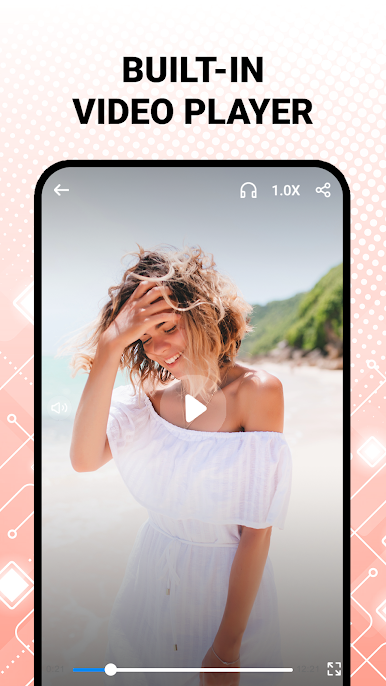
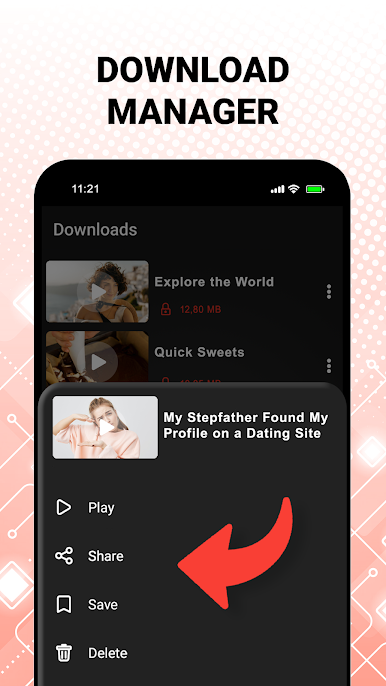
- Video Saver & File Manager: Organize as you go—rename files, sort them into folders, and play videos inside the app’s player.
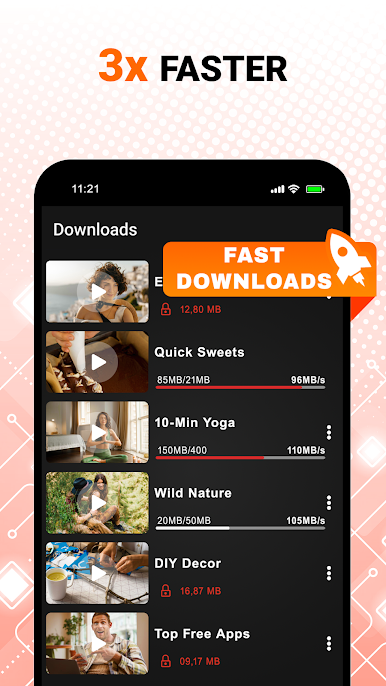
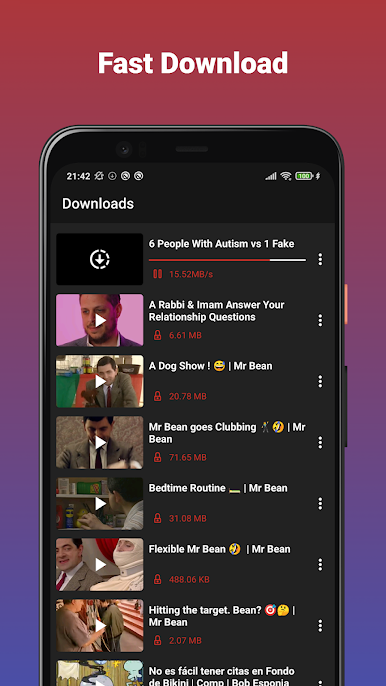
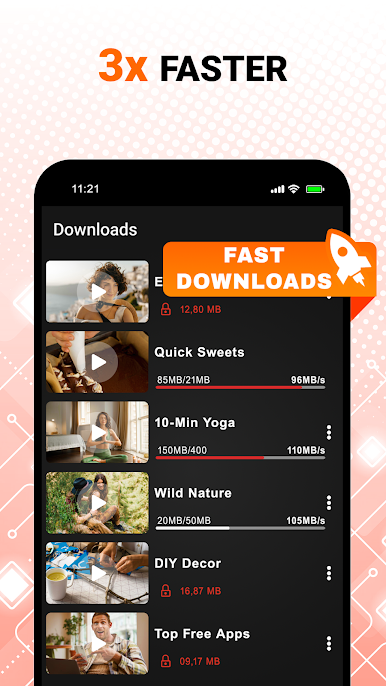
- Pause, Resume, Retry: Network acting up? Pause and resume downloads without starting over.
- Format Friendly: Save in common formats for easy playback across your devices and apps.
- Offline Ready: Store videos locally so you can watch without data or signal.
- Respectful Use: Designed for lawful, permission‑based downloading. It doesn’t support YouTube and isn’t affiliated with social platforms.
Big screen. Bigger performance. Use BlueStacks on your PC or Mac to run your favorite apps.






Zagraj w All Video Downloader Master na PC. To takie proste.
-
Pobierz i zainstaluj BlueStacks na PC
-
Zakończ pomyślnie ustawienie Google, aby otrzymać dostęp do sklepu Play, albo zrób to później.
-
Wyszukaj All Video Downloader Master w pasku wyszukiwania w prawym górnym rogu.
-
Kliknij, aby zainstalować All Video Downloader Master z wyników wyszukiwania
-
Ukończ pomyślnie rejestrację Google (jeśli krok 2 został pominięty) aby zainstalować All Video Downloader Master
-
Klinij w ikonę All Video Downloader Master na ekranie startowym, aby zacząć grę

