


Jewels of Kingdom Knights
Graj na PC z BlueStacks – Platforma gamingowa Android, która uzyskała zaufanie ponad 500 milionów graczy!

Strona zmodyfikowana w dniu: Oct 22, 2025
Play Jewels of Kingdom Knights on PC
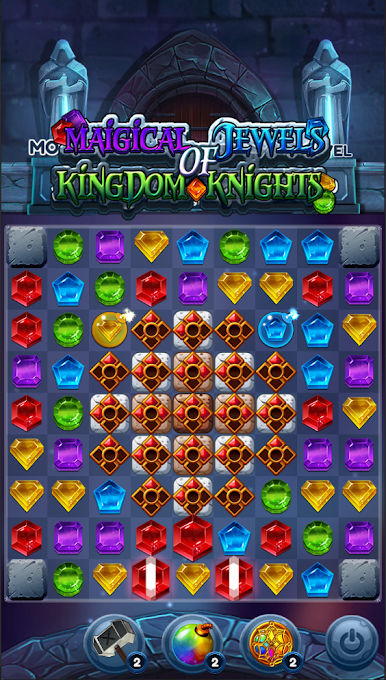
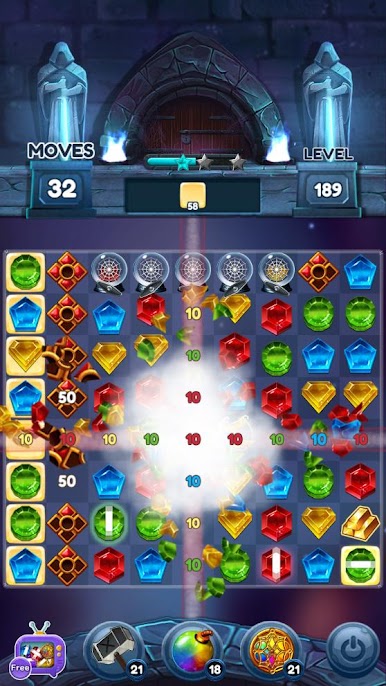
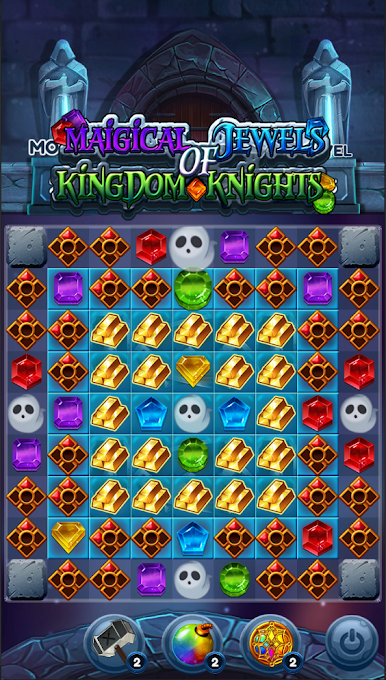
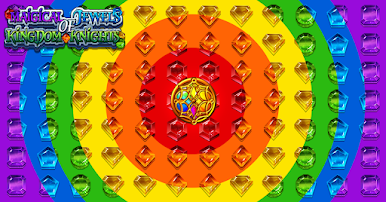
Gather jewels with dynamic and special powers while you are playing.
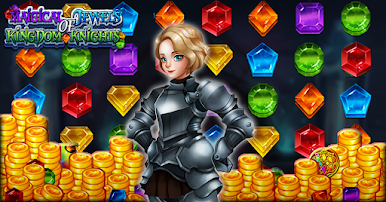
Let’s help Carol to find the magical jewels and go on a fun matching journey together!
Are you ready to push your limits?
[HOW TO PLAY]
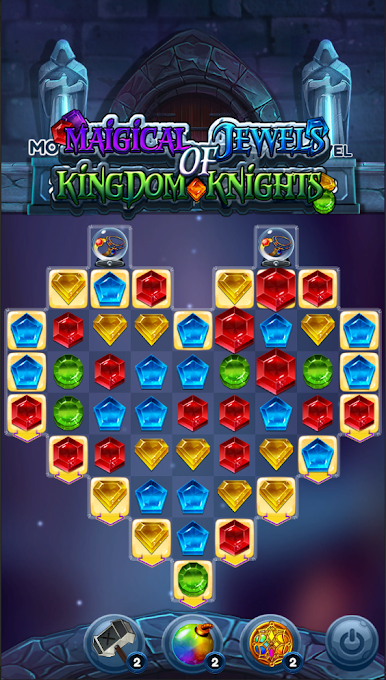
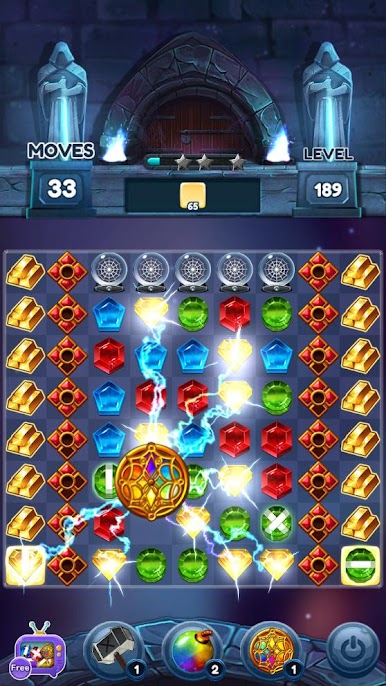
💎 Match 3 identical colored jewels or more to clear levels.
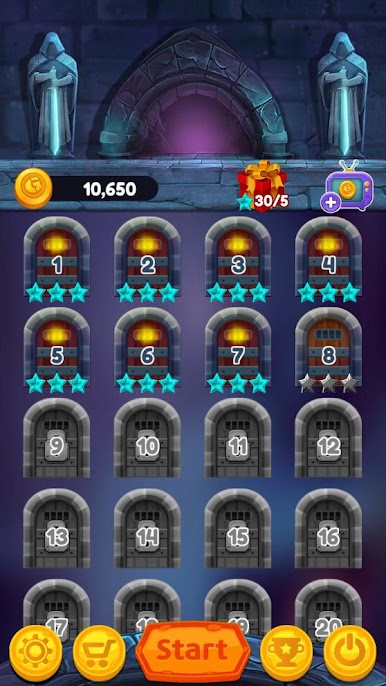
👊 You can play hundreds of stages!
👣 Let's go on an adventure to find out jewels with mysterious power!
🌠 Achieve 3 stars in all stages! It won't be easy and will challenge you.
💡 You can get smarter just by playing Magical Jewels of Kingdom Knights!
💪 Have a difficult level? Try using powerful items when you get stuck!
😎 Impressive graphics! Great and splendid effect!
[SPECIAL FEATURES]
📡 Don't worry about WiFi. Play anytime, anywhere, no network can play!
❤ There is no life limit like hearts!
🎁 Receive daily bonuses and gifts! What gifts are waiting for you today?
-If you do not save in-game, the data will be initialized when the app application is deleted. Also, data will be initialized when the device is changed.
-Completely free to play, but it includes paid products such as game currency, items, and advertisement removal.
-Includes interstitial, banner and video ads.





Zagraj w Jewels of Kingdom Knights na PC. To takie proste.
-
Pobierz i zainstaluj BlueStacks na PC
-
Zakończ pomyślnie ustawienie Google, aby otrzymać dostęp do sklepu Play, albo zrób to później.
-
Wyszukaj Jewels of Kingdom Knights w pasku wyszukiwania w prawym górnym rogu.
-
Kliknij, aby zainstalować Jewels of Kingdom Knights z wyników wyszukiwania
-
Ukończ pomyślnie rejestrację Google (jeśli krok 2 został pominięty) aby zainstalować Jewels of Kingdom Knights
-
Klinij w ikonę Jewels of Kingdom Knights na ekranie startowym, aby zacząć grę

