


Lama—Voice Chat Room & Game
Graj na PC z BlueStacks – Platforma gamingowa Android, która uzyskała zaufanie ponad 500 milionów graczy!

Strona zmodyfikowana w dniu: Dec 19, 2025
Run Lama—Private Voice Chat Rooms & SQUID GAME on PC or Mac
Let BlueStacks turn your PC, Mac, or laptop into the perfect home for Lama—Private Voice Chat Rooms & SQUID GAME, a fun Social app from wenext.lama.
About the App
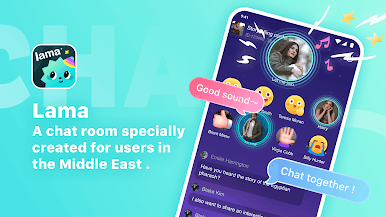
Ever felt like meeting cool new people without leaving your room? Lama—Private Voice Chat Rooms & SQUID GAME makes that easy. Whether you want to hang out, chat about your favorite stuff, or just kick back and play games, this social app from wenext.lama has a little something for everyone. Open it up any time of day—you’ll find people ready to talk, play, and maybe even become your next close friends.
App Features
-
Find New Friends Any Time
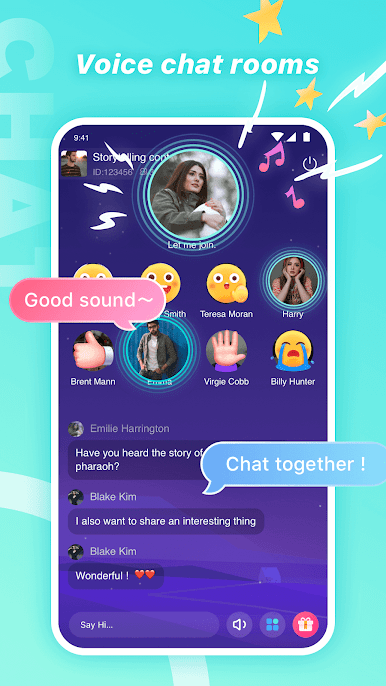
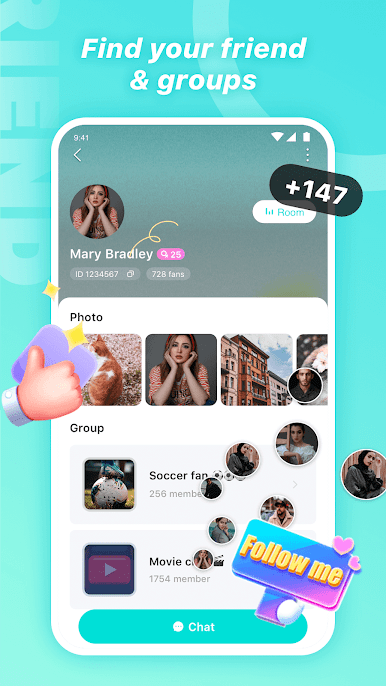
Scroll through a ton of live voice chat rooms, from nearby locals to folks across the globe. Whatever time it is, there’s always someone awake and up for a conversation. You’ll never run out of fresh faces or new topics. -
Fun Gifts and Rides
Want to show some love or make an entrance? Send animated gifts (they’re always adding new ones!) or hop in with a flashy car animation—makes things a bit more fun and personal. -
Playable Games & Big Rewards
Try your luck with SQUID GAME, ludo, domino, and more. The rewards here? Definitely generous—sometimes even better than you’d expect elsewhere. -
All Sorts of Themed Hangouts
There’s a room for everyone, seriously. Join a poetry slam, tune into a group reading, talk soccer, or crash a birthday bash. It’s always buzzing with themed events and friendly get-togethers. -
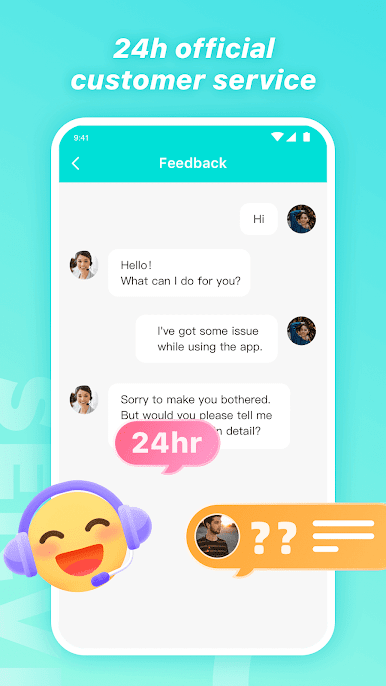
24/7 Support That Listens
Something on your mind? The support team is online all day and night, ready to hear your feedback or lend a hand. Gift packs and a little extra help are just a message away.
For the best chat experience on your computer, many users recommend running Lama—Private Voice Chat Rooms & SQUID GAME with BlueStacks.
BlueStacks brings your apps to life on a bigger screen—seamless and straightforward.


Zagraj w Lama—Voice Chat Room & Game na PC. To takie proste.
-
Pobierz i zainstaluj BlueStacks na PC
-
Zakończ pomyślnie ustawienie Google, aby otrzymać dostęp do sklepu Play, albo zrób to później.
-
Wyszukaj Lama—Voice Chat Room & Game w pasku wyszukiwania w prawym górnym rogu.
-
Kliknij, aby zainstalować Lama—Voice Chat Room & Game z wyników wyszukiwania
-
Ukończ pomyślnie rejestrację Google (jeśli krok 2 został pominięty) aby zainstalować Lama—Voice Chat Room & Game
-
Klinij w ikonę Lama—Voice Chat Room & Game na ekranie startowym, aby zacząć grę

