


VirtualPro
Chơi trên PC với BlueStacks - Nền tảng chơi game Android, được hơn 500 triệu game thủ tin tưởng.

Trang đã được sửa đổi vào: Aug 16, 2019
Play VirtualPro on PC or Mac
VirtualPro brings the Sports genre to life, and throws up exciting challenges for gamers. Developed by Markus Wilke, this Android game is best experienced on BlueStacks, the World’s #1 app player for PC and Mac users.
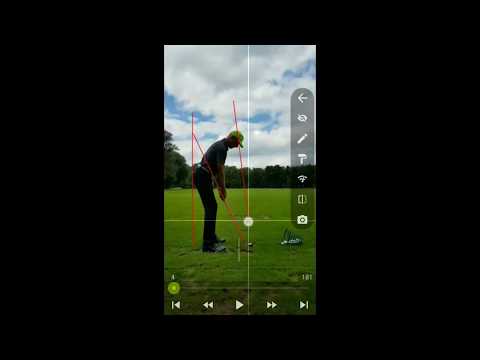
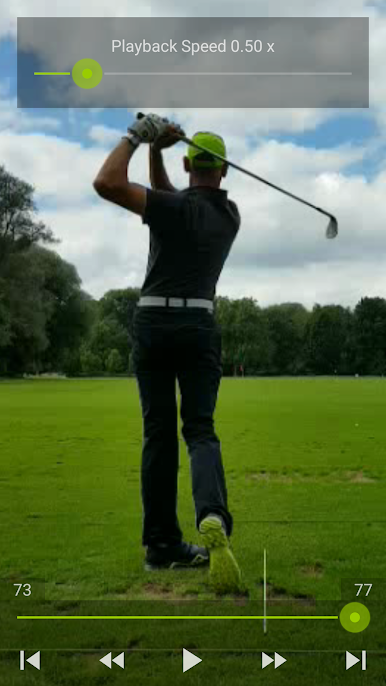
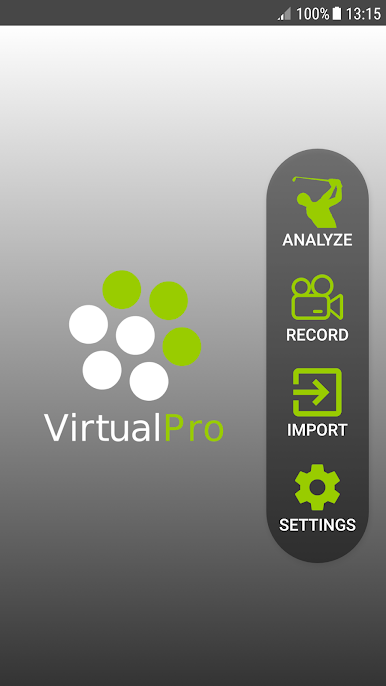
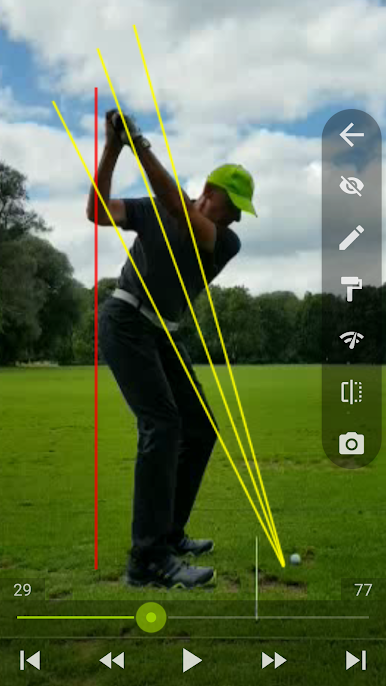
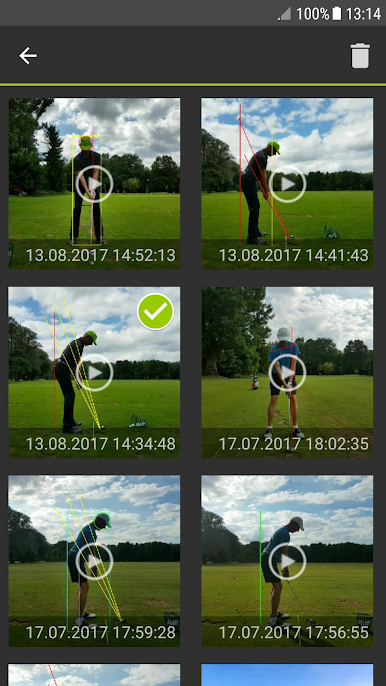
VirtualPro is not really a game, it is more like a super practical golf swing lab that runs on a phone or on PC through BlueStacks. The whole idea is simple, feel is rarely accurate, so it gives clear, frame by frame visuals of what the swing actually did. Record a swing with the camera, or import clips from the device, then scrub through in real time, slow motion, or even time lapse to spot the exact impact frame. Trimming the clip down to just the swing is quick, and the auto stop on recording saves a lot of fiddling on the tee. It all works offline and there is no sign up nonsense, which is nice.
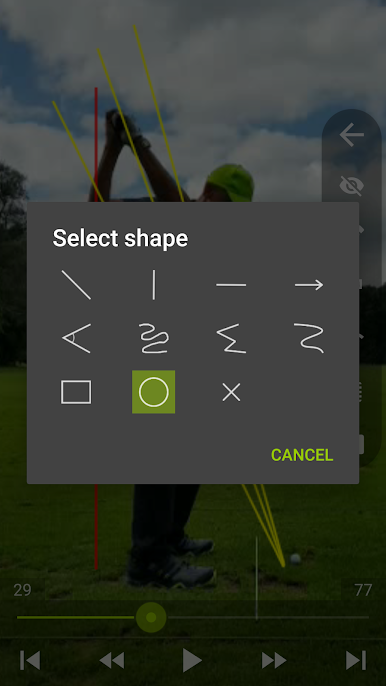
What stands out is the drawing toolkit. Lines for swing plane, angles for shaft and spine, circles, rectangles, arrows, even curves, all resizable with color and line width tweaks. Shapes can be moved later, so small corrections are easy. Zoom and pan help focus on hands or clubhead, and flipping the video for left or right-handed view is great when comparing with a coach. Snapshots with the overlays can be shared to a group chat in seconds. On a PC through BlueStacks, using a mouse to place lines feels cleaner and faster, and the bigger screen makes the little details pop. It does not try to guess or preach a fix, it just shows objective data, which weirdly makes practice calmer and more honest, and a bit addicting to recrod another swing and check the numbers again.
Slay your opponents with your epic moves. Play it your way on BlueStacks and dominate the battlefield.
Chơi VirtualPro trên PC. Rất dễ để bắt đầu
-
Tải và cài đặt BlueStacks trên máy của bạn
-
Hoàn tất đăng nhập vào Google để đến PlayStore, hoặc thực hiện sau
-
Tìm VirtualPro trên thanh tìm kiếm ở góc phải màn hình
-
Nhấn vào để cài đặt VirtualPro trong danh sách kết quả tìm kiếm
-
Hoàn tất đăng nhập Google (nếu bạn chưa làm bước 2) để cài đặt VirtualPro
-
Nhấn vào icon VirtualPro tại màn hình chính để bắt đầu chơi

