


Safari Chess (Animal Chess)
Chơi trên PC với BlueStacks - Nền tảng chơi game Android, được hơn 500 triệu game thủ tin tưởng.

Trang đã được sửa đổi vào: Feb 01, 2020
Chơi Safari Chess (Animal Chess) on PC
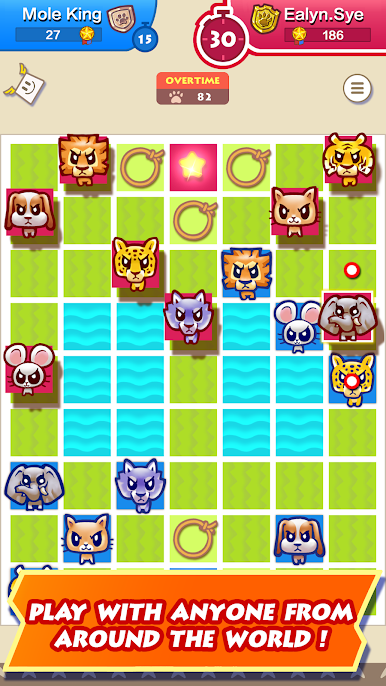
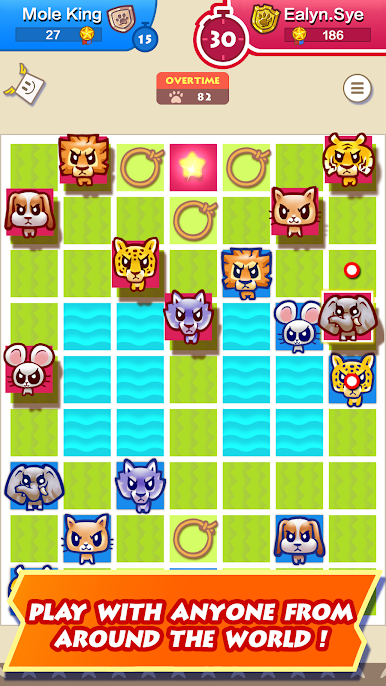
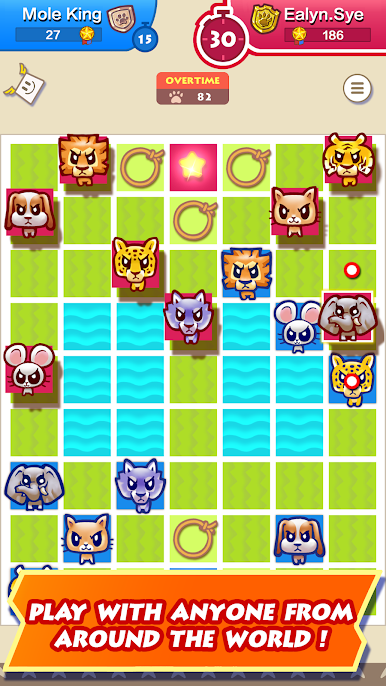
Smooth and appealing graphics, animation suitable for all age groups. With great sound finish to the game, it is definitely a highly polished game and worth checking out.
Features:
• Single player with multiple difficulty AI levels suitable from beginners to advanced players.
• Play live, compete online with friends or anyone from around the world.
• Support 2 players to play against each other on the same device.
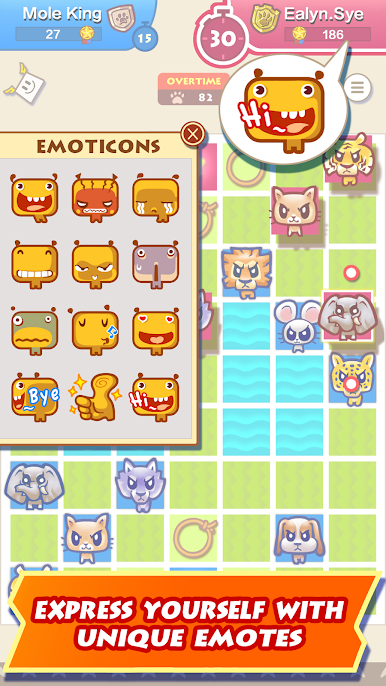
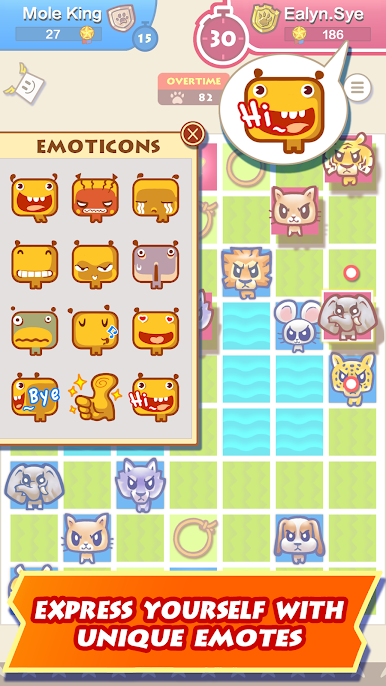
• Custom emotes to express yourself to your friends or opponents alike.
• Unique Safari Chess's achievements crests to be collected.
• Support Google Play leaderboards and achievements.
• Cross-platform online multiplayer.
• Online multiplayer game log and replay.
Safari Chess is also commonly known as Animal Chess or Jungle Chess.









Chơi Safari Chess (Animal Chess) trên PC. Rất dễ để bắt đầu
-
Tải và cài đặt BlueStacks trên máy của bạn
-
Hoàn tất đăng nhập vào Google để đến PlayStore, hoặc thực hiện sau
-
Tìm Safari Chess (Animal Chess) trên thanh tìm kiếm ở góc phải màn hình
-
Nhấn vào để cài đặt Safari Chess (Animal Chess) trong danh sách kết quả tìm kiếm
-
Hoàn tất đăng nhập Google (nếu bạn chưa làm bước 2) để cài đặt Safari Chess (Animal Chess)
-
Nhấn vào icon Safari Chess (Animal Chess) tại màn hình chính để bắt đầu chơi

