


FlyMe Experimental
Chơi trên PC với BlueStacks - Nền tảng chơi game Android, được hơn 500 triệu game thủ tin tưởng.

Trang đã được sửa đổi vào: Jul 19, 2022
Play FlyMe Experimental on PC
The stable version is available at https://play.google.com/store/apps/details?id=com.xcglobe.flyme
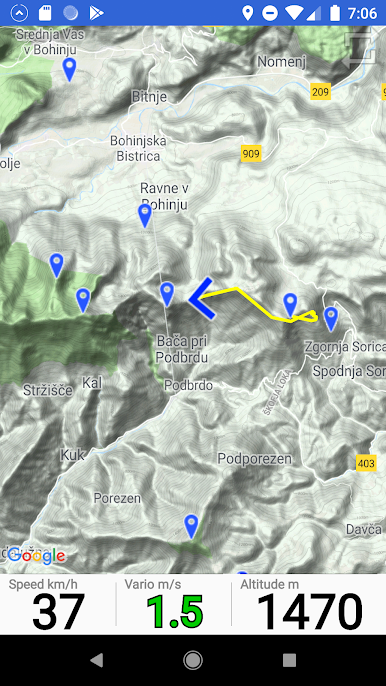
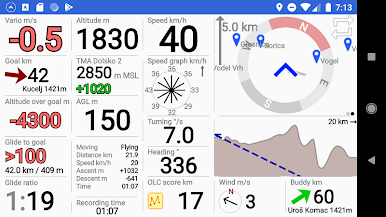
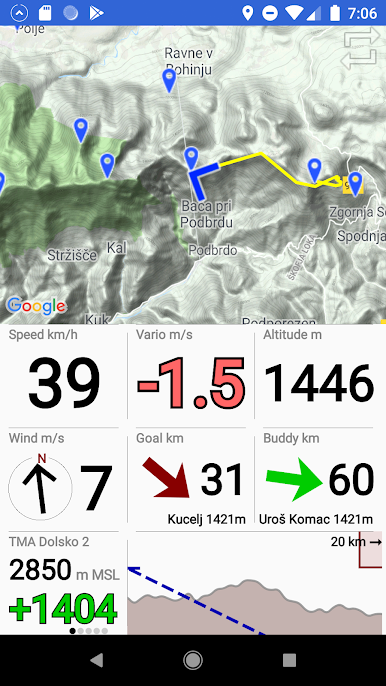
* Support for Hike & Fly
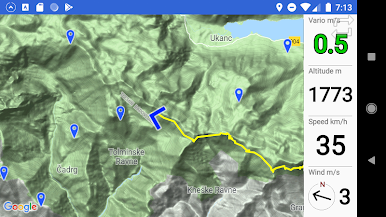
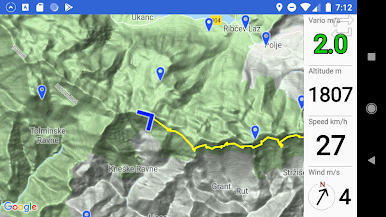
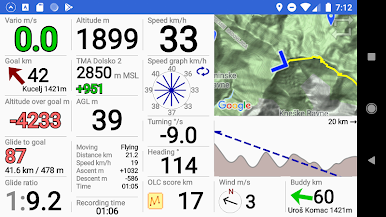
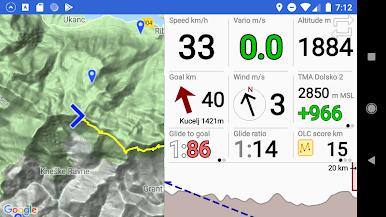
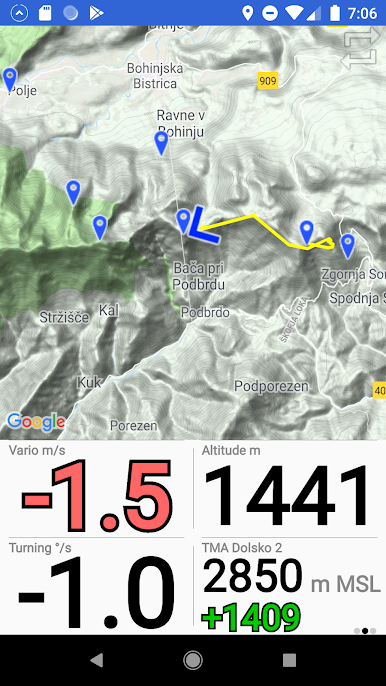
* Google maps
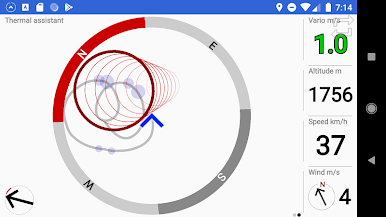
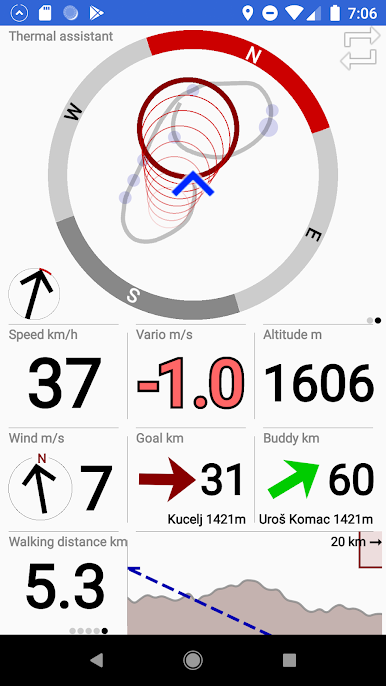
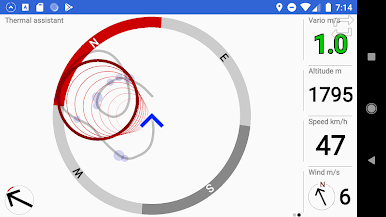
* Thermal assistant (better then ever!)
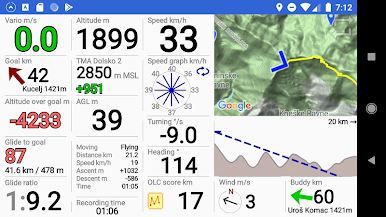
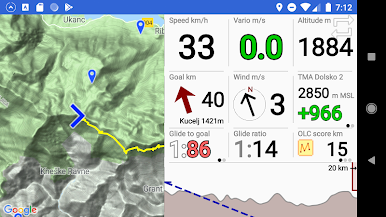
* Side view of terrain, restricted airspace and flight path
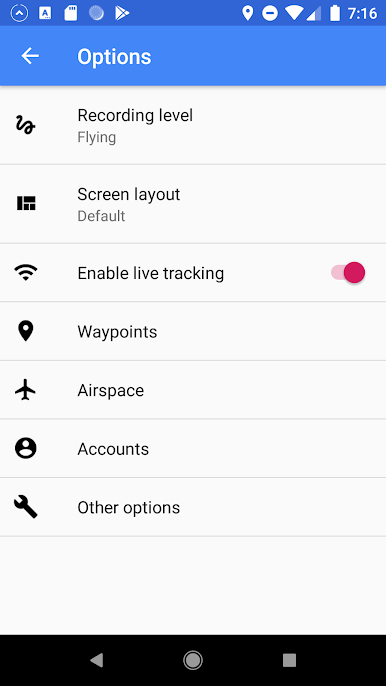
* Live tracking, other gliders are visible on the map at real time
* Airspaces, waypoints
* OLC distance calculation during the flight
* Upload to OLC servers (XCglobe, Leonardo, DHV XC,...)
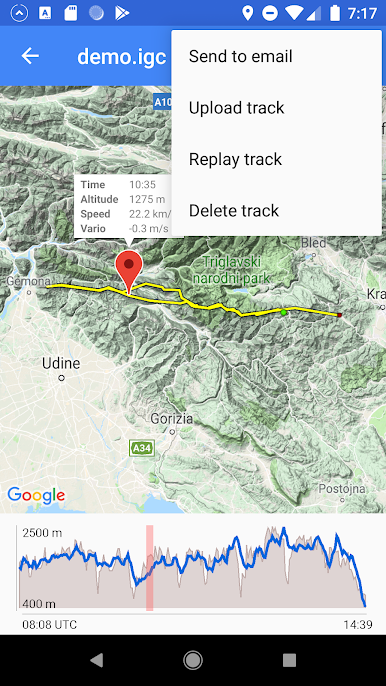
* Send IGC to email (zip option)
* Valid G record (FlyMe is approved by FAI Open Validation Server)
* IGC file wiewer
* Support for Bluetooth and USB devices
* Task editor with competition tasks support
* Vario beeper
Chơi FlyMe Experimental trên PC. Rất dễ để bắt đầu
-
Tải và cài đặt BlueStacks trên máy của bạn
-
Hoàn tất đăng nhập vào Google để đến PlayStore, hoặc thực hiện sau
-
Tìm FlyMe Experimental trên thanh tìm kiếm ở góc phải màn hình
-
Nhấn vào để cài đặt FlyMe Experimental trong danh sách kết quả tìm kiếm
-
Hoàn tất đăng nhập Google (nếu bạn chưa làm bước 2) để cài đặt FlyMe Experimental
-
Nhấn vào icon FlyMe Experimental tại màn hình chính để bắt đầu chơi

