


Sniper Shot 3D -Call of Sniper
Graj na PC z BlueStacks – Platforma gamingowa Android, która uzyskała zaufanie ponad 500 milionów graczy!

Strona zmodyfikowana w dniu: Aug 13, 2024
Play Sniper Shot 3D -Call of Sniper on PC or Mac
Explore a whole new adventure with Sniper Shot 3D -Call of Sniper, a Action game created by Mouse Games. Experience great gameplay with BlueStacks, the most popular gaming platform to play Android games on your PC or Mac.
About the Game
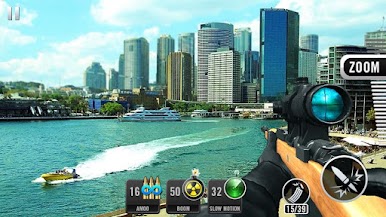
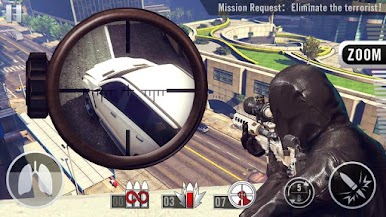
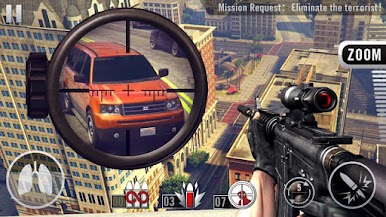
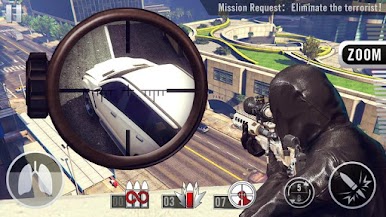
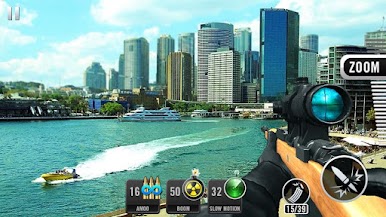
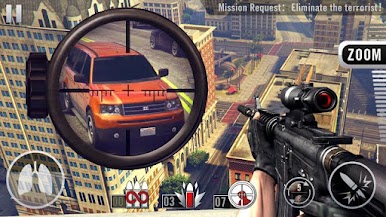
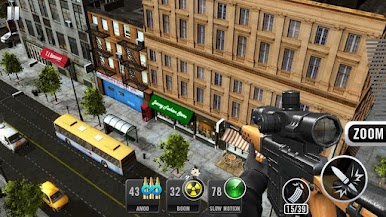
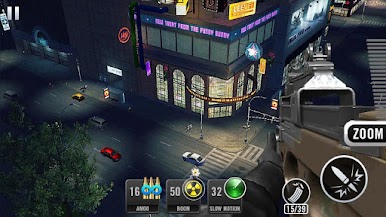
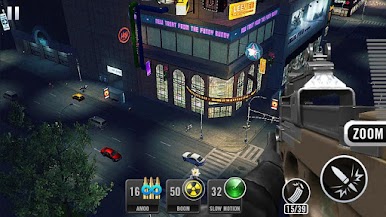
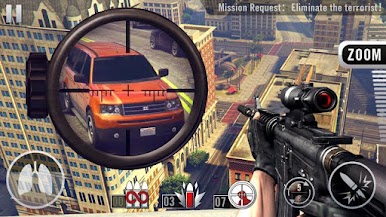
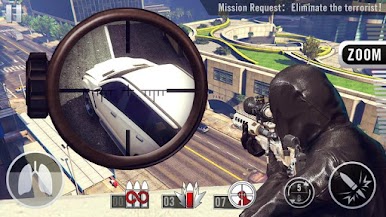
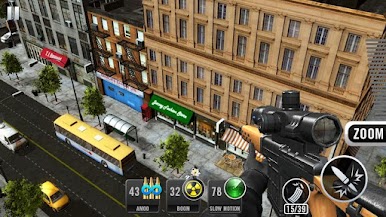
Looking for a pulse-pounding shooter that keeps you coming back for “just one more mission”? Sniper Shot 3D -Call of Sniper from Mouse Games puts you in the boots of an undercover operative who’s got a knack for getting things done—quietly, efficiently, and usually from way across the street. You’ll hop between intense scenarios where every shot counts, pushing your aim and tactical senses to the limit. On PC with BlueStacks, the action feels even smoother, letting you focus on making that perfect shot.
Game Features
-
Over 100 Action-Packed Missions
There’s always a target in your sights with a huge collection of unique missions. Each one mixes things up, so you’re never doing the same job twice. -
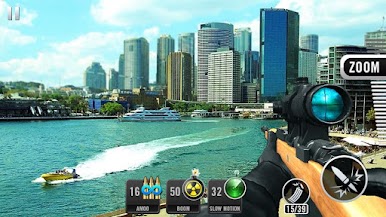
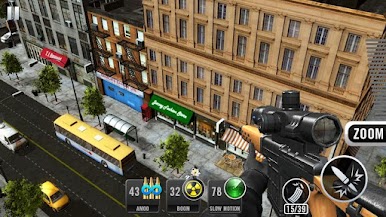
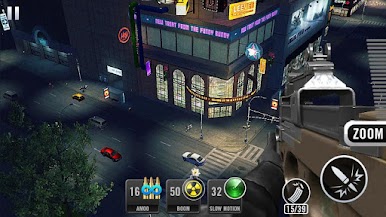
Sleek 3D Graphics & Controls
The environments really pop thanks to impressive 3D visuals, and the controls are crisp—no messy aiming here, especially handy when you’re a split second away from finishing the job. -
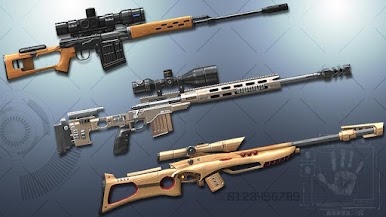
Tons of Weapons
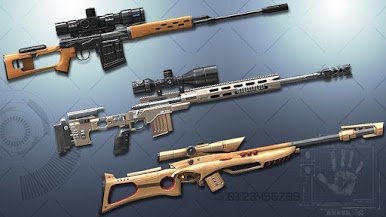
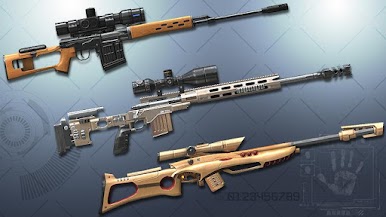
Why settle for just one favorite rifle? Unlock and experiment with an arsenal ranging from classic sniper rifles to shotguns and machine guns. Each weapon brings its own flair to the mission. -
Strategic Gameplay
You’re not just blasting away. Scouting locations, planning your shots, and timing each move is key—sometimes patience wins over a quick trigger finger. -
Immerse Yourself Anywhere
Play on the go or load up your favorite missions using BlueStacks to get that PC-level experience and really soak in the action whenever you want.
Slay your opponents with your epic moves. Play it your way on BlueStacks and dominate the battlefield.

Zagraj w Sniper Shot 3D -Call of Sniper na PC. To takie proste.
-
Pobierz i zainstaluj BlueStacks na PC
-
Zakończ pomyślnie ustawienie Google, aby otrzymać dostęp do sklepu Play, albo zrób to później.
-
Wyszukaj Sniper Shot 3D -Call of Sniper w pasku wyszukiwania w prawym górnym rogu.
-
Kliknij, aby zainstalować Sniper Shot 3D -Call of Sniper z wyników wyszukiwania
-
Ukończ pomyślnie rejestrację Google (jeśli krok 2 został pominięty) aby zainstalować Sniper Shot 3D -Call of Sniper
-
Klinij w ikonę Sniper Shot 3D -Call of Sniper na ekranie startowym, aby zacząć grę

