


Ragnarok: Monster World
Graj na PC z BlueStacks – Platforma gamingowa Android, która uzyskała zaufanie ponad 500 milionów graczy!

Strona zmodyfikowana w dniu: Sep 29, 2025
Play Ragnarok: Monster World on PC
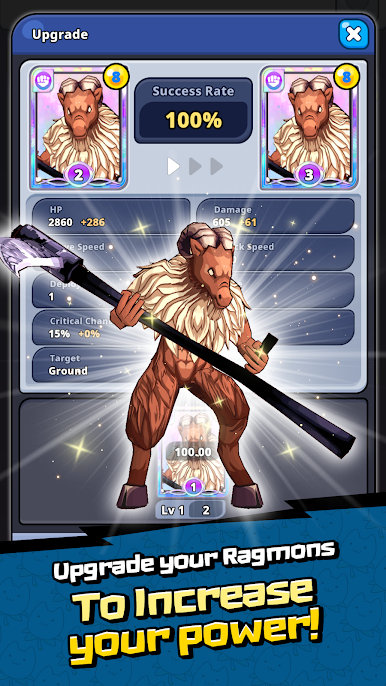
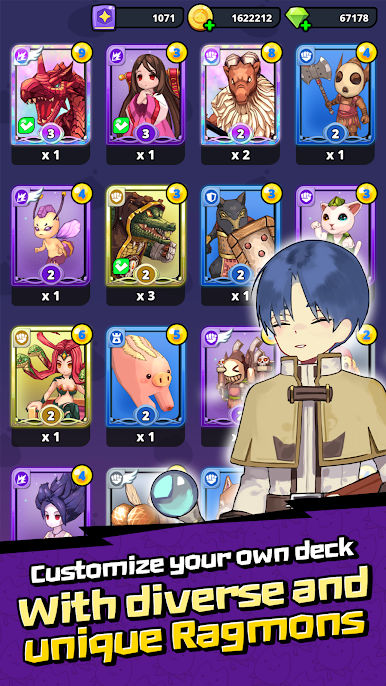
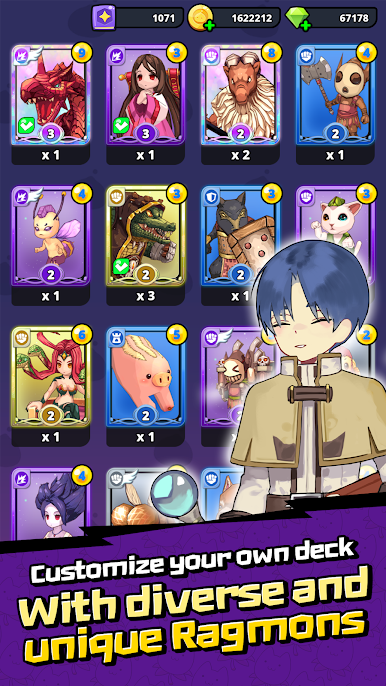
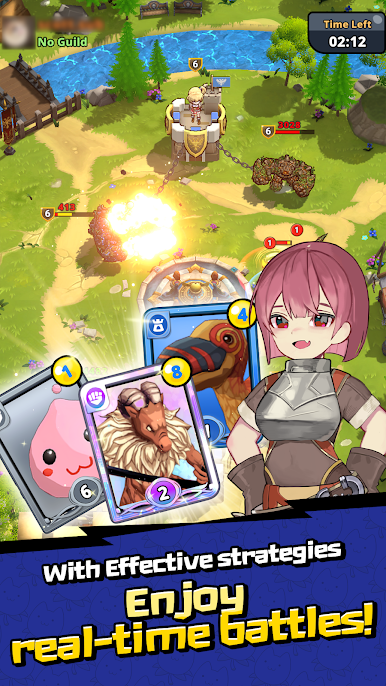
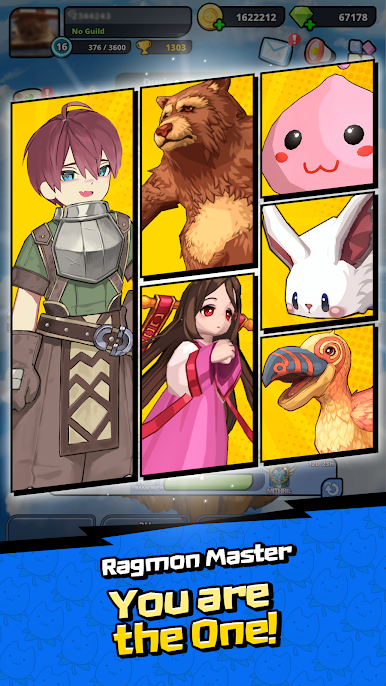
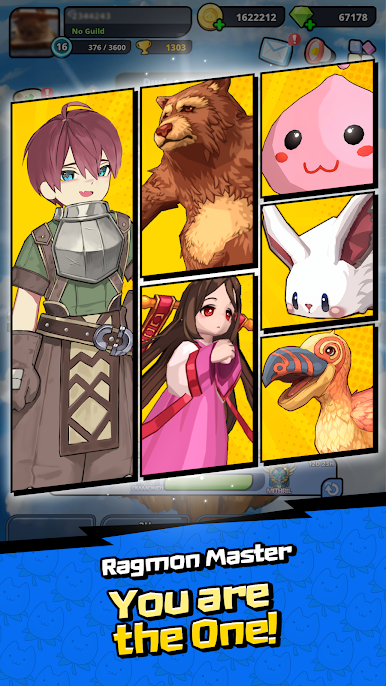
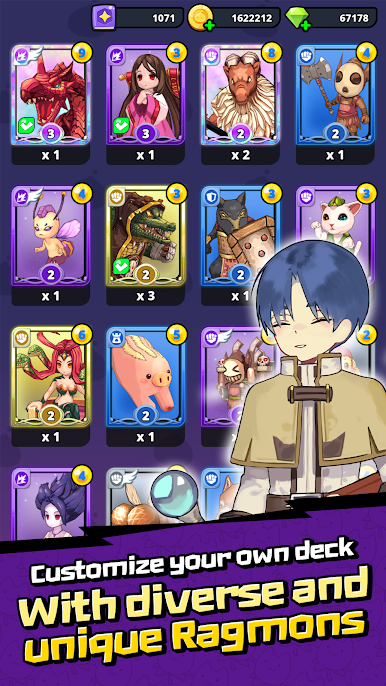
◆ Build Your Ultimate Monster Deck
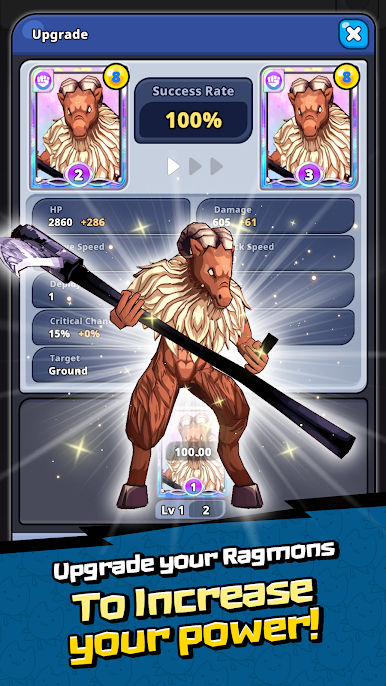
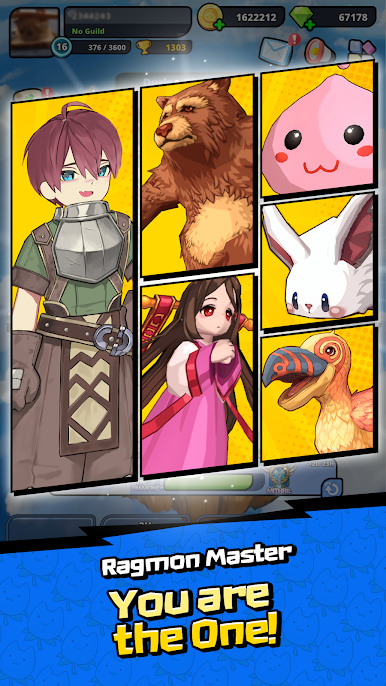
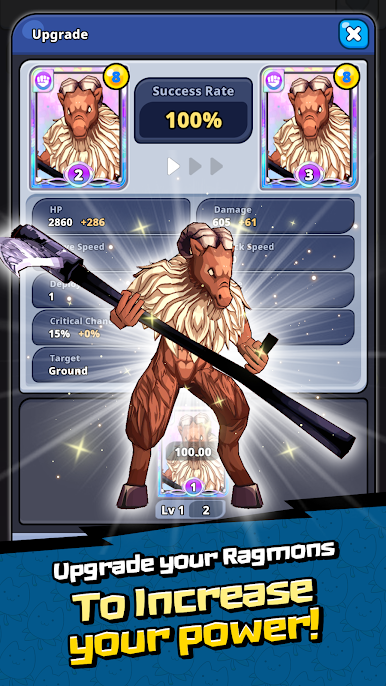
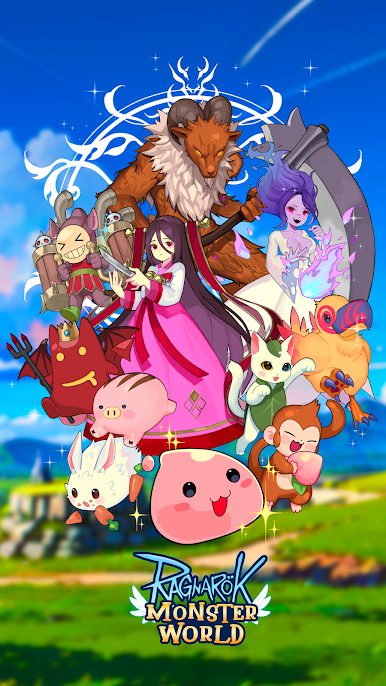
Discover and collect unique monsters from Ragnarok Online. Craft a one-of-a-kind battle deck with endless combinations tailored to your strategy.
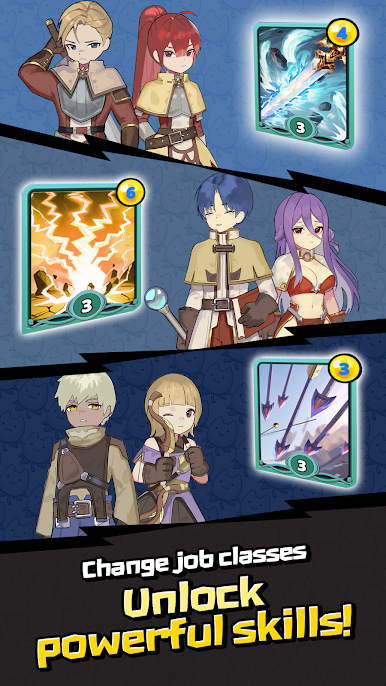
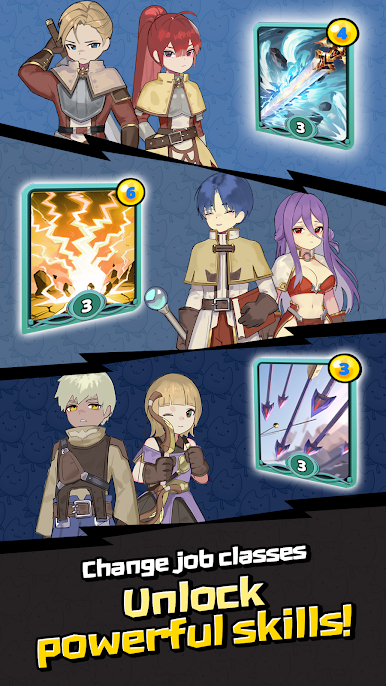
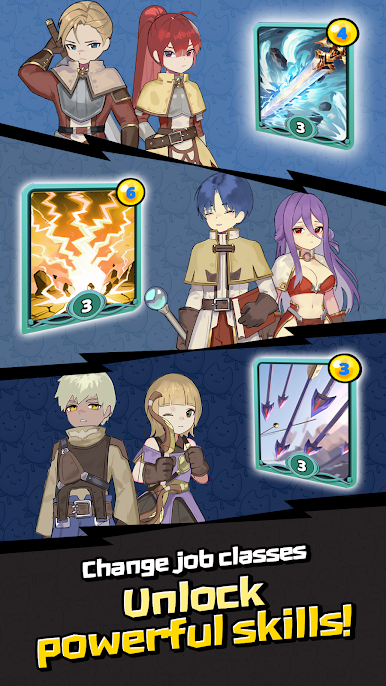
◆ Advance to Powerful Classes
Take control as the character in-game, leading your monster deck to victory! Unlock and advance to powerful classes that amplify your tactics and combat strategies, forging your path to becoming the ultimate warrior.
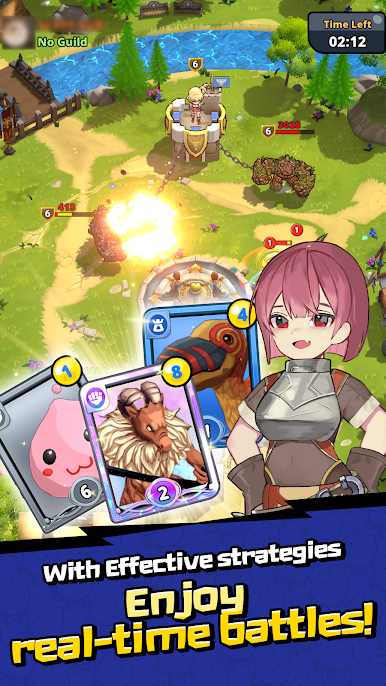
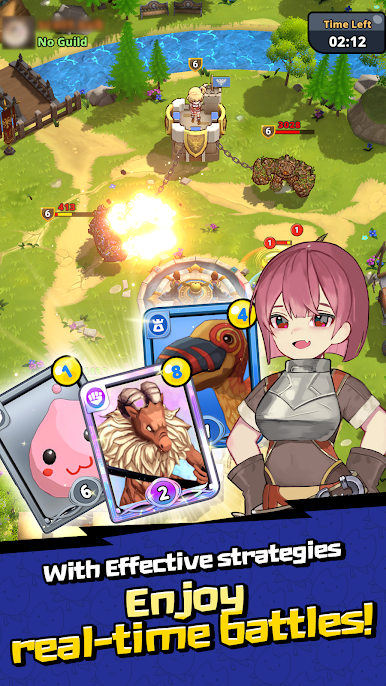
◆ Real-Time Global Battles
Engage in fierce real-time battles with players from around the world. Put your strategies and skills to the test in exciting PvP duels!
Note: Ragnarok: Monster World is free to play, but some in-game items are available for purchase with real money.

Zagraj w Ragnarok: Monster World na PC. To takie proste.
-
Pobierz i zainstaluj BlueStacks na PC
-
Zakończ pomyślnie ustawienie Google, aby otrzymać dostęp do sklepu Play, albo zrób to później.
-
Wyszukaj Ragnarok: Monster World w pasku wyszukiwania w prawym górnym rogu.
-
Kliknij, aby zainstalować Ragnarok: Monster World z wyników wyszukiwania
-
Ukończ pomyślnie rejestrację Google (jeśli krok 2 został pominięty) aby zainstalować Ragnarok: Monster World
-
Klinij w ikonę Ragnarok: Monster World na ekranie startowym, aby zacząć grę

