

Zoho Survey
Chơi trên PC với BlueStacks - Nền tảng chơi game Android, được hơn 500 triệu game thủ tin tưởng.

Trang đã được sửa đổi vào: Dec 11, 2025
Run Zoho Survey on PC or Mac
Let BlueStacks turn your PC, Mac, or laptop into the perfect home for Zoho Survey, a fun Productivity app from Zoho Corporation.
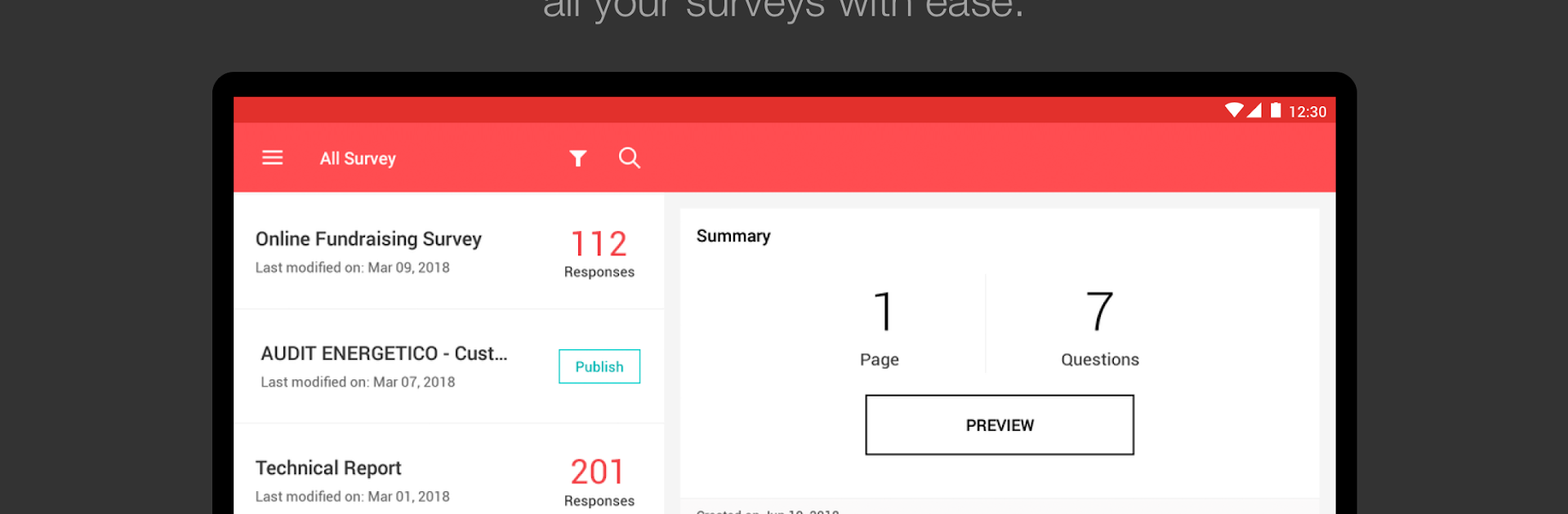
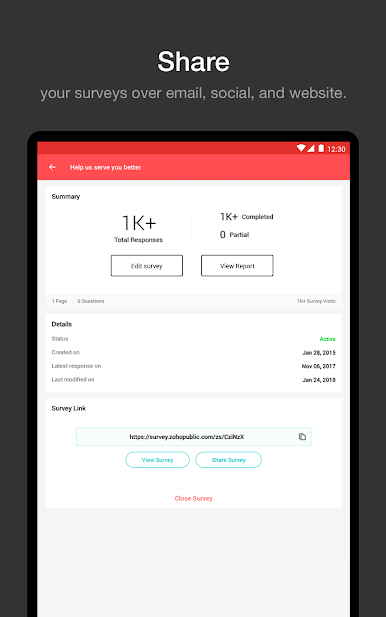
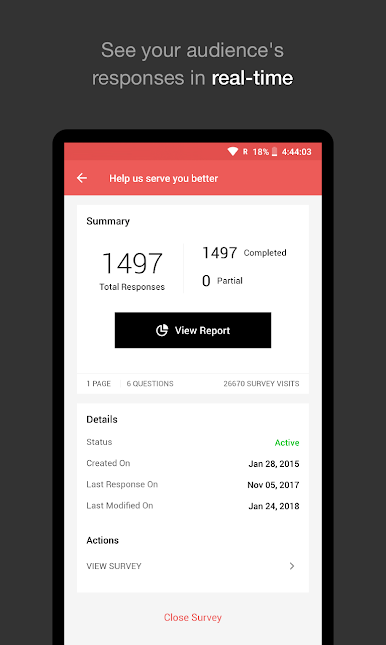
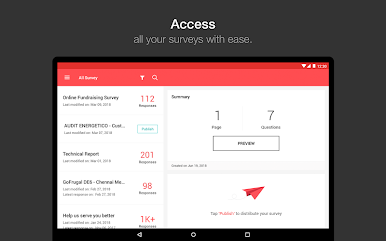
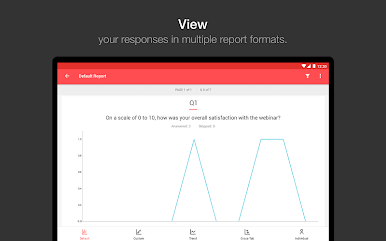
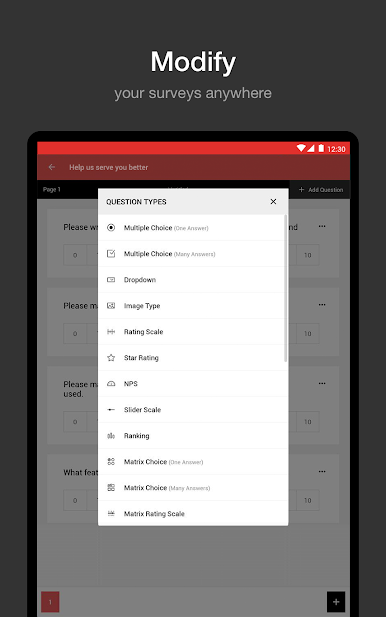
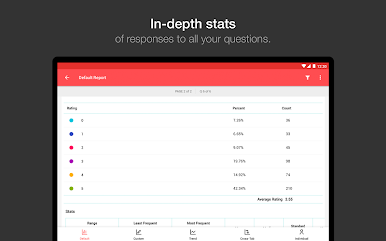
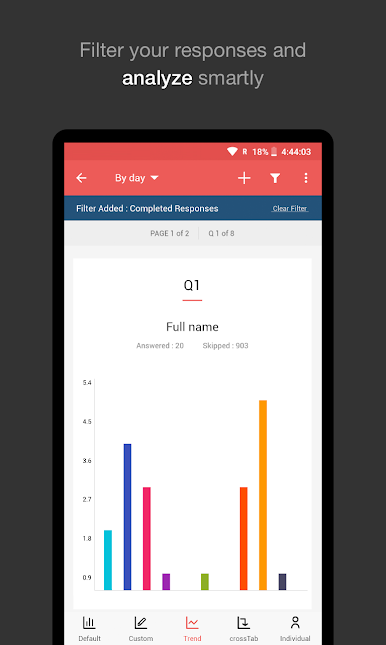
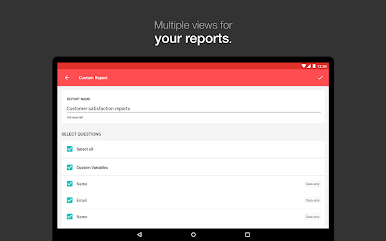
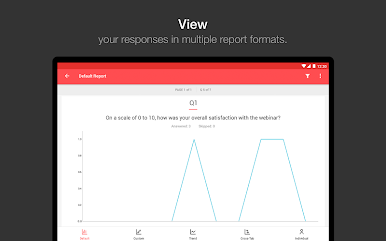
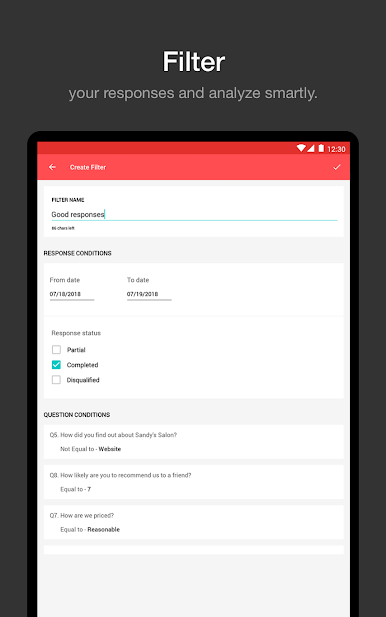
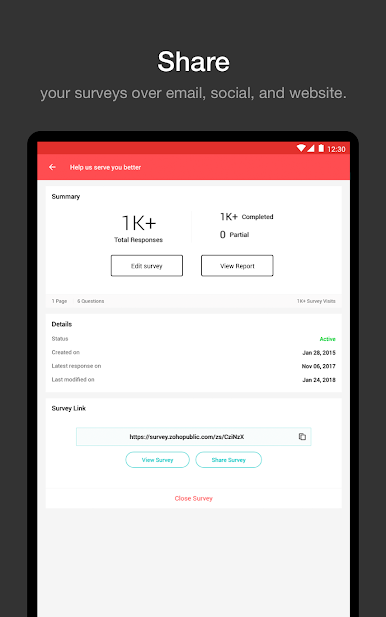
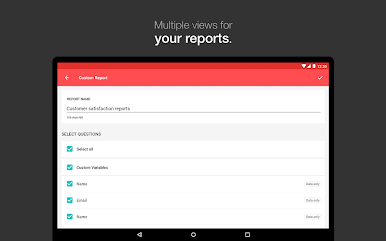
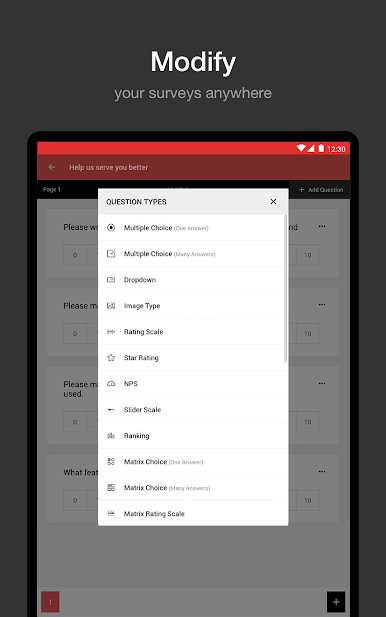
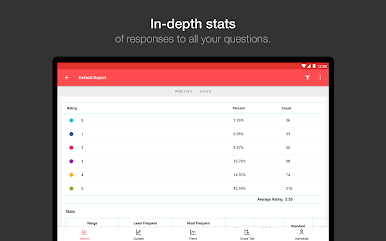
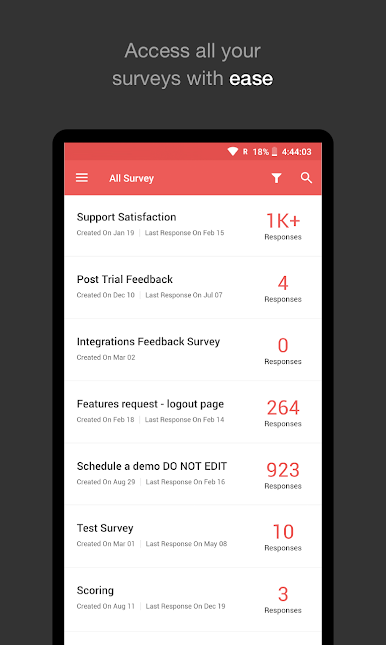
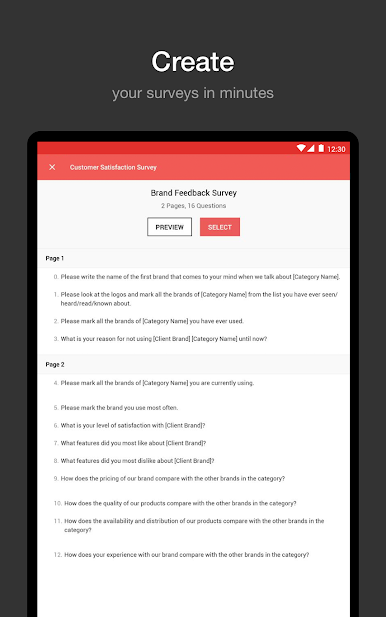
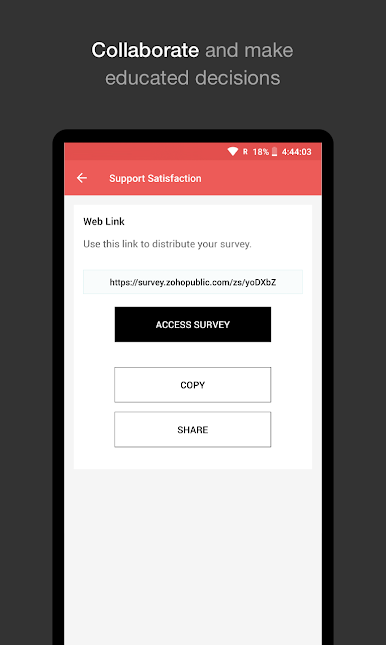
Zoho Survey feels like a tidy little control room for running surveys without hauling a laptop around. It lets someone spin up a questionnaire, tweak the wording, reorder questions, and launch it wherever they are, whether that is a trip, a hallway outside a meeting, or just the couch. Sharing is simple, they can push the survey through whatever channels they already use and start seeing responses roll in. The reports are the part that stands out. Results show up fast, and the app makes it easy to filter, compare, and view them as charts, so trends pop out instead of getting buried in a wall of numbers. There is an option to schedule reports too, which means regular updates land without babysitting. If something looks off, deleting a response is right there, no hunting.
On a bigger screen with BlueStacks, the whole thing feels calmer. Typing long questions is quicker, dragging items into place is less fussy, and those charts breathe a bit, which helps when comparing segments side by side. Accessing survey details is straightforward, and the layout does not feel crammed. It is not flashy, more practical, like a solid toolkit for anyone who needs to build, launch, and actually understand a survey in real time.
Big screen. Bigger performance. Use BlueStacks on your PC or Mac to run your favorite apps.
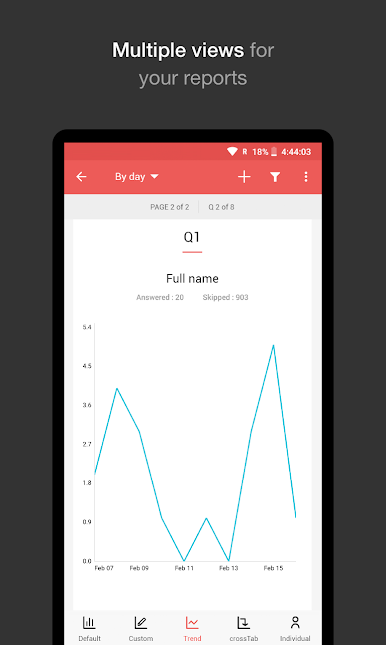
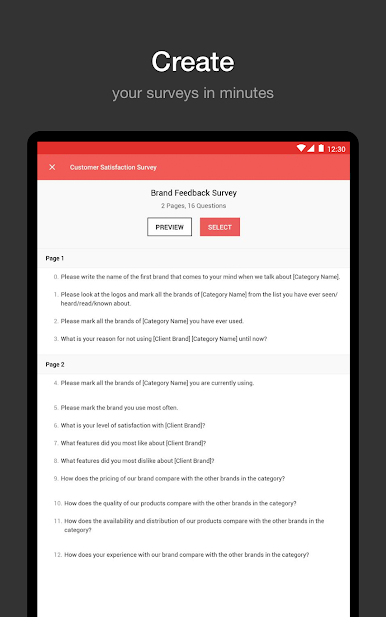
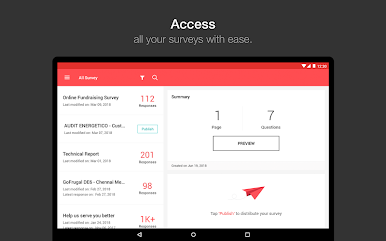
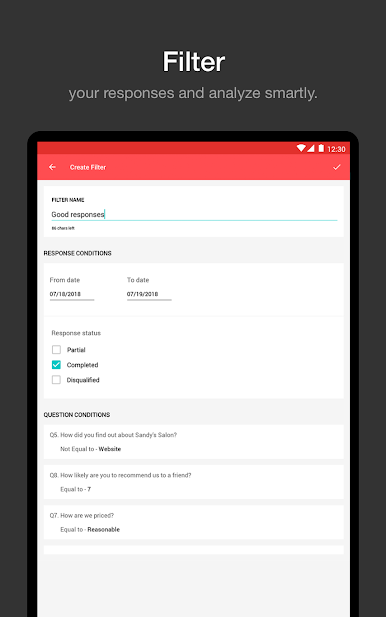
Chơi Zoho Survey trên PC. Rất dễ để bắt đầu
-
Tải và cài đặt BlueStacks trên máy của bạn
-
Hoàn tất đăng nhập vào Google để đến PlayStore, hoặc thực hiện sau
-
Tìm Zoho Survey trên thanh tìm kiếm ở góc phải màn hình
-
Nhấn vào để cài đặt Zoho Survey trong danh sách kết quả tìm kiếm
-
Hoàn tất đăng nhập Google (nếu bạn chưa làm bước 2) để cài đặt Zoho Survey
-
Nhấn vào icon Zoho Survey tại màn hình chính để bắt đầu chơi

