


Tee Speicher
Graj na PC z BlueStacks – Platforma gamingowa Android, która uzyskała zaufanie ponad 500 milionów graczy!

Strona zmodyfikowana w dniu: Apr 9, 2023
Play Tea Memory on PC
Functions:
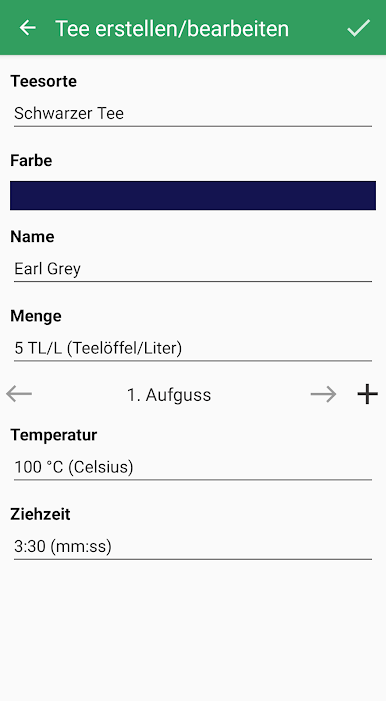
• Save, edit and delete teas
• Name, variety, temperature, amout, time
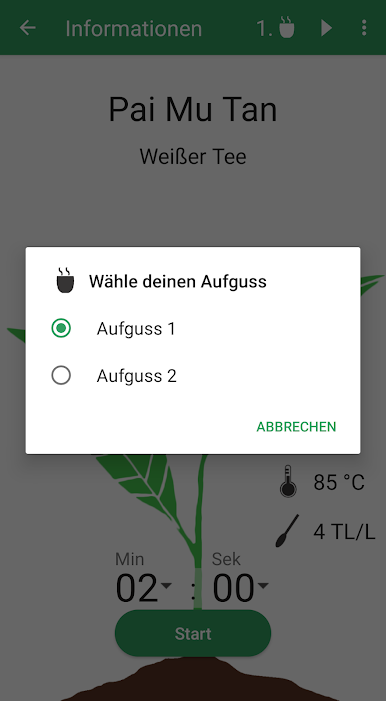
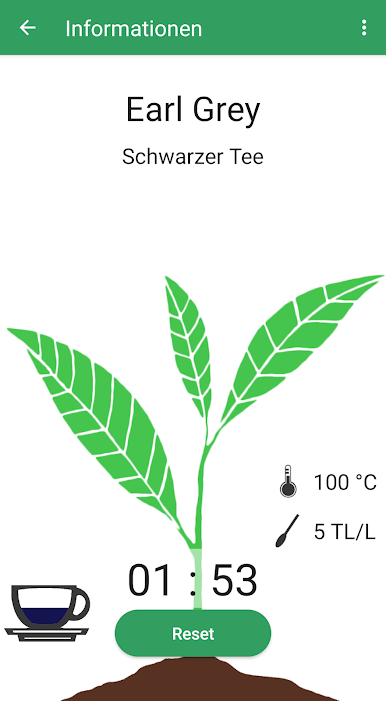
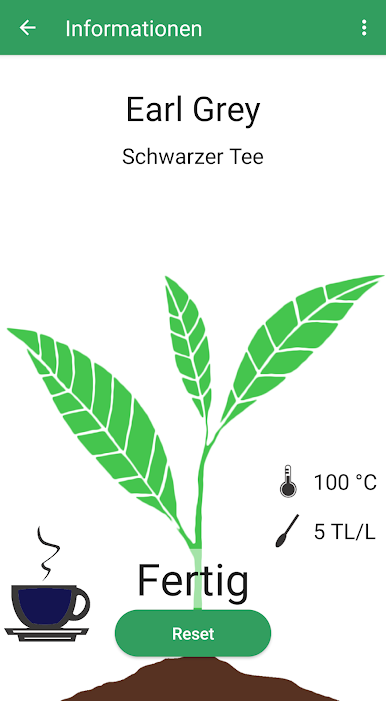
• For each tea a timer can be set
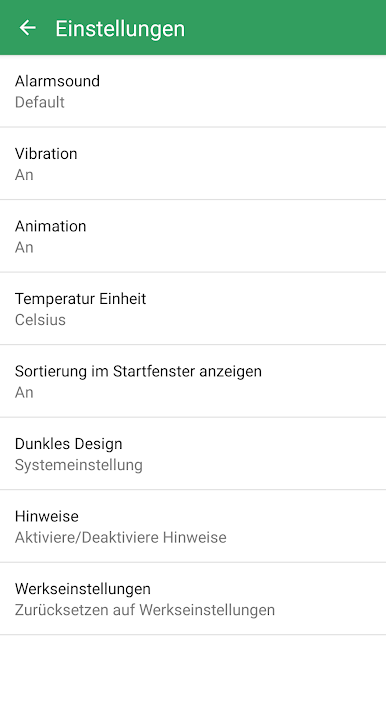
• Melody for the timer is selectable
• Additional notification and vibration
• Several brews possible
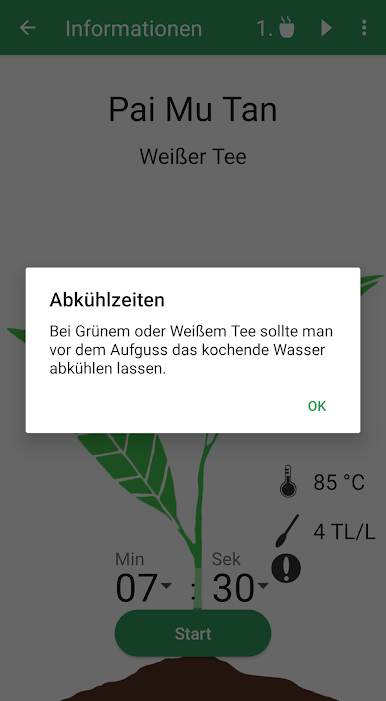
• Cooling time for water, can be entered or calculated approximately
• Choose between Fahrenheit and Celsius
• And between g/L (gram per liter), ts/L (teaspoon per liter) and tb/L (teabag per liter)
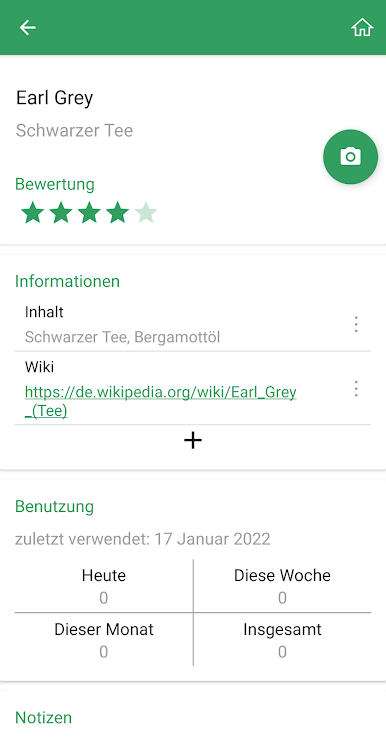
• Save further details about the tea
• Teas are listed
• Sort by last activity, alphabetically, variety or rating
• Search
About feedback or suggestions I would be happy.
Have fun with the app.

Zagraj w Tee Speicher na PC. To takie proste.
-
Pobierz i zainstaluj BlueStacks na PC
-
Zakończ pomyślnie ustawienie Google, aby otrzymać dostęp do sklepu Play, albo zrób to później.
-
Wyszukaj Tee Speicher w pasku wyszukiwania w prawym górnym rogu.
-
Kliknij, aby zainstalować Tee Speicher z wyników wyszukiwania
-
Ukończ pomyślnie rejestrację Google (jeśli krok 2 został pominięty) aby zainstalować Tee Speicher
-
Klinij w ikonę Tee Speicher na ekranie startowym, aby zacząć grę

