


JoiPlay
Chơi trên PC với BlueStacks - Nền tảng chơi game Android, được hơn 500 triệu game thủ tin tưởng.

Trang đã được sửa đổi vào: Sep 16, 2026
Tổng quan
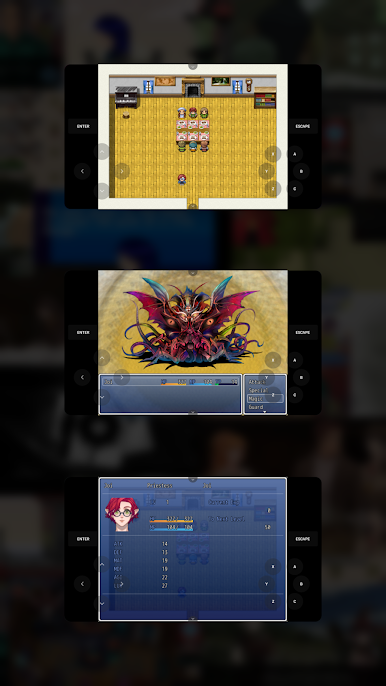
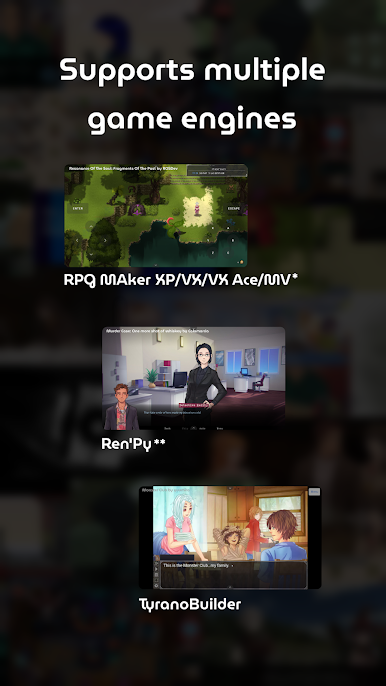
* RPG Maker Plugin for JoiPlay must be installed to play RPG Maker XP, VX and VX Ace games.
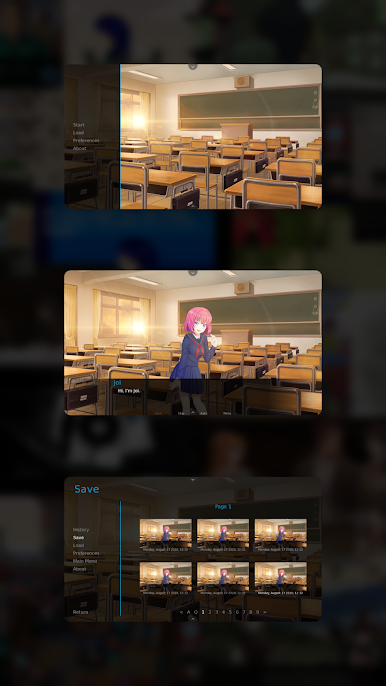
** Ren'Py Plugin for JoiPlay must be installed to play Ren'Py games.
Features:
-> Cross-platform save file support.
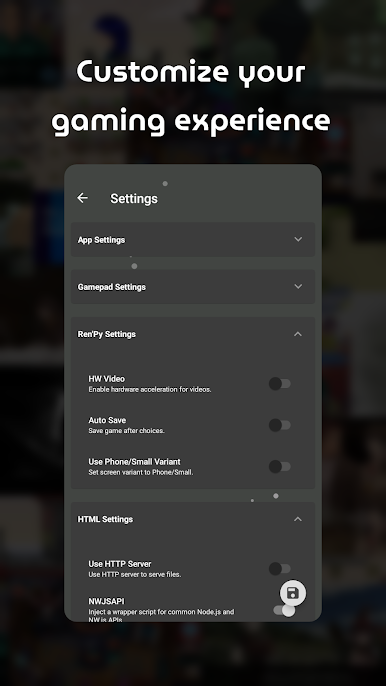
-> Advanced settings for game types.
-> Built-in cheat menus for supported game types.
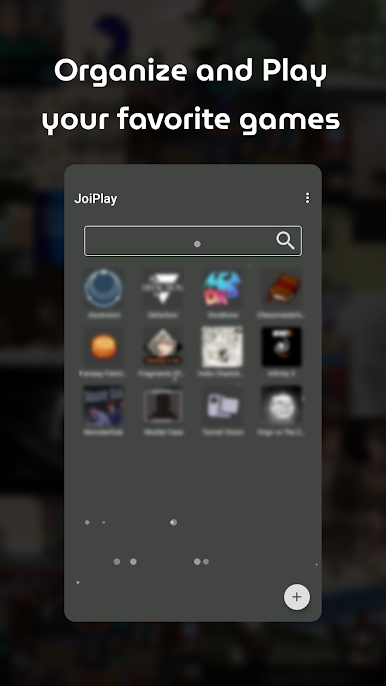
-> Easy-to-use and modern user interface.
Compatibility:
JoiPlay doesn't emulate Windows or any operation system so games that depend on Windows APIs or uncommon Node.js classes/functions won't work. Estimated compatibility rates are 70% for RPG Maker XP/VX/VX Ace games and %90 for other game types.
Required Permissions:
Storage permission is required to read and write game files.
Note:
JoiPlay doesn't includes any games and requires legally obtained game files to play them.
RPG Maker XP, RPG Maker VX, RPG Maker VX Ace and RPG Maker MV are trademarks of Enterbrain. TyranoBuilder is a trademark of STRIKEWORKS.
-> Terms of Service: https://joiplay.cyou/tos.html
-> Privacy Policy: https://joiplay.cyou/privacy.html
Chơi JoiPlay trên PC. Rất dễ để bắt đầu
-
Tải và cài đặt BlueStacks trên máy của bạn
-
Hoàn tất đăng nhập vào Google để đến PlayStore, hoặc thực hiện sau
-
Tìm JoiPlay trên thanh tìm kiếm ở góc phải màn hình
-
Nhấn vào để cài đặt JoiPlay trong danh sách kết quả tìm kiếm
-
Hoàn tất đăng nhập Google (nếu bạn chưa làm bước 2) để cài đặt JoiPlay
-
Nhấn vào icon JoiPlay tại màn hình chính để bắt đầu chơi

