


Rejseplanen
Graj na PC z BlueStacks – Platforma gamingowa Android, która uzyskała zaufanie ponad 500 milionów graczy!

Strona zmodyfikowana w dniu: Feb 21, 2024
Play Rejseplanen on PC
Features:
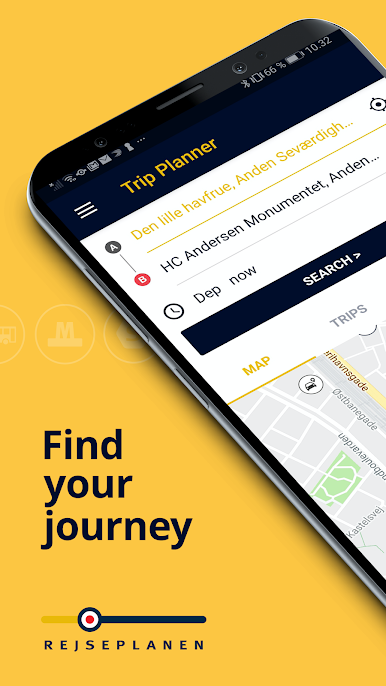
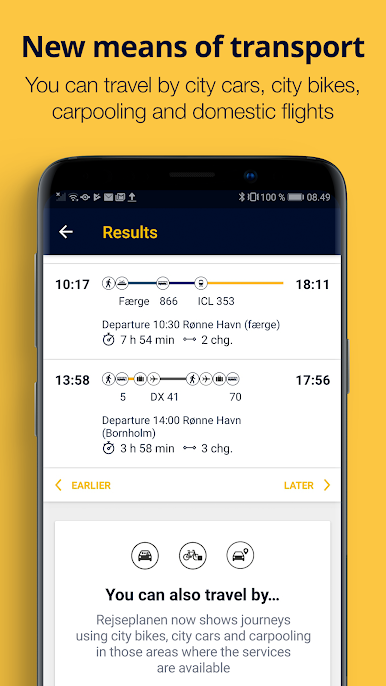
* search for journeys between all addresses, stations, stops and points of interest in all of Denmark
* see departures from your nearest stops or stations
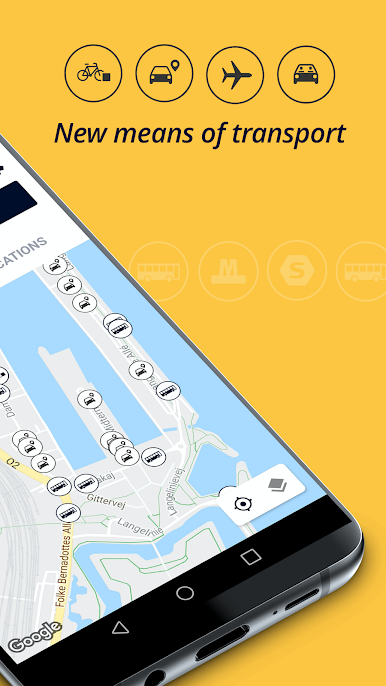
* see a map of your walk to the station or stop (Google Maps)
* see current status of most trains, the Copenhagen Metro and busses
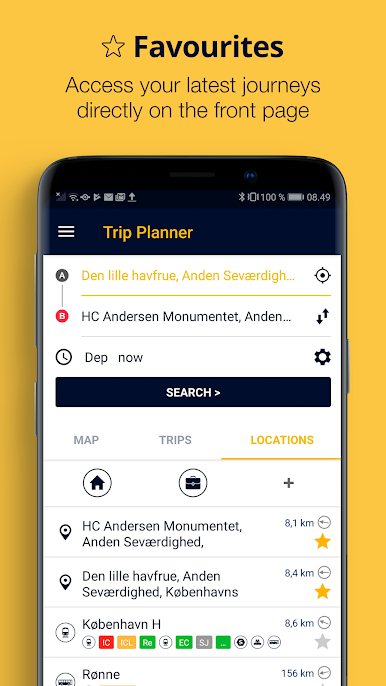
* access your previous searches easily
* use the "Take me home" button which with one touch will show you a journey from where you are now to your home address
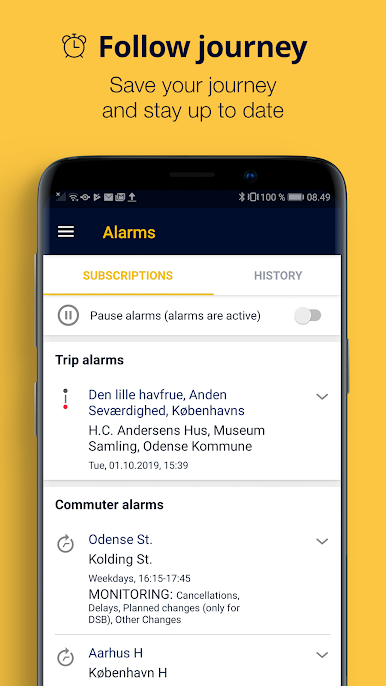
* follow your most used journeys and get an alarm if something is changed on the journey
Zagraj w Rejseplanen na PC. To takie proste.
-
Pobierz i zainstaluj BlueStacks na PC
-
Zakończ pomyślnie ustawienie Google, aby otrzymać dostęp do sklepu Play, albo zrób to później.
-
Wyszukaj Rejseplanen w pasku wyszukiwania w prawym górnym rogu.
-
Kliknij, aby zainstalować Rejseplanen z wyników wyszukiwania
-
Ukończ pomyślnie rejestrację Google (jeśli krok 2 został pominięty) aby zainstalować Rejseplanen
-
Klinij w ikonę Rejseplanen na ekranie startowym, aby zacząć grę

