

Screen Mirroring Pro App
Graj na PC z BlueStacks – Platforma gamingowa Android, która uzyskała zaufanie ponad 500 milionów graczy!

Strona zmodyfikowana w dniu: Dec 16, 2025
Run Screen Mirroring Pro App on PC or Mac
Why limit yourself to your small screen on the phone? Run Screen Mirroring Pro App, an app by 2kit consulting, best experienced on your PC or Mac with BlueStacks, the world’s #1 Android emulator.
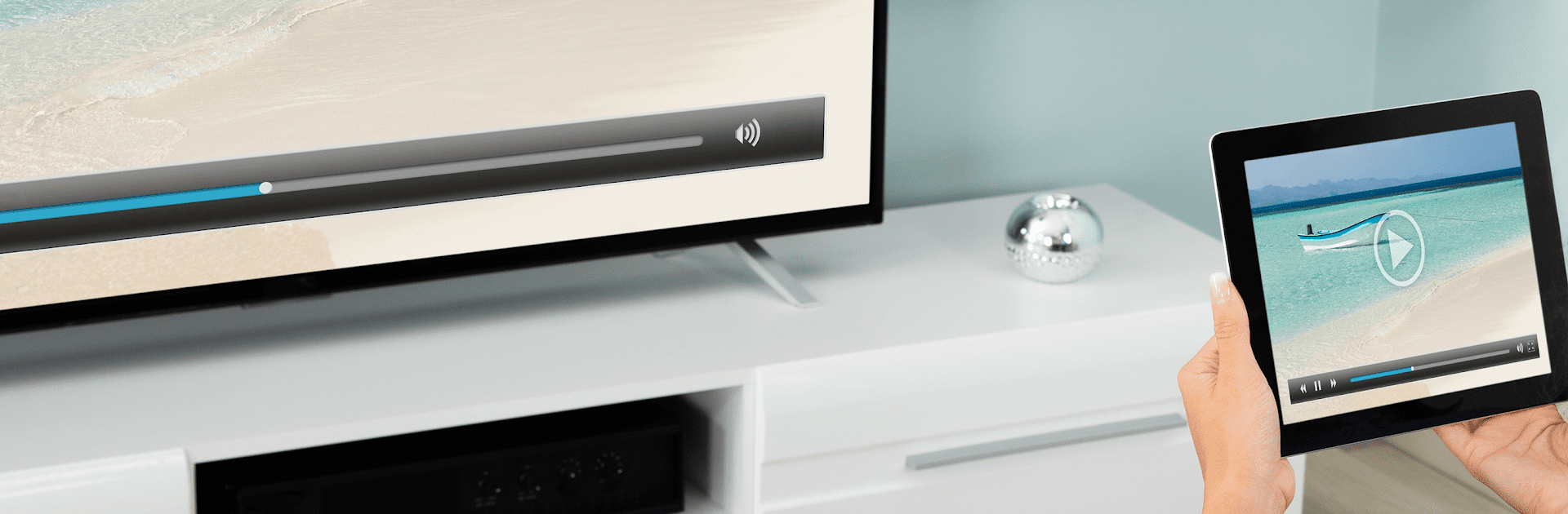
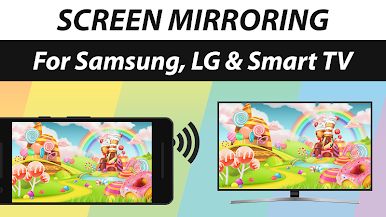
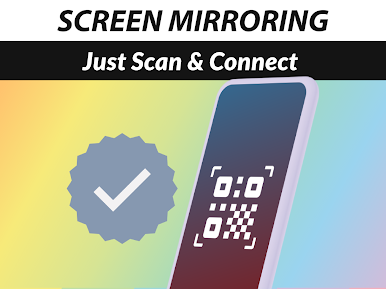
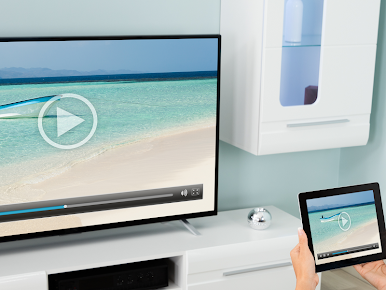
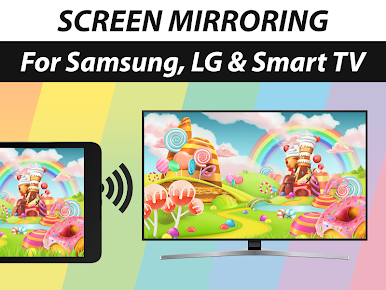
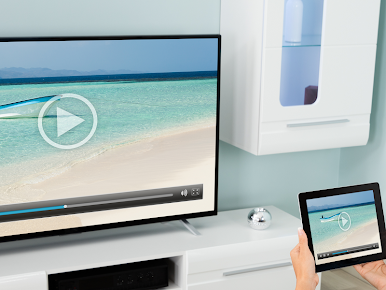
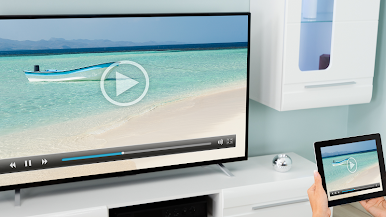
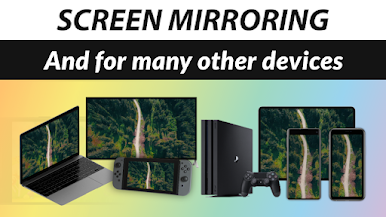
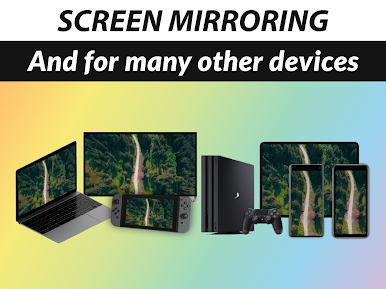
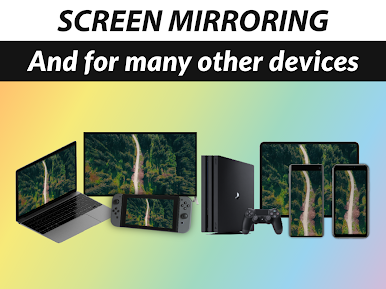
Screen Mirroring Pro App feels like a straight shot from phone or tablet to a bigger screen, with sound included. It mirrors in HD over wifi or internet, no cables, and it does not need a companion app on the TV or receiver. As long as the target device has a web browser, it usually works. That includes Samsung, LG, Sony, Panasonic, Hisense, Philips and the rest, plus laptops, PCs, even a smart fridge or a gaming console browser if someone wants to be fancy. Setup is quick, tap a few things, and the screen shows up. Performance depends on the network, so a strong 5 GHz wifi makes it look crisp and keeps stutter low. There can be a little delay, so it shines for photos, videos, apps, websites, slides and casual games, but twitchy games will not feel perfect.
Running it on a PC with BlueStacks is surprisingly handy. Controls feel tidy with keyboard and mouse, and the app still finds TVs on the same network without drama. Audio support kicks in on Android 10 and newer, which is worth noting if someone is using an older device profile. Quality scales well, and when the network dips, the stream keeps going with minor compression instead of just giving up. The built-in help is easy to reach, and the whole thing stays clean and simple to live with.
BlueStacks gives you the much-needed freedom to experience your favorite apps on a bigger screen. Get it now.
Zagraj w Screen Mirroring Pro App na PC. To takie proste.
-
Pobierz i zainstaluj BlueStacks na PC
-
Zakończ pomyślnie ustawienie Google, aby otrzymać dostęp do sklepu Play, albo zrób to później.
-
Wyszukaj Screen Mirroring Pro App w pasku wyszukiwania w prawym górnym rogu.
-
Kliknij, aby zainstalować Screen Mirroring Pro App z wyników wyszukiwania
-
Ukończ pomyślnie rejestrację Google (jeśli krok 2 został pominięty) aby zainstalować Screen Mirroring Pro App
-
Klinij w ikonę Screen Mirroring Pro App na ekranie startowym, aby zacząć grę

