

GD&T
Graj na PC z BlueStacks – Platforma gamingowa Android, która uzyskała zaufanie ponad 500 milionów graczy!

Strona zmodyfikowana w dniu: Feb 21, 2022
Run GD&T on PC or Mac
Get freedom from your phone’s obvious limitations. Use GD&T, made by Carl Zeiss, a Productivity app on your PC or Mac with BlueStacks, and level up your experience.
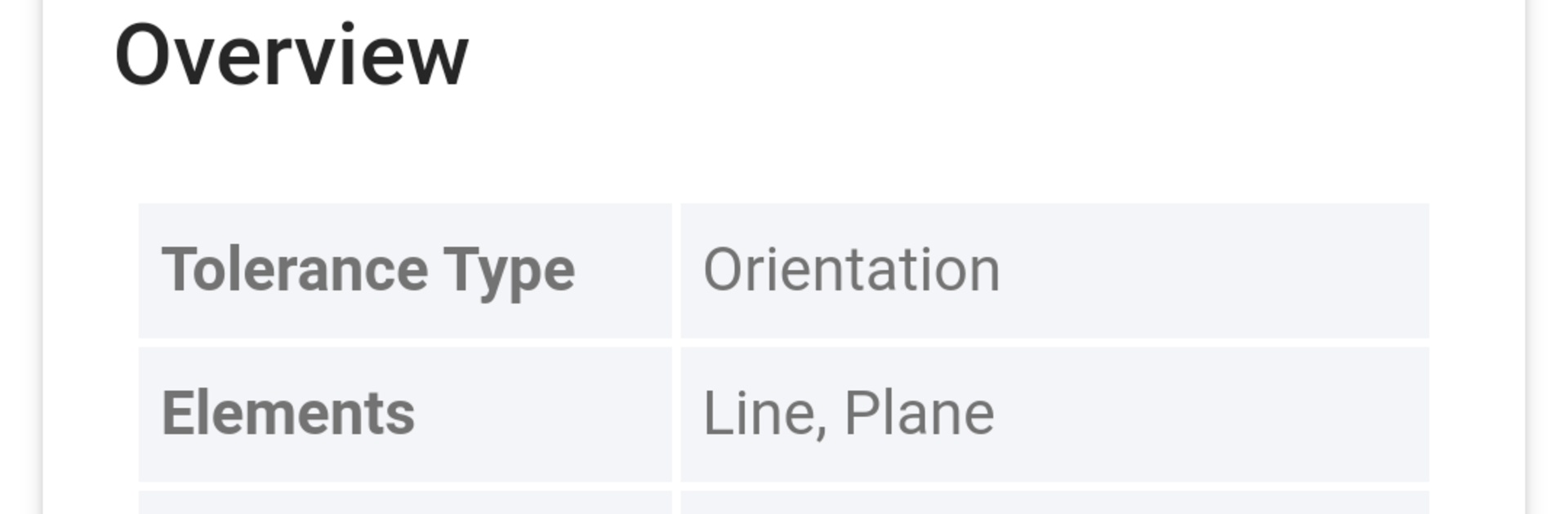
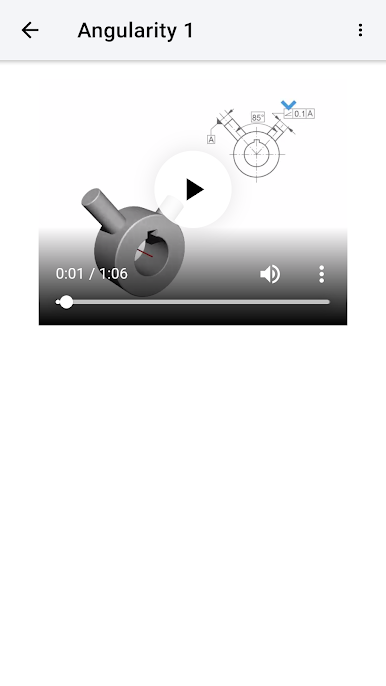
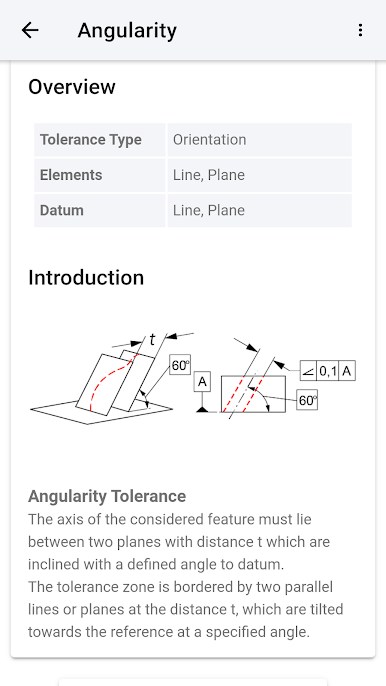
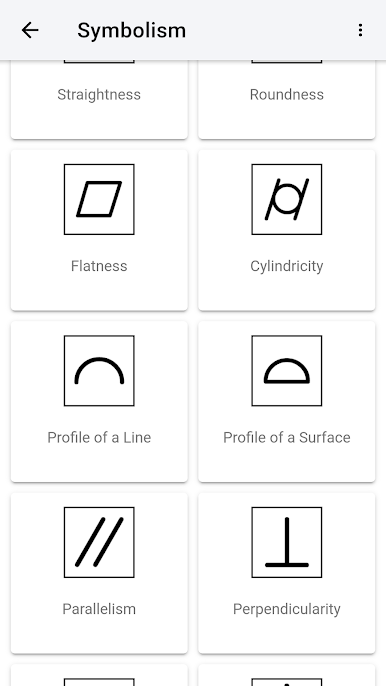
GD&T’s kind of like having a digital handbook for all that geometric dimensioning and tolerancing stuff, but way more visual than just flipping through a textbook. It explains a lot of those technical terms—straightness, roundness, parallelism, flatness, and so on—in plain language, and there are tons of examples for each one. The whole thing is pretty friendly to people who are learning this for the first time but still goes into enough detail for folks who want to check up on something specific at work.
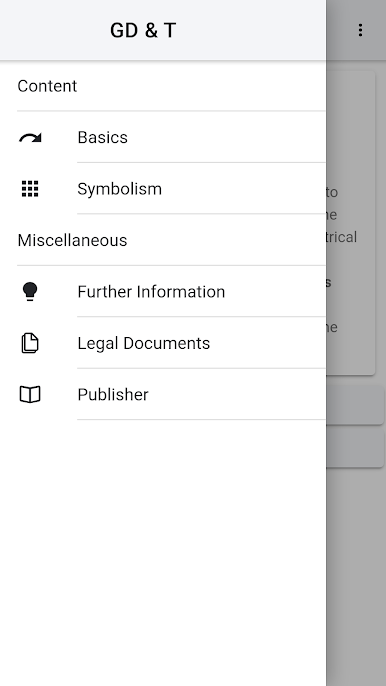
Using it on a bigger screen with BlueStacks makes it feel like you’re consulting an actual manual, but better, since you can see all the little animations clearly. The animations are a standout—there are a bunch, and watching them helps connect the definitions to the real-life shapes or positions they’re talking about. Everything’s divided up by the different tolerance types, so finding what you need doesn’t take long. It’s all based on ISO 1101, so it lines up with the standards people use day-to-day. Whether someone’s reviewing for a course, learning on the job, or just needs a quick refresher, the app makes all the complicated parts of GD&T seem a lot less intimidating.
BlueStacks gives you the much-needed freedom to experience your favorite apps on a bigger screen. Get it now.
Zagraj w GD&T na PC. To takie proste.
-
Pobierz i zainstaluj BlueStacks na PC
-
Zakończ pomyślnie ustawienie Google, aby otrzymać dostęp do sklepu Play, albo zrób to później.
-
Wyszukaj GD&T w pasku wyszukiwania w prawym górnym rogu.
-
Kliknij, aby zainstalować GD&T z wyników wyszukiwania
-
Ukończ pomyślnie rejestrację Google (jeśli krok 2 został pominięty) aby zainstalować GD&T
-
Klinij w ikonę GD&T na ekranie startowym, aby zacząć grę

