

CartoDruid - GIS offline tool
Graj na PC z BlueStacks – Platforma gamingowa Android, która uzyskała zaufanie ponad 500 milionów graczy!

Strona zmodyfikowana w dniu: Dec 15, 2025
Run CartoDruid - GIS offline tool on PC or Mac
Why limit yourself to your small screen on the phone? Run CartoDruid – GIS offline tool, an app by Instituto Tecnológico Agrario de Castilla y León, best experienced on your PC or Mac with BlueStacks, the world’s #1 Android emulator.
About the App
CartoDruid – GIS offline tool makes field mapping feel straightforward, even miles from a cell tower. Built by Instituto Tecnológico Agrario de Castilla y León, it’s a practical way to view maps, capture features, and edit georeferenced data right on-site—no advanced GIS background required. Prefer a bigger screen while you work? You can run it on BlueStacks as well.
App Features
- Work offline with confidence – Load raster and vector layers stored on your device and keep editing when coverage drops or disappears.
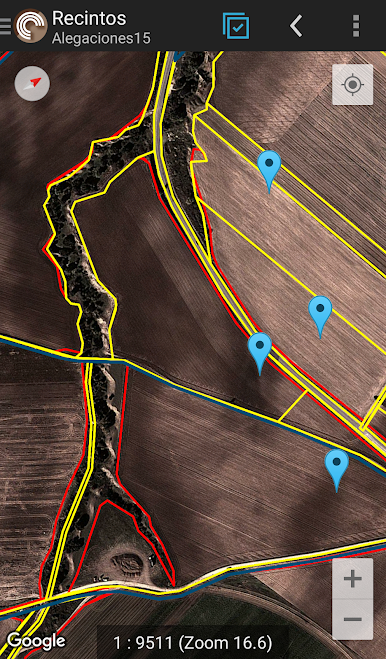
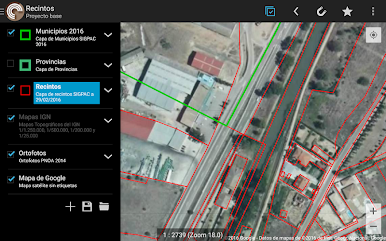
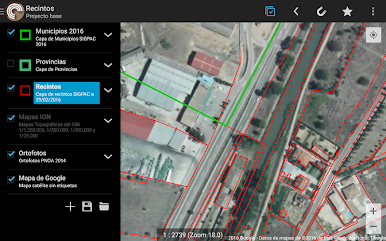
- Multiple map sources – Use Google basemaps when you’re online and bring in WMS layers for up-to-date contextual info.
- Vector and raster support – Handle vector cartography in SpatiaLite and imagery in RasterLite, so your projects stay fast and organized.
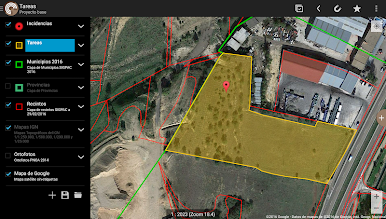
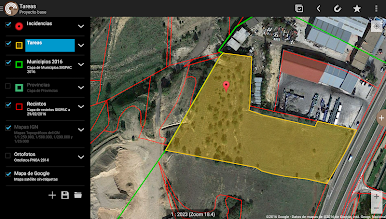
- Create and manage layers – Spin up new layers on the device, tweak their settings, and keep your table of contents tidy with clear layer controls.
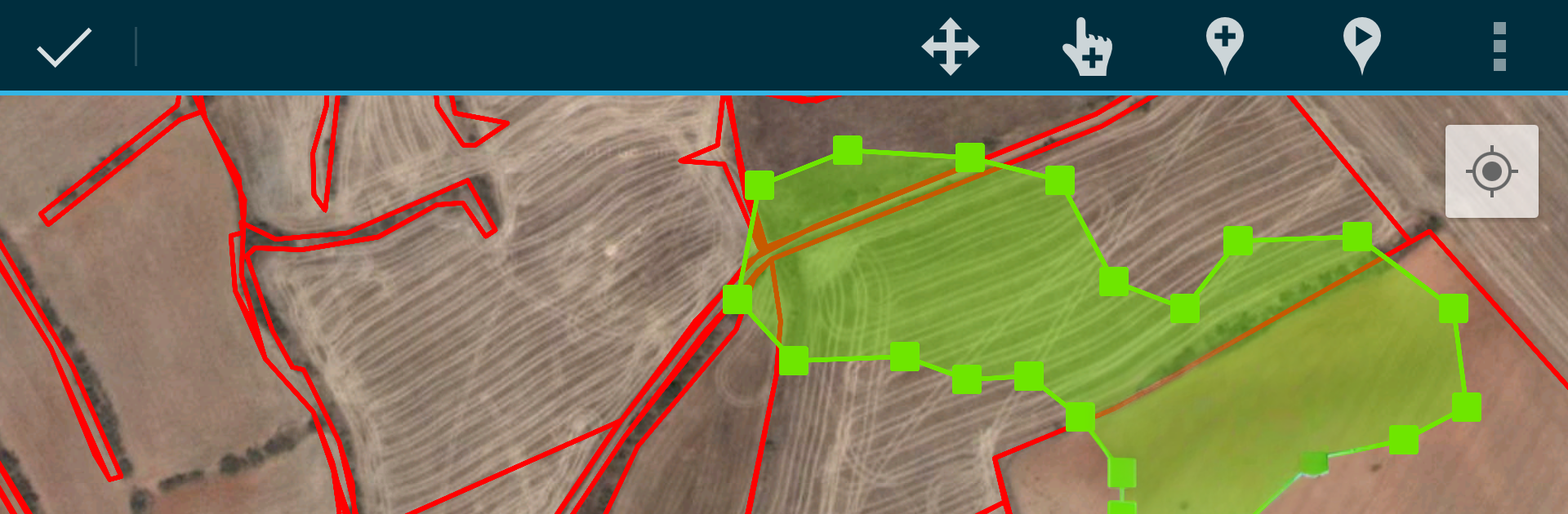
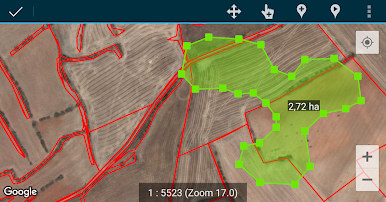
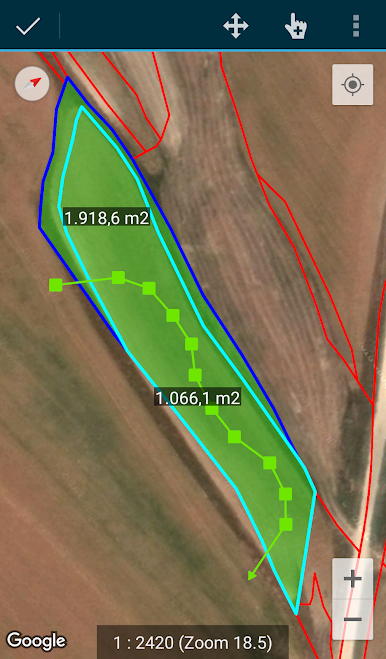
- Draw your data your way – Sketch points, lines, and polygons by hand, or capture vertices with the built-in GPS or an external receiver.
- Advanced geometry tools – Clean up shapes, adjust vertices, and refine features with editing options designed for real field use.
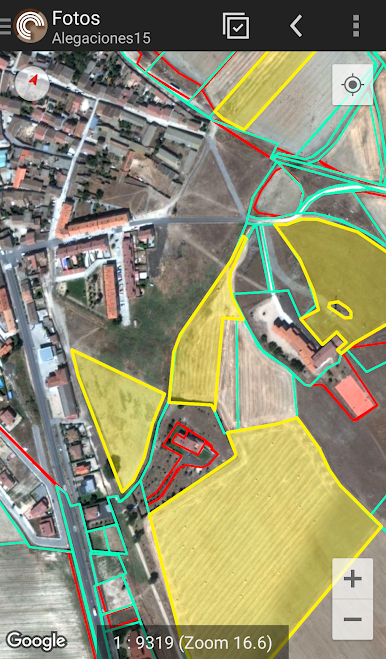
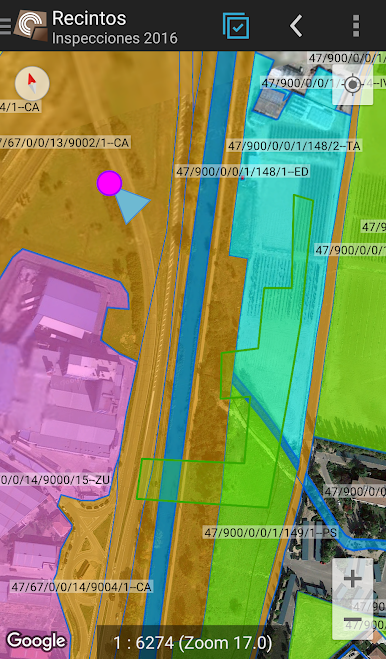
- Smart styling and queries – Apply symbology, labeling, and filters; build searches and forms powered by SQL to focus on exactly what you need.
- Attributes and photos – Edit field values on the spot and attach pictures to your features for better context later.
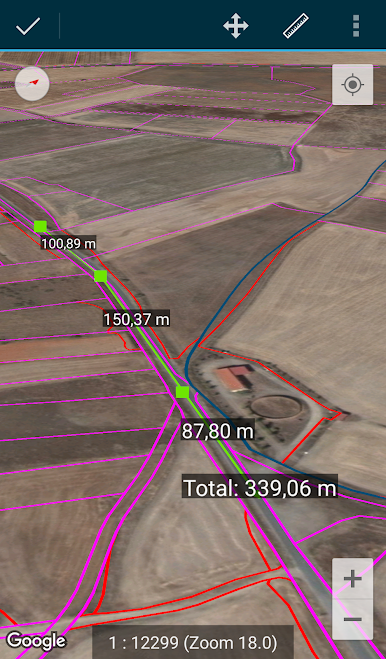
- Helpful utilities – Use SIGPAC search, measure distances and areas, set bookmarks, and tap navigation aids to move around faster.
- Import and export made easy – Exchange data in common formats; SHP support is available as an experimental option.
- Privacy and control – Location is used solely to position you on the map or add geometry vertices. Everything’s stored locally; removing the project folder clears your data.
BlueStacks gives you the much-needed freedom to experience your favorite apps on a bigger screen. Get it now.

Zagraj w CartoDruid - GIS offline tool na PC. To takie proste.
-
Pobierz i zainstaluj BlueStacks na PC
-
Zakończ pomyślnie ustawienie Google, aby otrzymać dostęp do sklepu Play, albo zrób to później.
-
Wyszukaj CartoDruid - GIS offline tool w pasku wyszukiwania w prawym górnym rogu.
-
Kliknij, aby zainstalować CartoDruid - GIS offline tool z wyników wyszukiwania
-
Ukończ pomyślnie rejestrację Google (jeśli krok 2 został pominięty) aby zainstalować CartoDruid - GIS offline tool
-
Klinij w ikonę CartoDruid - GIS offline tool na ekranie startowym, aby zacząć grę

