


Camino de Santiago CaminoTool
Graj na PC z BlueStacks – Platforma gamingowa Android, która uzyskała zaufanie ponad 500 milionów graczy!

Strona zmodyfikowana w dniu: May 27, 2025
Play Way of Saint James CaminoTool on PC
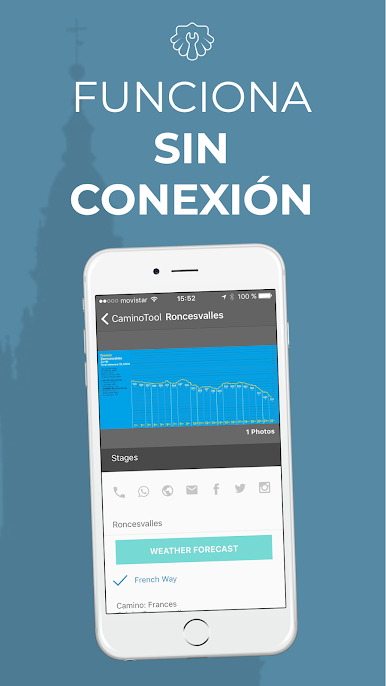
Real-time accessible information, also available offline.
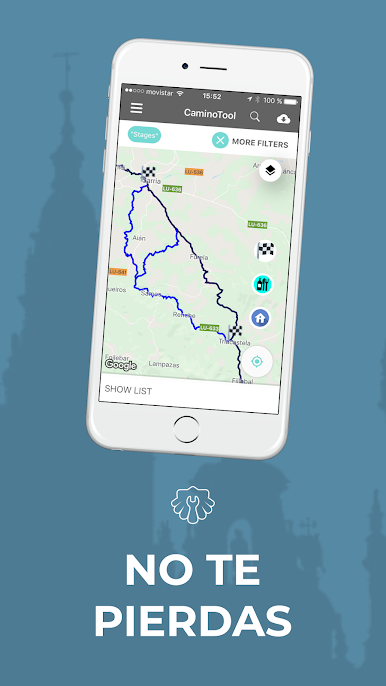
Plan your route and use that planning from the app, seeing where you are on your stage, how much you have left, etc.
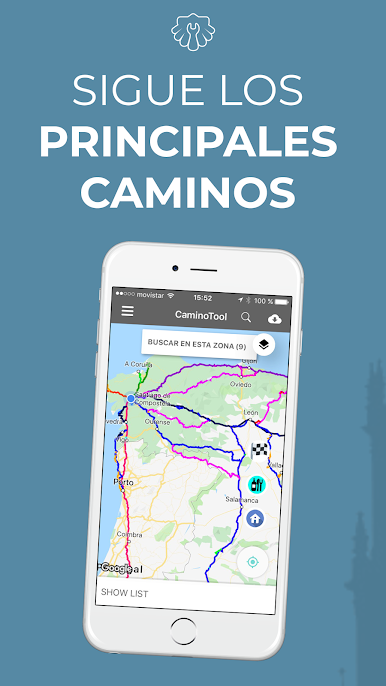
Enjoy the track of the main Caminos, never get lost, and consult it even without data connection.
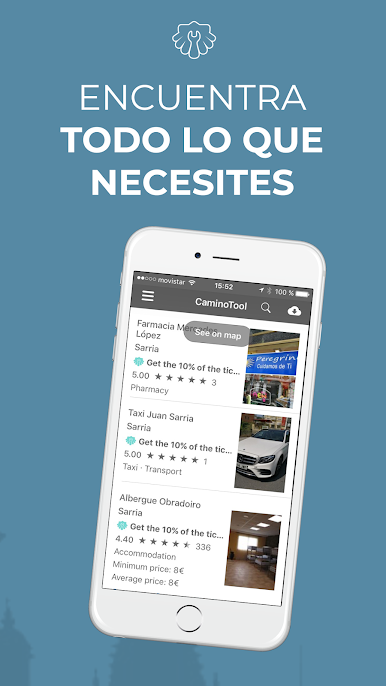
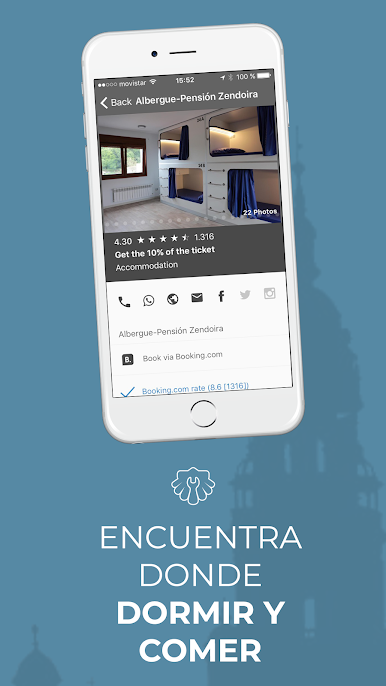
Search for accommodations and restaurants along the Camino, check distance from you and from the Camino. View their photos, check their features and access booking links via Booking.com or book directly with the accommodation through their contact details.
- Detailed offline maps - Works without internet
- External planner and also integrated in the app
- Real-time GPS tracking of main routes
- Updated database of hostels and accommodations
- Service information: pharmacies, physiotherapists, taxis
- Direct bookings via Booking.com and direct contact
- Precise distances between stages
- Intuitive and easy-to-use interface
Buen Camino!

Zagraj w Camino de Santiago CaminoTool na PC. To takie proste.
-
Pobierz i zainstaluj BlueStacks na PC
-
Zakończ pomyślnie ustawienie Google, aby otrzymać dostęp do sklepu Play, albo zrób to później.
-
Wyszukaj Camino de Santiago CaminoTool w pasku wyszukiwania w prawym górnym rogu.
-
Kliknij, aby zainstalować Camino de Santiago CaminoTool z wyników wyszukiwania
-
Ukończ pomyślnie rejestrację Google (jeśli krok 2 został pominięty) aby zainstalować Camino de Santiago CaminoTool
-
Klinij w ikonę Camino de Santiago CaminoTool na ekranie startowym, aby zacząć grę

