


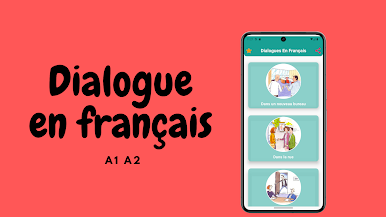
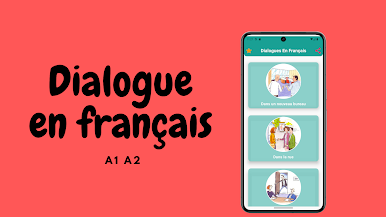
Dialogue en français A1 A2
Chơi trên PC với BlueStacks - Nền tảng chơi game Android, được hơn 500 triệu game thủ tin tưởng.

Trang đã được sửa đổi vào: Sep 25, 2025
Run ABC French easy with dialogues french on PC or Mac
Why limit yourself to your small screen on the phone? Run ABC French easy with dialogues french, an app by EL TARIK, best experienced on your PC or Mac with BlueStacks, the world’s #1 Android emulator.
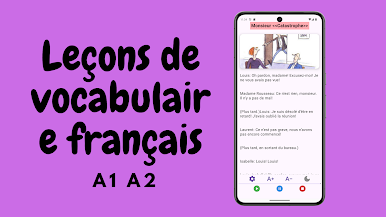
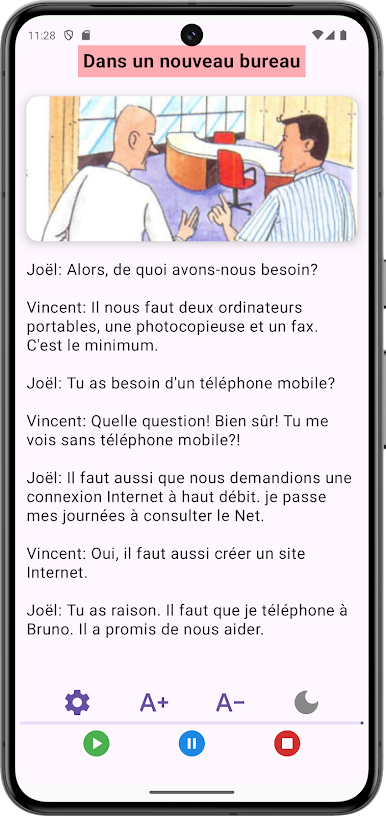
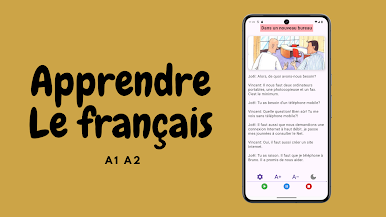
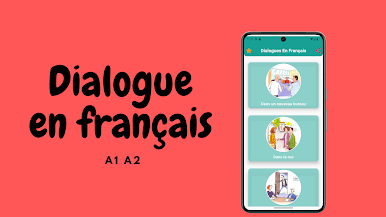
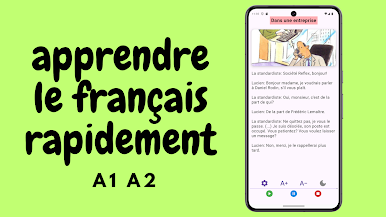
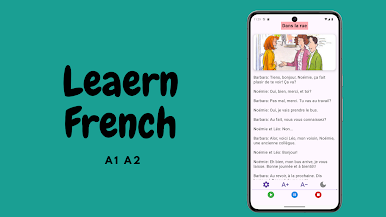
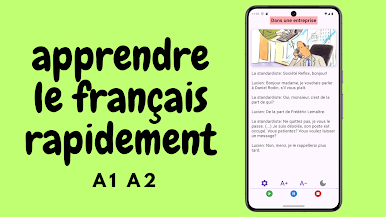
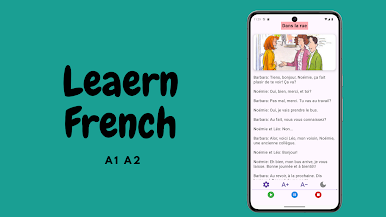
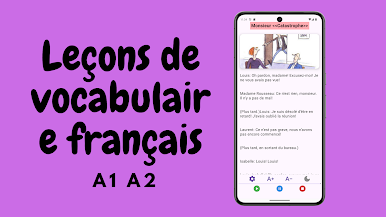
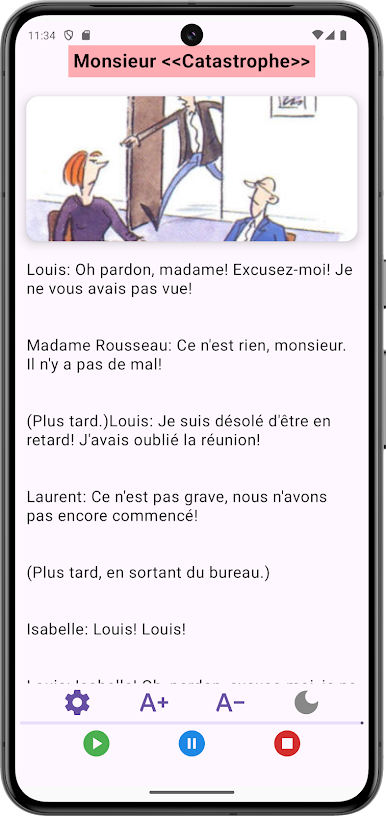
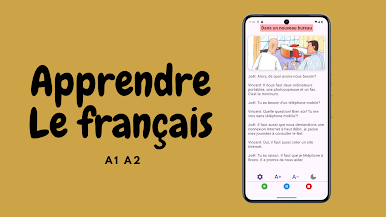
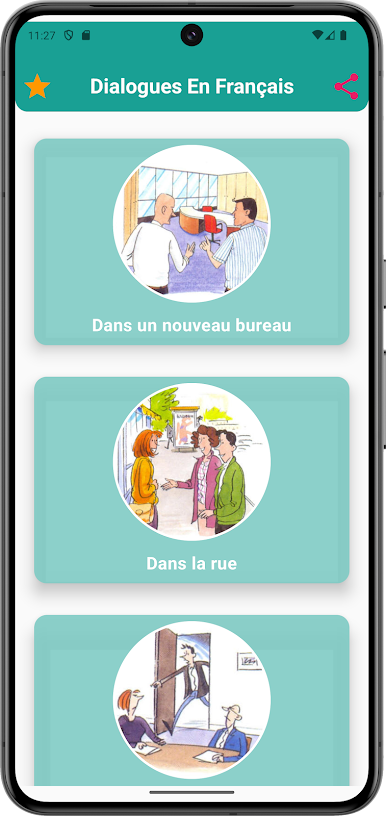
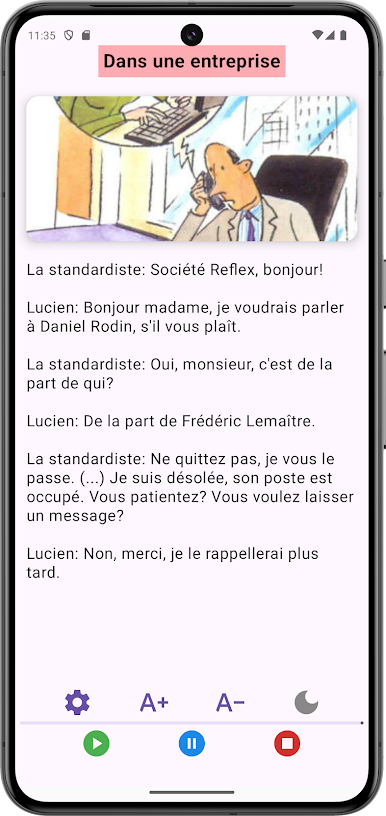
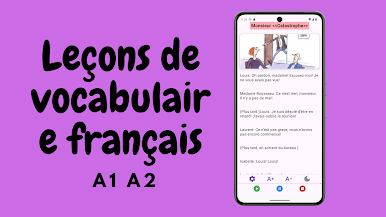
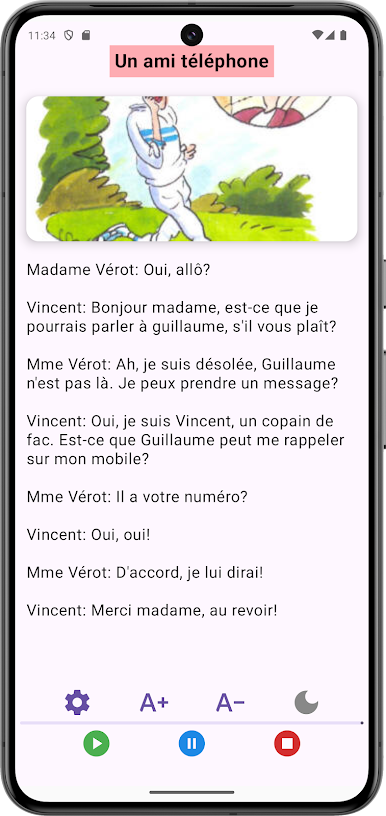
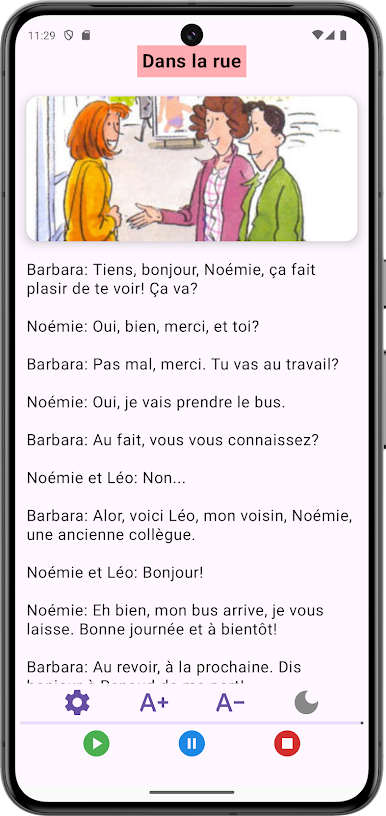
So the app is all about making French a bit less intimidating, especially if conversation is the main goal. It covers the basics like verbs (“to be” and “to have”), which honestly pop up everywhere in French, so getting used to them in all their forms helps a ton. What stands out is how it’s set up around the real things people say — not just textbook stuff, but actual sentences you’d hear if you were hanging out in France or just trying to sort things out on a trip. There are loads of example dialogues like renting a bike, figuring things out at the bakery, making a reservation at a hotel, or even stuff that comes up less — like dealing with a lost object or chatting in a new office. Every dialogue comes with the right pronunciation too, so even if reading isn’t the tricky part, saying things will sound more natural.
It feels practical, more geared towards daily situations rather than endless grammar drills. Using it on PC, say with BlueStacks, lets everything pop up on a bigger screen, making it easier to see the dialogues and listen along. There’s just a big variety of topics — from simple shopping or banking, to awkward things like protesting, making complaints, or expressing an obligation. It isn’t flashy, but it covers a lot of those moments where you really need to say just the right thing. Definitely helpful for anyone who wants to handle actual conversations in French, not just memorize vocabulary lists.
BlueStacks brings your apps to life on a bigger screen—seamless and straightforward.
Chơi Dialogue en français A1 A2 trên PC. Rất dễ để bắt đầu
-
Tải và cài đặt BlueStacks trên máy của bạn
-
Hoàn tất đăng nhập vào Google để đến PlayStore, hoặc thực hiện sau
-
Tìm Dialogue en français A1 A2 trên thanh tìm kiếm ở góc phải màn hình
-
Nhấn vào để cài đặt Dialogue en français A1 A2 trong danh sách kết quả tìm kiếm
-
Hoàn tất đăng nhập Google (nếu bạn chưa làm bước 2) để cài đặt Dialogue en français A1 A2
-
Nhấn vào icon Dialogue en français A1 A2 tại màn hình chính để bắt đầu chơi

