


Ucz się i graj US Angielski
Graj na PC z BlueStacks – Platforma gamingowa Android, która uzyskała zaufanie ponad 500 milionów graczy!

Strona zmodyfikowana w dniu: Oct 19, 2025
Run Learn and play. American English words, vocabulary on PC or Mac
Multitask effortlessly on your PC or Mac as you try out Learn and play. American English words, vocabulary, a Education app by DOMOsoft on BlueStacks.
About the App
Want to pick up American English words and actually remember them? Learn and play. American English words, vocabulary makes it feel more like a game than a lesson. If you’re just starting out, it turns building your vocabulary into something easy, visual, and genuinely fun—perfect if you’re learning at your own speed, at home, or even while using BlueStacks. Expect lots of interactive activities that’ll help you master not just the words, but also the right way to say and spell them.
App Features
-
Friendly Learning Stages
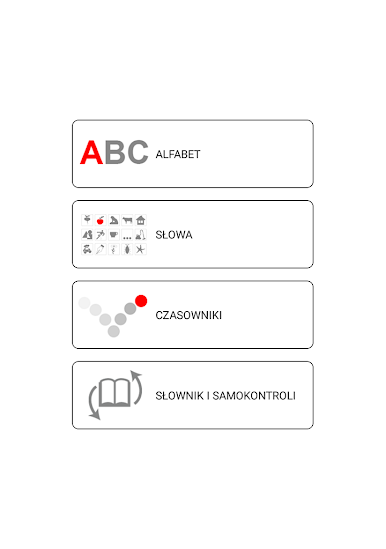
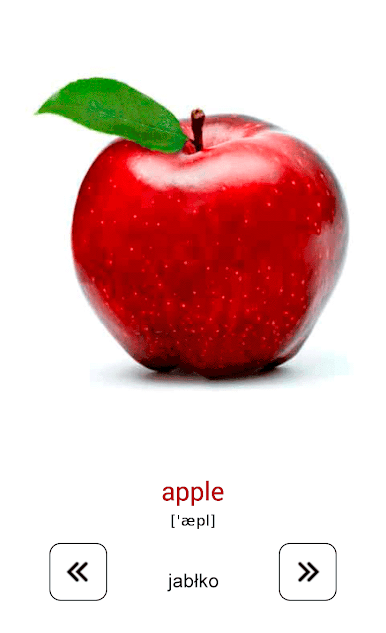
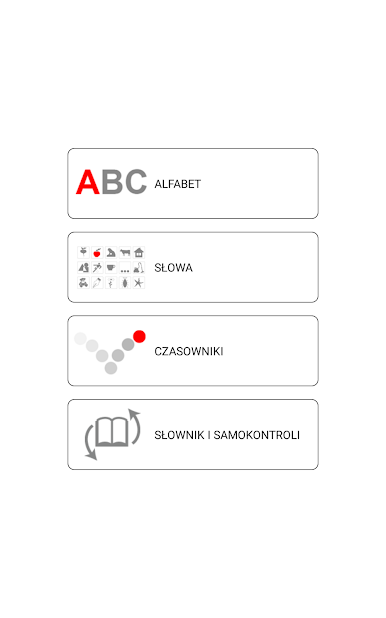
The app breaks things down into simple parts, starting with the ABCs and moving to real conversation words. You’ll see and hear each word through engaging flashcards—and you’ll pick up the basics without feeling overwhelmed. -
Interactive Mini-Games
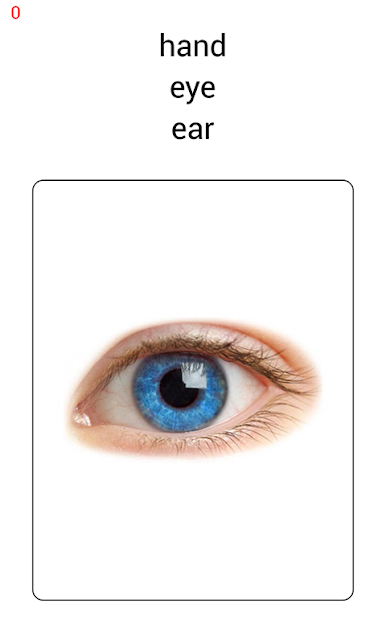
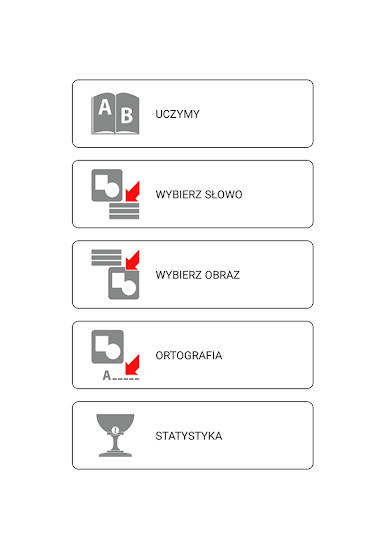
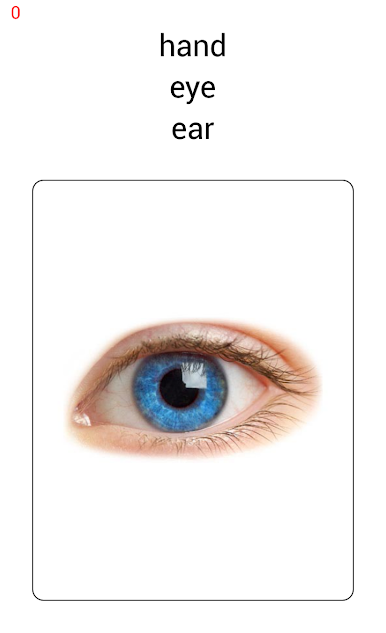
It’s not just memorization—test what you remember through matching games, spelling challenges, and activities where you pick the picture that fits the word. There’s even a pronunciation boost with native speaker audio for every word. -
Broad Range of Everyday Topics
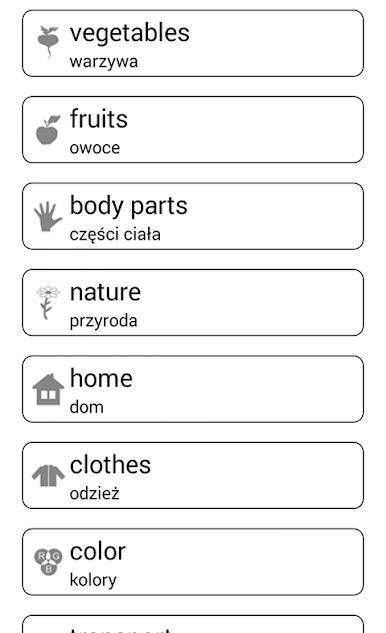
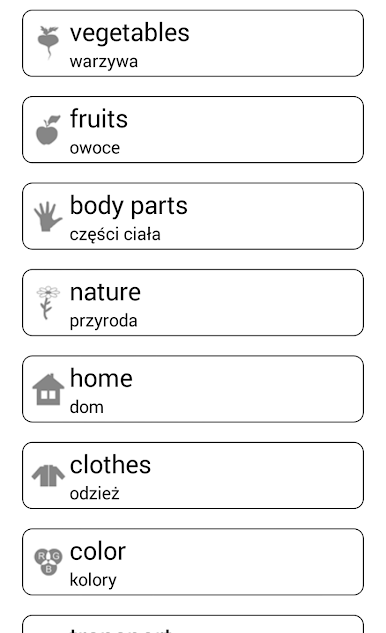
Words aren’t random—they’re grouped by themes like food, animals, sports, travel, colors, home objects, and more. Handy for anyone wanting real-world vocabulary instead of just textbook lists. -
Visual and Audio Support
Colorful photos and clear recordings help your memory and get you familiar with how American English sounds. The app adapts well to both phones and tablets—looks crisp on any screen. -
Perfect for All Ages
Whether you’re a beginner, a parent teaching a kid, or just want to expand your basic American English, the app’s simple approach appeals to learners young and old. Flashcards make it great for bite-sized preschool lessons! -
Multi-Language Translations
Trying to pick up English from another language? The word lists come with translations in over 10 languages, making it simpler to transition and check your understanding. -
Offline Learning
You don’t need to stay connected. Everything (except the occasional ad in the free version) works offline, so you can study from anywhere. -
Pro Edition Options
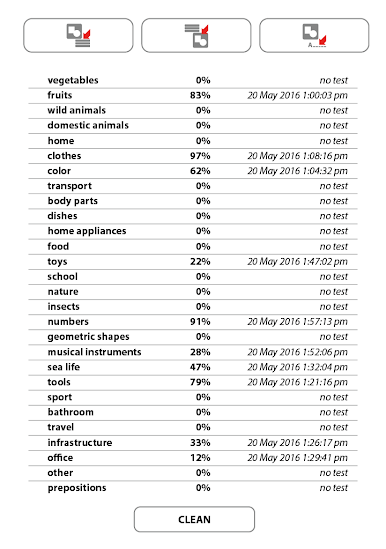
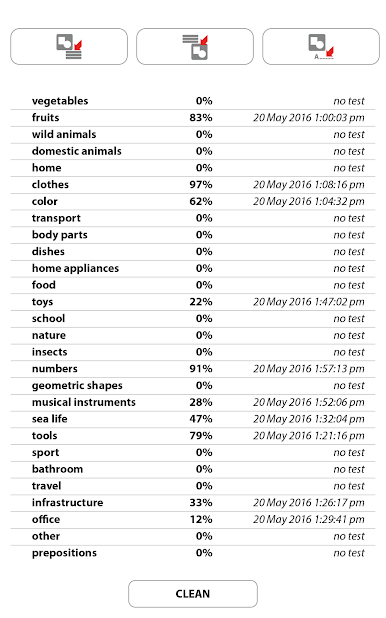
For anyone wanting extra features: the paid version skips ads and lets you dig deeper, showing your strengths and what to focus on next. -
Smooth Experience on BlueStacks
The interface and mini-games work just as well when you’re learning on BlueStacks, so PC users can enjoy the same simple, colorful setup.
Big screen. Bigger performance. Use BlueStacks on your PC or Mac to run your favorite apps.



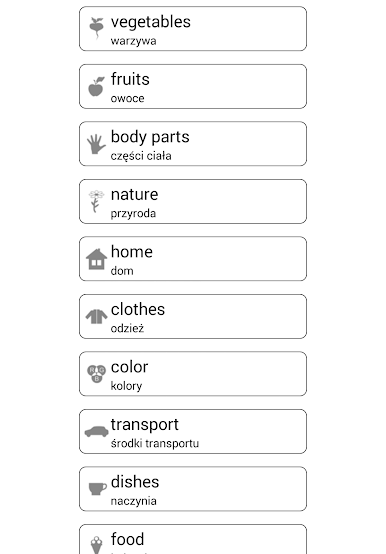
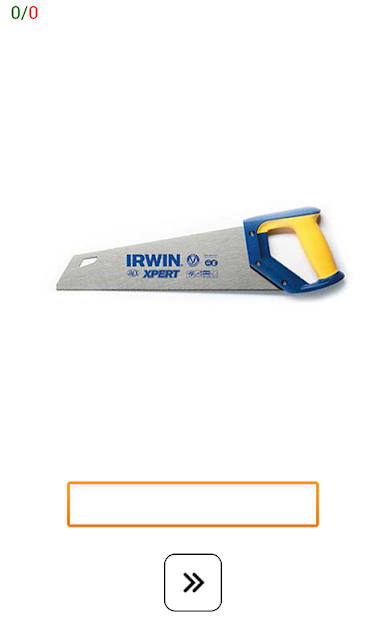
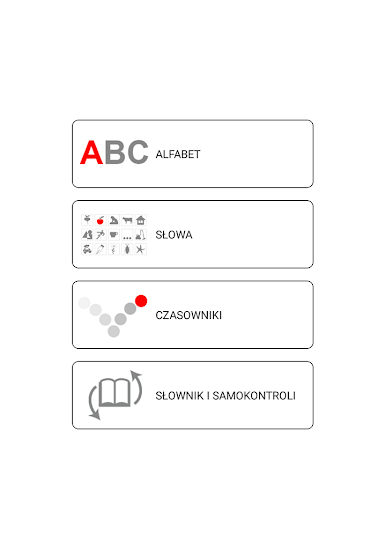
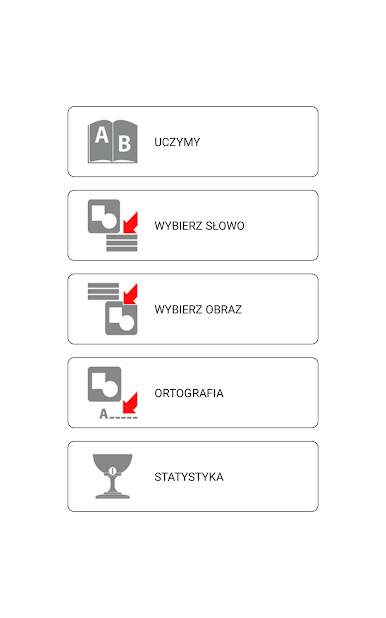





Zagraj w Ucz się i graj US Angielski na PC. To takie proste.
-
Pobierz i zainstaluj BlueStacks na PC
-
Zakończ pomyślnie ustawienie Google, aby otrzymać dostęp do sklepu Play, albo zrób to później.
-
Wyszukaj Ucz się i graj US Angielski w pasku wyszukiwania w prawym górnym rogu.
-
Kliknij, aby zainstalować Ucz się i graj US Angielski z wyników wyszukiwania
-
Ukończ pomyślnie rejestrację Google (jeśli krok 2 został pominięty) aby zainstalować Ucz się i graj US Angielski
-
Klinij w ikonę Ucz się i graj US Angielski na ekranie startowym, aby zacząć grę

