


Pasjans Freecell -gry karciane
Graj na PC z BlueStacks – Platforma gamingowa Android, która uzyskała zaufanie ponad 500 milionów graczy!

Strona zmodyfikowana w dniu: Oct 28, 2025
Graj Pasjans Freecell -gry karciane na PC
KLASYCZNY FREECELL NA TELEFON
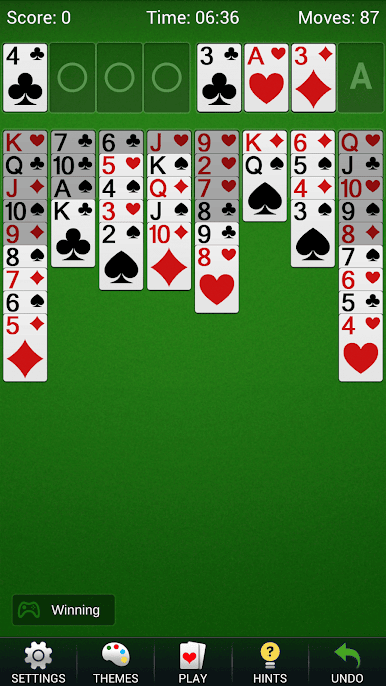
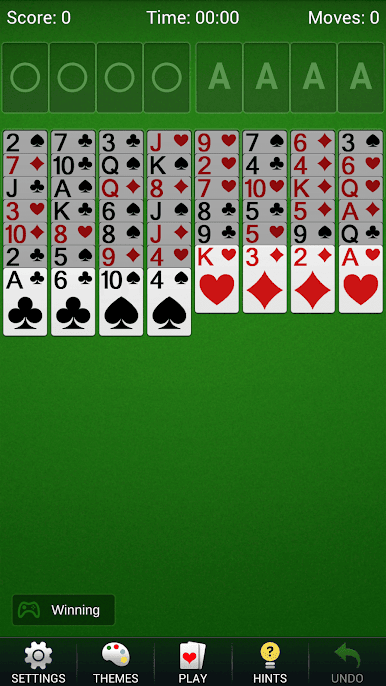
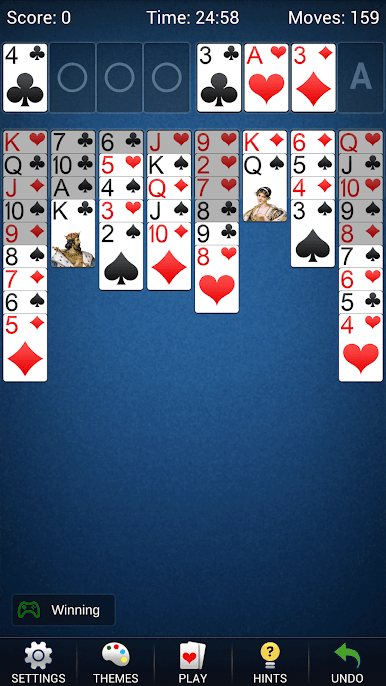
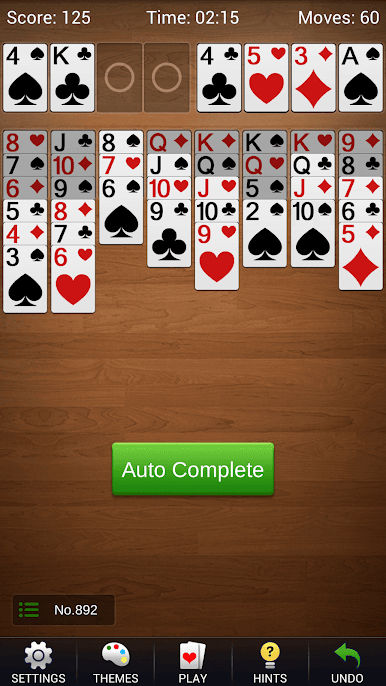
• Graj 52 odkrytymi kartami rozdanymi do ośmiu kolumn tableau.
• Przenoś karty i prawidłowe sekwencje na kartę o jeden niższą w przeciwnym kolorze.
• Przechowuj tymczasowo po jednej karcie w każdej z czterech wolnych komórek.
• Buduj cztery stosy bazowe według koloru, od Asa do Króla.
GRAJ OFFLINE W SWOIM TEMPIE
Rozgrywaj spokojne partie w dowolnym miejscu, bez połączenia z siecią. Niedokończona gra zapisuje się automatycznie, więc możesz zrobić przerwę i wrócić później. Wybieraj rozdania losowe lub numerowane, aby rozpocząć nowe wyzwanie albo odtworzyć konkretny układ.
PRZYDATNE NARZĘDZIA I STEROWANIE
Korzystaj bez limitu z cofania ruchów i podpowiedzi, gdy chcesz zmienić decyzję. Podświetlanie kart, przenoszenie dotknięciem, ruchy automatyczne i czytelne karty ułatwiają obsługę tableau. Przełączaj widok pionowy i poziomy zależnie od ekranu.
DOSTOSUJ STÓŁ DO GRY
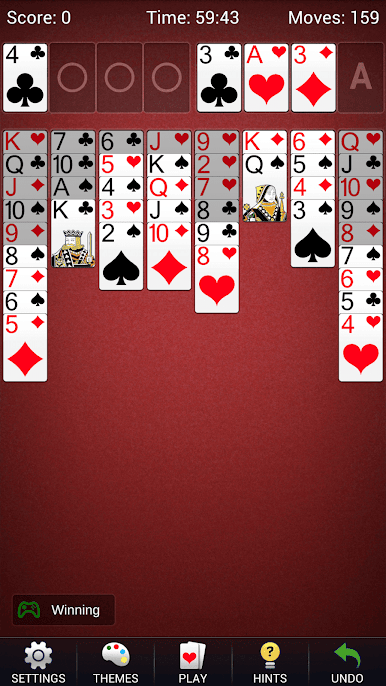
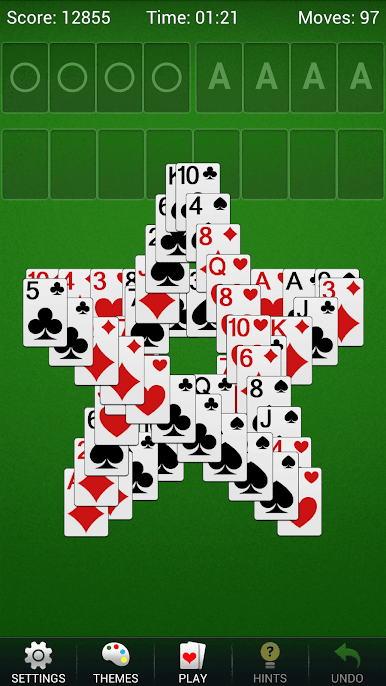
Wybieraj różne style kart i tła, zmieniaj ustawienia i oglądaj animację po wygranej. Szczegółowe statystyki oraz stoper pomagają śledzić historię partii FreeCell.
Rozpocznij kolejne rozdanie FreeCell i znajdź sekwencję ruchów, która otworzy tableau.
Zagraj w Pasjans Freecell -gry karciane na PC. To takie proste.
-
Pobierz i zainstaluj BlueStacks na PC
-
Zakończ pomyślnie ustawienie Google, aby otrzymać dostęp do sklepu Play, albo zrób to później.
-
Wyszukaj Pasjans Freecell -gry karciane w pasku wyszukiwania w prawym górnym rogu.
-
Kliknij, aby zainstalować Pasjans Freecell -gry karciane z wyników wyszukiwania
-
Ukończ pomyślnie rejestrację Google (jeśli krok 2 został pominięty) aby zainstalować Pasjans Freecell -gry karciane
-
Klinij w ikonę Pasjans Freecell -gry karciane na ekranie startowym, aby zacząć grę

