


FreeCell Solitaire - thẻ
Chơi trên PC với BlueStacks - Nền tảng chơi game Android, được hơn 500 triệu game thủ tin tưởng.

Trang đã được sửa đổi vào: Oct 28, 2025
Chơi FreeCell Solitaire - thẻ on PC
freecell là một trong những trò chơi bài phổ biến nhất trên thế giới. Nếu bạn thích solitaire, spider solitaire, freecell solitaire, kim tự tháp solitaire, sanfeng card, casino solitaire hoặc các trò chơi bài thông thường khác, trò chơi này là dành cho bạn!
Tính năng trò chơi:
♠ Quy tắc xếp bài FreeCell cổ điển
♠ Trải nghiệm hoạt động cực kỳ mượt mà
♠ Kích thước của thẻ phù hợp và rõ ràng
♠ Bạn có thể chơi game mọi lúc, mọi nơi mà không cần hỗ trợ mạng
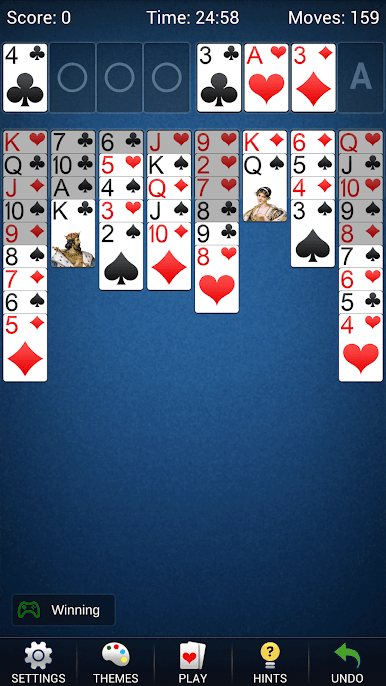
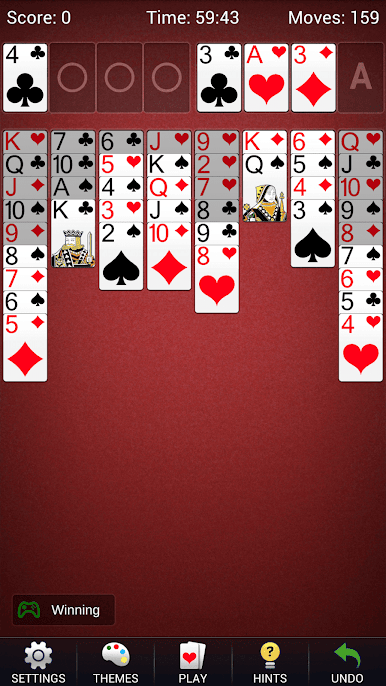
♠ Nhiều kiểu thẻ và hình nền máy tính để bàn, bạn có thể tùy chỉnh hình nền máy tính để bàn
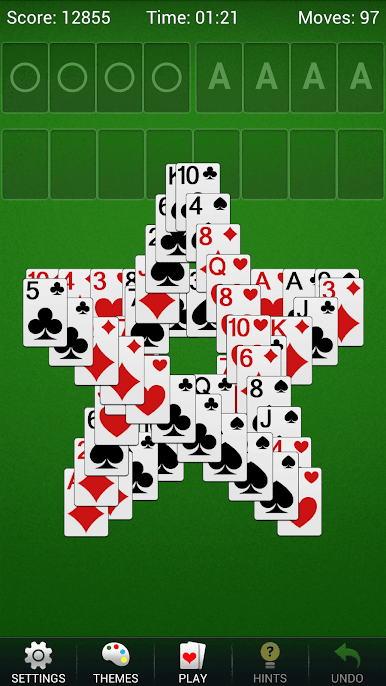
♠ Hoạt hình chiến thắng trò chơi đẹp mắt
Chức năng trò chơi:
♠ Tự động lưu các trò chơi chưa hoàn thành hiện tại
♠ Số liệu thống kê chi tiết để lưu lịch sử trò chơi của bạn
♠ Các cài đặt tùy chỉnh khác nhau
♠ Lời nhắc tự động
♠ Đánh dấu thẻ
♠ Hỗ trợ màn hình dọc và ngang
♠ Hỗ trợ nhiều ngôn ngữ
♠ Thu hồi và lời nhắc không giới hạn
♠ Thẻ ngẫu nhiên, thẻ trực tiếp hoặc thẻ đánh số
♠ Nhấp vào chức năng di động
♠ Đóng thẻ tự động
♠ Chức năng bấm giờ
Mục tiêu trò chơi:
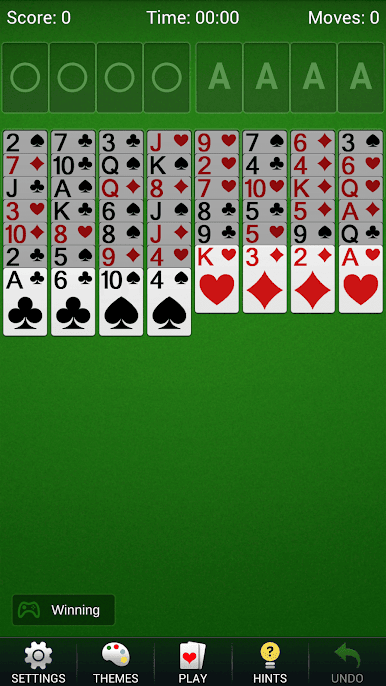
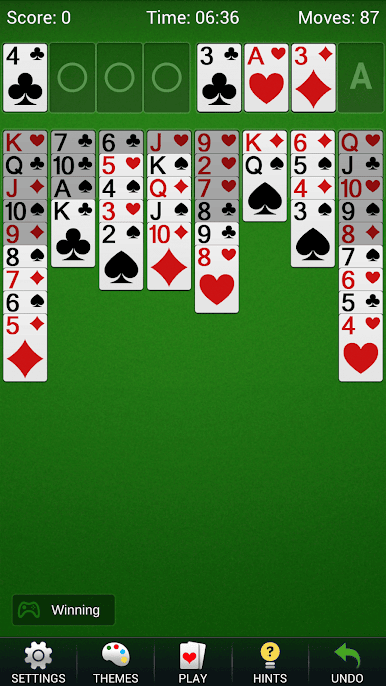
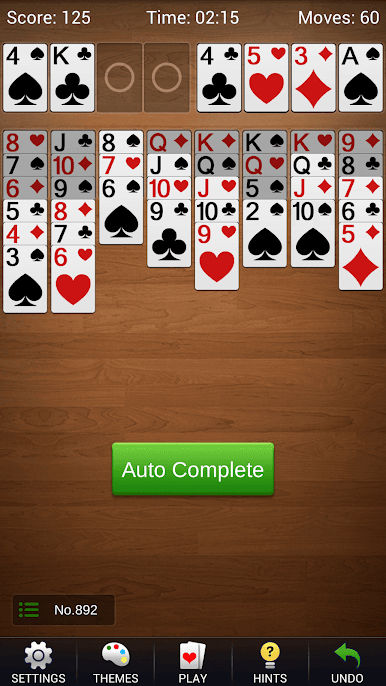
Mục tiêu của trò chơi xếp bài tự do là đặt tất cả các quân bài trong khu vực chơi trên bàn vào khu vực chơi. Khi bắt đầu trò chơi, 52 lá bài sẽ xuất hiện ở 8 cột trong khu vực chơi, dưới cùng của mỗi cột / Các quân bài được liệt kê có thể kéo được, và các quân bài không thể kéo ở trên là phần bóng mờ. Khi 1 bộ thẻ có màu giống nhau và các điểm được sắp xếp từ lớn đến nhỏ, chúng có thể được di chuyển như một tổng thể. Quy tắc của các quân bài là chỉ được đặt các quân bài khác màu dưới mỗi quân bài, và chỉ được đặt theo thứ tự số điểm từ lớn đến nhỏ. Bốn chỗ trống phía trên bên phải là khu vực nhận thẻ. Trong bốn gian ở khu vực nhận thẻ, mỗi ô chỉ được đặt một bộ đồ giống nhau, và cần xếp từ nhỏ đến lớn, tức là phải xếp theo thứ tự các quân bài. Đó là từ A đến K. Có bốn khu vực chuyển trống ở phía trên bên trái, mỗi khu vực có thể lưu trữ tạm thời một thẻ. A có thể được di chuyển đến bất kỳ vị trí nào bất kỳ lúc nào, và các thẻ khác phải được chuyển từ nhỏ đến lớn trong cùng một đơn vị màu. Khi chuyển hết vào bài sẽ thắng.
Bạn còn chờ gì nữa? Tải xuống và bắt đầu trò chơi bài của bạn ngay bây giờ! Tôi tin rằng bạn sẽ thích trò chơi này. Nếu bạn có bất kỳ câu hỏi hoặc đề xuất nào, vui lòng liên hệ với chúng tôi và chúng tôi sẽ liên hệ lại với bạn trong thời gian sớm nhất. Cảm ơn bạn đã ủng hộ chúng tôi.
Chơi FreeCell Solitaire - thẻ trên PC. Rất dễ để bắt đầu
-
Tải và cài đặt BlueStacks trên máy của bạn
-
Hoàn tất đăng nhập vào Google để đến PlayStore, hoặc thực hiện sau
-
Tìm FreeCell Solitaire - thẻ trên thanh tìm kiếm ở góc phải màn hình
-
Nhấn vào để cài đặt FreeCell Solitaire - thẻ trong danh sách kết quả tìm kiếm
-
Hoàn tất đăng nhập Google (nếu bạn chưa làm bước 2) để cài đặt FreeCell Solitaire - thẻ
-
Nhấn vào icon FreeCell Solitaire - thẻ tại màn hình chính để bắt đầu chơi

