


Trình duyệt Internet START
Chơi trên PC với BlueStacks - Nền tảng chơi game Android, được hơn 500 triệu game thủ tin tưởng.

Trang đã được sửa đổi vào: Apr 14, 2024
Run START Internet Browser on PC or Mac
What’s better than using START Internet Browser by Searchturbo Ltd? Well, try it on a big screen, on your PC or Mac, with BlueStacks to see the difference.
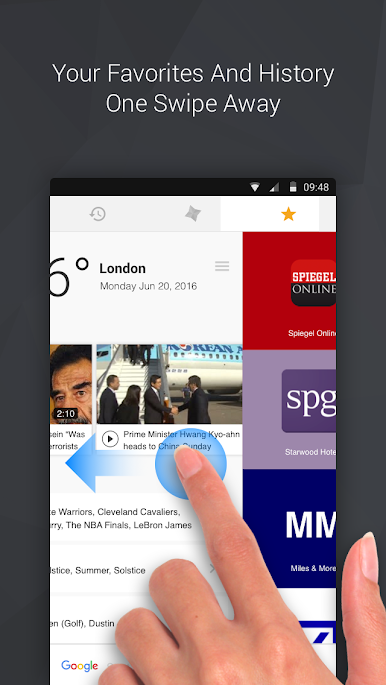
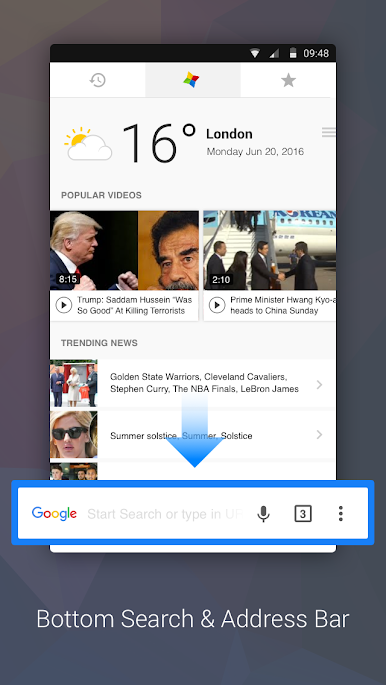
START Internet Browser comes off like a familiar Chromium-style browser with a couple smart tweaks that make daily browsing feel easier. The search and address bar sit at the bottom, so the stuff that gets used the most is right under the thumb. Suggestions pop in as someone types, along with recent searches and sites, so getting back to things takes almost no effort. On PC through BlueStacks, the layout still works well. Swipes to jump between the start page, history, and favorites translate to quick mouse drags, so navigation stays simple and kind of fast. The whole thing feels clean rather than packed with knobs.
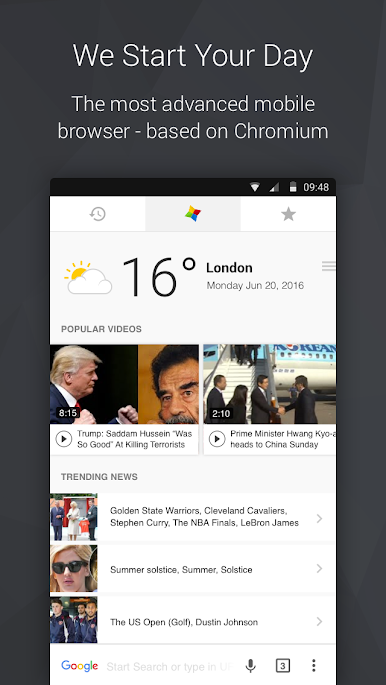
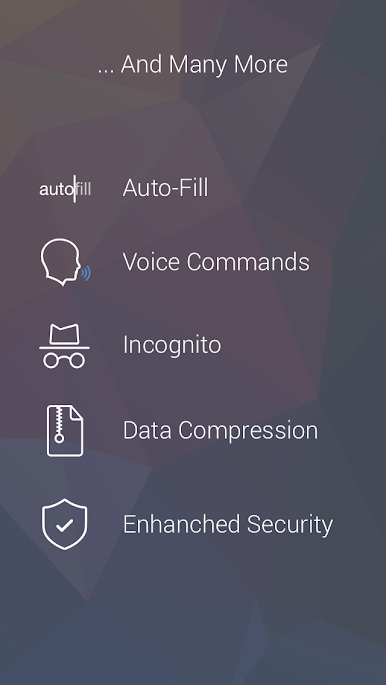
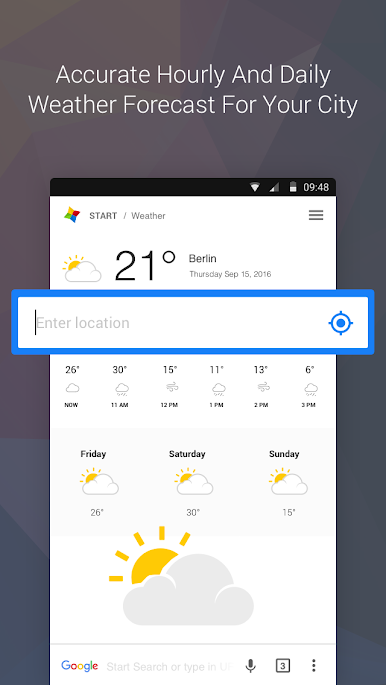
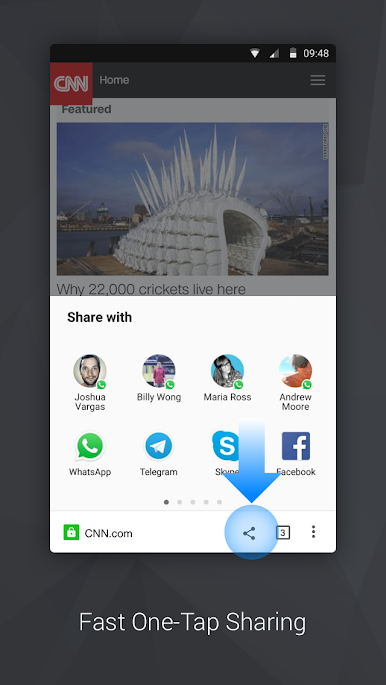
The start page pulls in trending topics in the chosen language, a quick weather peek, and a feed of popular videos, which is nice when a short break turns into a longer scroll. Autofill does the form grunt work, and voice search is handy if the mic is allowed in BlueStacks. Sharing is one tap and sends links straight into whatever apps are installed. Incognito is right there for private sessions without leaving crumbs, and a data saver can route traffic through compression if bandwidth is tight, even though that matters less on a desktop connection. There is basic protection against sketchy sites and auto-updates keep things current without babysitting. What stands out is how reachable everything is, and how fast it feels without a lot of setup.
Switch to BlueStacks and make the most of your apps on your PC or Mac.

Chơi Trình duyệt Internet START trên PC. Rất dễ để bắt đầu
-
Tải và cài đặt BlueStacks trên máy của bạn
-
Hoàn tất đăng nhập vào Google để đến PlayStore, hoặc thực hiện sau
-
Tìm Trình duyệt Internet START trên thanh tìm kiếm ở góc phải màn hình
-
Nhấn vào để cài đặt Trình duyệt Internet START trong danh sách kết quả tìm kiếm
-
Hoàn tất đăng nhập Google (nếu bạn chưa làm bước 2) để cài đặt Trình duyệt Internet START
-
Nhấn vào icon Trình duyệt Internet START tại màn hình chính để bắt đầu chơi

