


Plant Identifier & Care - Greg
Graj na PC z BlueStacks – Platforma gamingowa Android, która uzyskała zaufanie ponad 500 milionów graczy!

Strona zmodyfikowana w dniu: Feb 9, 2025
Play Plant Identifier & Care - Greg on PC
We make growing indoor plants super easy and fun.
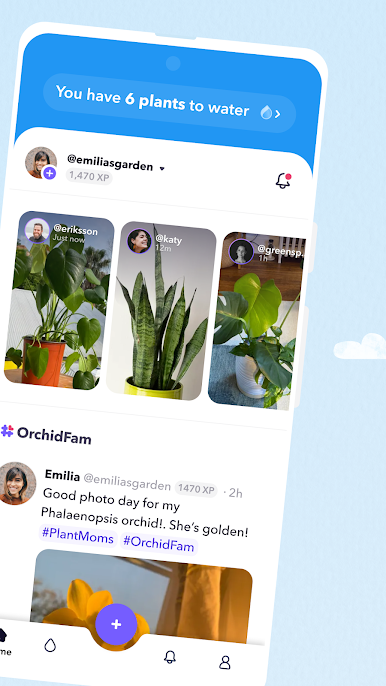
Unsure of how much to water your plant babies? We got you! We'll identify your specific plant type, tell you exactly how much to water it, and remind you when it's time.
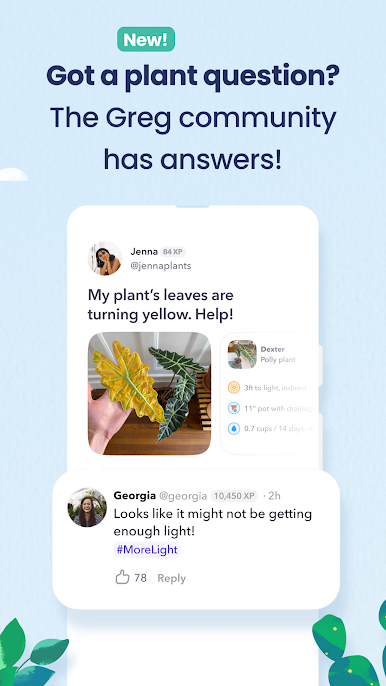
By downloading Greg, you also join a global community of other passionate plant parents ready to answer questions, nerd out on all things plants, and offer big-time garden inspo.
With Greg, it's all about connecting to plants - and each other - to stay reminded of just how interconnected we *all* are on this big, beautiful planet of ours.
So, whaddya say? Wanna grow together? Download Greg and let's get started!
-> FEATURES
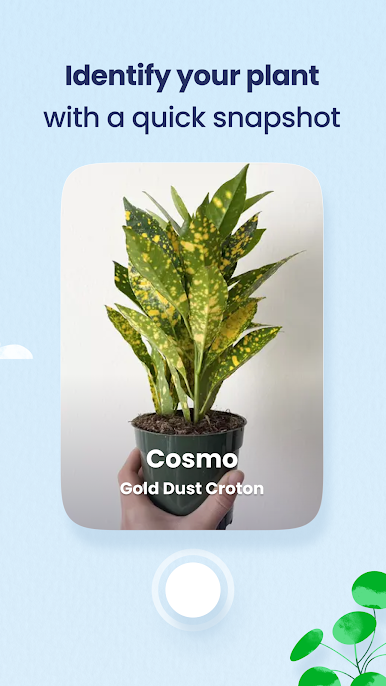
Plant identification
-Not sure what sorta plant you've got? Take a snapshot and we'll tell you all about it
Highly-personalized plant care
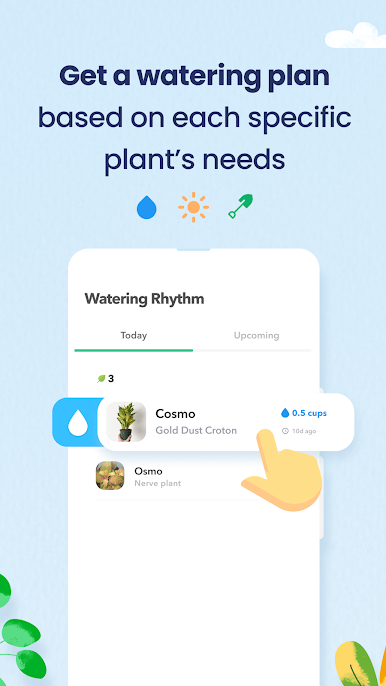
- Trust Greg to develop a custom watering plan based on each plant's species, size, plus the actual details of your home environment
Zero-guesswork watering & reminders
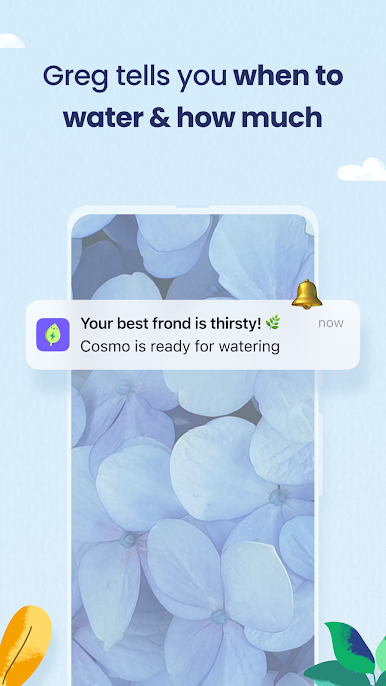
- Discover *exactly* how much each of your plants is thirsty for, and get a reminder when it's time to water 'em
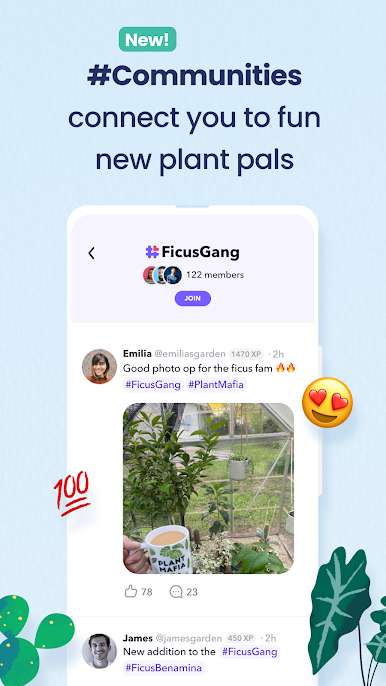
Community troubleshooting
- Turn to more veteran growers for answers to any plant questions you have, and get an answer in 24 hours, or less
Thriving global community
- Connect with others in #Communities built around shared interests & discover/interact with new plant pals in the app's Social Feed
More to come!
- We're always looking to grow, so stay tuned for new features as we have 'em…
-> JOIN THE GREG COMMUNITY!
https://twitter.com/gregsavesplants
https://www.instagram.com/gregsavesplants
https://www.facebook.com/gregsavesplants
-> NEED HELP?
You've got questions, we've got answers!
Hit us up here: support@greg.app
-> OUR TERMS
Our Privacy Policy: https://greg.app/privacy
Our Terms of Service: https://greg.app/terms

Zagraj w Plant Identifier & Care - Greg na PC. To takie proste.
-
Pobierz i zainstaluj BlueStacks na PC
-
Zakończ pomyślnie ustawienie Google, aby otrzymać dostęp do sklepu Play, albo zrób to później.
-
Wyszukaj Plant Identifier & Care - Greg w pasku wyszukiwania w prawym górnym rogu.
-
Kliknij, aby zainstalować Plant Identifier & Care - Greg z wyników wyszukiwania
-
Ukończ pomyślnie rejestrację Google (jeśli krok 2 został pominięty) aby zainstalować Plant Identifier & Care - Greg
-
Klinij w ikonę Plant Identifier & Care - Greg na ekranie startowym, aby zacząć grę

