

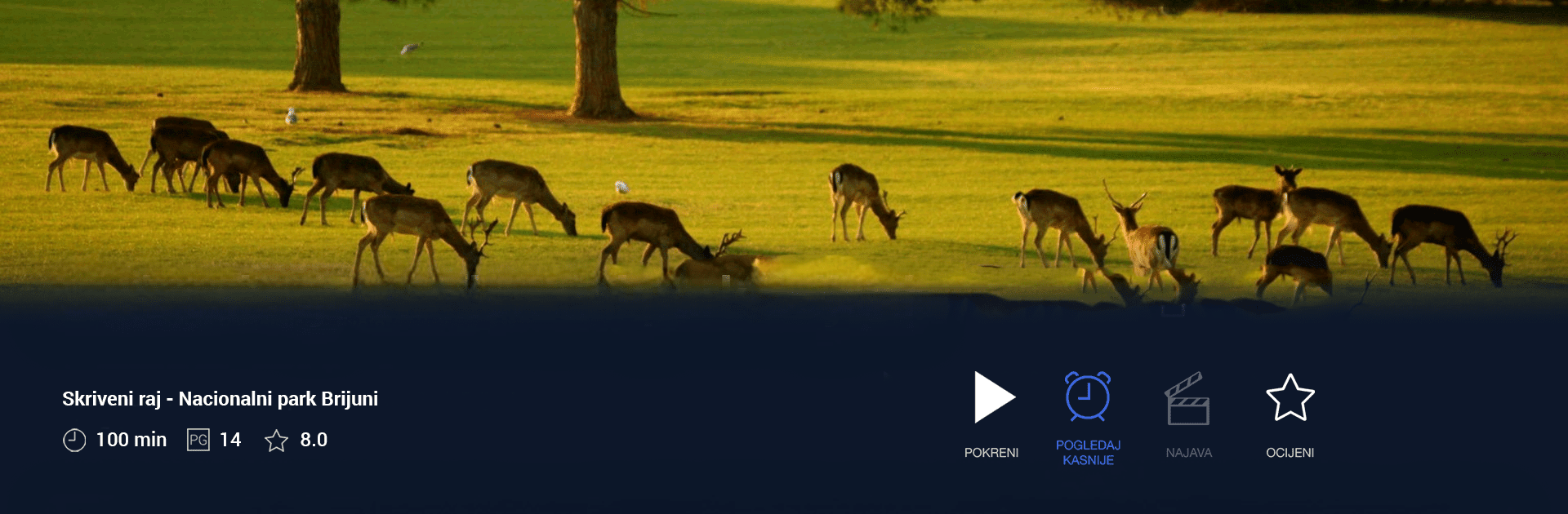
HRTi OTT
Graj na PC z BlueStacks – Platforma gamingowa Android, która uzyskała zaufanie ponad 500 milionów graczy!

Strona zmodyfikowana w dniu: Oct 24, 2025
Run HRTi OTT on PC or Mac
Why limit yourself to your small screen on the phone? Run HRTi OTT, an app by Hrvatska radiotelevizija, best experienced on your PC or Mac with BlueStacks, the world’s #1 Android emulator.
About the App
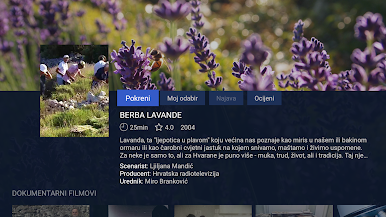
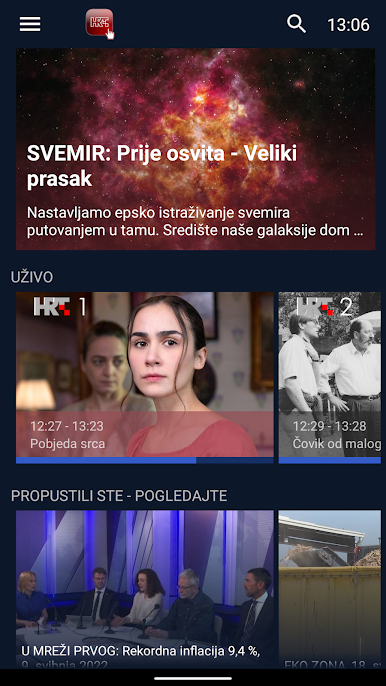
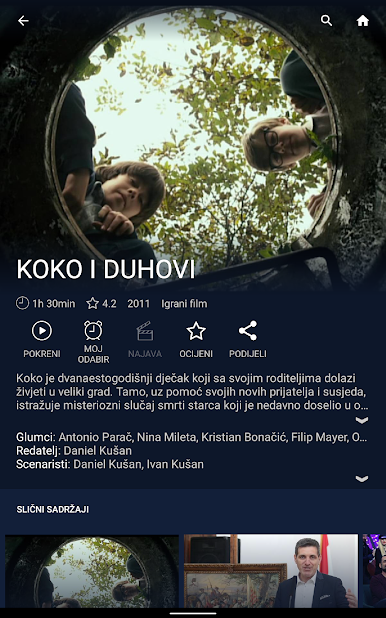
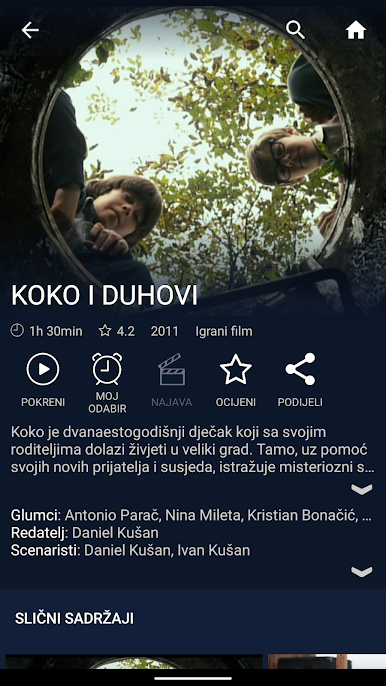
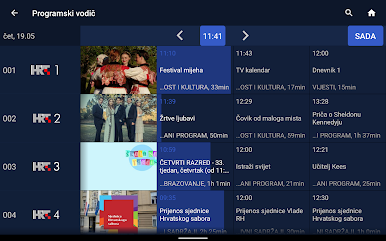
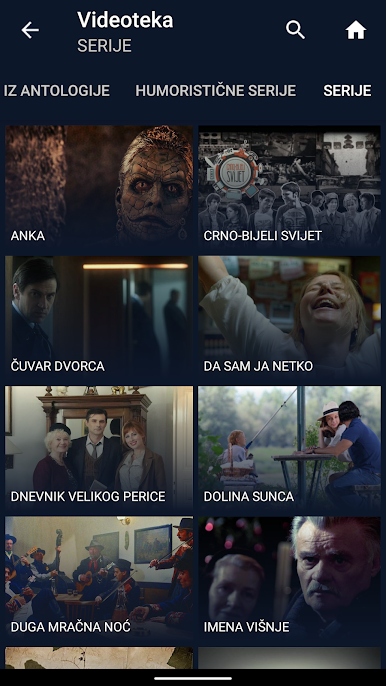
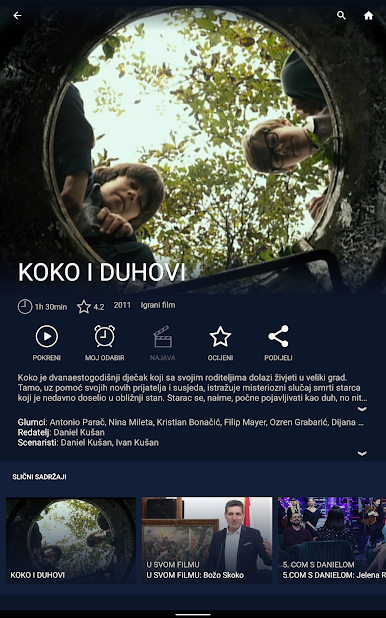
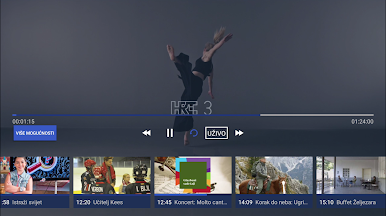
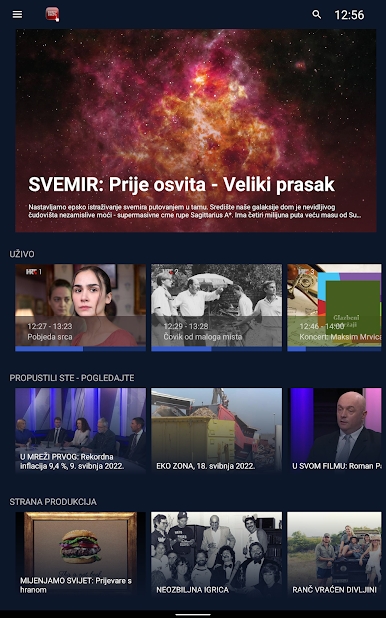
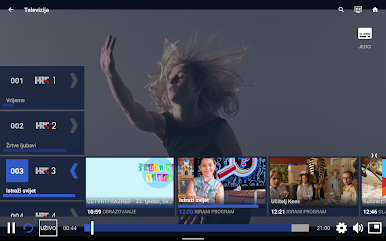
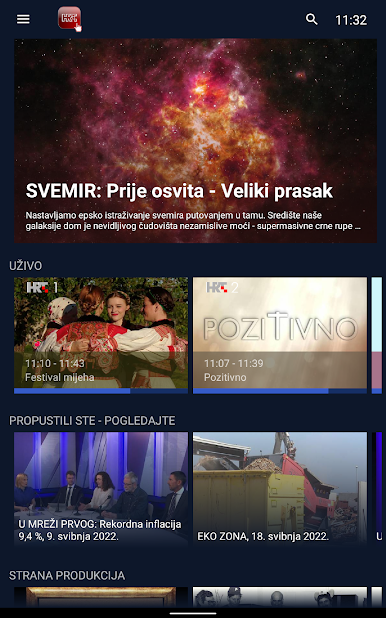
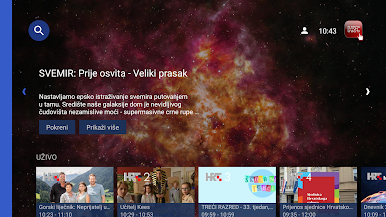
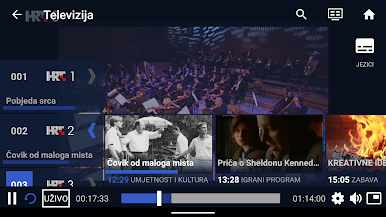
HRTi OTT is your go-to app for streaming HRT national TV and regional radio channels anytime, anywhere. Enjoy up to 72 hours of Catch-up TV, dive into an extensive Video and Audio library, and explore a comprehensive Program guide. Whether at home or abroad, indulge in your favorite shows and music.
App Features
Catch-up TV:
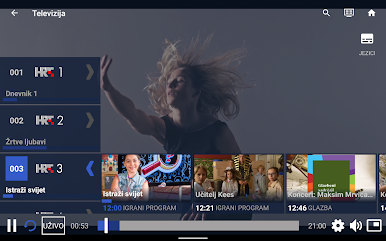
Missed a show? Catch-up TV lets you rewind and enjoy programs up to 72 hours in the past.
Extensive Library:
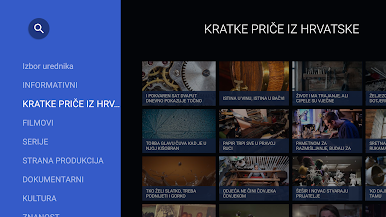
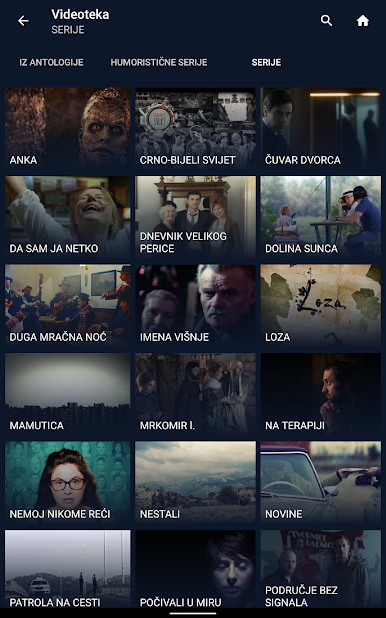
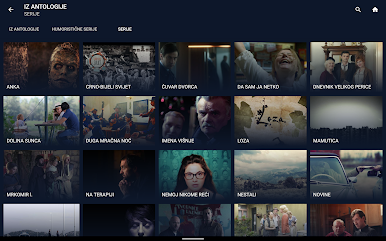
Access a vast collection of Video and Audio content, tailored for entertainment enthusiasts.
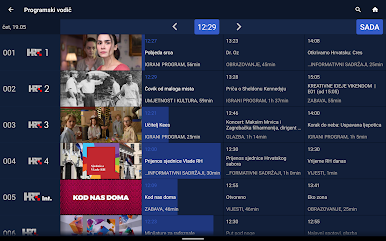
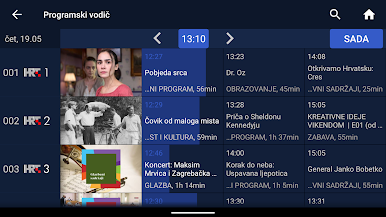
Program Guide:
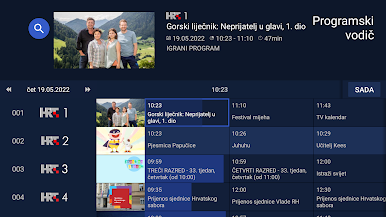
Plan your viewing with an easy-to-navigate schedule of upcoming shows and broadcasts.
Global Access:
Use the app outside Croatia, though some content might be restricted due to licensing.
Network Connectivity:
A stable connection is essential for streaming; BlueStacks enhances your experience on larger screens.
HRTi OTT by Hrvatska radiotelevizija brings local and international content to your fingertips with ease and convenience.
Switch to BlueStacks and make the most of your apps on your PC or Mac.
Zagraj w HRTi OTT na PC. To takie proste.
-
Pobierz i zainstaluj BlueStacks na PC
-
Zakończ pomyślnie ustawienie Google, aby otrzymać dostęp do sklepu Play, albo zrób to później.
-
Wyszukaj HRTi OTT w pasku wyszukiwania w prawym górnym rogu.
-
Kliknij, aby zainstalować HRTi OTT z wyników wyszukiwania
-
Ukończ pomyślnie rejestrację Google (jeśli krok 2 został pominięty) aby zainstalować HRTi OTT
-
Klinij w ikonę HRTi OTT na ekranie startowym, aby zacząć grę

