


Kamus Bahasa Arab Indonesia
Graj na PC z BlueStacks – Platforma gamingowa Android, która uzyskała zaufanie ponad 500 milionów graczy!

Strona zmodyfikowana w dniu: Apr 16, 2023
Play Kamus Bahasa Arab Indonesia on PC
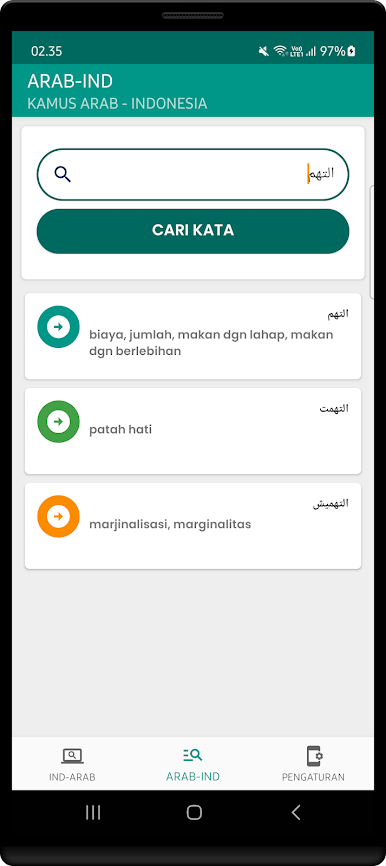
To write Arabic search words, you can use the Google Keyboard on your smartphone, please go to Settings > Input Language > Keyboard, select "Gboard" > Language, then click on the default language option, still English/Indonesian, on the "Arabic/Arabic" list at activate.
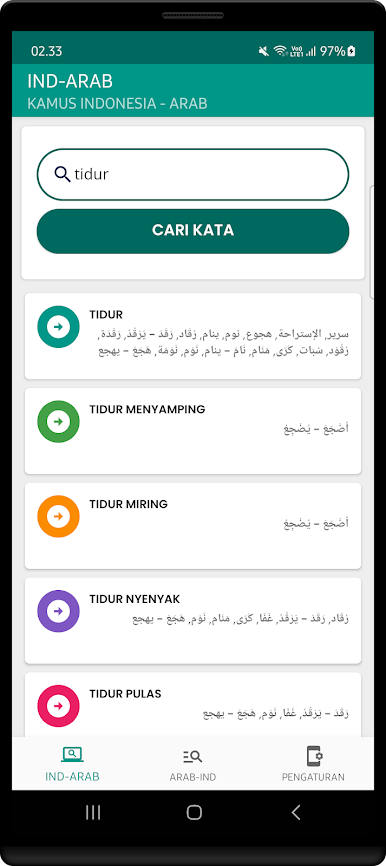
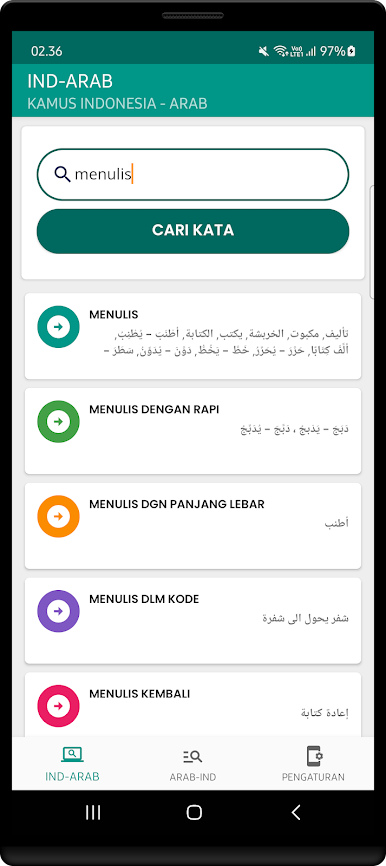
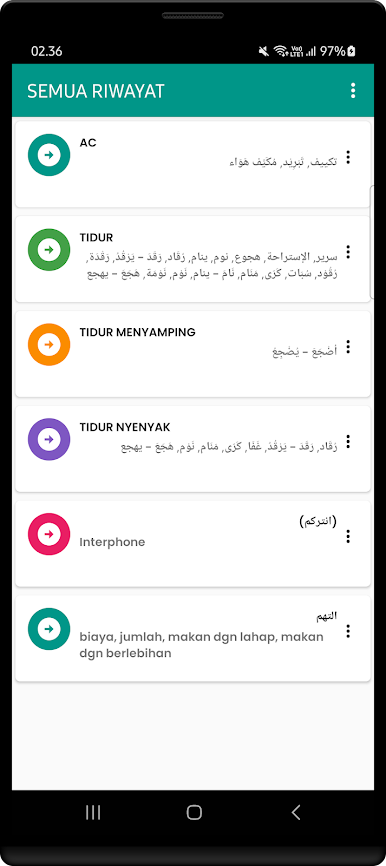
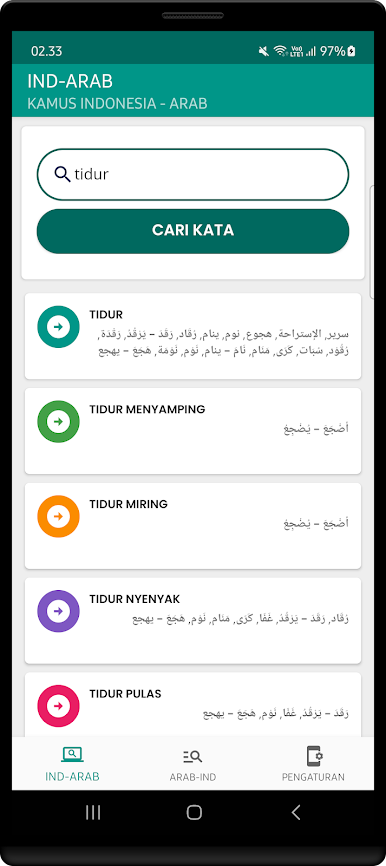
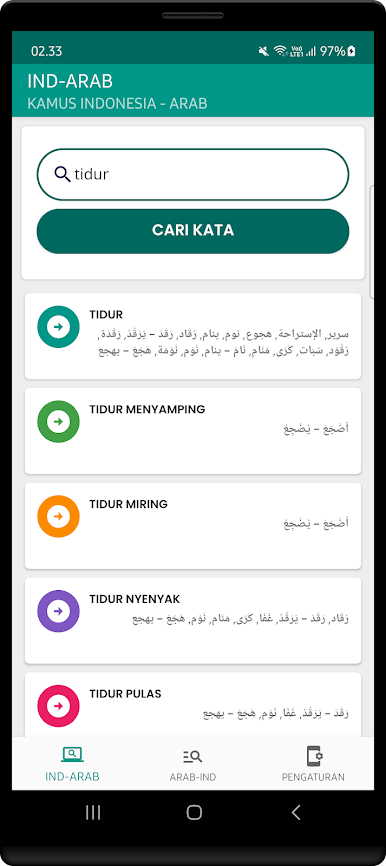
This Indonesian Arabic Word Dictionary application can be used to learn or memorize Arabic offline, easily and practically only by using a smartphone without using the internet.
The advantages of the Indonesian Arabic Word Dictionary Application
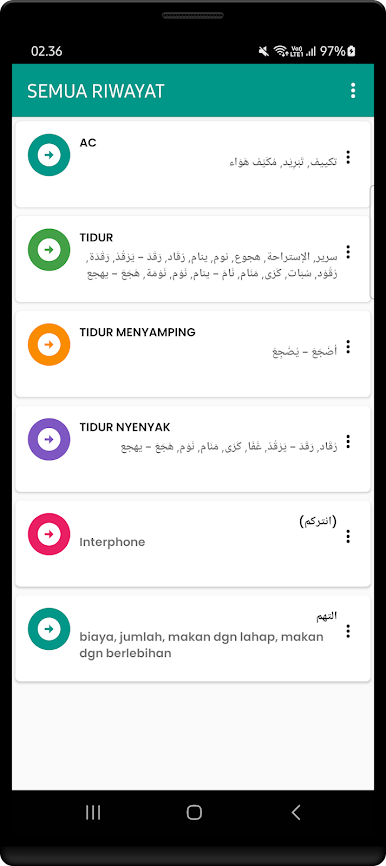
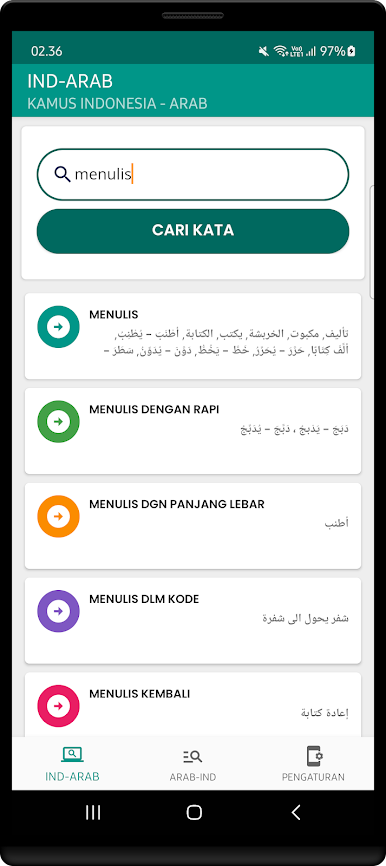
- Translate words without an internet connection / offline (the most complete word database)
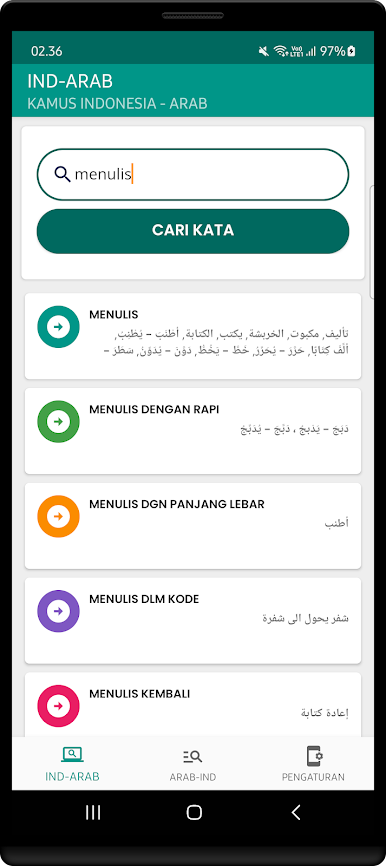
- Translate Indonesian - Arabic
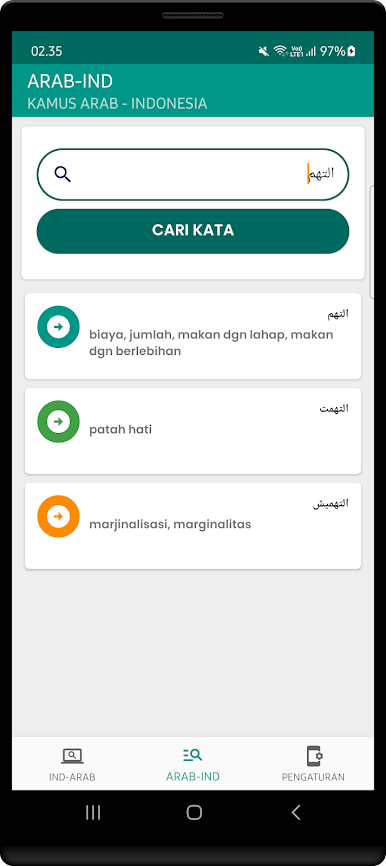
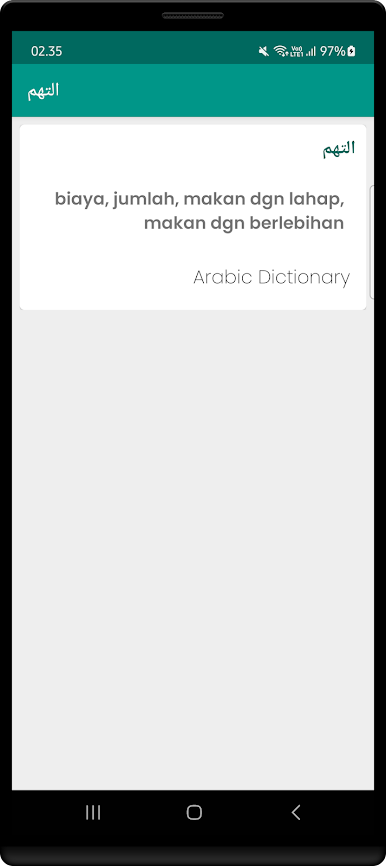
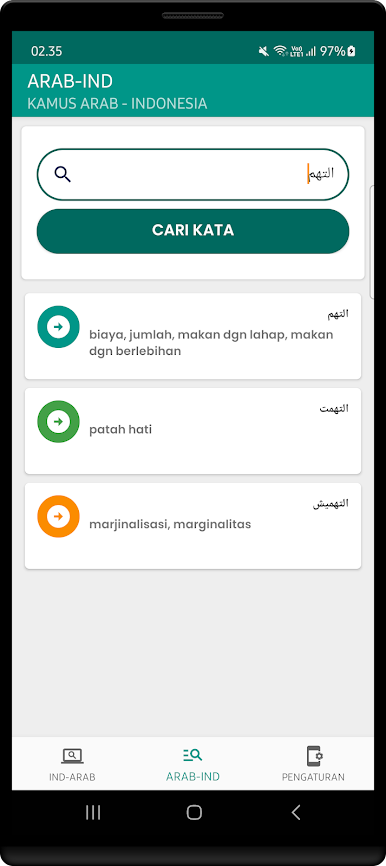
- Translate Arabic - Indonesian
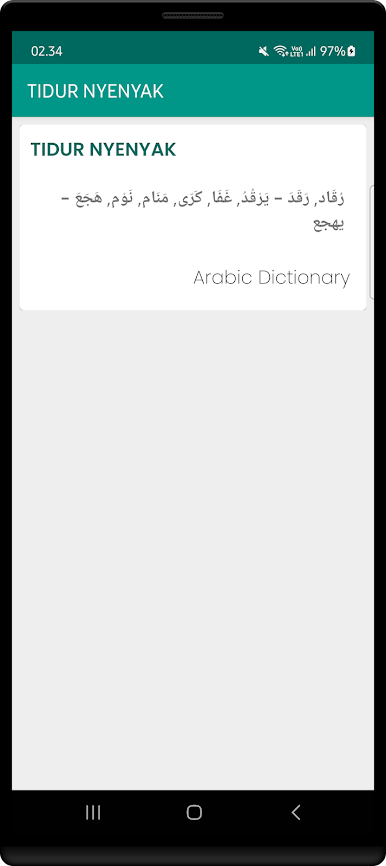
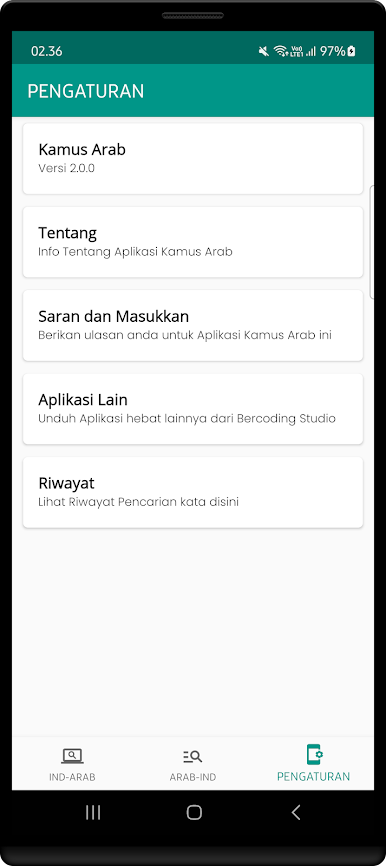
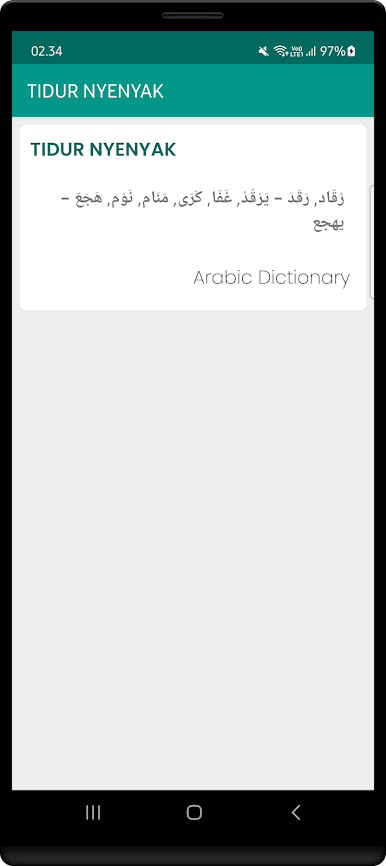
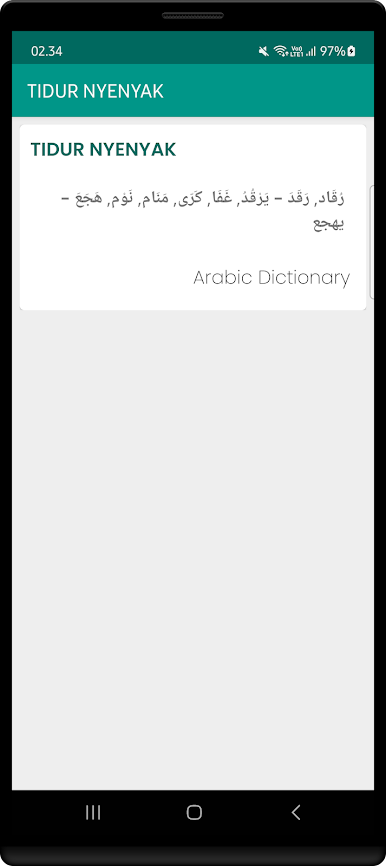
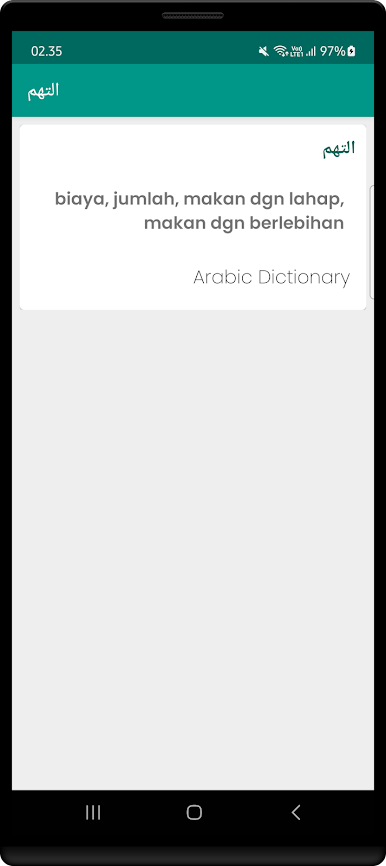
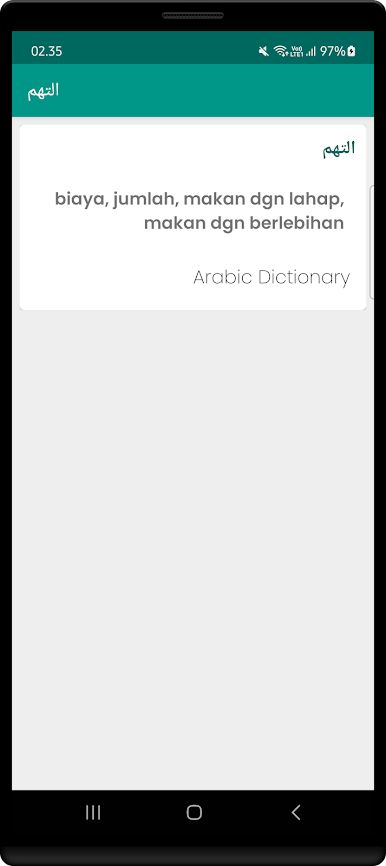
- Offline Arabic Dictionary definitions
- Copying the translation results
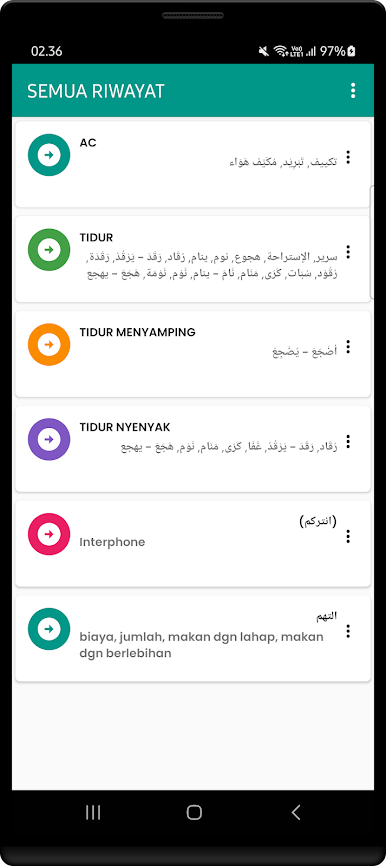
- Share translation results
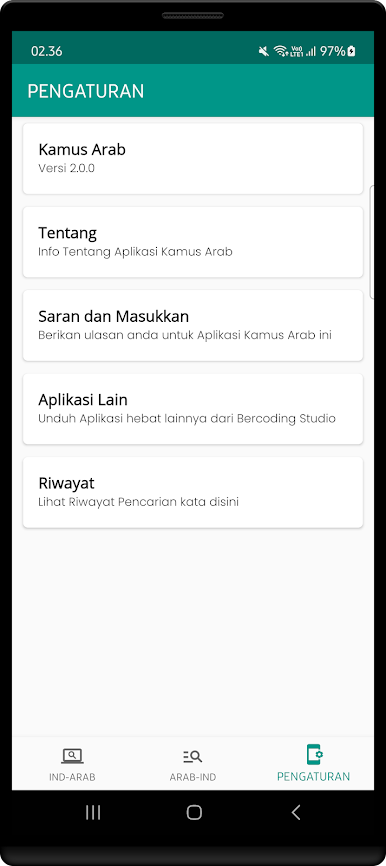
The Arabic Word Dictionary application is very easy to use supported by an attractive appearance, I hope this Indonesian Arabic Dictionary application is useful as a means of learning Arabic for you.
Zagraj w Kamus Bahasa Arab Indonesia na PC. To takie proste.
-
Pobierz i zainstaluj BlueStacks na PC
-
Zakończ pomyślnie ustawienie Google, aby otrzymać dostęp do sklepu Play, albo zrób to później.
-
Wyszukaj Kamus Bahasa Arab Indonesia w pasku wyszukiwania w prawym górnym rogu.
-
Kliknij, aby zainstalować Kamus Bahasa Arab Indonesia z wyników wyszukiwania
-
Ukończ pomyślnie rejestrację Google (jeśli krok 2 został pominięty) aby zainstalować Kamus Bahasa Arab Indonesia
-
Klinij w ikonę Kamus Bahasa Arab Indonesia na ekranie startowym, aby zacząć grę

