


Trích xuất văn bản từ hình ảnh
Chơi trên PC với BlueStacks - Nền tảng chơi game Android, được hơn 500 triệu game thủ tin tưởng.

Trang đã được sửa đổi vào: Dec 7, 2024
Run Text Scanner - Image to Text on PC or Mac
What’s better than using Text Scanner – Image to Text by EVOLLY.APP? Well, try it on a big screen, on your PC or Mac, with BlueStacks to see the difference.
About the App
If you’re tired of typing out long passages from pictures or documents, Text Scanner – Image to Text by EVOLLY.APP is here to help. This handy tool lets you grab text directly from images with a quick snap, saving you time and effort. Just open it up, point your camera at whatever you want to copy—maybe a receipt, a sign, or a printed page—and watch as the words appear right on your screen in seconds.
App Features
-
Quick Image-to-Text Conversion
Snap a photo, or pull one from your gallery; the app works fast to extract text from any image so you spend less time typing. -
Advanced OCR Technology
Using robust optical character recognition, you’ll get reliable results even if your images aren’t picture-perfect. Blurry shots or tricky lighting? The app still gets the job done. -
Automatic Language Detection
There’s no need to fiddle with settings every time you scan something new. The app figures out the language on its own, making it super easy if you’re working with text in more than one language. -
Supports Over 100 Languages
Whether it’s English, Spanish, Japanese, or something less common, you’re covered. Great for travelers, students, or anyone dealing with multilingual content. -
Seamless Sharing
Got the text you need? Share it instantly with other apps—send it in a message, paste it into a note, or start editing right away. Everything works smoothly, and you’re just a couple taps from moving info wherever you want it.
Want a bigger editing space? Try using Text Scanner – Image to Text on your PC with BlueStacks for an even more comfortable view.
Ready to experience Text Scanner – Image to Text on a bigger screen, in all its glory? Download BlueStacks now.
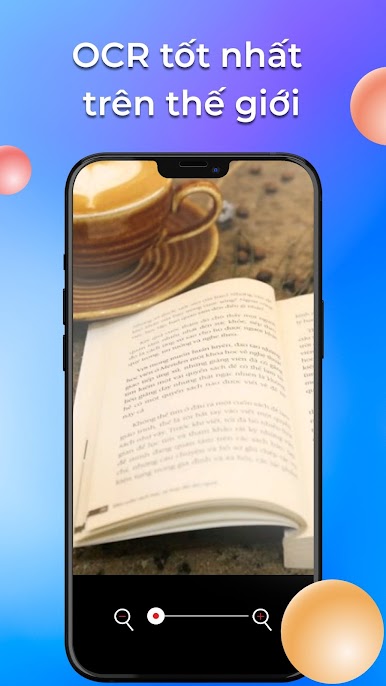
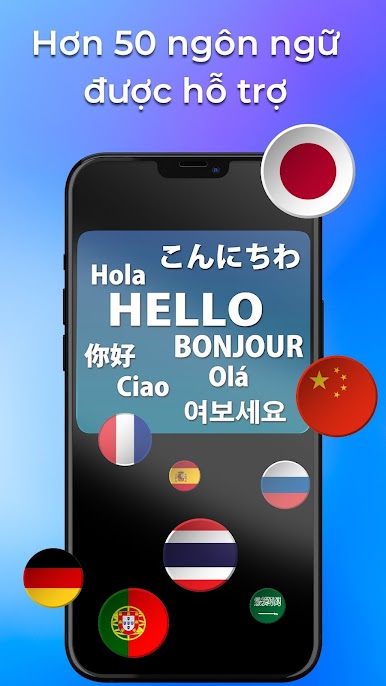
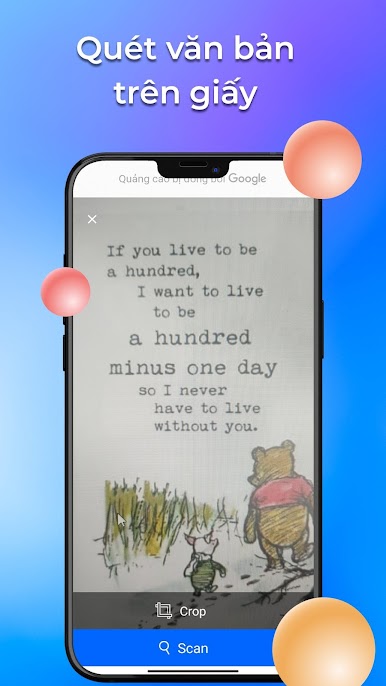
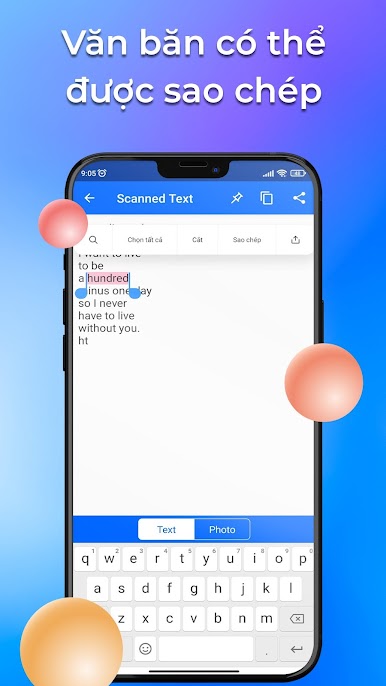
Chơi Trích xuất văn bản từ hình ảnh trên PC. Rất dễ để bắt đầu
-
Tải và cài đặt BlueStacks trên máy của bạn
-
Hoàn tất đăng nhập vào Google để đến PlayStore, hoặc thực hiện sau
-
Tìm Trích xuất văn bản từ hình ảnh trên thanh tìm kiếm ở góc phải màn hình
-
Nhấn vào để cài đặt Trích xuất văn bản từ hình ảnh trong danh sách kết quả tìm kiếm
-
Hoàn tất đăng nhập Google (nếu bạn chưa làm bước 2) để cài đặt Trích xuất văn bản từ hình ảnh
-
Nhấn vào icon Trích xuất văn bản từ hình ảnh tại màn hình chính để bắt đầu chơi

