


File locker - Lock any File
Chơi trên PC với BlueStacks - Nền tảng chơi game Android, được hơn 500 triệu game thủ tin tưởng.

Trang đã được sửa đổi vào: Nov 8, 2025
Play File locker - Lock any File on PC
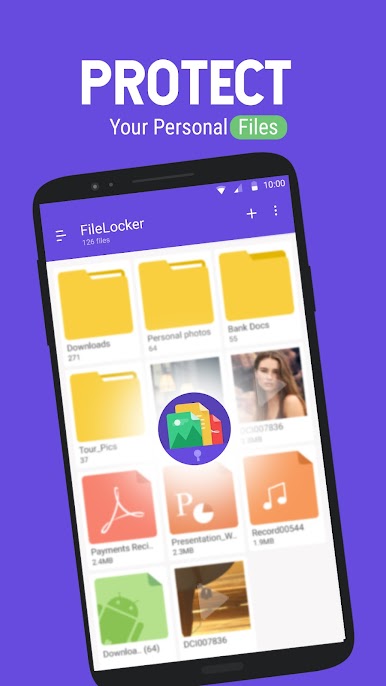
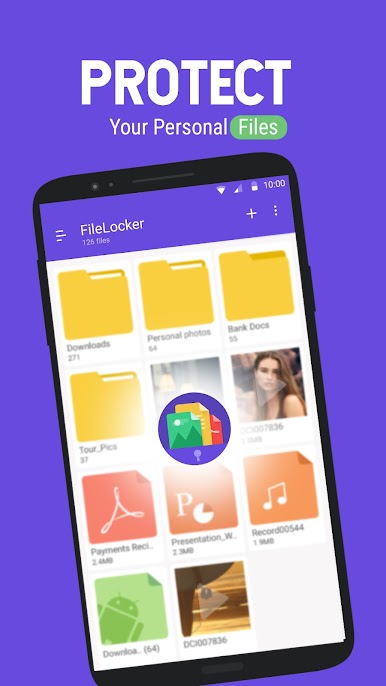
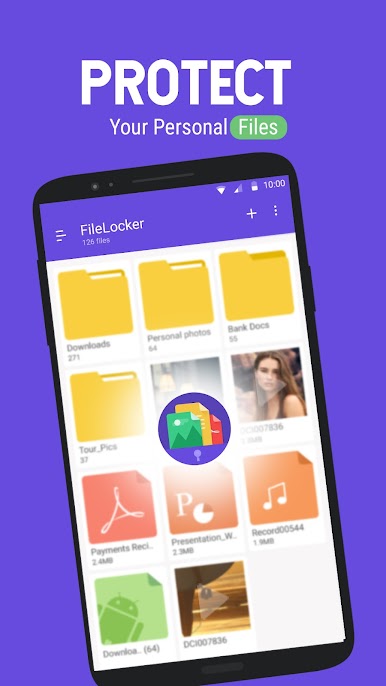
File Lock lets you password-protect your personal files (ex: photos, videos, documents), etc... in your Android Phones.
"File Locker" encrypts your file and save in secret location in your device so your file is completely secure. Hide any type of files with file locker. File Locker ensures that family and friends who use your phone don’t see your private files, if they browse through your gallery or photo album. This also works as Video locker, Image locker.
FEATURES:
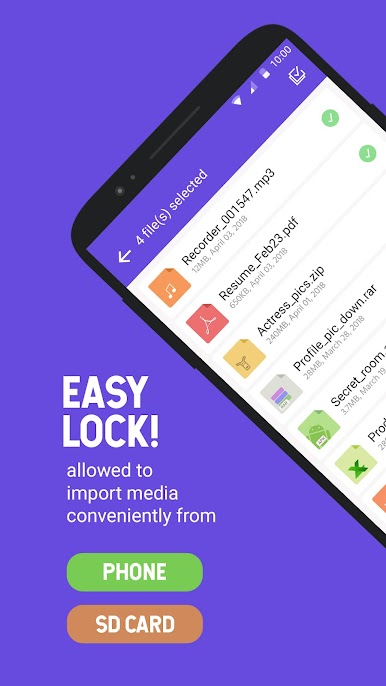
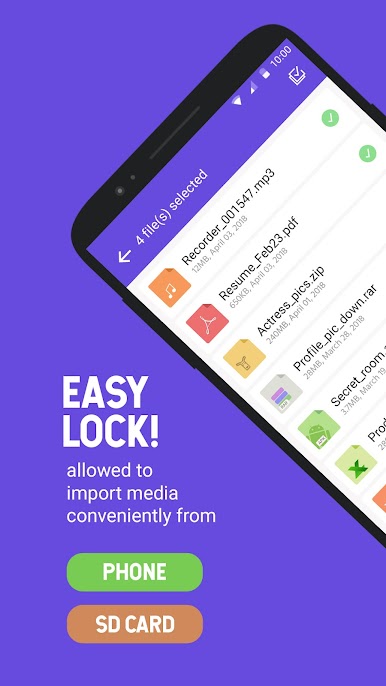
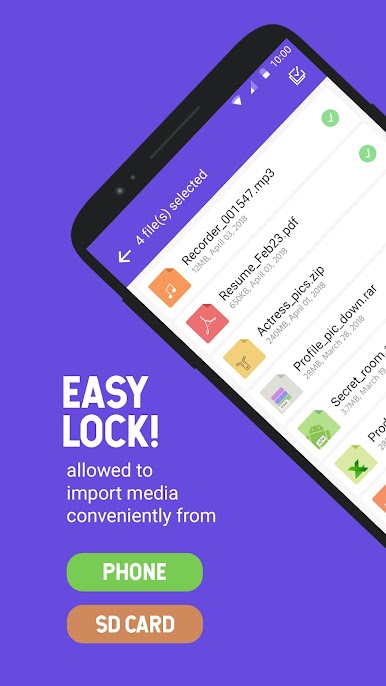
• Import files from SD Card / Phone Memory
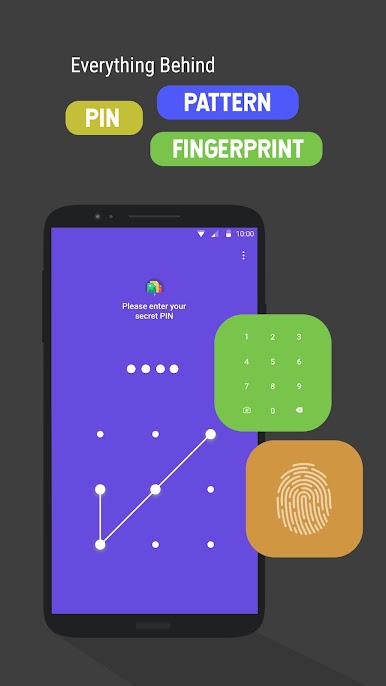
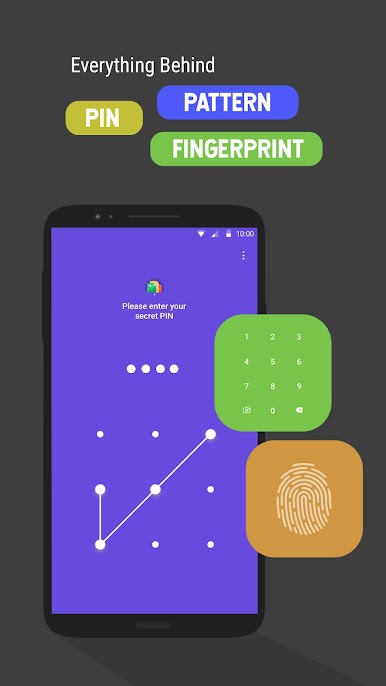
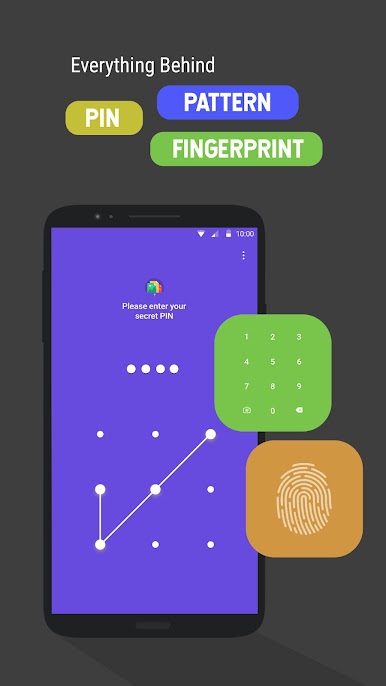
• Password protected app access with a PIN / Pattern / Finger print.
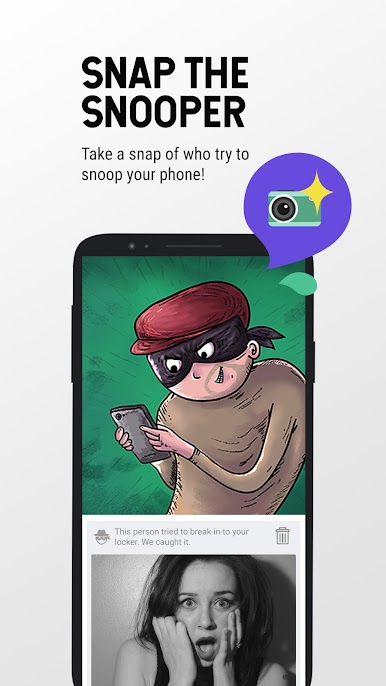
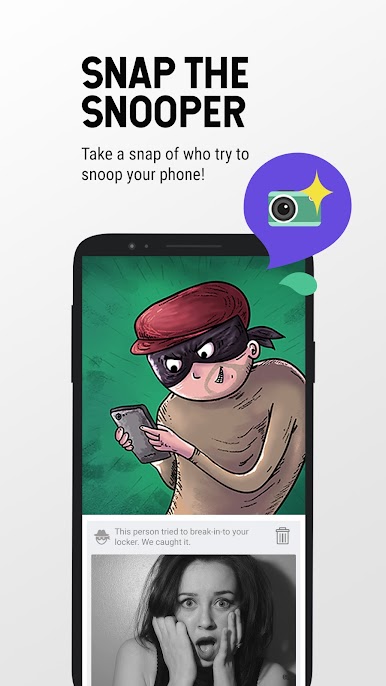
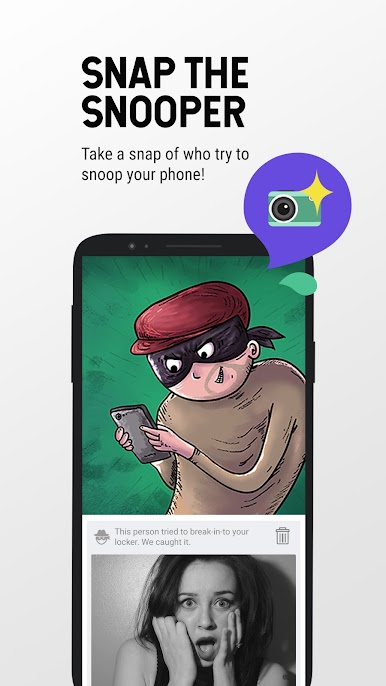
• Break-in-alert: snap the snooper
• Slideshow photos
• Set theme to depends on your mood
• Does not show in ‘recent apps’ list.
• Automatically quits in device's sleep mode.
• Password recovery option (we will send password to your registered e-mail id).
• Unlimited Files can be locked.
• Fastest lock process with multi-select feature to import hundreds of files quickly.
• Lock important documents
HOW IT WORKS:
LOCK
1 - Browse to the target file(s) and check the check box beside it.
2 - Press the lock button on the bottom bar.
3 - Files will be encrypt and save in secret location of your device.
4 - that's it.
UNLOCK
1 - Select the file(s) in the app
2 - Press the unlock button on the bottom bar.
3 - Files will be unlocked and automatically gets saved in your device, folder name of "File locker".
4 - that's it.
WHAT YOU CAN LOCK WITH FILE LOCKER:
• Lock Videos
• Lock Photos
• Lock Documents
• Lock Audio Files
PASSWORD RECOVERY:
In case if you forget your passwords we will send you to your registered e-mail id.
GET_ACCOUNTS permission is get user e-mail id for sending password.
ALREADY A FAN? CONNECT WITH US
• Like us: http://facebook.com/innorriors
• Follow us: http://twitter.com/innorriors
• Visit us: http://www.innorriors.com
Having issues with File Locker? send mail us to admin@innorriors.com
Chơi File locker - Lock any File trên PC. Rất dễ để bắt đầu
-
Tải và cài đặt BlueStacks trên máy của bạn
-
Hoàn tất đăng nhập vào Google để đến PlayStore, hoặc thực hiện sau
-
Tìm File locker - Lock any File trên thanh tìm kiếm ở góc phải màn hình
-
Nhấn vào để cài đặt File locker - Lock any File trong danh sách kết quả tìm kiếm
-
Hoàn tất đăng nhập Google (nếu bạn chưa làm bước 2) để cài đặt File locker - Lock any File
-
Nhấn vào icon File locker - Lock any File tại màn hình chính để bắt đầu chơi

