


Firestorm for Hue
Chơi trên PC với BlueStacks - Nền tảng chơi game Android, được hơn 500 triệu game thủ tin tưởng.

Trang đã được sửa đổi vào: Aug 25, 2025
Play Firestorm for Hue on PC
*Hue Bridge required
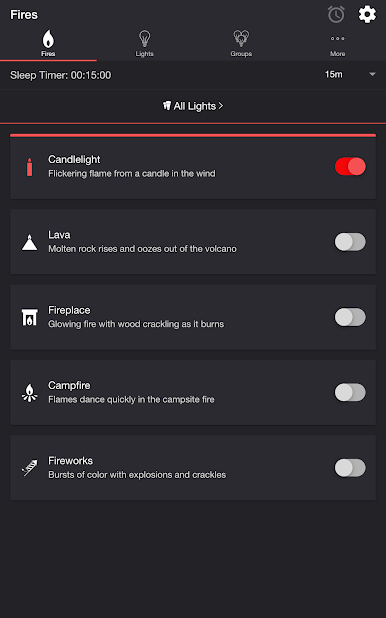
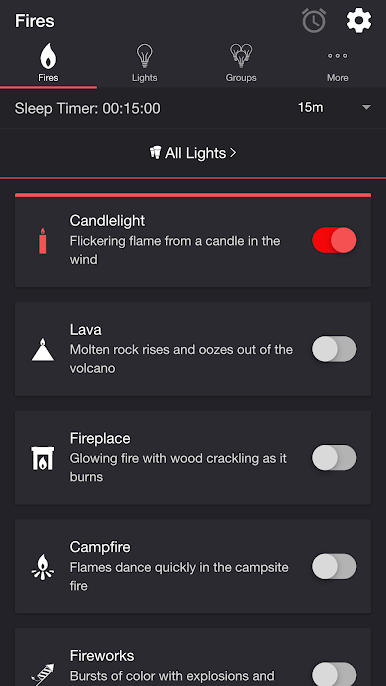
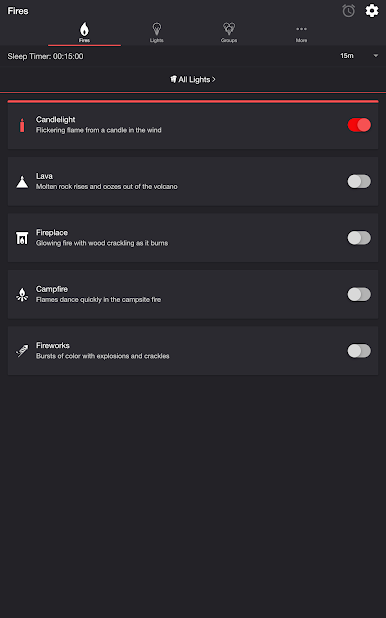
FIRES
• Candlelight — Flickering flame from a candle in the wind
• Lava — Molten rock rises and oozes out of the volcano
• Fireplace — Glowing fire with wood crackling as it burns
• Campfire — Flames dance quickly in the campsite fire
• Fireworks — Bursts of color with explosions and crackles
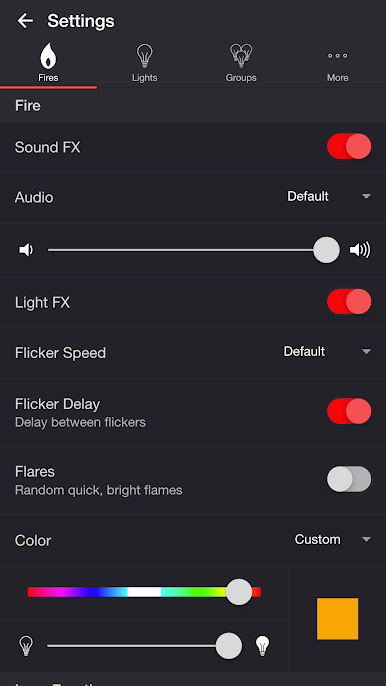
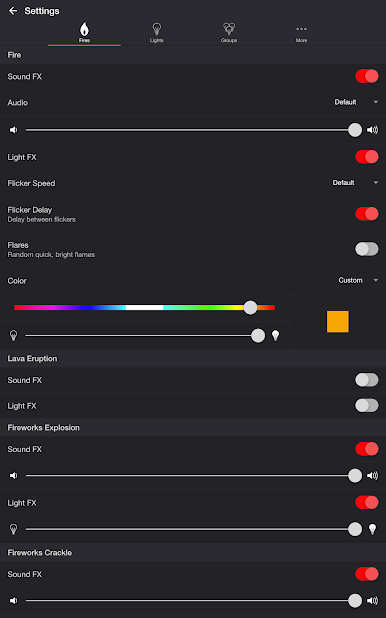
SETTINGS
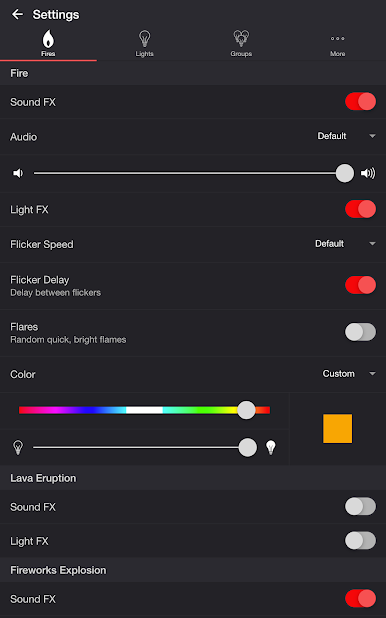
Fire
• Toggle fire sound effects
• Change fire audio: Default, Lava, Fireplace, Campfire
• Change fire volume
• Toggle fire light effects
• Change flicker speed: Default, Very Slow, Slow, Medium, Fast
• Toggle flicker delay (Delay between flickers)
• Toggle flares (Random quick, bright flames)
• Change color and brightness of fire light effects
Lava Eruption
• Toggle eruption sound effects
• Change eruption volume
• Toggle eruption light effects
• Change eruption interval
• Change color and brightness of eruption light effects
Fireworks Explosion
• Toggle explosion sound effects
• Change explosion volume
• Toggle explosion light effects
• Change brightness of explosion light effects
Fireworks Crackle
• Toggle crackle sound effects
• Change crackle volume
• Toggle crackle light effects
• Change occurrence: Random, Never, Always
• Change brightness of crackle light effects
Background Sounds
• Toggle background sounds: Birds, Cicadas, Crickets, Frogs
• Change background sounds volume
General
• Delay Light FX (Wireless audio delay offset)
• Change default end state: On, Off, Revert
• Change sleep end state: On, Off, Revert
• Select mode to automatically start when app opens
• Choose time to automatically stop selected mode
• Choose time to automatically restart selected mode when sleep timer ends, enabling recurring cycle
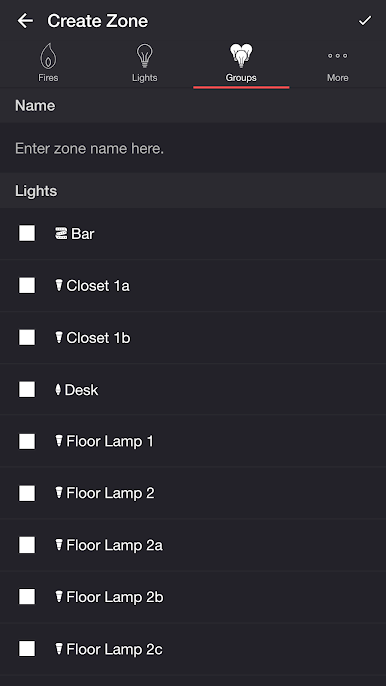
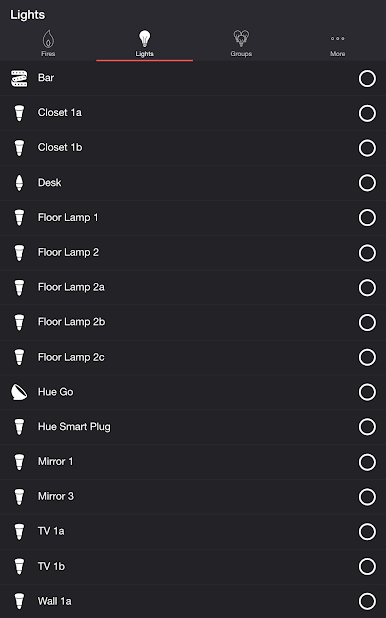
LIGHTS / GROUPS
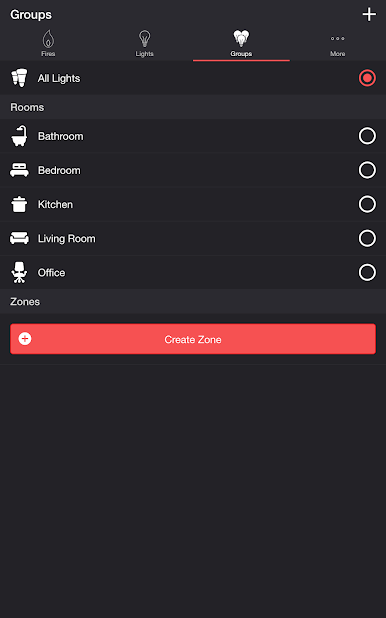
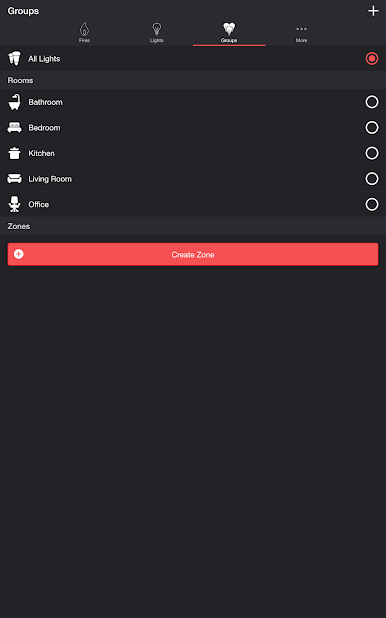
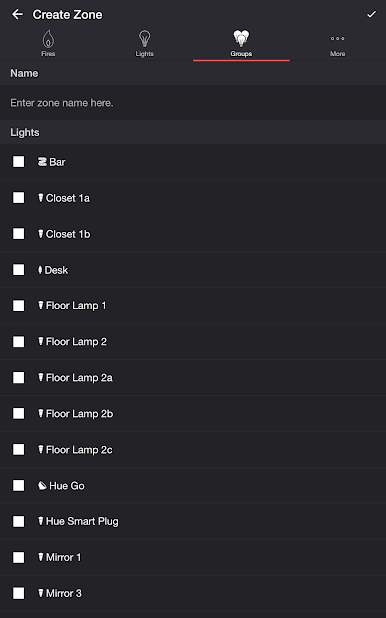
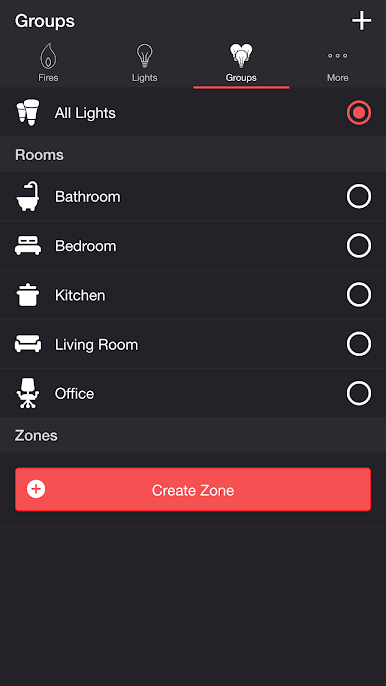
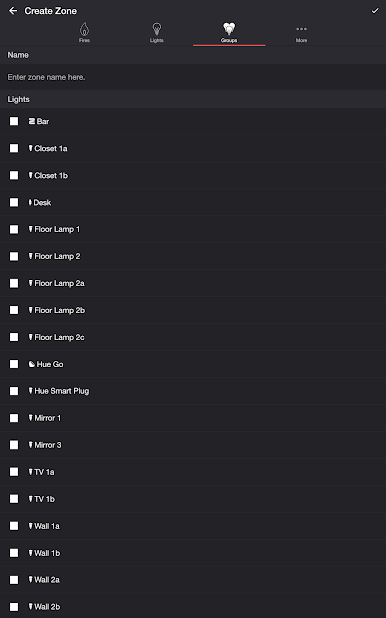
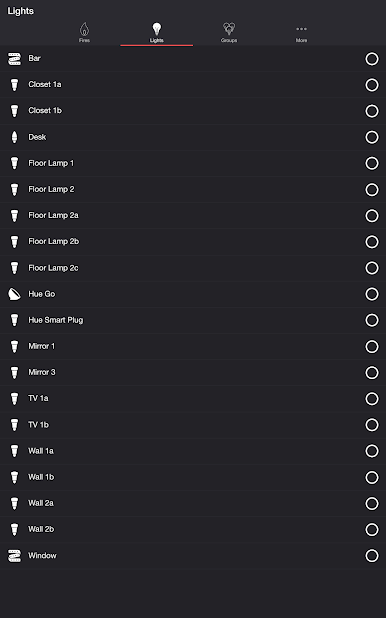
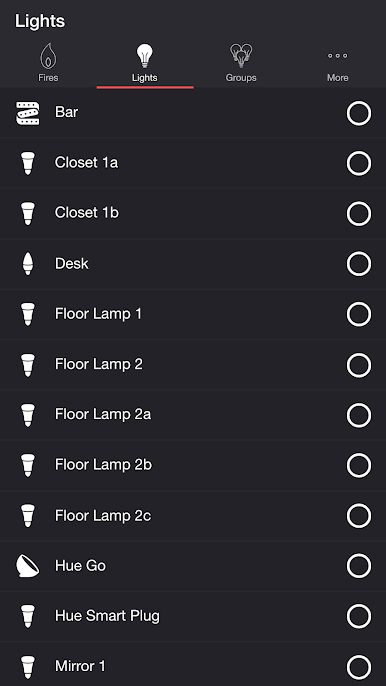
Select one or more lights for your fire light show on the Lights/Groups tab. Choose a group that you set up using the Philips Hue app, or create a new zone in the Firestorm for Hue app. To edit a zone in the list, swipe the item to the left and tap the pencil icon. When you add, remove, or change lights, pull down the list to refresh.
ADDITIONAL FEATURES
• Sleep Timer — Set a timer complemented with an audio fade-out feature. Choose the state of your lights after the timer ends with the Sleep End State setting.
• Bluetooth and Casting Support — Connect to Bluetooth speakers directly, or cast to Chromecast built-in speakers using the Google Home App. Adjust the Delay Light FX setting to offset any wireless audio delay.
I'd love to hear your thoughts and appreciate you taking the time to rate the app. By leaving a review, I can continue to improve Firestorm for Hue and create a great experience for you and future users. Thank you! —Scott
Chơi Firestorm for Hue trên PC. Rất dễ để bắt đầu
-
Tải và cài đặt BlueStacks trên máy của bạn
-
Hoàn tất đăng nhập vào Google để đến PlayStore, hoặc thực hiện sau
-
Tìm Firestorm for Hue trên thanh tìm kiếm ở góc phải màn hình
-
Nhấn vào để cài đặt Firestorm for Hue trong danh sách kết quả tìm kiếm
-
Hoàn tất đăng nhập Google (nếu bạn chưa làm bước 2) để cài đặt Firestorm for Hue
-
Nhấn vào icon Firestorm for Hue tại màn hình chính để bắt đầu chơi

