

Stash - Track Video Games
Chơi trên PC với BlueStacks - Nền tảng chơi game Android, được hơn 500 triệu game thủ tin tưởng.

Trang đã được sửa đổi vào: Nov 11, 2025
Run Stash - Track Video Games on PC or Mac
Multitask effortlessly on your PC or Mac as you try out Stash – Track Video Games, a Social app by Stash Team on BlueStacks.
About the App
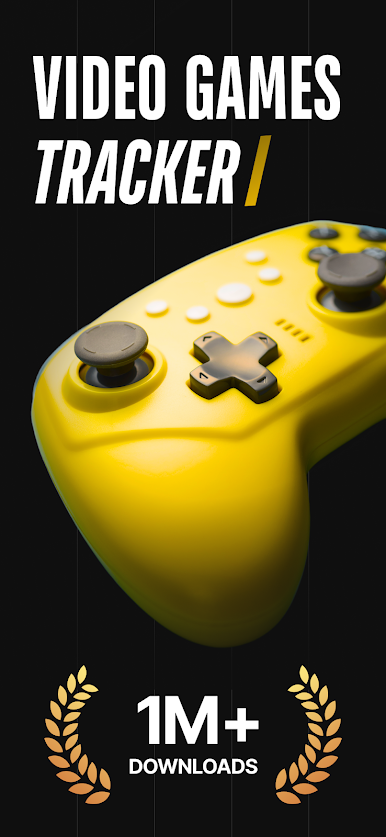
Stash – Track Video Games is where gamers can finally get their game libraries under control—and maybe even show off a little. Want to keep tabs on everything you’ve played, beaten, or still hope to try? Stash Team’s app makes organizing your video game collection actually fun, whether you’re deep into retro consoles or bouncing between the latest PlayStation and Steam releases. Get ready for smarter lists, bigger wishlists, and a real sense of community with others who know the pain of a massive pile of unplayed games.
App Features
-
Game Collection Tracking
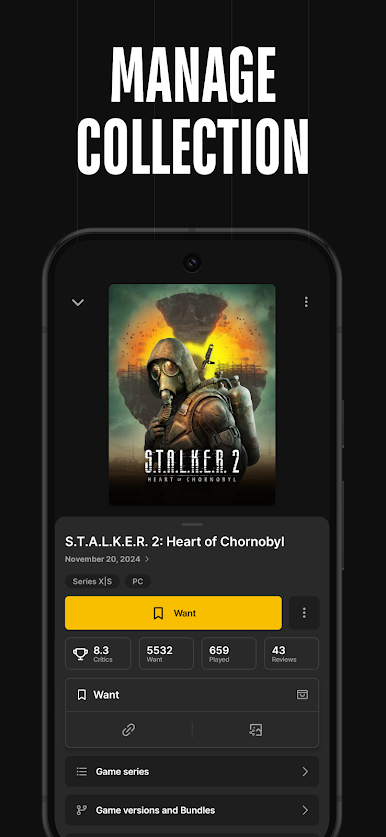
Keep your gaming backlog in check by easily adding games to your collection. Mark them as played, beaten, or even just “want to play”—it’s all about your preferences. -
Personalized Wishlists
Spot a title that’s not out yet or one you just discovered? Slip it onto your wishlist for quick access later. -
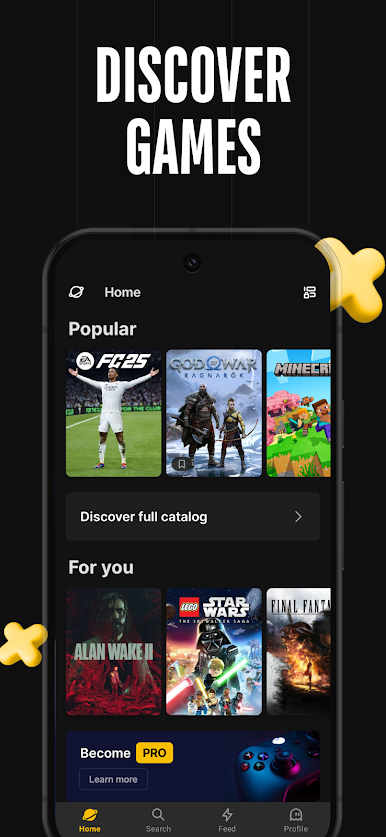
Discover New Titles
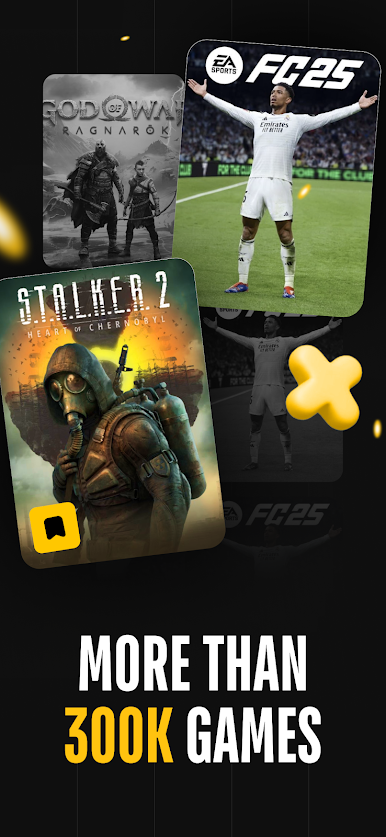
Need something new? Explore a huge database with hundreds of thousands of games, complete with screenshots and videos to help you pick your next adventure. -
Multi-Platform Management
All your favorites, all in one spot. Stash organizes games whether you’re on Xbox, PlayStation, PC, Nintendo Switch, or even classic consoles. -
Community & Social Features
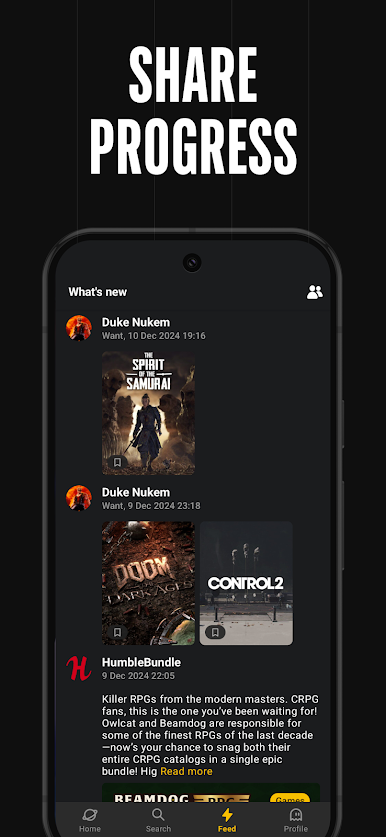
Want to see what your friends are playing or compare collections? Follow other users, check out profiles, and start some gaming conversations. -
Custom Collections
Build your own curated lists any way you like, whether that’s “Top RPGs” or “Party Games I’ll Actually Play.” -
Import from Steam
Steam users, you’re covered—easily pull your full game collection straight into Stash. -
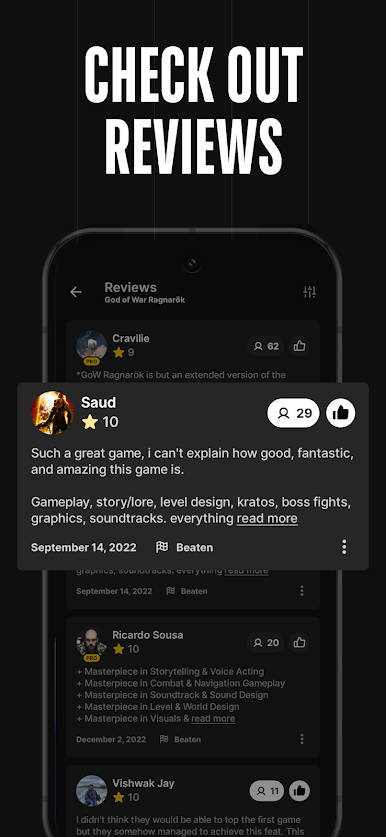
Game Reviews & Ratings
Share your opinions by reviewing and rating games you’ve played to help power smarter suggestions for other players. -
Release Alerts
Waiting for a hot new release? Just set an alert and Stash will ping you the moment it drops. -
Leaderboard Fun
If you like a little friendly competition, check out the app’s leaderboards to see how your collection stacks up against other gamers. -
Humble Bundle Updates
Never miss a deal—get notified whenever new Humble Bundles go live so you can keep expanding your library.
Using BlueStacks, you can keep everything organized right from your desktop, which makes scrolling through your collection and chatting with fellow gamers even easier.
Big screen. Bigger performance. Use BlueStacks on your PC or Mac to run your favorite apps.


Chơi Stash - Track Video Games trên PC. Rất dễ để bắt đầu
-
Tải và cài đặt BlueStacks trên máy của bạn
-
Hoàn tất đăng nhập vào Google để đến PlayStore, hoặc thực hiện sau
-
Tìm Stash - Track Video Games trên thanh tìm kiếm ở góc phải màn hình
-
Nhấn vào để cài đặt Stash - Track Video Games trong danh sách kết quả tìm kiếm
-
Hoàn tất đăng nhập Google (nếu bạn chưa làm bước 2) để cài đặt Stash - Track Video Games
-
Nhấn vào icon Stash - Track Video Games tại màn hình chính để bắt đầu chơi

