

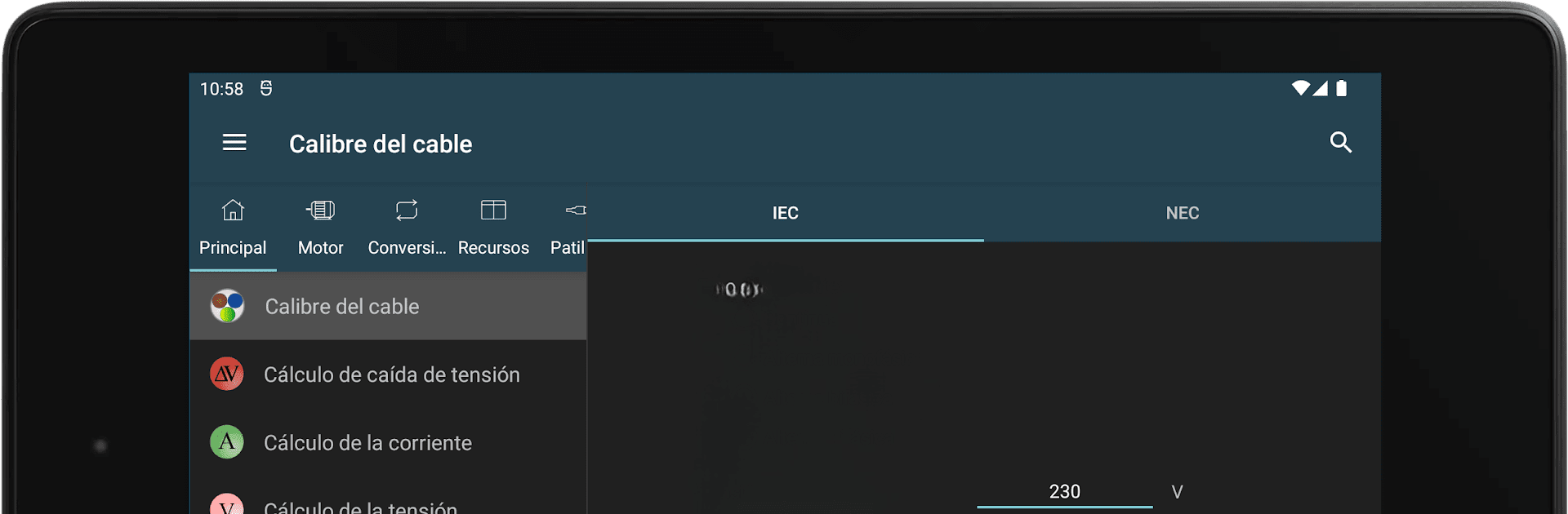
Tính Toán Điện
Chơi trên PC với BlueStacks - Nền tảng chơi game Android, được hơn 500 triệu game thủ tin tưởng.

Trang đã được sửa đổi vào: Nov 5, 2025
Run Electrical Calculations on PC or Mac
Let BlueStacks turn your PC, Mac, or laptop into the perfect home for Electrical Calculations, a fun Productivity app from Ettore Gallina.
About the App
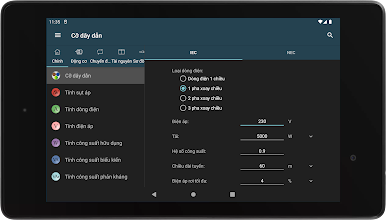
If you ever find yourself triple-checking your math on electrical projects—or just want an easier way to get those numbers right—Electrical Calculations by Ettore Gallina is here to make your life a whole lot simpler. Whether you’re tinkering with electronics, managing panels in the field, or studying for exams, this app puts a huge range of practical, detailed calculations and handy tables at your fingertips, all in one place. It’s designed for folks who like things to just work: quick results, clear answers, and not much fuss.
App Features
-
Core Electrical Calculations
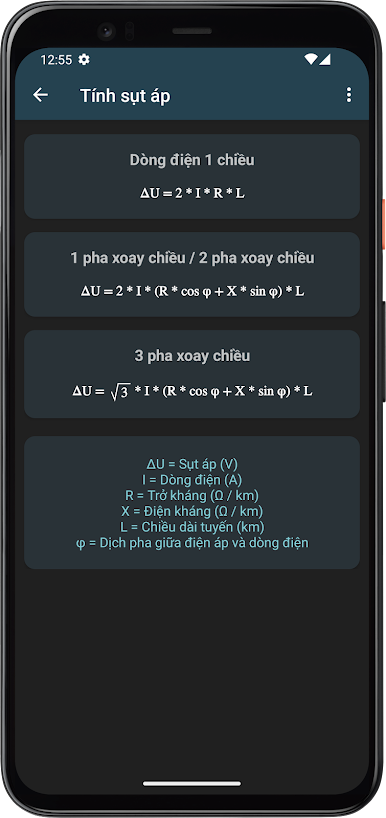
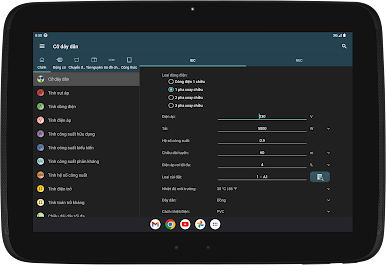
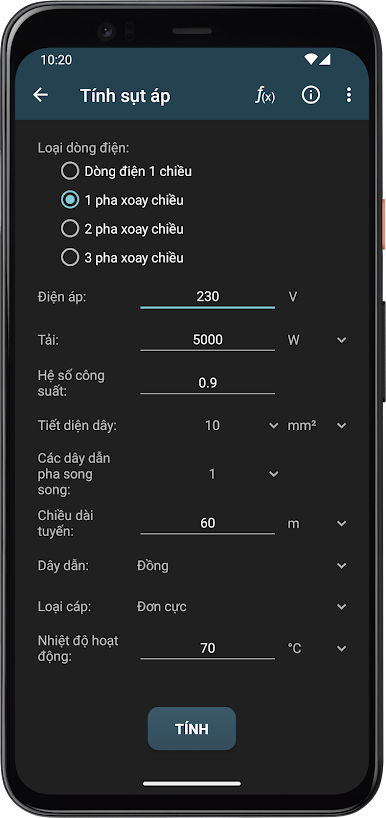
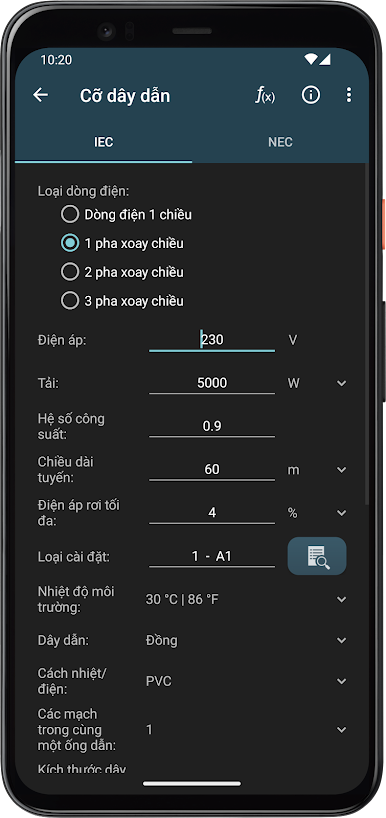
Figure out wire sizes, voltage drops, current loads, and power factors—without breaking out the textbooks. The app covers the measurements and conversions you run into every day, and then some. -
Detailed Motor Math
Need to check a motor’s efficiency or calculate slip, torque, or starting capacities? These tools help sort out everything from basic three-phase to more specialized transformer calculations, with clear diagrams for reference. -
Electronics & Circuit Help
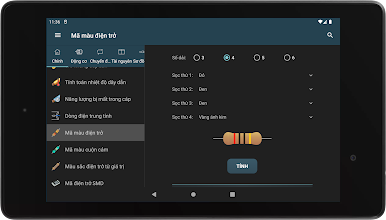
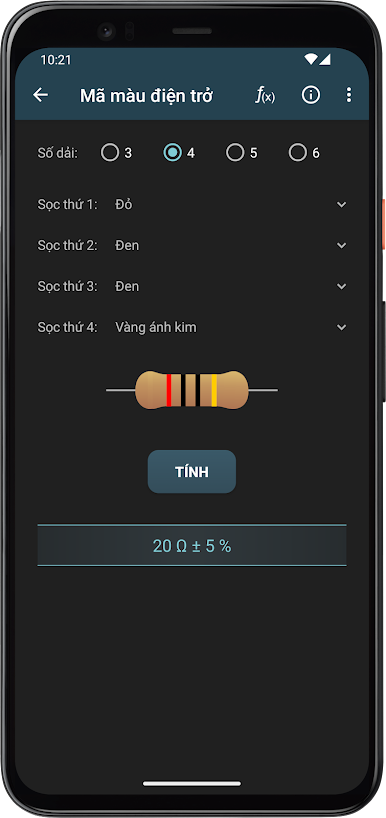
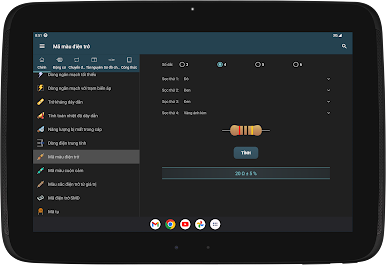
Stuck on a color code? Not sure how to divide voltage between resistors, or need to check battery life? Get fast answers for resistor color codes, fuse selection, frequency, and all those values that keep simple projects running. -
Conversion Tools
Tired of flipping between units? Instantly convert conductor sizes (like AWG to mm² and SWG), power, length, or even more obscure ones like torque or RPM. There’s also help for figuring out the right cable or wire based on the standards you’re working with. -
Reference Tables & Resources
Loads of quick-access charts save you time: tripping curves, standard device numbers, protection classes, even worldwide electricity standards and plug types, right there when you need them. -
Pinout Diagrams
Not sure which wire goes where? The app’s got pinouts for just about every connector you’re likely to meet: Ethernet, USB, HDMI, FireWire, audio jacks, Raspberry Pi headers, car audio, and more—with color codes and diagrams to sort things out fast. -
Handy Form Function
Keep your numbers organized—there’s a simple form right in the app so you can jot down or keep track of quick calculations.
If you want extra convenience, Electrical Calculations runs smoothly in the Productivity category, and you can always use it seamlessly on BlueStacks if you’d rather work from your desktop.
BlueStacks brings your apps to life on a bigger screen—seamless and straightforward.


Chơi Tính Toán Điện trên PC. Rất dễ để bắt đầu
-
Tải và cài đặt BlueStacks trên máy của bạn
-
Hoàn tất đăng nhập vào Google để đến PlayStore, hoặc thực hiện sau
-
Tìm Tính Toán Điện trên thanh tìm kiếm ở góc phải màn hình
-
Nhấn vào để cài đặt Tính Toán Điện trong danh sách kết quả tìm kiếm
-
Hoàn tất đăng nhập Google (nếu bạn chưa làm bước 2) để cài đặt Tính Toán Điện
-
Nhấn vào icon Tính Toán Điện tại màn hình chính để bắt đầu chơi

