

Tính Ánh Sáng
Chơi trên PC với BlueStacks - Nền tảng chơi game Android, được hơn 500 triệu game thủ tin tưởng.

Trang đã được sửa đổi vào: Dec 15, 2025
Run Lighting Calculations on PC or Mac
What’s better than using Lighting Calculations by Ettore Gallina? Well, try it on a big screen, on your PC or Mac, with BlueStacks to see the difference.
About the App
Lighting Calculations is your handy pocket tool for everything lighting-related. If you ever find yourself needing quick lighting numbers—at work, on site, or just out of curiosity—this app’s got your back. It’s straightforward, loaded with useful features, and takes the guesswork out of lighting math for both pros and folks just wanting to get it right.
App Features
-
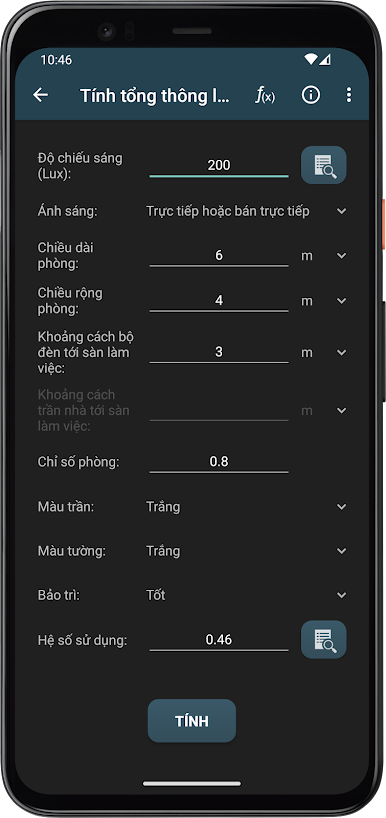
All-in-One Lighting Calculations
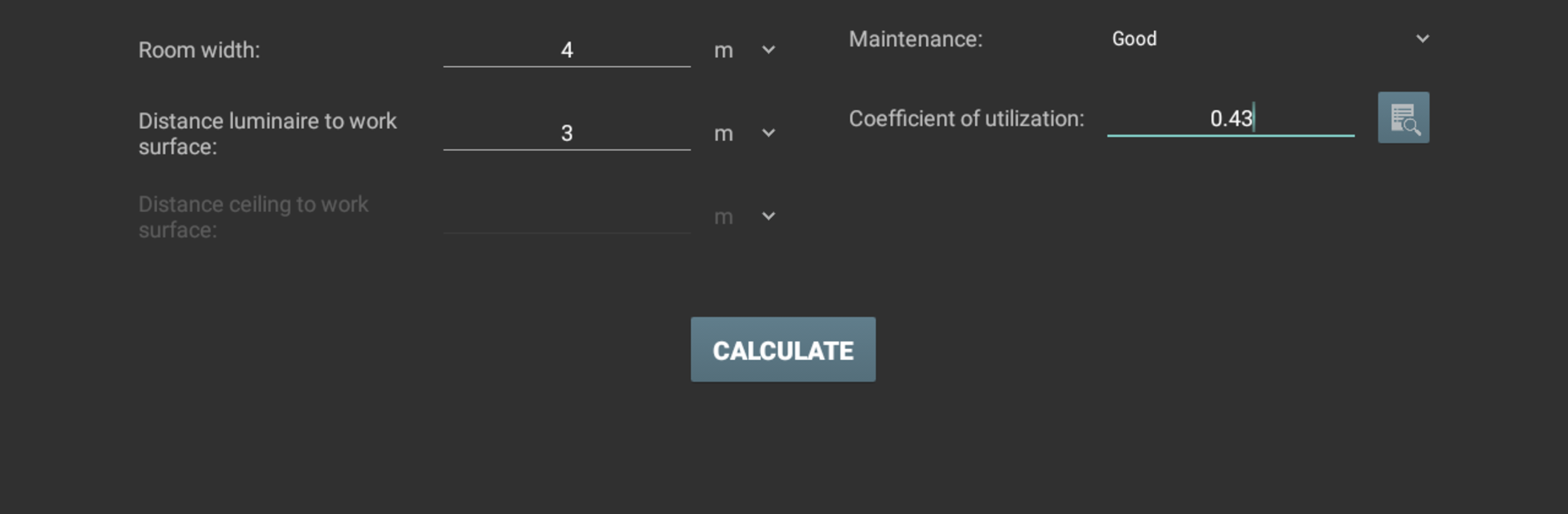
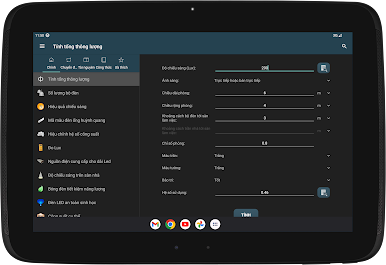
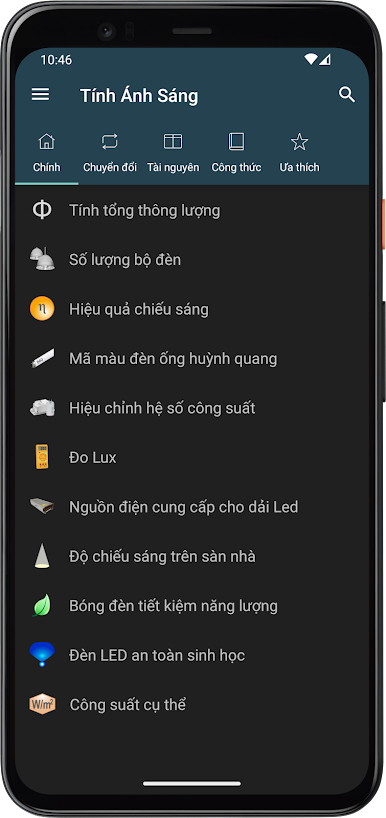
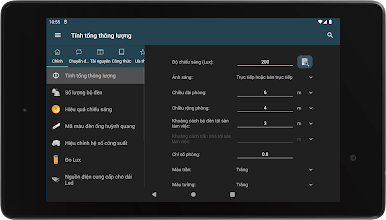
Need to figure out total light output or how many fixtures your room really needs? With Lighting Calculations, you can calculate things like total luminous flux, interior lighting requirements, luminous efficacy, and even estimate energy savings from different types of lamps. -
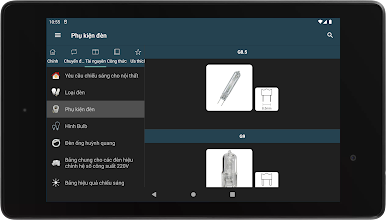
Lamp and Fitting References
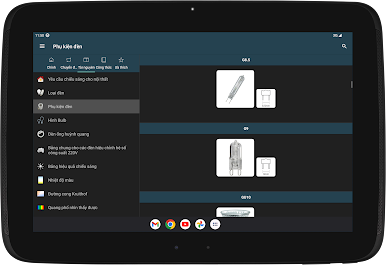
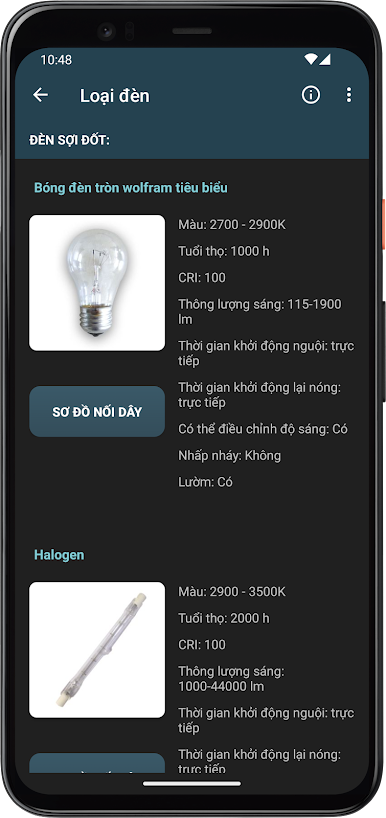
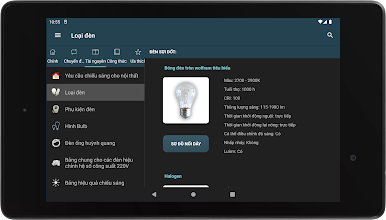
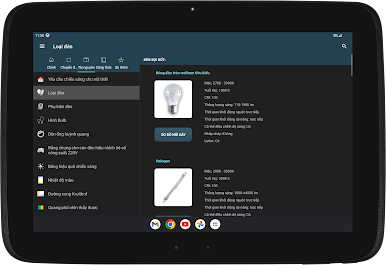
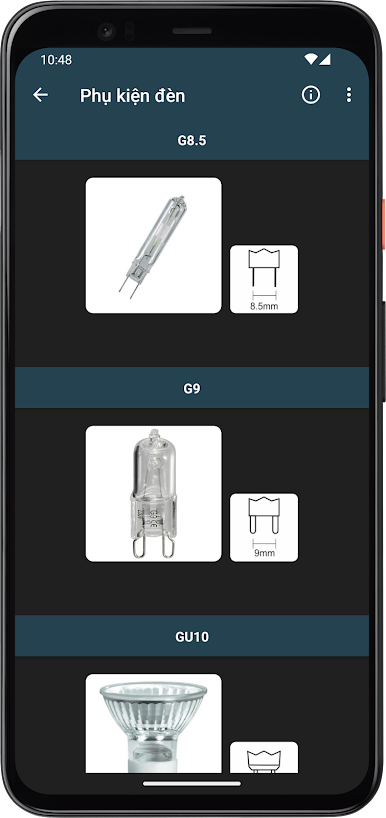
Not sure which bulb shape or lamp fitting you’re dealing with? The built-in resource section breaks down bulb types, color temperature, lamp fittings, and the visible spectrum, so you don’t have to memorize a thing. -
Lux Meter Tools
If your device has a light sensor, Lighting Calculations doubles as a handy lux meter, letting you measure actual illuminance on the spot for a quick light check. -
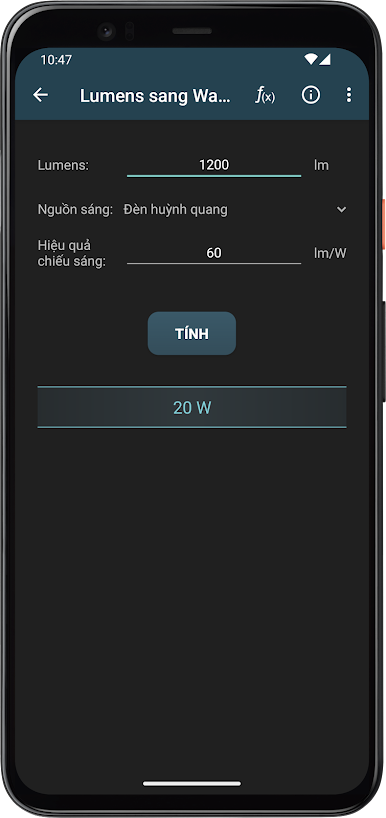
Converter Toolbox
Swap between lumens, lux, watts, candelas, and more with a set of easy-to-use converters. Whether you’re comparing luminous power or converting color temperatures from Kelvin to RGB, these tools make quick work of complex formulas. -
Energy and Power Tools
Wondering about power factor corrections or calculating the specific power for your setup? Tap into equations and tables that cover all of that, so your energy math is always on point. -
LED Safety and Details
Get clear info on LED photobiological safety, LED strip power supplies, SMD specifics, and standard codes you’ll encounter in day-to-day lighting tasks. -
Designer-Friendly Color Tools
From RGB to HEX or CMYK conversions and even exploring the Kruithof curve, designers and lighting enthusiasts will find these color tools especially useful. -
Formulary and Unit Tables
Have a tough equation or need to check a unit of measurement? There’s a dedicated formulary and unit section, complete with visual symbols, saving you a trip to your reference books.
And yes, Lighting Calculations by Ettore Gallina fits right into your Productivity toolkit, whether you’re using it on your mobile or through BlueStacks for a bigger screen experience.
Switch to BlueStacks and make the most of your apps on your PC or Mac.

Chơi Tính Ánh Sáng trên PC. Rất dễ để bắt đầu
-
Tải và cài đặt BlueStacks trên máy của bạn
-
Hoàn tất đăng nhập vào Google để đến PlayStore, hoặc thực hiện sau
-
Tìm Tính Ánh Sáng trên thanh tìm kiếm ở góc phải màn hình
-
Nhấn vào để cài đặt Tính Ánh Sáng trong danh sách kết quả tìm kiếm
-
Hoàn tất đăng nhập Google (nếu bạn chưa làm bước 2) để cài đặt Tính Ánh Sáng
-
Nhấn vào icon Tính Ánh Sáng tại màn hình chính để bắt đầu chơi

