


MyNice World
Graj na PC z BlueStacks – Platforma gamingowa Android, która uzyskała zaufanie ponad 500 milionów graczy!

Strona zmodyfikowana w dniu: Jun 8, 2023
Graj MyNice World na PC
With the MyNice World app, you can:
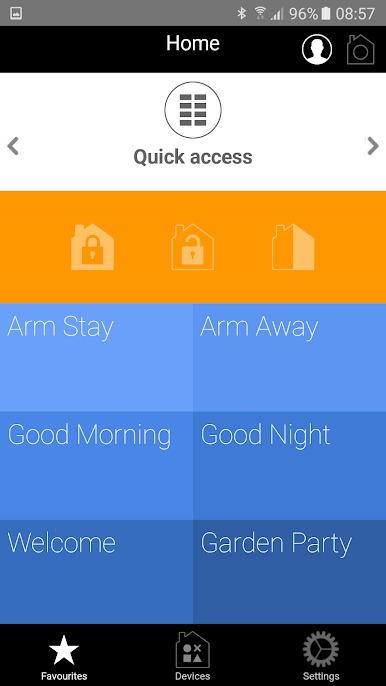
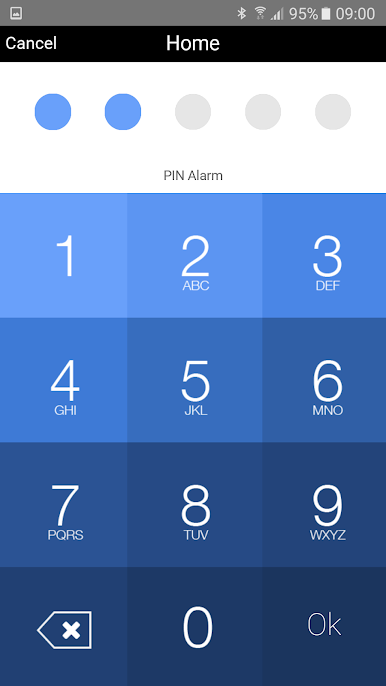
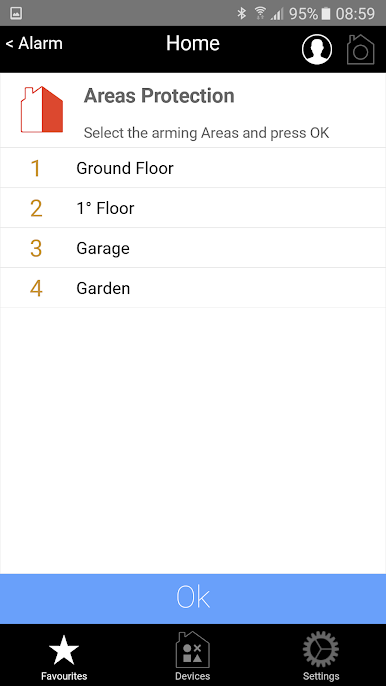
– activate and deactivate the alarm in one or more zones in the home and check the status of the alarm control unit and recorded events;
– activate scenarios, for example raise shutters at a given time in the morning, ...;
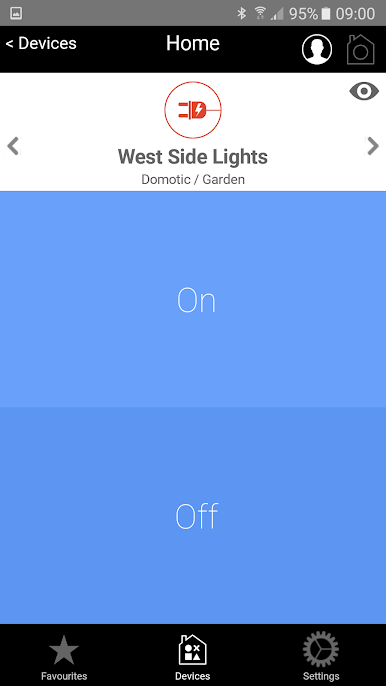
– make sure the automations have carried out the commands correctly*: the garage is closed, and so is the sliding gate, …;
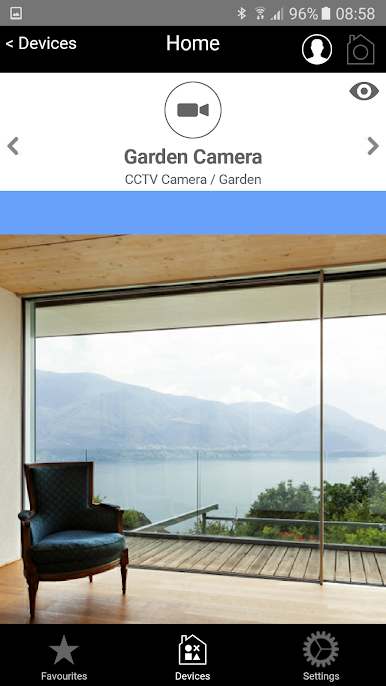
– check what is happening in your home at any time through the MyNice Photopir detector.
(*Only for bidirectional automations).
MyNice World is compatible with MyNice alarm control units and with Nice blind and shutter systems connected with the Nice DMBM interface.
Nice S.p.A. offers a complete range of smart and easy-to-use products to enjoy your living spaces in the ideal way. Discover the Nice world on Niceforyou.com. Welcome to Nice!

Zagraj w MyNice World na PC. To takie proste.
-
Pobierz i zainstaluj BlueStacks na PC
-
Zakończ pomyślnie ustawienie Google, aby otrzymać dostęp do sklepu Play, albo zrób to później.
-
Wyszukaj MyNice World w pasku wyszukiwania w prawym górnym rogu.
-
Kliknij, aby zainstalować MyNice World z wyników wyszukiwania
-
Ukończ pomyślnie rejestrację Google (jeśli krok 2 został pominięty) aby zainstalować MyNice World
-
Klinij w ikonę MyNice World na ekranie startowym, aby zacząć grę

