


Keepass2Android
Graj na PC z BlueStacks – Platforma gamingowa Android, która uzyskała zaufanie ponad 500 milionów graczy!

Strona zmodyfikowana w dniu: Nov 26, 2025
Run Keepass2Android Password Safe on PC or Mac
What’s better than using Keepass2Android Password Safe by Philipp Crocoll (Croco Apps)? Well, try it on a big screen, on your PC or Mac, with BlueStacks to see the difference.
About the App
Ever scramble to remember a password right when you need it? Yeah, we’ve all been there. Keepass2Android Password Safe lets you keep all your logins, access codes, and private notes tucked away in one secure spot—no more sticky note chaos or memory gymnastics. If you’re already using a tool like KeePass on your PC, this app makes syncing super straightforward, so your passwords always travel with you. It’s straightforward, reliable, and built with your security in mind.
App Features
-
Encrypted Password Vault
Safely store everything from passwords and PINs to important notes in an encrypted database—protected with trusted encryption tech. -
KeePass Compatibility
Pull in databases from KeePass (both v1 and v2), KeePassXC, MiniKeePass, and lots of other apps that use the same format. Easy switching, no headaches. -
QuickUnlock and Biometrics
Hate entering long, complicated master passwords every time? Just unlock once, then re-open your database with a couple of characters or your fingerprint—way faster and still secure. -
Cloud & Local Sync
Keep your vault up-to-date wherever you go. Sync through Dropbox, Google Drive, SFTP, WebDAV, or your own server. Not a fan of cloud storage? There’s an offline option, too. -
AutoFill for Apps & Websites
Stop copying and pasting! The built-in AutoFill service and soft-keyboard make logging into apps and websites painless and more secure. -
Advanced Security Features
The app’s got some impressive tricks: support for multiple encryption algorithms, Yubikey unlock, different TOTP options, templates for different types of entries, and you can even set up child databases to share some passwords but keep others private. -
Completely Free & Open Source
No sneakily hidden fees. You can even check the code if you’re curious about how it works.
By the way, if you want to manage your passwords from your PC or Mac with a full keyboard, you can use Keepass2Android Password Safe through BlueStacks for some extra convenience.
Big screen. Bigger performance. Use BlueStacks on your PC or Mac to run your favorite apps.

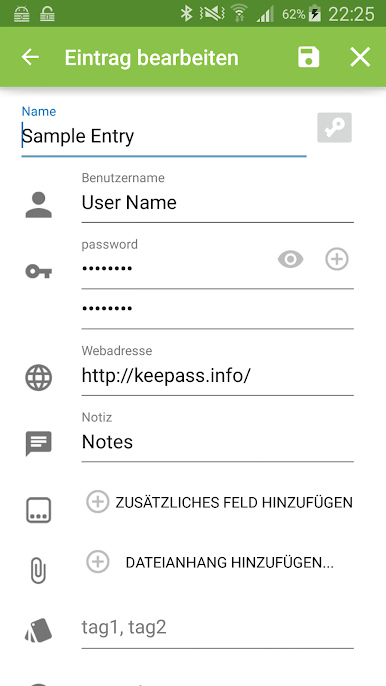
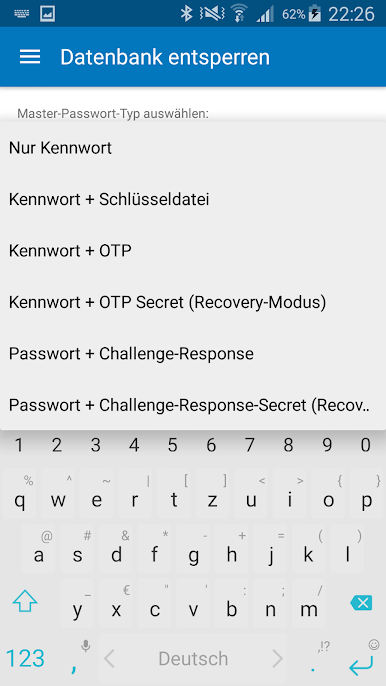
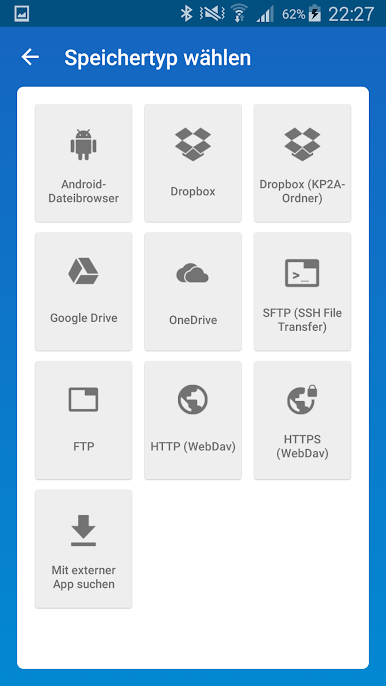
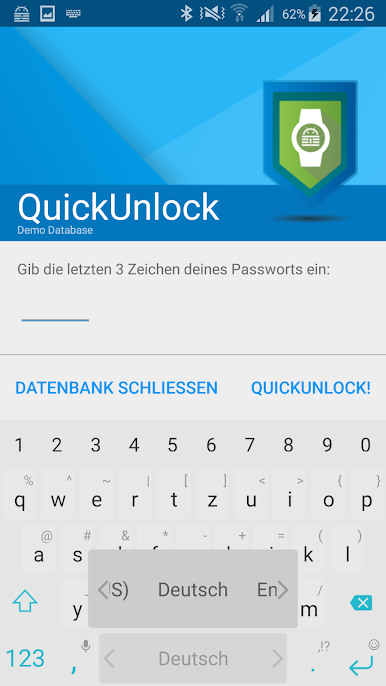
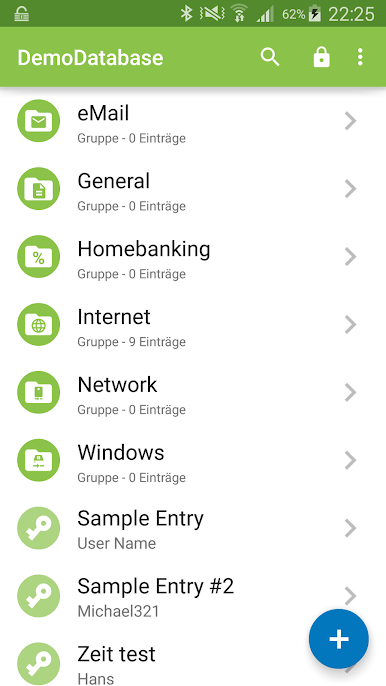
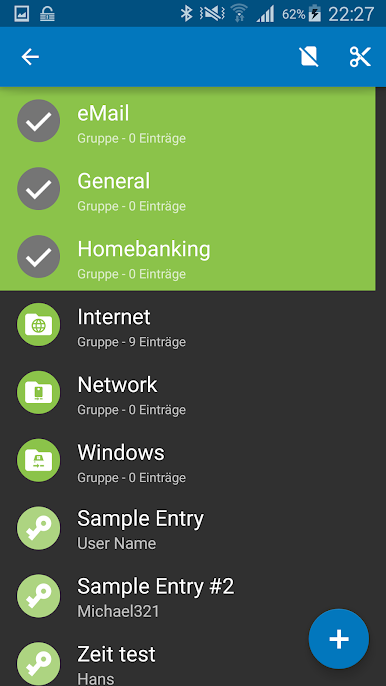
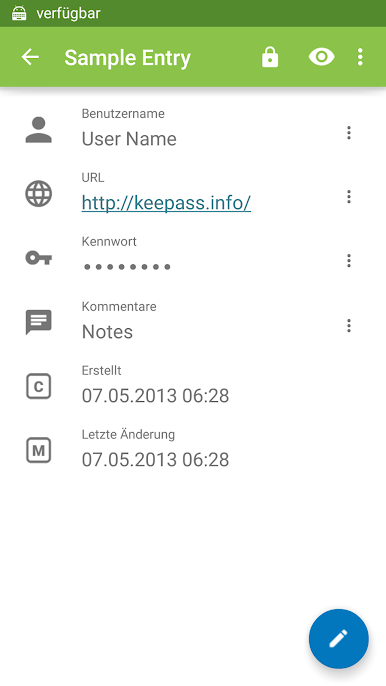
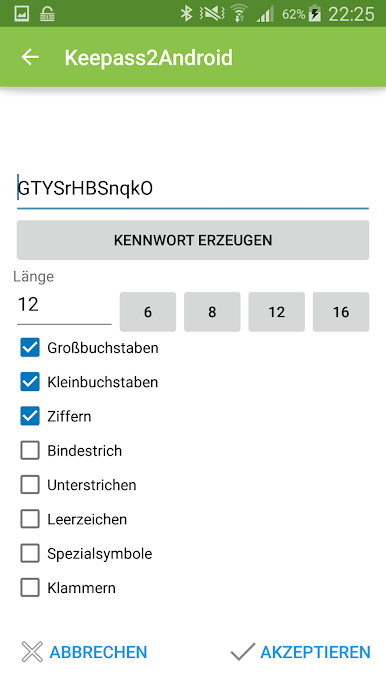
Zagraj w Keepass2Android na PC. To takie proste.
-
Pobierz i zainstaluj BlueStacks na PC
-
Zakończ pomyślnie ustawienie Google, aby otrzymać dostęp do sklepu Play, albo zrób to później.
-
Wyszukaj Keepass2Android w pasku wyszukiwania w prawym górnym rogu.
-
Kliknij, aby zainstalować Keepass2Android z wyników wyszukiwania
-
Ukończ pomyślnie rejestrację Google (jeśli krok 2 został pominięty) aby zainstalować Keepass2Android
-
Klinij w ikonę Keepass2Android na ekranie startowym, aby zacząć grę

