

TAMAGO Monsters Returns
Chơi trên PC với BlueStacks - Nền tảng chơi game Android, được hơn 500 triệu game thủ tin tưởng.

Trang đã được sửa đổi vào: Oct 29, 2025
Play TAMAGO Monsters Returns on PC or Mac
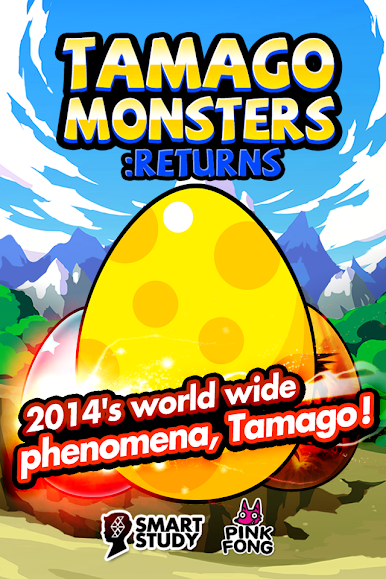
Explore a whole new adventure with TAMAGO Monsters Returns, a Arcade game created by SMARTSTUDY GAMES. Experience great gameplay with BlueStacks, the most popular gaming platform to play Android games on your PC or Mac.
About the Game
Remember cracking open a giant egg just to see what surprises pop out? That’s the vibe in TAMAGO Monsters Returns. This Arcade game from SMARTSTUDY GAMES brings you a quirky adventure packed with silly challenges, zany monsters, and that unmistakable urge to see what’s next. Whether you’re all about monster collecting or just want a quick gaming fix, there’s always something unexpected waiting after a few taps—especially if you happen to be playing on BlueStacks.
Game Features
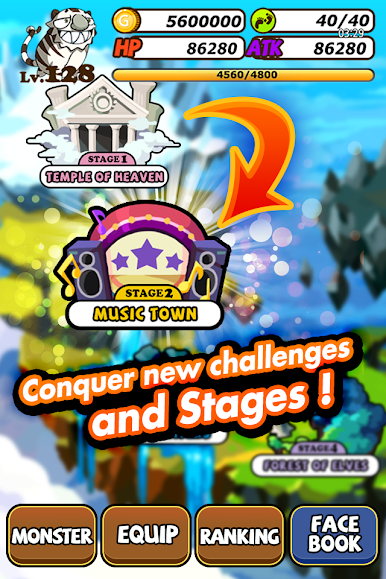
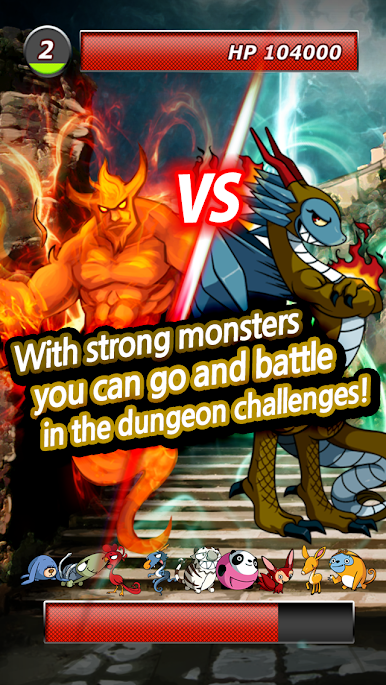
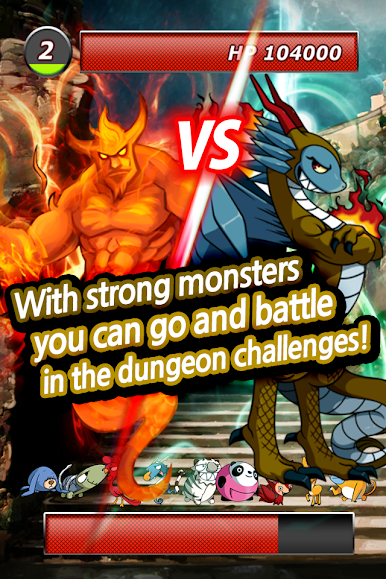
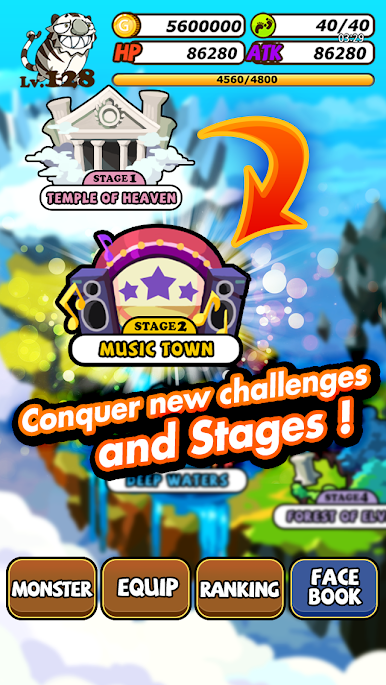
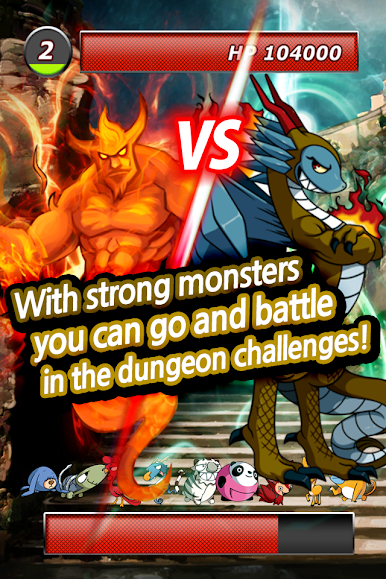
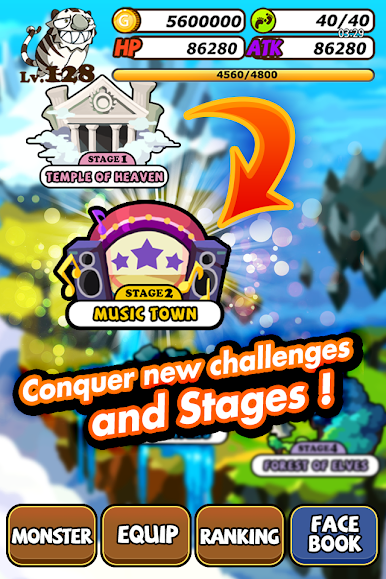
- Adventure All Over the Map: Explore oddball places like the mystical Forest of Elves, tackle the haunted Zombie Road, or wander through Dragonblight. Every location has its own bizarre charm and a bunch of monsters to track down.
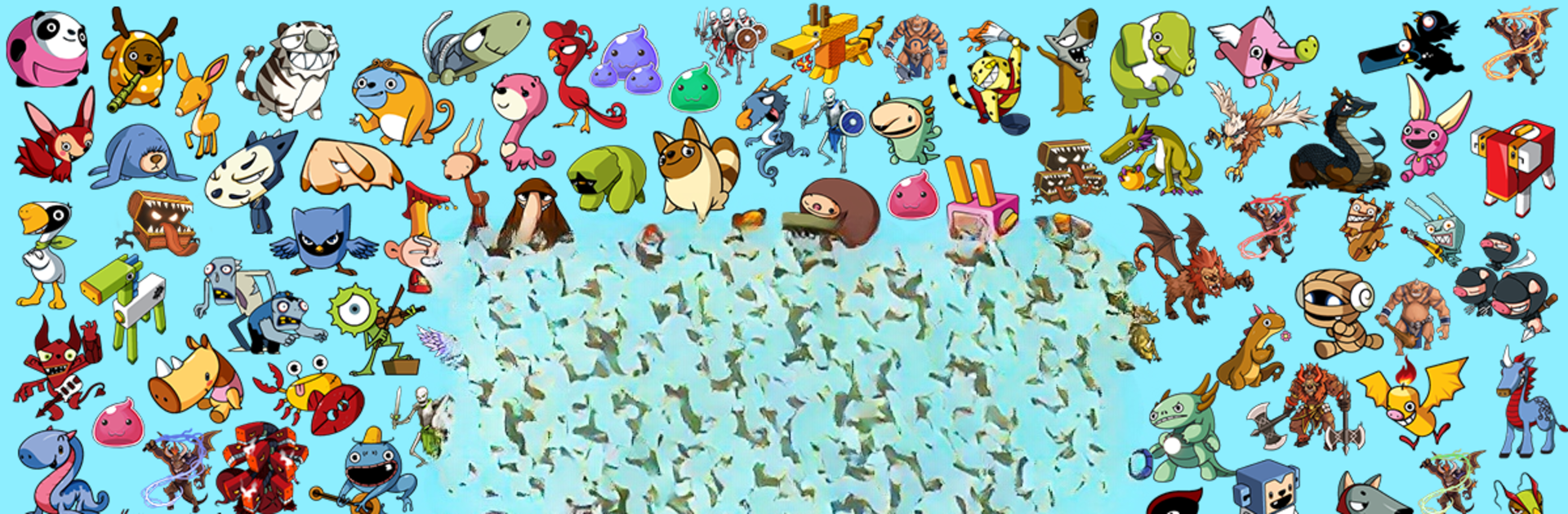
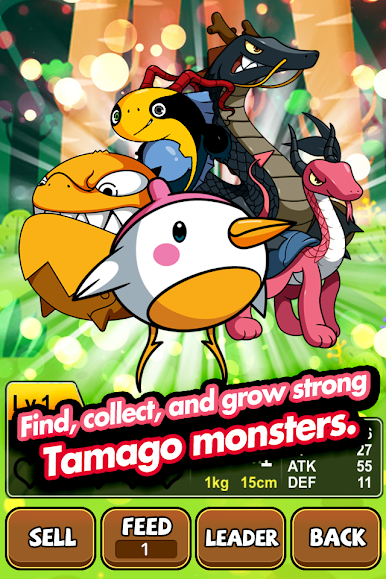
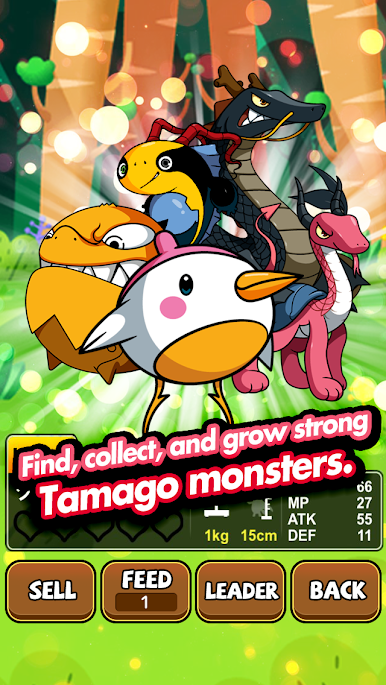
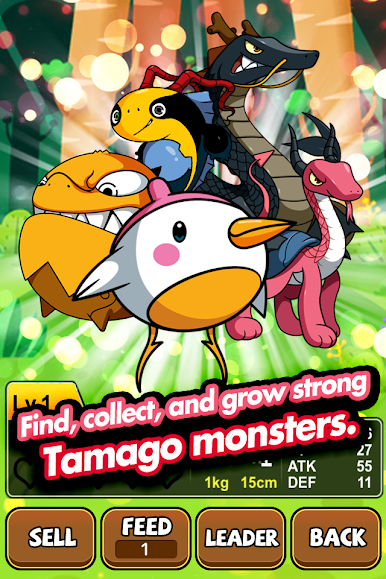
- Monster Hunt: Chase after all types of creatures—from common critters to one-of-a-kind legendary beasts. Some are cute, some are just plain weird, but every new find keeps things interesting.
- Gear Up: Equip your monsters with a wild mix of items. Ever handed a sword to a monster, or given it the infamous frozen tuna? The quirky gear options are half the fun.
- Feed and Watch Them Grow: Use magical snacks to help your monsters evolve. The bigger and stranger they get, the more fun you’ll have showing off your growing squad.
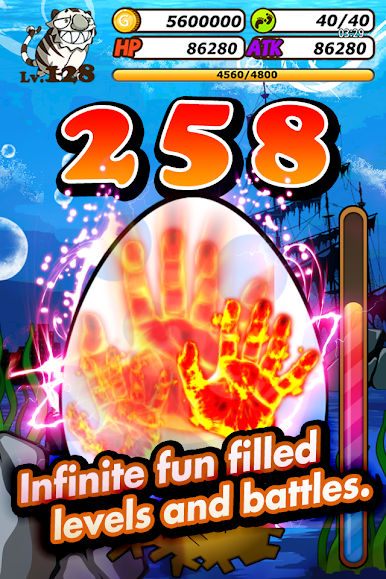
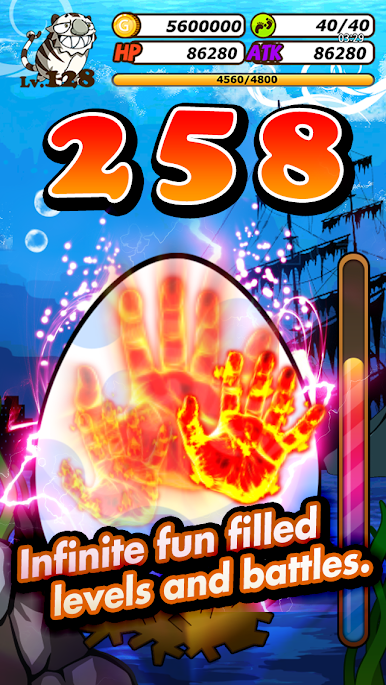
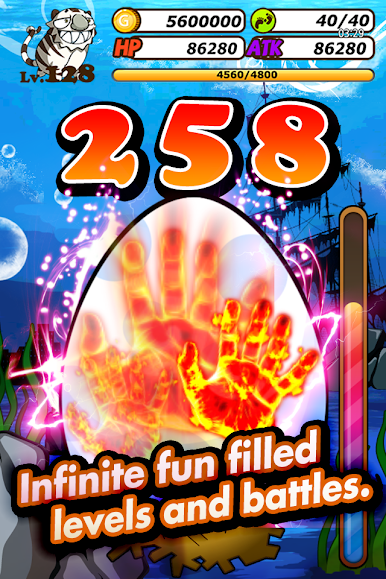
- Full-On Gold Frenzy: Jump into Fever mode when you want a quick shot at a gold rush challenge. It’s chaotic, it’s flashy, and honestly—it’s a blast.
Get ready for a buttery smooth, high-performance gaming action only on BlueStacks.
Chơi TAMAGO Monsters Returns trên PC. Rất dễ để bắt đầu
-
Tải và cài đặt BlueStacks trên máy của bạn
-
Hoàn tất đăng nhập vào Google để đến PlayStore, hoặc thực hiện sau
-
Tìm TAMAGO Monsters Returns trên thanh tìm kiếm ở góc phải màn hình
-
Nhấn vào để cài đặt TAMAGO Monsters Returns trong danh sách kết quả tìm kiếm
-
Hoàn tất đăng nhập Google (nếu bạn chưa làm bước 2) để cài đặt TAMAGO Monsters Returns
-
Nhấn vào icon TAMAGO Monsters Returns tại màn hình chính để bắt đầu chơi

