

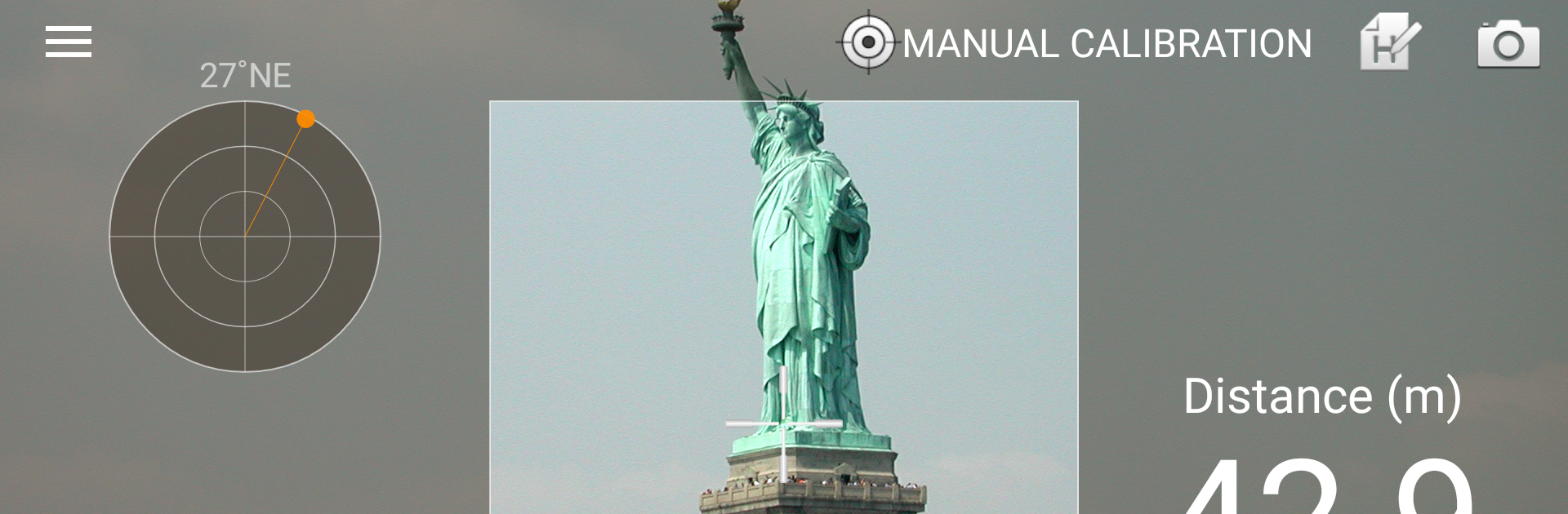
Smart Measure
Chơi trên PC với BlueStacks - Nền tảng chơi game Android, được hơn 500 triệu game thủ tin tưởng.

Trang đã được sửa đổi vào: Oct 22, 2025
Run Smart Measure on PC or Mac
Let BlueStacks turn your PC, Mac, or laptop into the perfect home for Smart Measure, a fun Tools app from Smart Tools co..
About the App
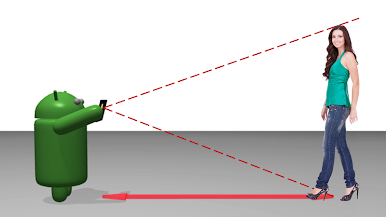
Curious about how far away that building really is, or want to guess a friend’s height from a distance? Smart Measure makes it super easy to measure both distance and height—just by aiming your phone’s camera. Whether you’re outside or just messing around in your living room, this handy tool from Smart Tools co. turns your device into a quick distance calculator. No more guesswork (or extra gadgets) needed.
App Features
-
Simple Point-and-Measure
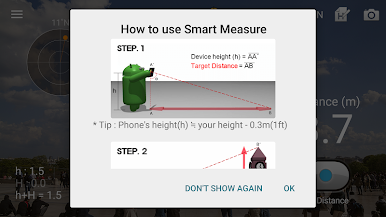
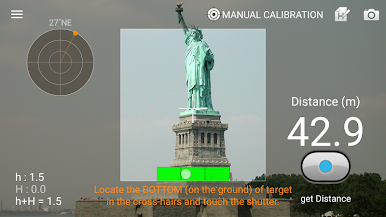
Just stand up, point your camera at the ground near a target, tap the button, and let Smart Measure handle the math. Trigonometry in your pocket, minus the homework. -
Switch Between Units
Prefer feet over meters, or vice versa? You can flip between the two with a quick tap, so you’re always working in your favorite measurement style. -
Virtual Horizon Display
Keep your aim steady thanks to the built-in virtual horizon. It helps you line things up for more accurate readings, whether you’re outdoors or indoors. -
Capture Your Results
Snag a screenshot of your measurements in-app. Share it with friends, save it for your project, or just keep a record for later. -
Sound Effects Settings
Want some feedback when you take a measurement? You can turn the sound on or off, depending on your mood or your surroundings. -
Modern, Simple Look
Smart Measure uses a clean material design, so all the tools look tidy and easy to navigate. -
Upgrades in the Pro Version
Kick ads to the curb, measure width and area, and zoom in with your camera for even more precise measurements.
If you’re running Smart Measure on a bigger display—like with BlueStacks—you’ll find it even easier to control and see results. Sometimes, that extra screen space just comes in handy!
BlueStacks brings your apps to life on a bigger screen—seamless and straightforward.

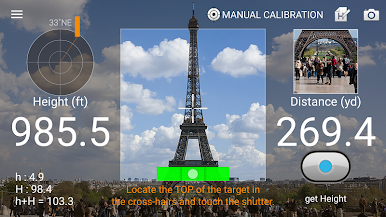
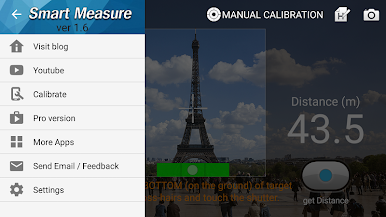
Chơi Smart Measure trên PC. Rất dễ để bắt đầu
-
Tải và cài đặt BlueStacks trên máy của bạn
-
Hoàn tất đăng nhập vào Google để đến PlayStore, hoặc thực hiện sau
-
Tìm Smart Measure trên thanh tìm kiếm ở góc phải màn hình
-
Nhấn vào để cài đặt Smart Measure trong danh sách kết quả tìm kiếm
-
Hoàn tất đăng nhập Google (nếu bạn chưa làm bước 2) để cài đặt Smart Measure
-
Nhấn vào icon Smart Measure tại màn hình chính để bắt đầu chơi

