


Молитвослов на русском языке
Chơi trên PC với BlueStacks - Nền tảng chơi game Android, được hơn 500 triệu game thủ tin tưởng.

Trang đã được sửa đổi vào: Sep 28, 2025
Play Молитвослов на русском языке on PC
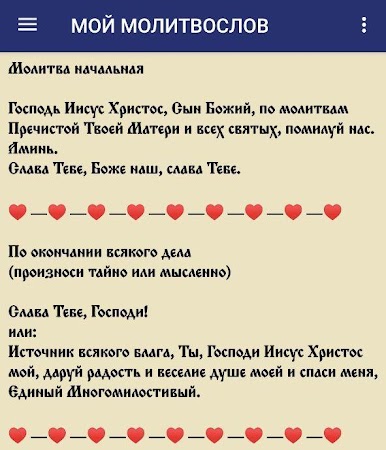
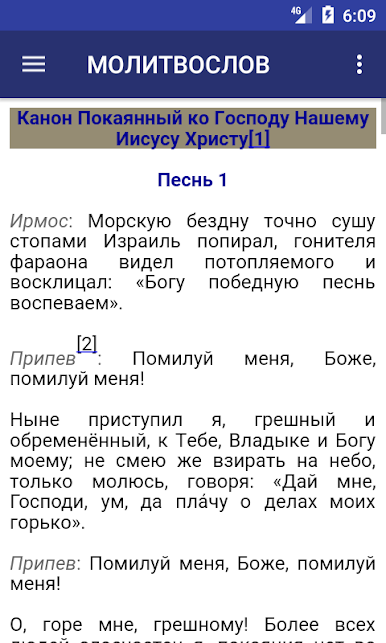
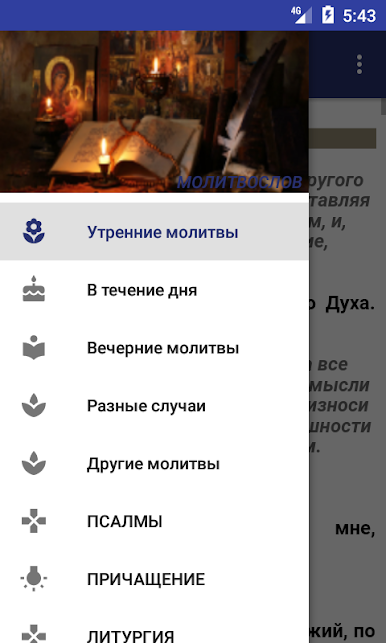
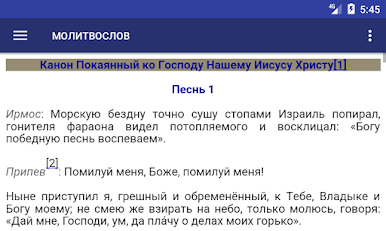
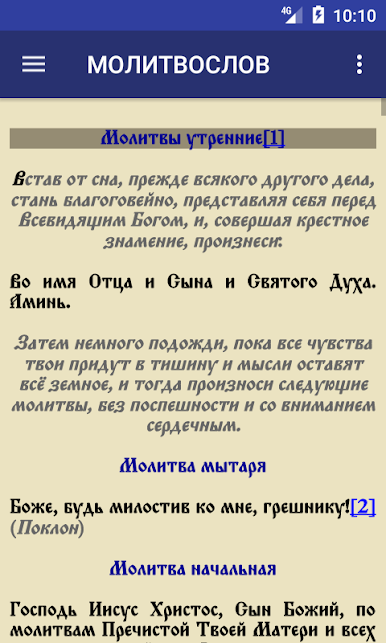
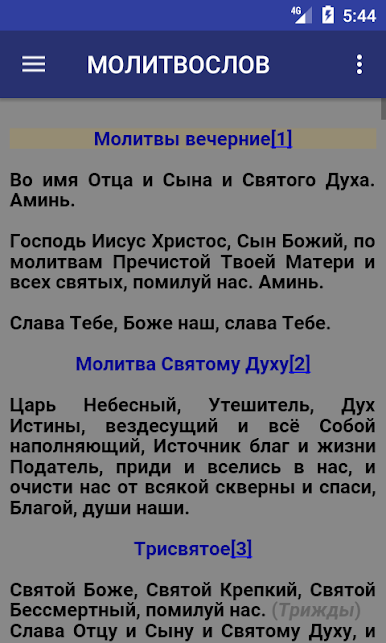
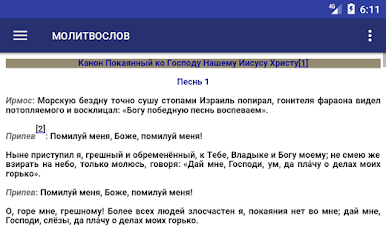
In this collection, an attempt is made to collect a number of unofficial translations of prayers into modern Russian, available on the Internet.
- The basis of this collection is the translations of Fr. Ambrose (Timrot), Bishop Alexander (Mileant), Nikolai Nakhimov, information posted on the website "The Orthodox Encyclopedia" Alphabet of Faith "", and a number of other open sources on the Internet.
- The vocative case has been preserved in a number of texts.
- Completed text verification.
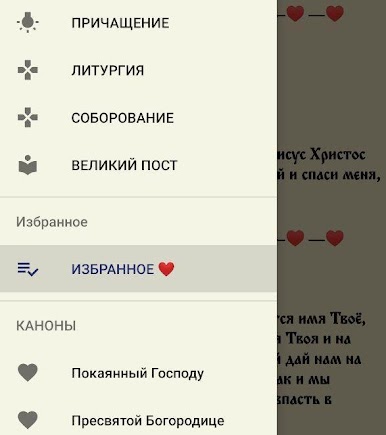
Several Memorial lists can be configured in the Prayer Book. The names from the lists will be automatically inserted into the prayer text.
The Psalter of the Prophet David is taken in the Russian translation by P. Yungerov.
Catholic prayers are taken from the Catholic prayer books of the Latin rite.
A BRIEF CATHYSIS was taken by priest S. Tyshkevich (ROME - 1942).
THE GOSPEL OF THE LORD is a version of the Gospel of Luke (in which the first two chapters are missing, and there is some difference in the text) from the 144 Canon Bible.
Lutheran prayers are taken from the website of the Evangelical Lutheran Church of Russia.
Jewish prayers. Translation of the siddur (taken from the site http://toldot.ru)
Modern translation gives full understanding and acceptance of prayers and helps the spiritual growth of the believer.
Rejoice, those who have bequeathed the service of God to each people in their own language.
The program is free and contains no ads.
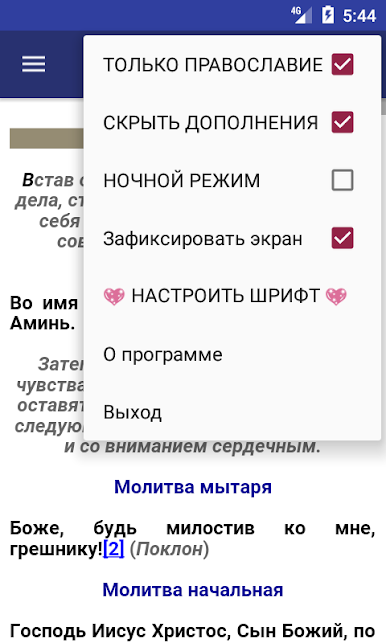
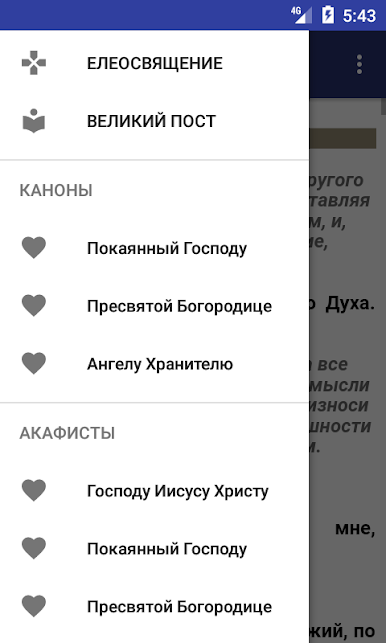
P.S. By default, the program starts in the "Orthodoxy Only" mode with hidden additional materials. In the program menu (in the upper right corner), you can change these settings for a full view of all materials.
Send suggestions on the text of prayers and their improvements to the address: reginavar38@gmail.com
Chơi Молитвослов на русском языке trên PC. Rất dễ để bắt đầu
-
Tải và cài đặt BlueStacks trên máy của bạn
-
Hoàn tất đăng nhập vào Google để đến PlayStore, hoặc thực hiện sau
-
Tìm Молитвослов на русском языке trên thanh tìm kiếm ở góc phải màn hình
-
Nhấn vào để cài đặt Молитвослов на русском языке trong danh sách kết quả tìm kiếm
-
Hoàn tất đăng nhập Google (nếu bạn chưa làm bước 2) để cài đặt Молитвослов на русском языке
-
Nhấn vào icon Молитвослов на русском языке tại màn hình chính để bắt đầu chơi

