


Note Launcher - Galaxy Note20
Chơi trên PC với BlueStacks - Nền tảng chơi game Android, được hơn 500 triệu game thủ tin tưởng.

Trang đã được sửa đổi vào: Aug 20, 2025
Play Note Launcher - Galaxy Note20 on PC
🔥 Galaxy Note20 Launcher Main Features:
+ Note Launcher can run on Android 5.0+ devices, including Galaxy Note9, Note10, and other brand devices.
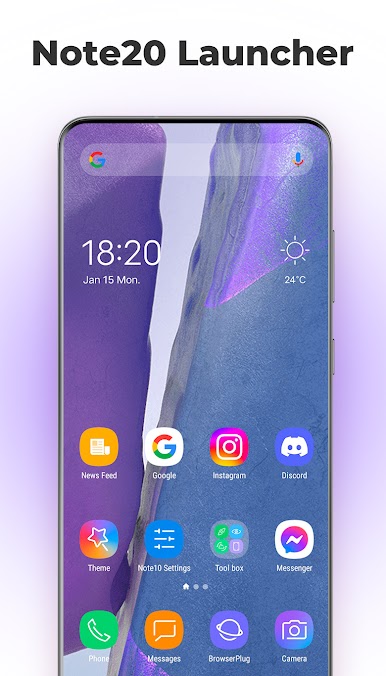
+ Note Launcher support Galaxy Note20 theme and icon pack, it decorate your phone brand new like a Galaxy Note20 phone
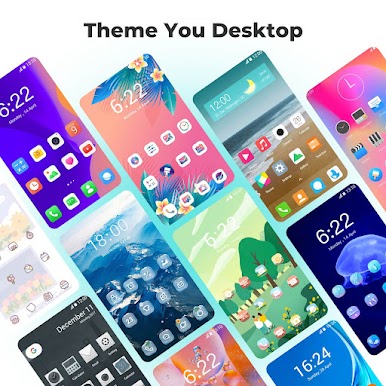
+ Note Launcher support 2000+ beautiful launcher themes
+ Note Launcher support almost all the third-party launcher icon packs in Play Store
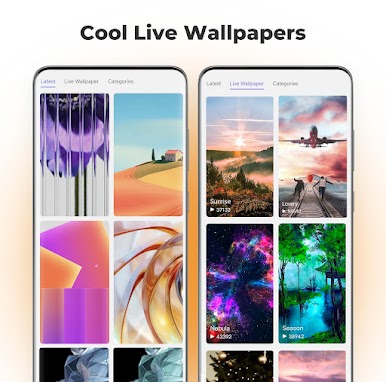
+ Note Launcher has many various beautiful online launcher wallpapers
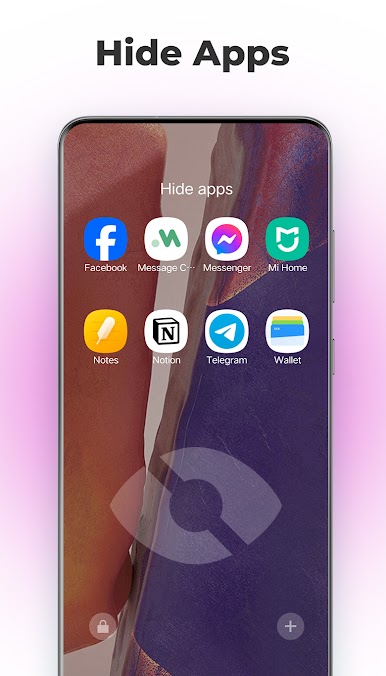
+ Note Launcher support hide app and lock app, protect your privacy
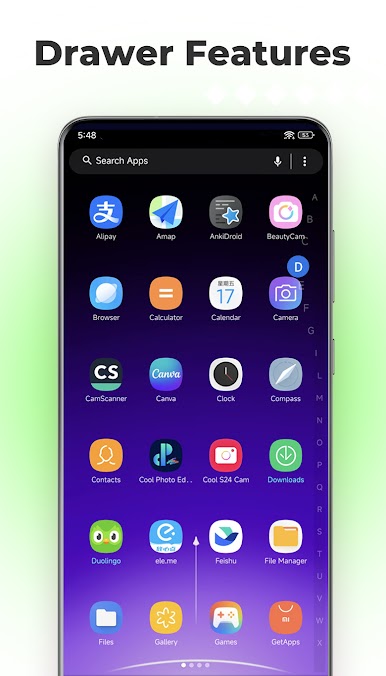
+ Apps drawer support horizontal or vertical style
+ Apps drawer has A-Z side bar to help you find app very quickly
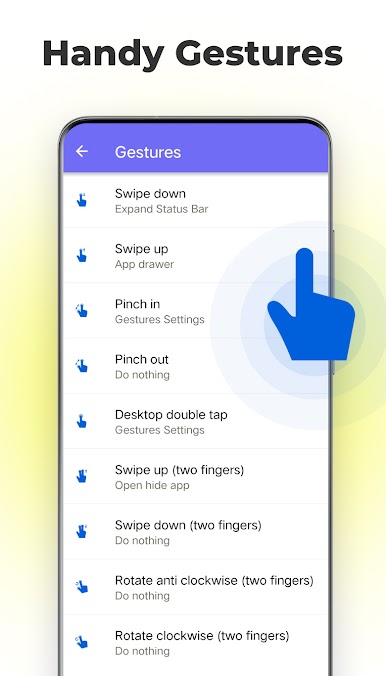
+ Gestures support: swipe up/down, pinch in/out, double tap, and two fingers gestures
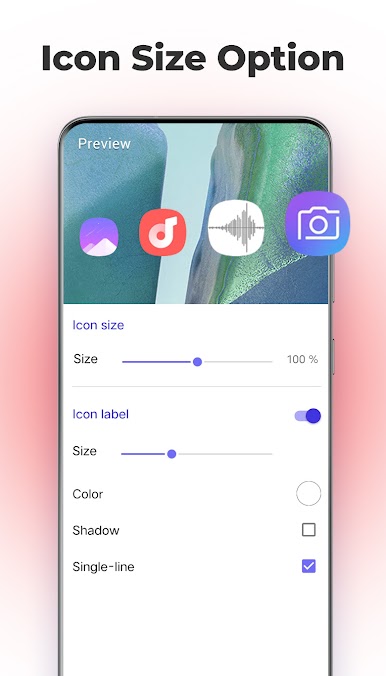
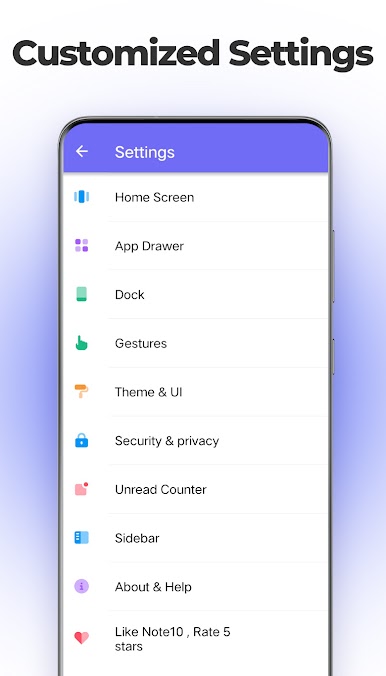
+ You control your launcher, you can adjust launcher grid size, icon size, icon label, drawer background color, etc.
+ Note20 launcher support unread counter/notifier for missed call, unread message, email and all
+ Support night mode, color mode in our Note launcher
+ Daily wallpaper feature in Note10 launcher and Note20 launcher
+ You can config dock background style to rounded, arc, rectangle, platform
+ Several folder style
+ Lock desktop layout
+ Hide notification bar
📢 Be aware:
+ Android™ is a registered trademark of Google, Inc.
+ Samsung is a registered trademark of Samsung Electronics Co., Ltd. This product is NOT official Samsung Galaxy Note10, Galaxy Note20 launcher product, it is created to provide similar user experience for ALL Android users, and provide many new added useful features.
🌟🌟🌟🌟🌟 We hope you will enjoy this Galaxy Note20, Note10 launcher, if you like it, please rate it to encourage us, if you meet bugs or request features, please email us, thanks a lot
Chơi Note Launcher - Galaxy Note20 trên PC. Rất dễ để bắt đầu
-
Tải và cài đặt BlueStacks trên máy của bạn
-
Hoàn tất đăng nhập vào Google để đến PlayStore, hoặc thực hiện sau
-
Tìm Note Launcher - Galaxy Note20 trên thanh tìm kiếm ở góc phải màn hình
-
Nhấn vào để cài đặt Note Launcher - Galaxy Note20 trong danh sách kết quả tìm kiếm
-
Hoàn tất đăng nhập Google (nếu bạn chưa làm bước 2) để cài đặt Note Launcher - Galaxy Note20
-
Nhấn vào icon Note Launcher - Galaxy Note20 tại màn hình chính để bắt đầu chơi

