


What to Draw?
Chơi trên PC với BlueStacks - Nền tảng chơi game Android, được hơn 500 triệu game thủ tin tưởng.

Trang đã được sửa đổi vào: Jan 23, 2024
Run What to Draw? on PC or Mac
Why limit yourself to your small screen on the phone? Run What to Draw?, an app by Llamaze Code, best experienced on your PC or Mac with BlueStacks, the world’s #1 Android emulator.
About the App
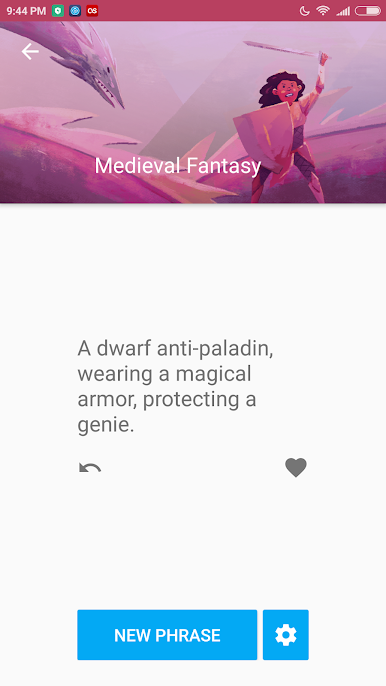
Ever find yourself staring at a blank page, totally unsure what to draw next? “What to Draw?” swoops in to help with that oh-so-familiar creative block. Whether you’re doodling for fun, leveling up your sketchbook, or just looking to shake up your usual style, this quirky app from Llamaze Code throws fresh (sometimes pretty wild) drawing prompts your way. Get ready to explore new ideas and themes every time you open the app—no more running out of inspiration.
App Features
-
Twelve Unique Themes
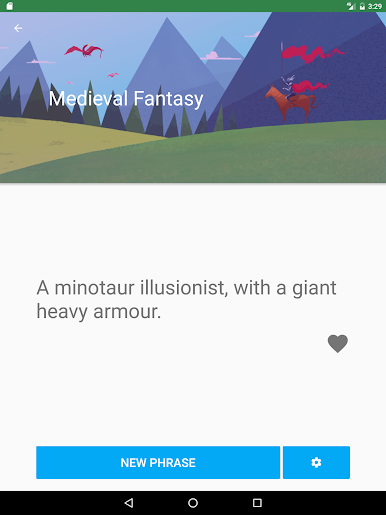
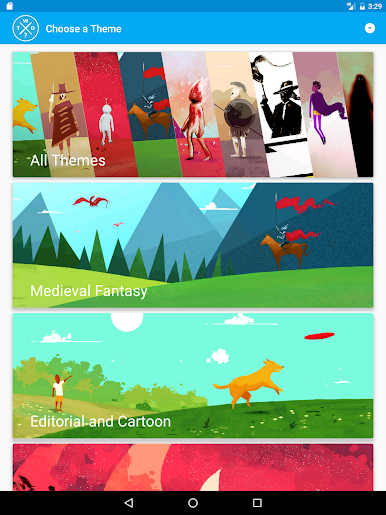
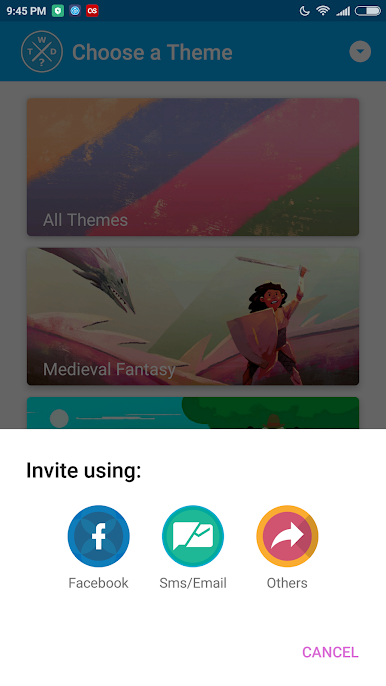
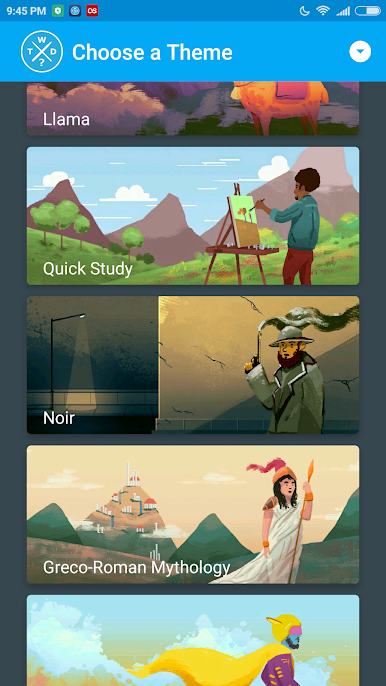
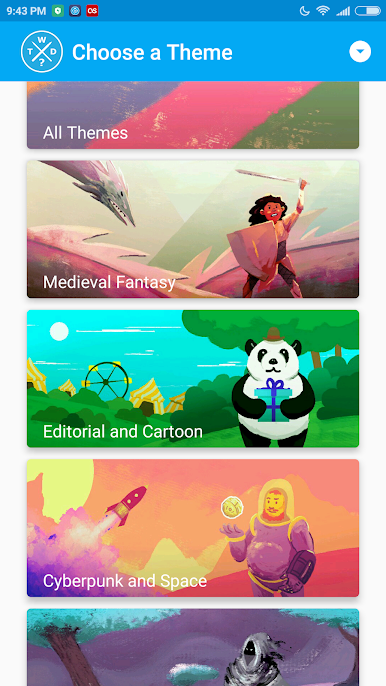
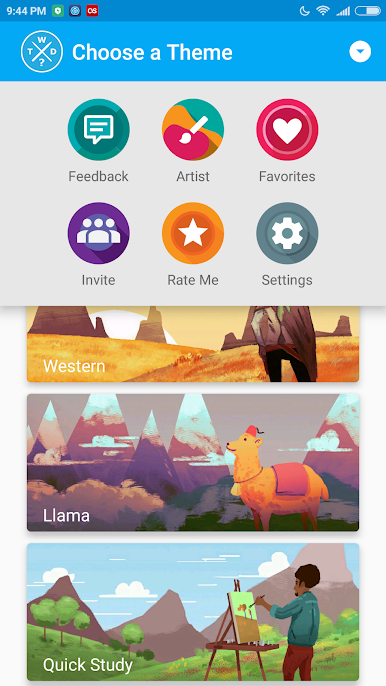
Pick from a mix of creative categories, including Medieval Fantasy, Space, Horror, Western, and the ever-iconic Llama (because, why not?). There’s always something unexpected waiting behind each button press. -
Endless Drawing Prompts
You’ll never get bored—this app serves up millions of suggestions, covering both classic art ideas and weirdly wonderful ones. Tap through until something catches your eye. -
Two Types of Suggestions
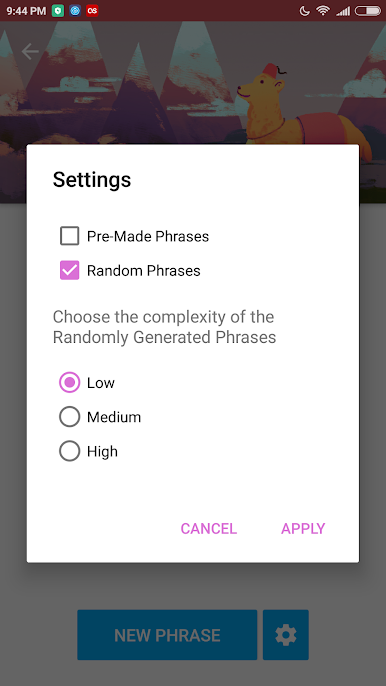
Choose between getting randomized prompts generated on the fly or exploring curated phrases from What to Draw?’s suggestion stash. Whatever fits your mood! -
Easy to Use
Just open it up, pick your vibe, and boom—ideas start flowing. It’s straightforward enough for beginners but packed with enough variety to keep pros entertained for hours. -
Works Great on BlueStacks
If you feel like firing up your creativity on your computer, What to Draw? runs smoothly using BlueStacks. Sometimes a bigger screen makes brainstorming even more fun.
No matter if you’re a pro artist, dabbling in sketches, or just need to get past a tough art block, What to Draw? is your trusty idea generator, always ready with something new.
BlueStacks brings your apps to life on a bigger screen—seamless and straightforward.

Chơi What to Draw? trên PC. Rất dễ để bắt đầu
-
Tải và cài đặt BlueStacks trên máy của bạn
-
Hoàn tất đăng nhập vào Google để đến PlayStore, hoặc thực hiện sau
-
Tìm What to Draw? trên thanh tìm kiếm ở góc phải màn hình
-
Nhấn vào để cài đặt What to Draw? trong danh sách kết quả tìm kiếm
-
Hoàn tất đăng nhập Google (nếu bạn chưa làm bước 2) để cài đặt What to Draw?
-
Nhấn vào icon What to Draw? tại màn hình chính để bắt đầu chơi

