

Sports Alerts - NCAA Football
Chơi trên PC với BlueStacks - Nền tảng chơi game Android, được hơn 500 triệu game thủ tin tưởng.

Trang đã được sửa đổi vào: Dec 5, 2023
Play Sports Alerts - NCAA Football edition on PC or Mac
Step into the World of Sports Alerts – NCAA Football edition, a thrilling Sports game from the house of Luno Software, Inc.. Play this Android game on BlueStacks App Player and experience immersive gaming on PC or Mac.
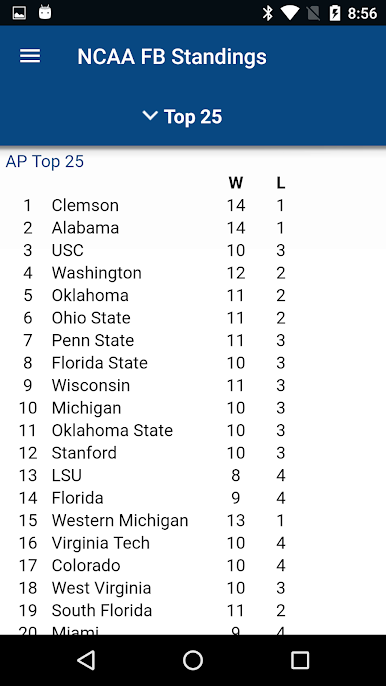
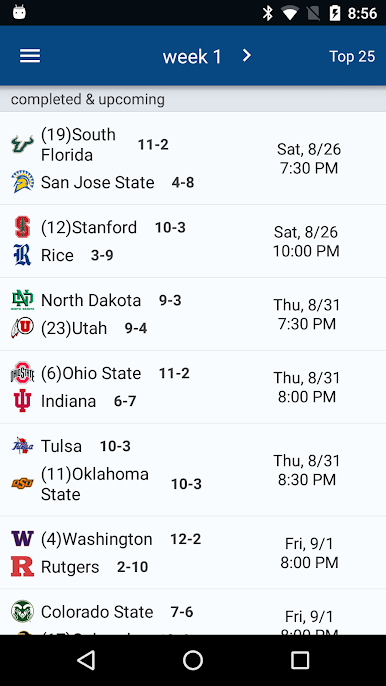
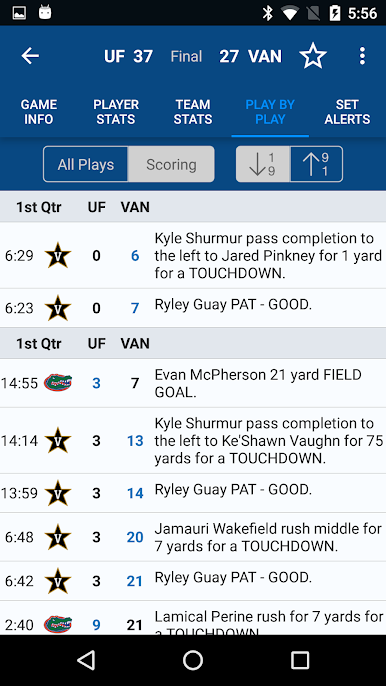
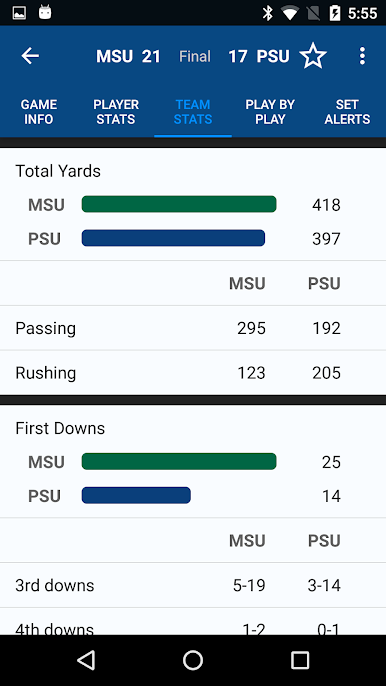
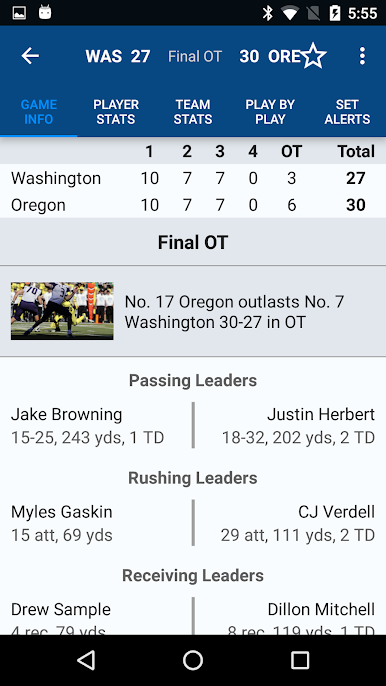
Sports Alerts for NCAA football feels less like a game and more like a control room for Saturdays. It fires off live scores and stats fast, so fans can track a whole slate without juggling tabs or refreshing. On PC with BlueStacks, it sits nicely in a window while other stuff is open, almost like a ticker you can actually interact with. The layout is simple, nothing flashy, which helps when things get chaotic across conferences.
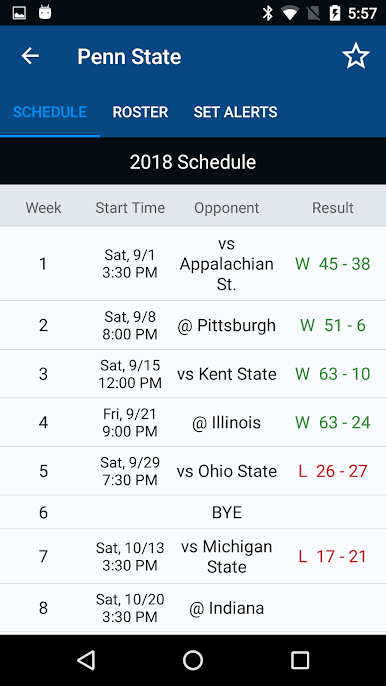
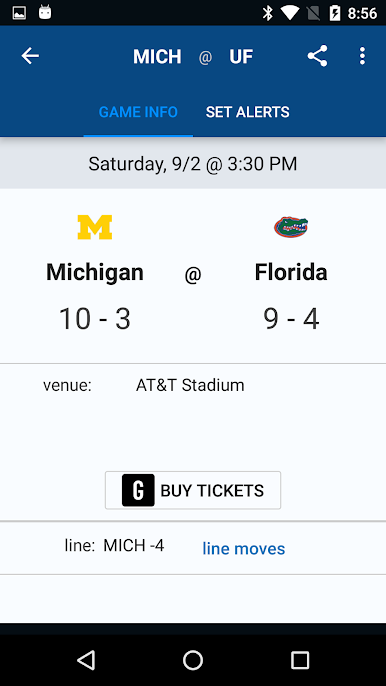
What stands out is how configurable the alerts are. A fan can set it for game start, quarter end, score or lead changes, close-game situations when there are five minutes or less and the margin is eight or under, and overtime. It also tracks big performances, like 300 or 400 yards passing, four or five passing touchdowns, three picks, or those 100, 150, 200-yard rushing or receiving milestones, plus the three touchdown thresholds. If an alert is missed, it is saved in history, so nothing gets lost in the shuffle. Push notifications are real push, with no background service constantly chewing battery or bandwidth. Beyond the alerts, there are full team rosters, schedules, AP rankings, conference standings, and even free and paid picks from handicappers for anyone who follows that side of the sport. It is clearly a fan tool, not an official NCAA product, just focused on getting useful info to the screen fast and clean.
Get ready for a buttery smooth, high-performance gaming action only on BlueStacks.
Chơi Sports Alerts - NCAA Football trên PC. Rất dễ để bắt đầu
-
Tải và cài đặt BlueStacks trên máy của bạn
-
Hoàn tất đăng nhập vào Google để đến PlayStore, hoặc thực hiện sau
-
Tìm Sports Alerts - NCAA Football trên thanh tìm kiếm ở góc phải màn hình
-
Nhấn vào để cài đặt Sports Alerts - NCAA Football trong danh sách kết quả tìm kiếm
-
Hoàn tất đăng nhập Google (nếu bạn chưa làm bước 2) để cài đặt Sports Alerts - NCAA Football
-
Nhấn vào icon Sports Alerts - NCAA Football tại màn hình chính để bắt đầu chơi

