


Drawing - How to Draw
Graj na PC z BlueStacks – Platforma gamingowa Android, która uzyskała zaufanie ponad 500 milionów graczy!

Strona zmodyfikowana w dniu: Dec 30, 2024
Run Drawing - How to Draw on PC or Mac
Let BlueStacks turn your PC, Mac, or laptop into the perfect home for Drawing – How to Draw, a fun Education app from Easy Drawing.
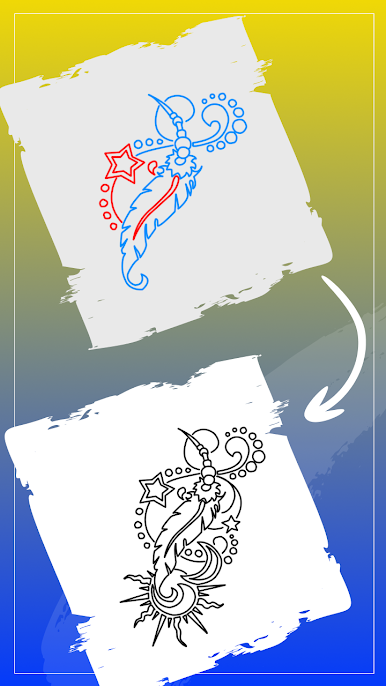
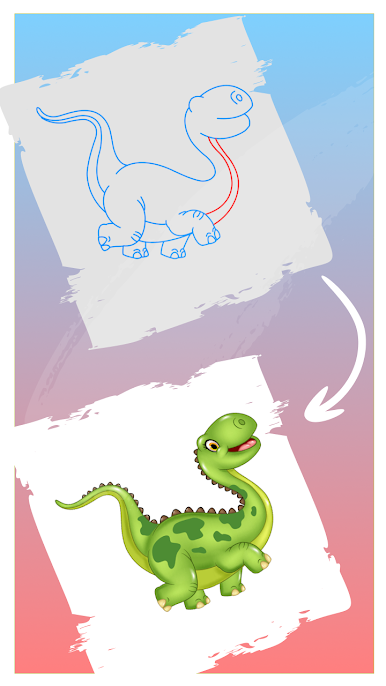
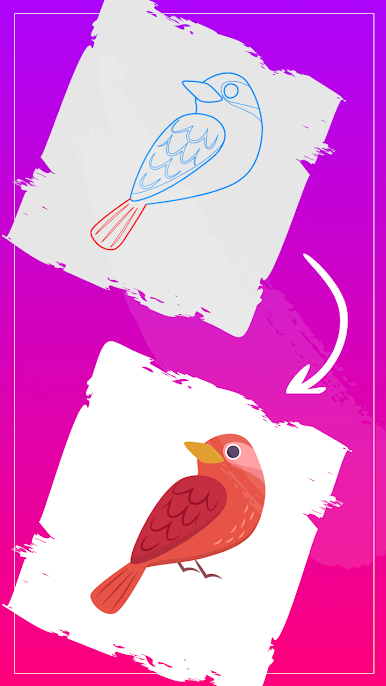
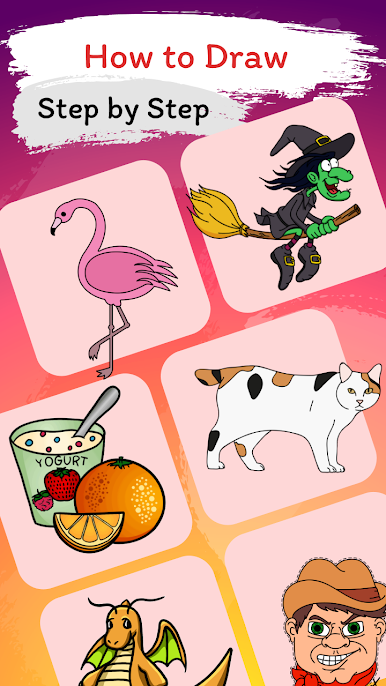
Drawing – How to Draw feels like a calm, patient art teacher that sits beside someone and shows exactly what line to make next. It breaks pictures into small steps, so a total beginner can pick a cute animal or a cool character and follow along without getting lost. The tools are simple and do what they should do. Pencil for outlines, colors for filling, an eraser that actually fixes mistakes, plus easy zoom and move so details are not a struggle. There are categories to browse and some trending picks when a person does not know what to try. Favorites can be bookmarked, and unfinished sketches are waiting right where they left off. Progress goes at a personal pace, no pressure, which makes it oddly relaxing after a long day.
On PC with BlueStacks, the bigger screen helps a lot. Steps are clearer, and drawing with a mouse or a pen tablet feels steady, like tracing on a clipboard. Switching between steps and tools is quick, and there is room to zoom in on tiny bits without the canvas feeling cramped. It works for kids who want cartoons and for anyone who already draws and just wants clean prompts to practice shading or proportions. Finished pieces can be saved and shared, and it all stays low-friction. It is free to use, light to learn, and friendly enough that someone who always thought they were bad at drawing can watch a picture come together and think, oh, that actually looks right.
BlueStacks gives you the much-needed freedom to experience your favorite apps on a bigger screen. Get it now.
Zagraj w Drawing - How to Draw na PC. To takie proste.
-
Pobierz i zainstaluj BlueStacks na PC
-
Zakończ pomyślnie ustawienie Google, aby otrzymać dostęp do sklepu Play, albo zrób to później.
-
Wyszukaj Drawing - How to Draw w pasku wyszukiwania w prawym górnym rogu.
-
Kliknij, aby zainstalować Drawing - How to Draw z wyników wyszukiwania
-
Ukończ pomyślnie rejestrację Google (jeśli krok 2 został pominięty) aby zainstalować Drawing - How to Draw
-
Klinij w ikonę Drawing - How to Draw na ekranie startowym, aby zacząć grę

