

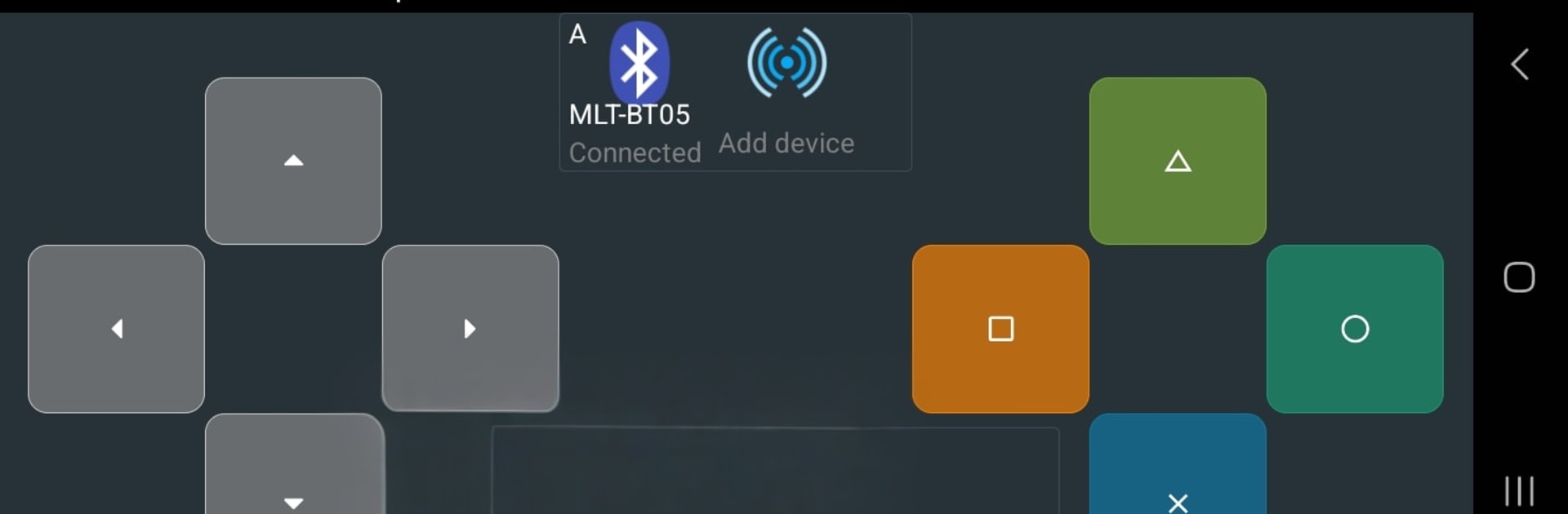
Bluetooth Commander Pro
Chơi trên PC với BlueStacks - Nền tảng chơi game Android, được hơn 500 triệu game thủ tin tưởng.

Trang đã được sửa đổi vào: Oct 21, 2025
Run Bluetooth Commander Pro on PC or Mac
What’s better than using Bluetooth Commander Pro by Marek Masár? Well, try it on a big screen, on your PC or Mac, with BlueStacks to see the difference.
About the App
Bluetooth Commander Pro is a flexible terminal and controller for talking to gadgets, robots, and custom hardware over a bunch of connection types. It’s built for hands-on tinkering—connect, send commands, and watch live data without jumping between apps. Whether you’re testing sensors, steering a rover, or debugging a prototype, this Tools app from Marek Masár keeps everything in one clean workspace. Prefer a bigger screen? You can also run it on your PC with BlueStacks.
App Features
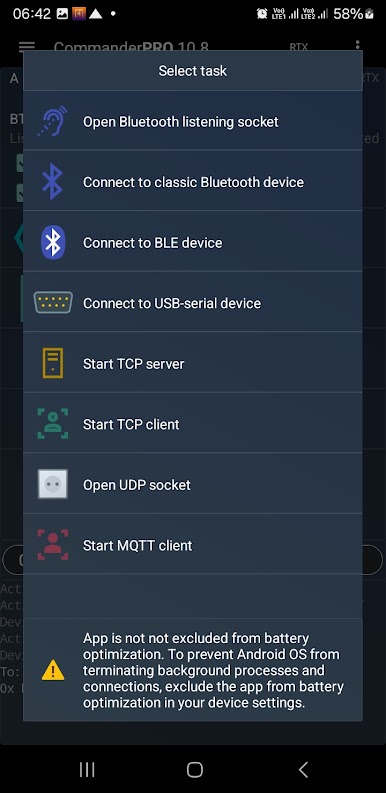
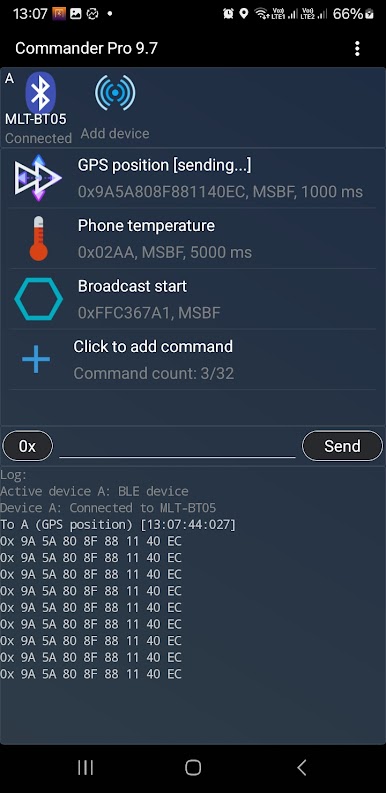
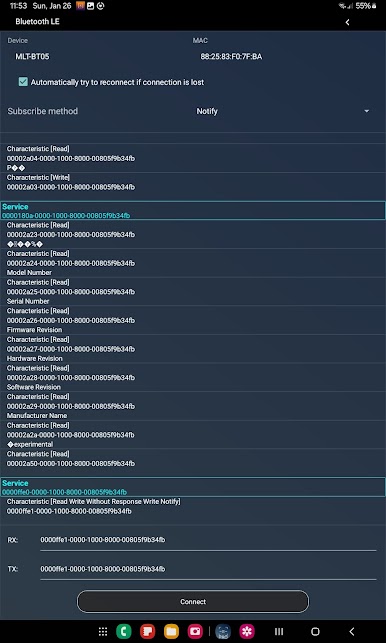
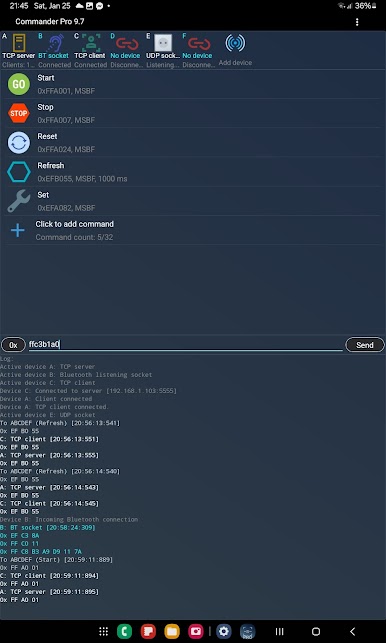
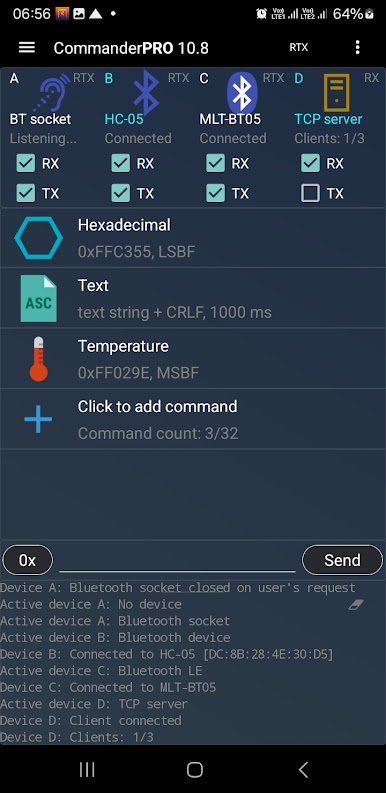
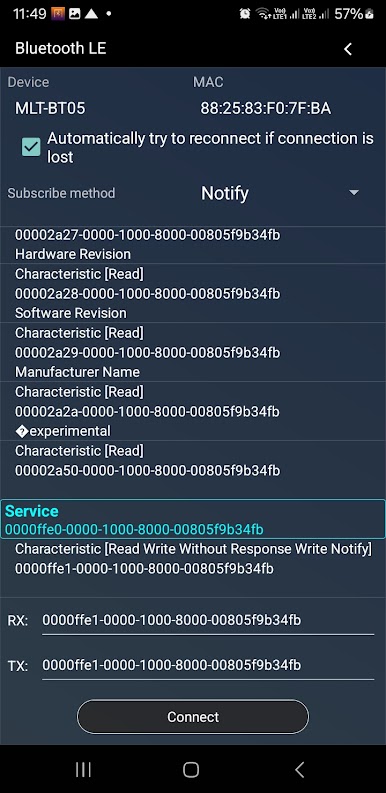
- Many ways to connect: Pair with classic Bluetooth or BLE devices, open a listening Bluetooth socket, plug into supported USB‑serial adapters, or go over the network with TCP (server or client) and UDP. There’s also an MQTT client for IoT workflows.
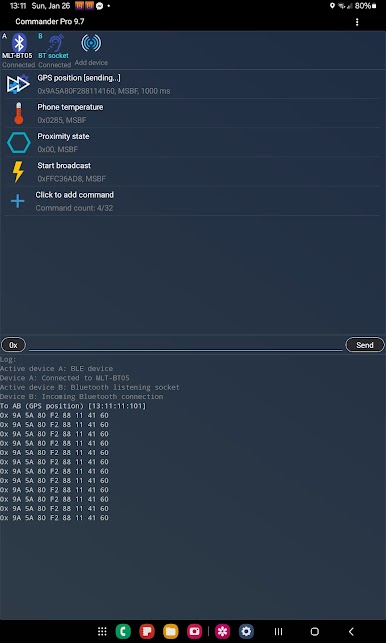
- Multi-device at once: Talk to several targets simultaneously. Mix connection types in one session and keep the streams separate but manageable.
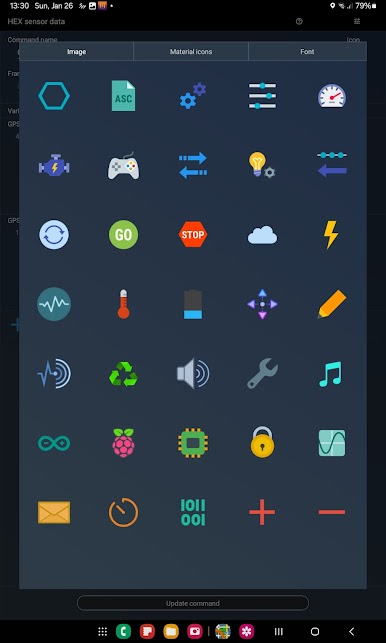
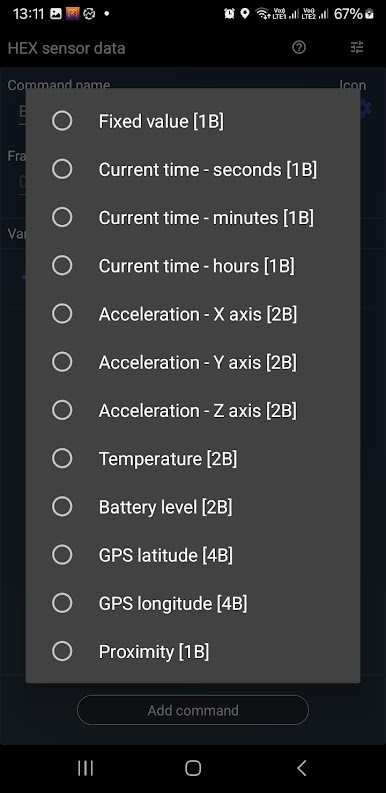
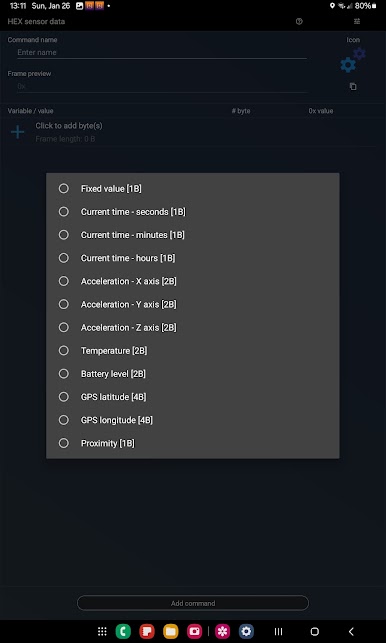
- Command/message editor: Build messages in hex or text, or inject values from your phone’s sensors—GPS coordinates, ambient temperature, proximity, accelerometer data, and more.
- One‑tap sending: Save your go‑to commands and fire them off with a tap. Great for repetitive testing or quick control.
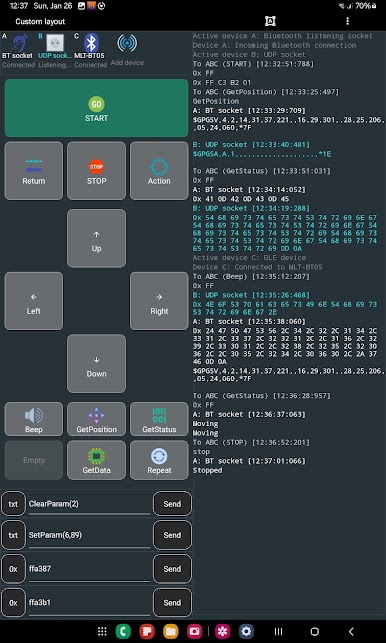
- Custom UI designer: Create your own control surface from available components—buttons, sliders, and panels—so your dashboard fits your project, not the other way around.
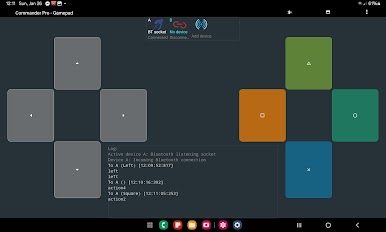
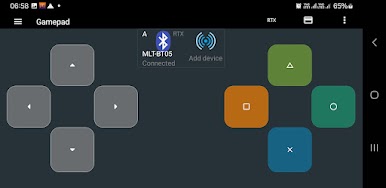
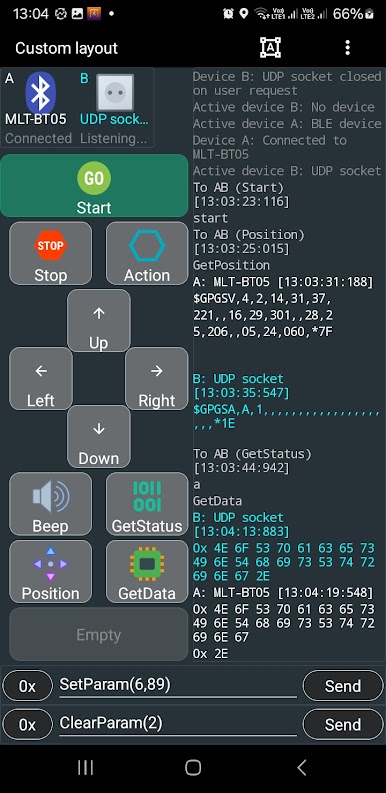
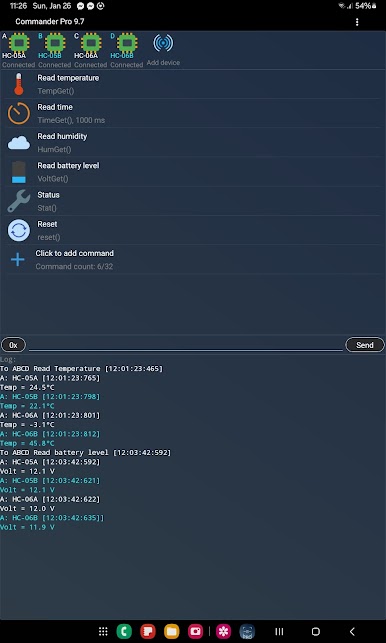
- Ready-made layouts: Use the Basic layout with a tidy command list, connected devices at the top, and a resizable log below. Need motion controls? Switch to the Gamepad layout for driving, arm positioning, or orientation tasks. Or go fully Custom.
- Scheduled transmissions: Set messages to send on a timer—handy for polling sensors or keeping a device alive during testing.
- Detailed logging: Capture data from multiple connections with timestamps, so you can review, compare, and troubleshoot with context.
Switch to BlueStacks and make the most of your apps on your PC or Mac.
Chơi Bluetooth Commander Pro trên PC. Rất dễ để bắt đầu
-
Tải và cài đặt BlueStacks trên máy của bạn
-
Hoàn tất đăng nhập vào Google để đến PlayStore, hoặc thực hiện sau
-
Tìm Bluetooth Commander Pro trên thanh tìm kiếm ở góc phải màn hình
-
Nhấn vào để cài đặt Bluetooth Commander Pro trong danh sách kết quả tìm kiếm
-
Hoàn tất đăng nhập Google (nếu bạn chưa làm bước 2) để cài đặt Bluetooth Commander Pro
-
Nhấn vào icon Bluetooth Commander Pro tại màn hình chính để bắt đầu chơi

