


VoiceMap: Audio Tours & Guides
Graj na PC z BlueStacks – Platforma gamingowa Android, która uzyskała zaufanie ponad 500 milionów graczy!

Strona zmodyfikowana w dniu: Sep 29, 2025
Play VoiceMap: Audio Tours & Guides on PC
VoiceMap tours are like podcasts that move with you, to tell stories about what you’re seeing right now. They're produced by insightful local storytellers, including journalists, filmmakers, novelists, podcasters, and tour guides. Sir Ian McKellen has even created a tour.
Why use VoiceMap?
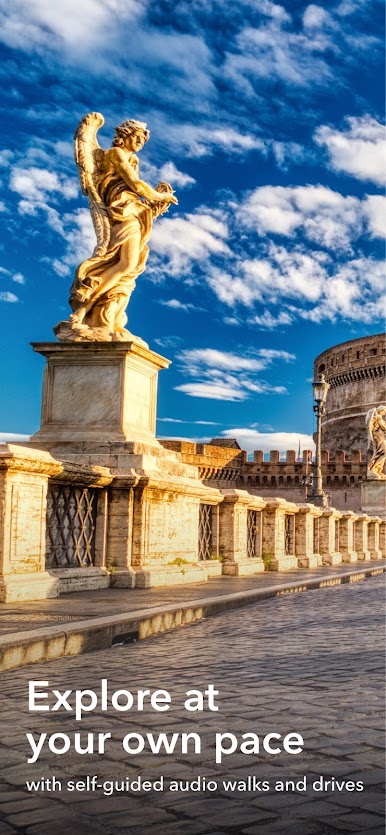
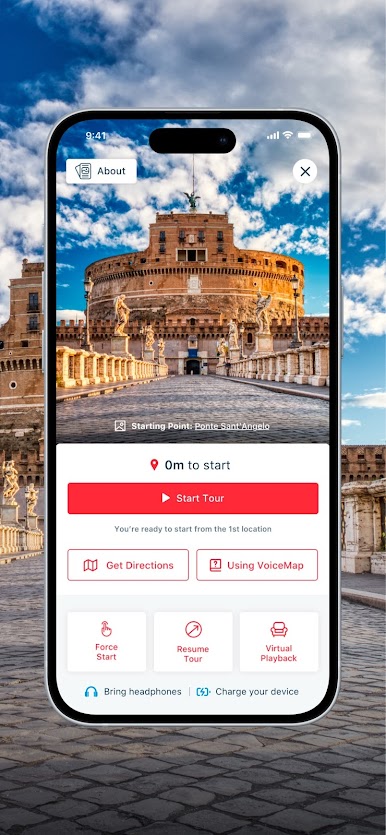
• Explore at your own pace instead of being herded along in a group. Start and stop tours whenever you like, to grab a drink or take in the view, then tap Resume to pick up exactly where you left off.
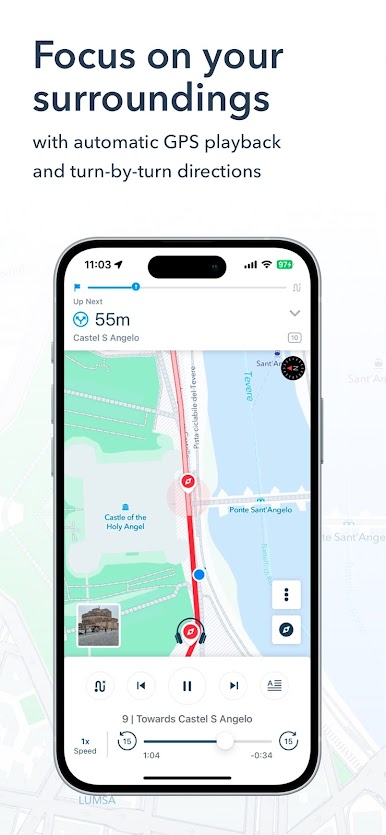
• Focus on your surroundings, not the screen. With automatic GPS playback, you can just tap on Start and let VoiceMap guide you.
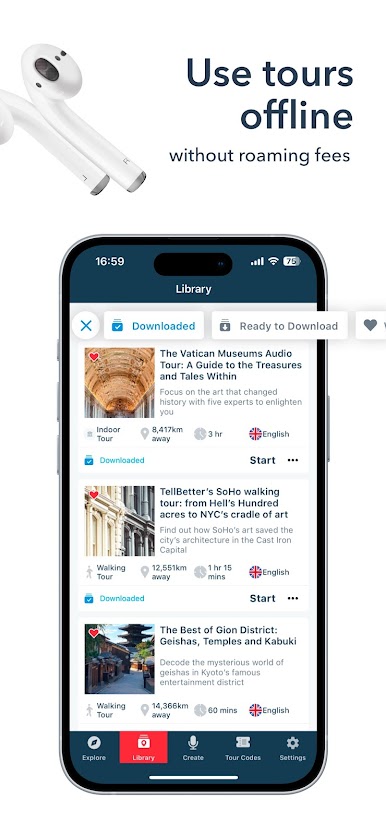
• Avoid expensive roaming fees or fiddly connection issues. After you download a tour, VoiceMap works offline and includes an offline map.
• Enjoy tours as many times as you like, both in your destination and with your feet up, at home. Virtual Playback turns every tour into a podcast or audio book.
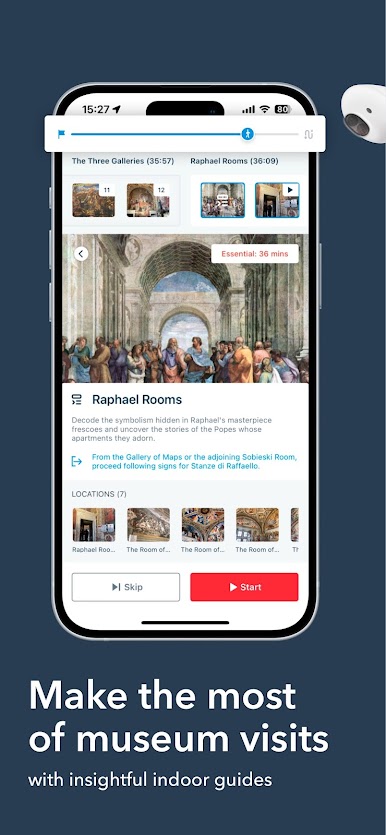
• Extend your attention span with indoor tours that help you make the most of your time at a growing range of museums and art galleries around the world.
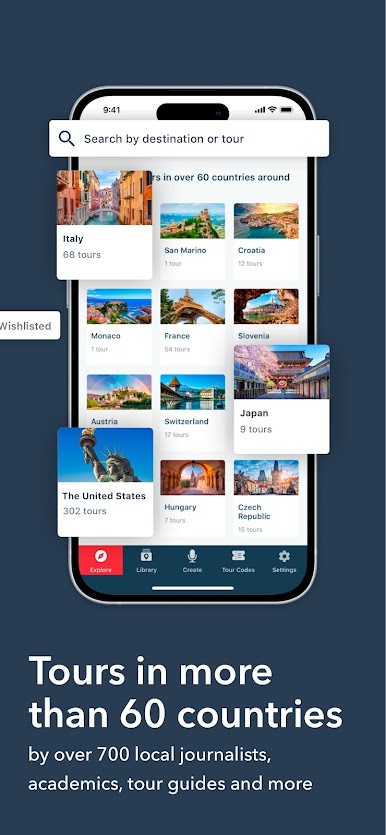
• With over 1,500 free and paid tours in 70 plus countries, VoiceMap offers huge variety. There are over 100 tours in London alone!
Press:
“High-quality self-guided walking tours...Narrated by local experts, they provide insight into corners of the city sometimes overlooked by regular guided tours.”
Lonely Planet
“We may be biased, but could there be anything more helpful than having a journalist in your pocket when touring a new city? How about a historian, a novelist or just a really passionate local? VoiceMap culls city-specific stories from them all and fits them neatly into walking tours.”
New York Times
Zagraj w VoiceMap: Audio Tours & Guides na PC. To takie proste.
-
Pobierz i zainstaluj BlueStacks na PC
-
Zakończ pomyślnie ustawienie Google, aby otrzymać dostęp do sklepu Play, albo zrób to później.
-
Wyszukaj VoiceMap: Audio Tours & Guides w pasku wyszukiwania w prawym górnym rogu.
-
Kliknij, aby zainstalować VoiceMap: Audio Tours & Guides z wyników wyszukiwania
-
Ukończ pomyślnie rejestrację Google (jeśli krok 2 został pominięty) aby zainstalować VoiceMap: Audio Tours & Guides
-
Klinij w ikonę VoiceMap: Audio Tours & Guides na ekranie startowym, aby zacząć grę

