


ZEPETO: Sáng tạo, Vui chơi
Chơi trên PC với BlueStacks - Nền tảng chơi game Android, được hơn 500 triệu game thủ tin tưởng.

Trang đã được sửa đổi vào: Feb 13, 2026
Chơi ZEPETO trên PC hoặc Mac
ZEPETO là một trò chơi giải trí được phát triển và phát hành bởi Naver Z Corporation, nơi phát hành nhiều tựa game thú vị. BlueStacks sẽ là nền tảng số 1 giúp bạn chơi game này trên PC hay Mac và có được trải nghiệm tuyệt vời nhất.
ZEPETO là một thế giới ảo được Naver Z phát triển để mang đến cho game thủ một vùng đất tự do và thoải mái làm những điều mình thích. Tải ZEPETO trên PC để chơi trên BlueStacks, game thủ có thể khám phá vô số địa điểm thú vị, từ phòng học đến những thế giới chỉ có trong trí tưởng tượng. Vì là một thế giới ảo, nên người chơi có thể gặp gỡ và kết bạn với những game thủ khác, cũng như tổ chức những buổi tiệc trực tuyến vô cùng thú vị. Ngoài ra, game thủ cũng có thể tham gia các mini-game và cùng nhau chụp ảnh để lưu giữ kỷ niệm.
ZEPETO có thể nói khá tương đồng với trò chơi Play Together từng gây sốt trong thời gian qua khi cho phép game thủ có thể thỏa sức thể hiện cá tính và khám phá thế giới ảo cùng bạn bè. Điểm cộng của ZEPETO có thể kể đến đồ họa trông 3D đẹp mắt, các nhân vật được đầu tư và trau chuốt, cùng những bộ trang phục đậm chất thời trang để người chơi thỏa sức thể hiện cá tính.
Bạn có thể Chơi ZEPETO bằng trình duyệt web trên PC của bạn mà không cần tải về. Nhấn vào để Chơi ngay!

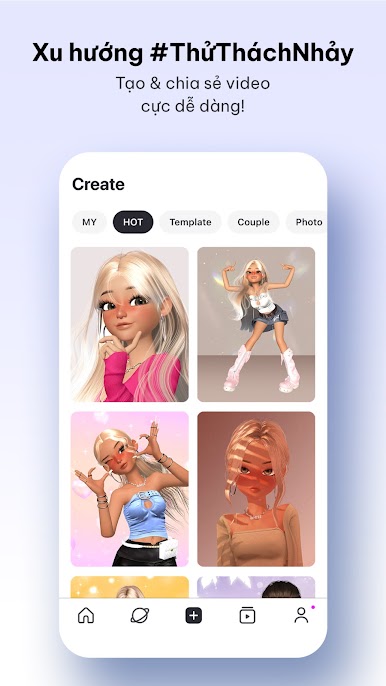

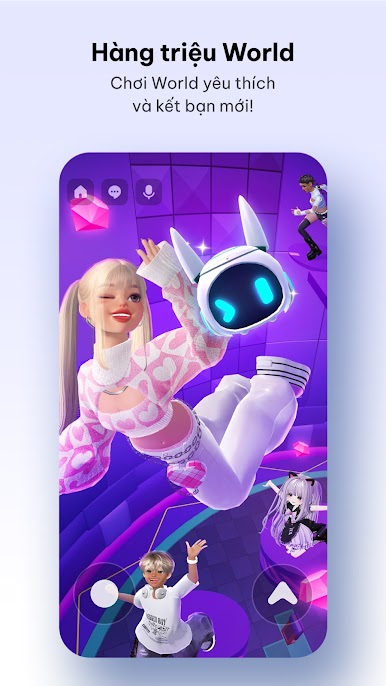


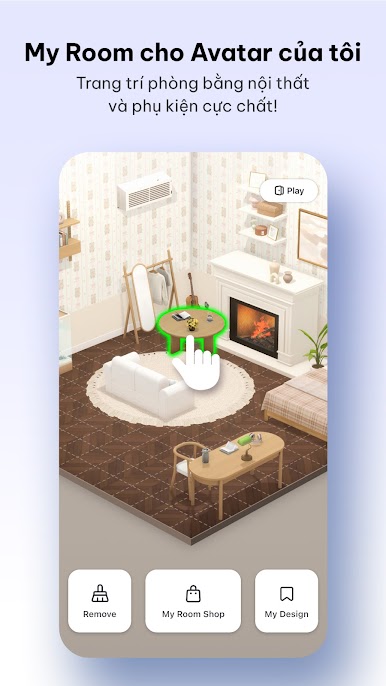
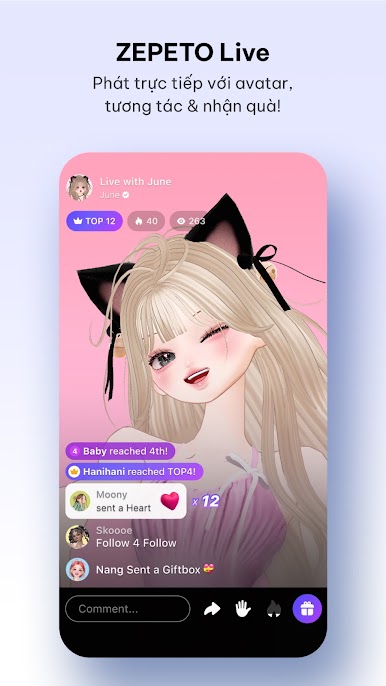
Chơi ZEPETO: Sáng tạo, Vui chơi trên PC. Rất dễ để bắt đầu
-
Tải và cài đặt BlueStacks trên máy của bạn
-
Hoàn tất đăng nhập vào Google để đến PlayStore, hoặc thực hiện sau
-
Tìm ZEPETO: Sáng tạo, Vui chơi trên thanh tìm kiếm ở góc phải màn hình
-
Nhấn vào để cài đặt ZEPETO: Sáng tạo, Vui chơi trong danh sách kết quả tìm kiếm
-
Hoàn tất đăng nhập Google (nếu bạn chưa làm bước 2) để cài đặt ZEPETO: Sáng tạo, Vui chơi
-
Nhấn vào icon ZEPETO: Sáng tạo, Vui chơi tại màn hình chính để bắt đầu chơi

